
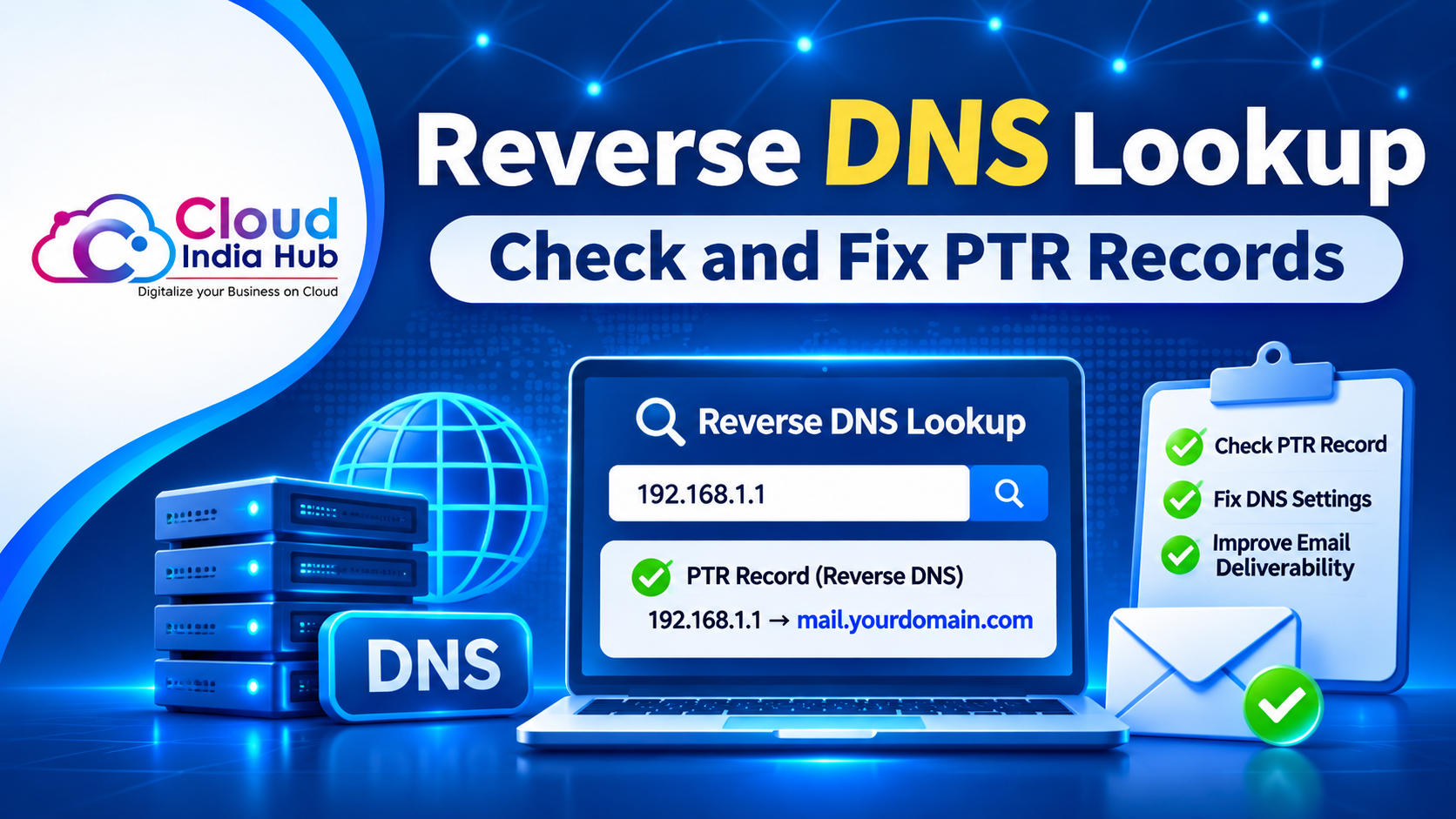
Reverse DNS Lookup: How To Check And Fix Your PTR Record
A reverse DNS lookup turns an IP address back into a hostname by reading its PTR record, so 203.0.113.25 is queried as 25.113.0.203.in-addr.arpa. Many receiving mail servers run this check, and Gmail expects the PTR hostname to resolve back to the same IP.
New to record types? Our guide to DNS settings and the seven core record types covers the basics. This post shows what the PTR record does, the commands that check it, and how to fix a missing or mismatched entry before it costs you email.
At A Glance
• Record type: PTR (pointer), stored in a reverse zone, not your domain zone
• IPv4 zone: in-addr.arpa, with the four octets written backwards
• IPv6 zone: ip6.arpa, with every hex digit reversed and dotted
• Who controls it: the owner of the IP address, usually your hosting provider
• Gmail rule: PTR and A record must match the same IP and hostname
What Is A Reverse DNS Lookup And How Does It Work?
A reverse DNS lookup asks the DNS system which hostname belongs to a given IP address. The resolver flips the address into a special domain name, queries the PTR record stored there, and returns a hostname such as mail.acmetraders.in, or an error when no record exists.
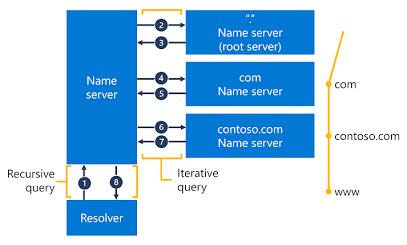
Normal DNS starts with a name and ends with an address. Reverse DNS runs the other way, and it depends on two special zones that the regional internet registries delegate down to whoever holds each block of addresses.
For IPv4, the four numbers of the address are reversed and placed in front of in-addr.arpa. For IPv6, every hexadecimal digit is reversed, separated by dots, and placed in front of ip6.arpa. Here is how that looks in practice:
• IPv4 address 203.0.113.25 becomes the name 25.113.0.203.in-addr.arpa
• IPv6 address 2001:db8::1 expands to 32 digits, ending in 8.b.d.0.1.0.0.2.ip6.arpa
• The answer is a PTR record that points to one hostname, for example mail.acmetraders.in
Why write it backwards? DNS reads names from right to left, broadest part first. Reversing the octets puts the network portion at the top of the tree, so a registry can hand 203.0.113.x to one provider without touching anybody else’s addresses.
How Is Reverse DNS Different From A Forward Lookup?
A forward lookup turns a domain name into an IP address through A or AAAA records. A reverse DNS lookup does the opposite, turning an IP back into a name through a PTR record. The two live in different zones and are usually edited by different people.
|
Point |
Forward lookup |
Reverse DNS |
|
You start with |
A hostname, such as acmetraders.in |
An IP address, such as 203.0.113.25 |
|
Record type |
A for IPv4, AAAA for IPv6 |
PTR |
|
Where it lives |
Your domain’s DNS zone |
The in-addr.arpa or ip6.arpa zone |
|
Who edits it |
You, through your DNS host or registrar |
The IP owner, usually the hosting provider |
|
Main use |
Loading websites and routing mail |
Mail checks, server logs, and troubleshooting |
|
Records per item |
Several IPs per name are normal |
One PTR per IP is best practice |
The last row matters more than it looks. A domain can carry many A records, but each IP should hold a single PTR so a receiving server always gets one clear answer.
The forward half is the part you control, and it is easy to confirm. Use our DNS record lookup tool for A, MX, and TXT records to see which IP your mail hostname resolves to, then compare that address with the PTR result.
Why Do Mail Servers Care About PTR Records?
Receiving mail servers use a reverse DNS lookup as a quick first test of whether a sender is a properly configured mail server. A missing PTR, or a generic one like 25-113-0-203.dynamic.isp.net, often gets mail deferred, filed as spam, or refused.
Google spells this out in its Gmail email sender guidelines. The public IP of a sending SMTP server needs a PTR record that resolves to a hostname, and that hostname needs an A or AAAA record that points back to the same IP.
This two-way match is called forward-confirmed reverse DNS, or FCrDNS. It shows that whoever controls the IP also controls the domain, which a spammer on a hijacked home connection usually cannot fake.
Gmail layers stricter rules on heavier senders:
• Anyone sending more than 5,000 messages per day to Gmail accounts counts as a bulk sender
• Bulk senders also need DMARC and one-click unsubscribe on marketing mail
• Spam rates reported in Postmaster Tools must stay below 0.3%
Reverse DNS is only one layer of trust. Receivers also check SPF, DKIM, and DMARC, and our step-by-step guide to reading SPF record checker results covers the TXT record side of that setup.
What Else Does Reverse DNS Do Besides Email?
Reverse DNS turns raw numbers into names wherever a system records who connected to it. Network tools, server logs, and security software all lean on it, which is why a clean PTR helps your team even if you never send a single email.
A few everyday places where you will notice it:
• Traceroute and mtr: each hop shows a router name, which often reveals the carrier and city
• Web and SSH logs: some servers log hostnames next to IPs, making incidents faster to trace
• Firewalls and fail2ban reports: a hostname helps you judge whether a blocked IP is a cloud host or a home user
• Asset inventories: consistent PTR names on your own servers make audits easier to read
One caution: never trust a PTR on its own for access control. Anyone who owns an IP block can set its PTR to any name they like, which is exactly why mail filters insist on the forward check as well.
How Do You Check A PTR Record On Windows, Mac, And Linux?
You can run a reverse DNS lookup from any terminal with one command. Windows ships with nslookup and PowerShell, while Mac and Linux include dig and host. Type the IP address, not the domain name, and the tool returns the PTR hostname or an error.
|
System |
Command |
What you see |
|
Windows Command Prompt |
nslookup 203.0.113.25 |
A Name line with the hostname |
|
Windows PowerShell |
Resolve-DnsName 203.0.113.25 |
A PTR row with the NameHost value |
|
Mac or Linux |
dig -x 203.0.113.25 +short |
Only the hostname, ending in a dot |
|
Mac or Linux |
host 203.0.113.25 |
The words domain name pointer, then the hostname |
|
Any system with dig |
dig PTR 25.113.0.203.in-addr.arpa |
The full answer section, including the TTL |
Some web tools label the same test a name reverse lookup or an IP to hostname check. They send the identical PTR query, which helps when you are on a phone or a locked-down office laptop without a terminal.
Two habits save confusion. Test from more than one network, because a local resolver can serve a cached answer until its TTL runs out. And query the exact IP your mail server sends from, which is not always the IP your website uses.
How Do You Read The Results And Spot Problems?
A healthy result returns one hostname that belongs to your domain and resolves back to the same IP. Anything else, from an empty answer to a name owned by your provider, points to a specific fix, and most of them take a single support ticket.
• NXDOMAIN or no answer: no PTR exists yet, so ask the IP owner to create one
• Generic name like ip-203-0-113-25.provider.net: the default entry is still in place
• Your hostname, but its A record points elsewhere: the forward check fails, so fix your zone
• Two or more PTR records for one IP: receivers may read either one, so results vary
• Hostname differs from the SMTP greeting: align the HELO or EHLO name with the PTR
A mismatch between the PTR and the HELO name is not always fatal, but many filters add spam score for it. Matching all three, the PTR, the A record, and the greeting, removes the doubt entirely.
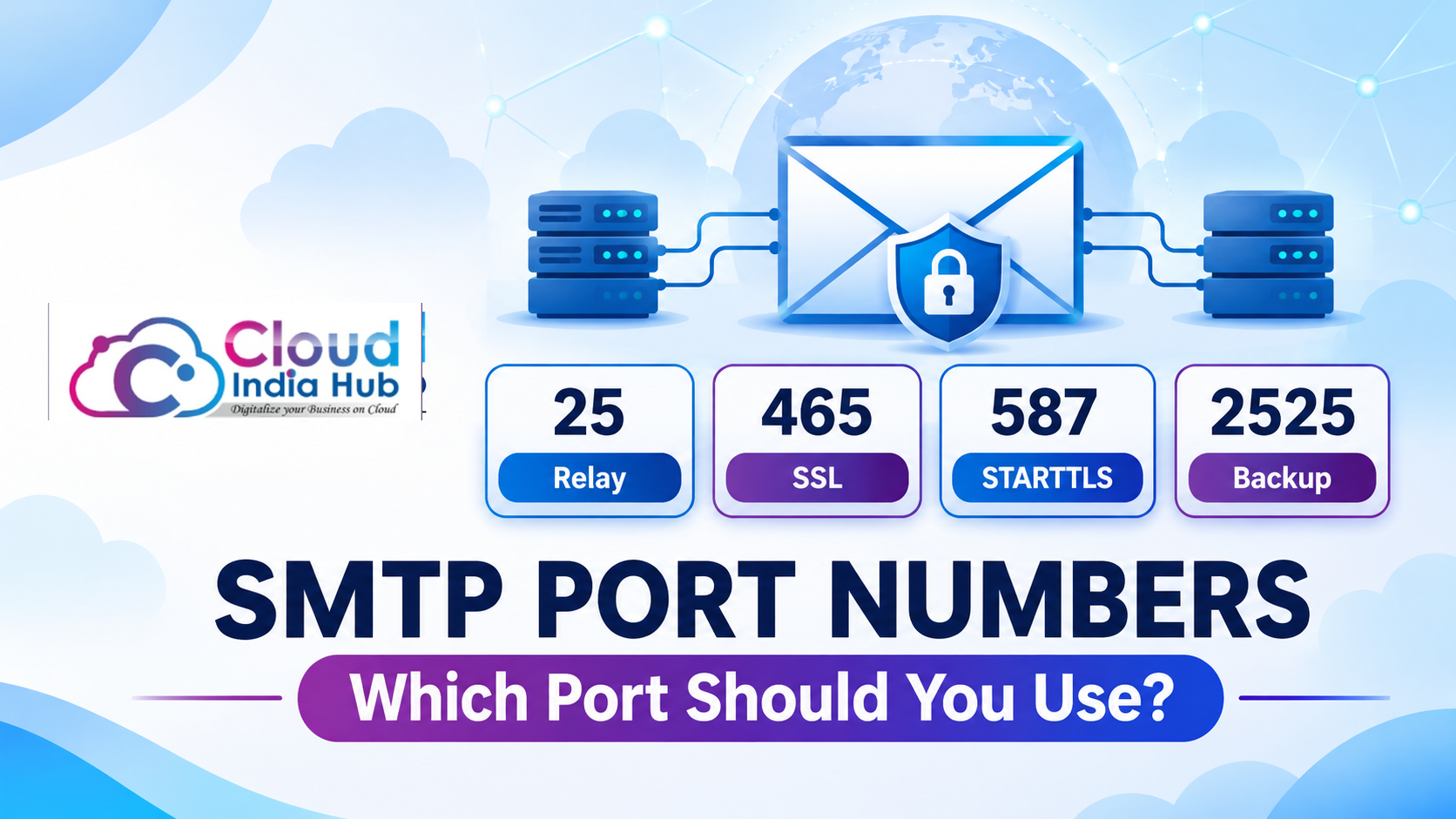
If the PTR checks out and outgoing mail still fails, the problem may be the connection itself. Our explainer on SMTP port numbers 25, 587, and 465 walks through a five-step connection test.
How Do You Set Up Or Fix A PTR Record?
To fix a failed reverse DNS lookup, ask whoever owns the IP address to set its PTR record, because the DNS panel for your domain cannot edit reverse zones. On a VPS or dedicated server, that owner is your hosting provider, reached through a ticket or a control panel field.
1. Find the sending IP from the Received headers of a test email or your mail server settings.
2. Choose a permanent hostname on your own domain, such as mail.acmetraders.in.
3. Create an A record for that hostname in your domain zone, pointing to the sending IP.
4. Ask the IP owner to set the PTR for that IP to the same hostname.
5. Set the HELO or EHLO name of your mail server to match that hostname.
6. Wait for the TTL to pass, run dig -x again, and send a test message to a Gmail address.
Shared hosting users rarely need to touch this, because the provider already sets a PTR for the main hostname of the server. Running your own mail server is different. You need a server whose IP is yours to map, which is why most self-hosted mail setups start on a VPS rather than shared hosting.
Frequently Asked Questions
Is reverse DNS required to send email?
Not by law, but in practice yes. Gmail requires a valid PTR for every sending IP, and many corporate filters reject mail from IPs without one, so treat it as mandatory for any mail server.
How long does a new PTR record take to work?
Most providers apply the change within minutes to a few hours. Resolvers that cached the old answer keep it until its TTL expires, so test from a second network before you assume it failed.
Can one IP address have more than one PTR record?
It can, but it should not, because each mail filter may read a different name. Keep one PTR per IP and point it at your main mail hostname.
Is a reverse domain lookup the same as a reverse IP lookup?
Not quite: a reverse domain lookup usually means finding the hostname behind an IP through its PTR record. A reverse IP lookup lists every website hosted on one IP, built from crawled data rather than DNS.
Do I need reverse DNS for a website?
No, browsers only use forward lookups, so a missing PTR never stops a site from loading. It matters for mail servers, SSH logs, and security tools that record hostnames instead of raw IPs.
Why does my PTR show my hosting provider’s name?
That is the default PTR your provider sets for every IP. A reverse DNS lookup that returns a generic name is fine for a website, but for mail, ask the provider to change it to your own hostname.
Need Help Getting Your Mail Server Past The PTR Check?
Run a reverse DNS lookup on your sending IP today, compare it with the A record, and note any mismatch before your next campaign. If the PTR needs changing, or you want a second pair of eyes on SPF, DKIM, and DMARC, contact the Cloud India Hub support team with your IP and hostname.
Expert advice
|
Learn how a reverse DNS lookup maps an IP to a hostname, which commands check it, and how to fix a PTR record that blocks your email. |
Serving Bengaluru, Karnataka.

































































































































































































































Leave A Comment