

Web Hosting in Bengaluru: How to Pick the Right Plan for Your Business
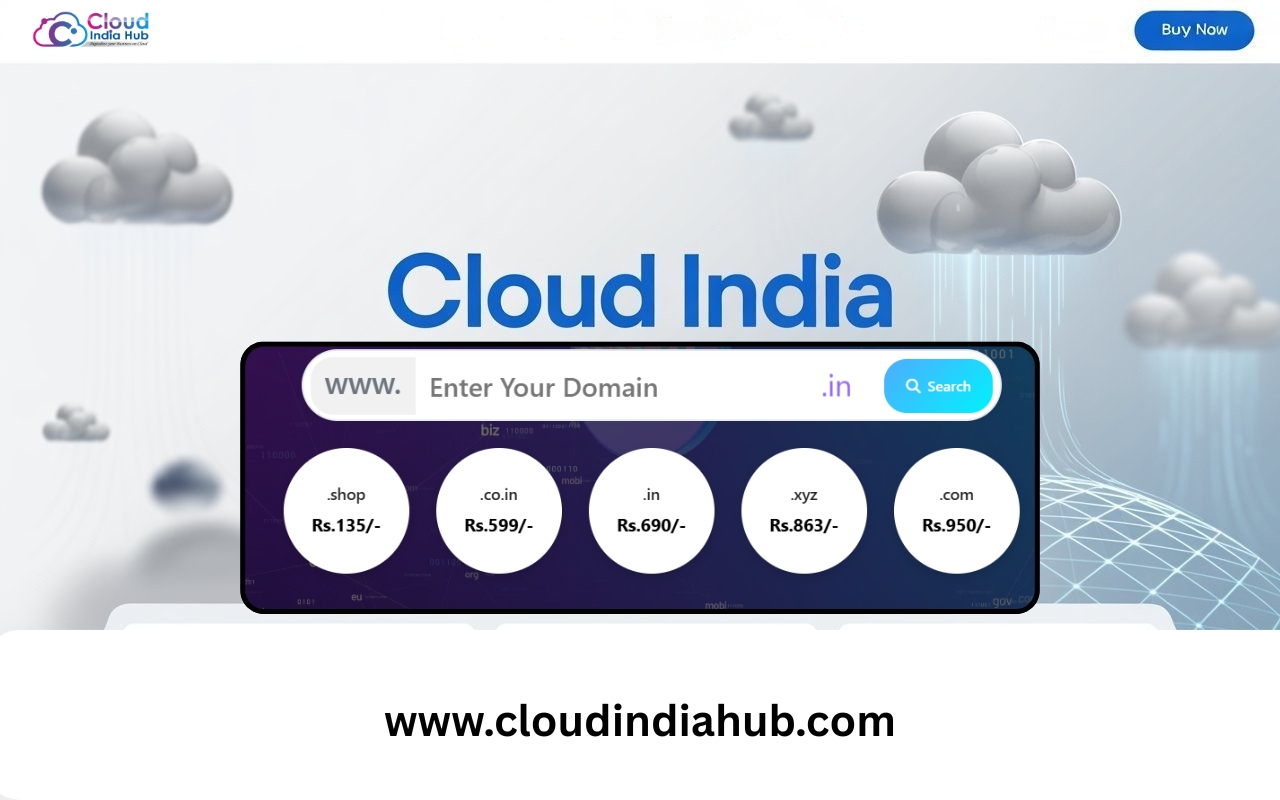
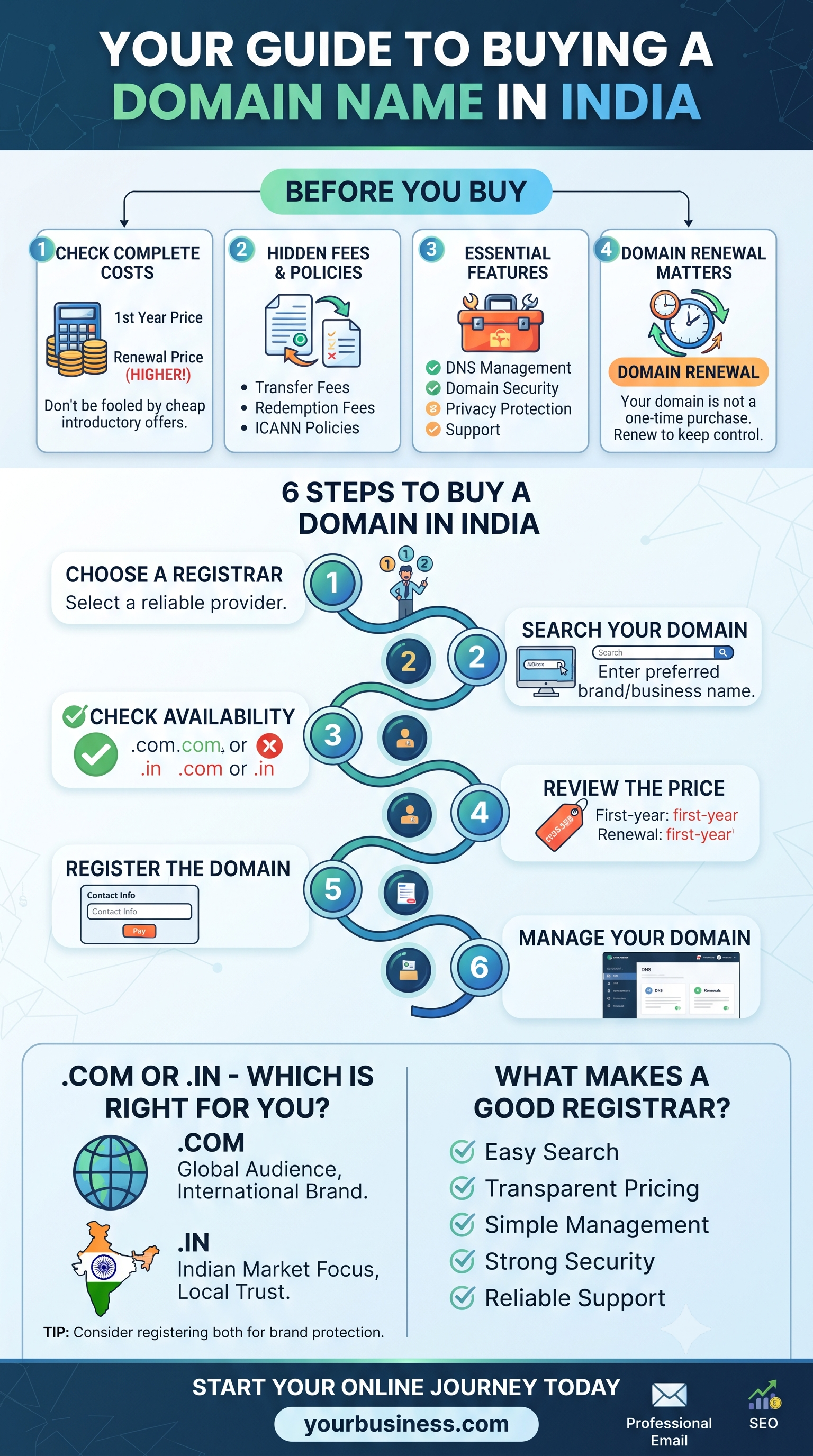
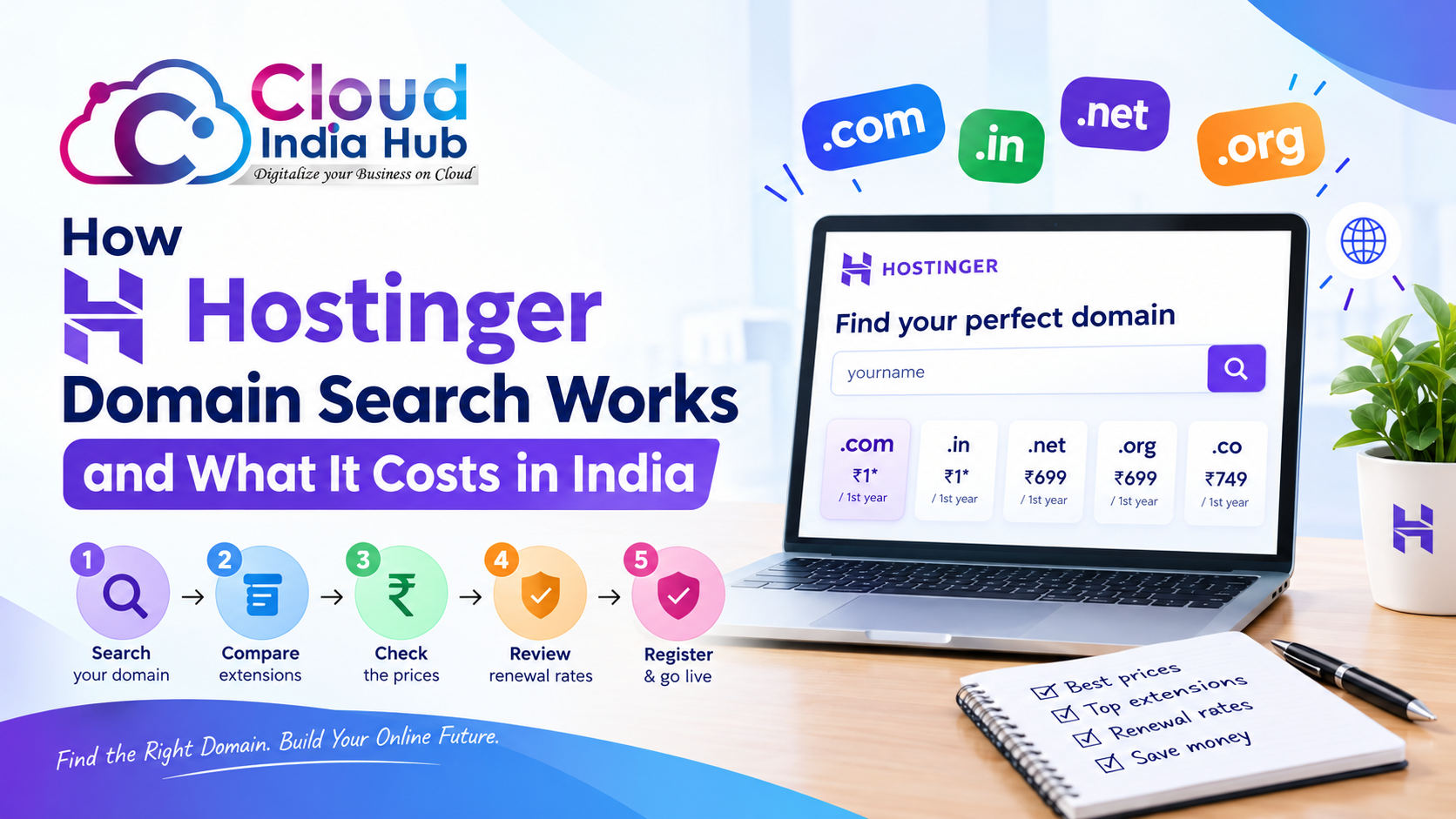
To register a domain in Bangalore, search your preferred name in a domain checker, choose an extension such as .in or .com, add it to the cart and pay online. At Cloud India Hub, .in starts at ₹649 and .com at ₹1,175 a year before GST, and the site says activation takes minutes.
domain registration in Bangalore
- cheap web hosting in Bangalore
- Moderate
- Best
- Cloud India Hub offers 361 domain extensions, from .com and .in to .ai and .store.
- Benefits
- First-year domain offers include free DNS management and privacy protection.
Choosing web hosting in Bengaluru sounds simple until you see the options: shared plans, WordPress plans, VPS servers, free domains and promises of unlimited everything. Bengaluru is a competitive market, and a slow or unreliable website costs you enquiries before a customer ever calls. This guide explains each hosting type in plain language, shows what plans cost in rupees, and gives you a checklist to use before you pay.
Why hosting matters for a Bengaluru business
Your host decides how fast your pages load, how often your site is reachable, and how quickly someone answers when something breaks. For a local business such as a shop, clinic, school or service provider, that translates directly into leads. Customers searching on a phone in traffic will not wait for a slow page, and speed and security also support your search visibility.
Hosting is also the one cost you cannot ignore. A cheap plan that goes down during a campaign, or has no backups when a plugin breaks your site, ends up costing far more than the monthly fee.
The main types of hosting
Shared hosting
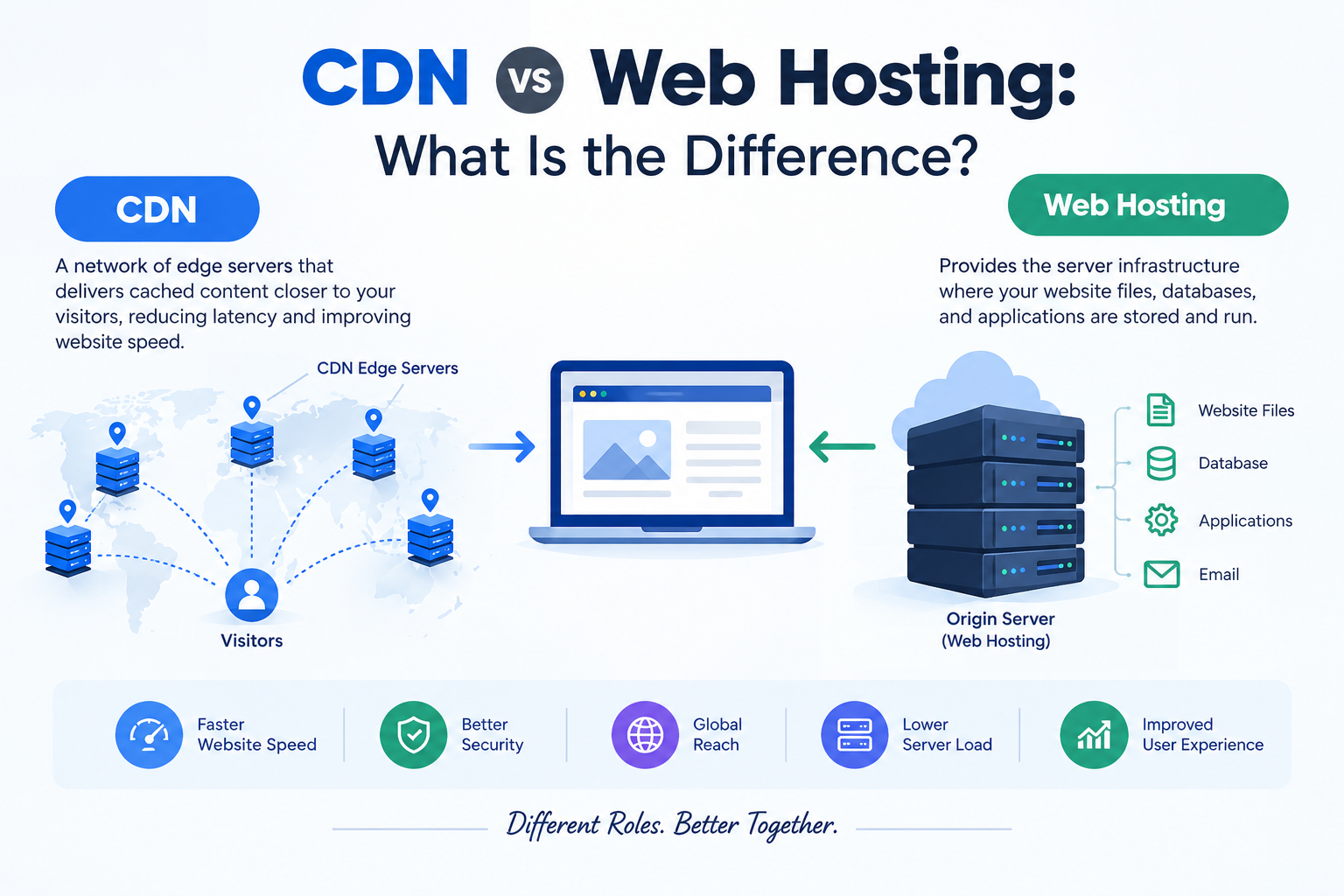
On shared hosting, your website sits on a server alongside other websites and shares its resources. It is the most affordable route and works well for new businesses, brochure sites and small blogs.
Cloud India Hub lists four monthly shared hosting plans:
| Plan | Price per month | Websites | Storage | Backups |
|---|---|---|---|---|
| Starter | ₹299 | 1 | 10 GB SSD | None |
| Basic | ₹499 | 5 | 50 GB SSD | Weekly |
| Standard | ₹899 | 10 | 100 GB SSD | Daily |
| Professional | ₹1,499 | Unmetered | Unmetered | Daily |
All four include free SSL and 24/7 support. Standard and Professional include a free domain for the first year. “Unmetered” means there is no fixed cap, but usage stays subject to fair-use limits in the terms, so read them before you rely on it.
WordPress hosting
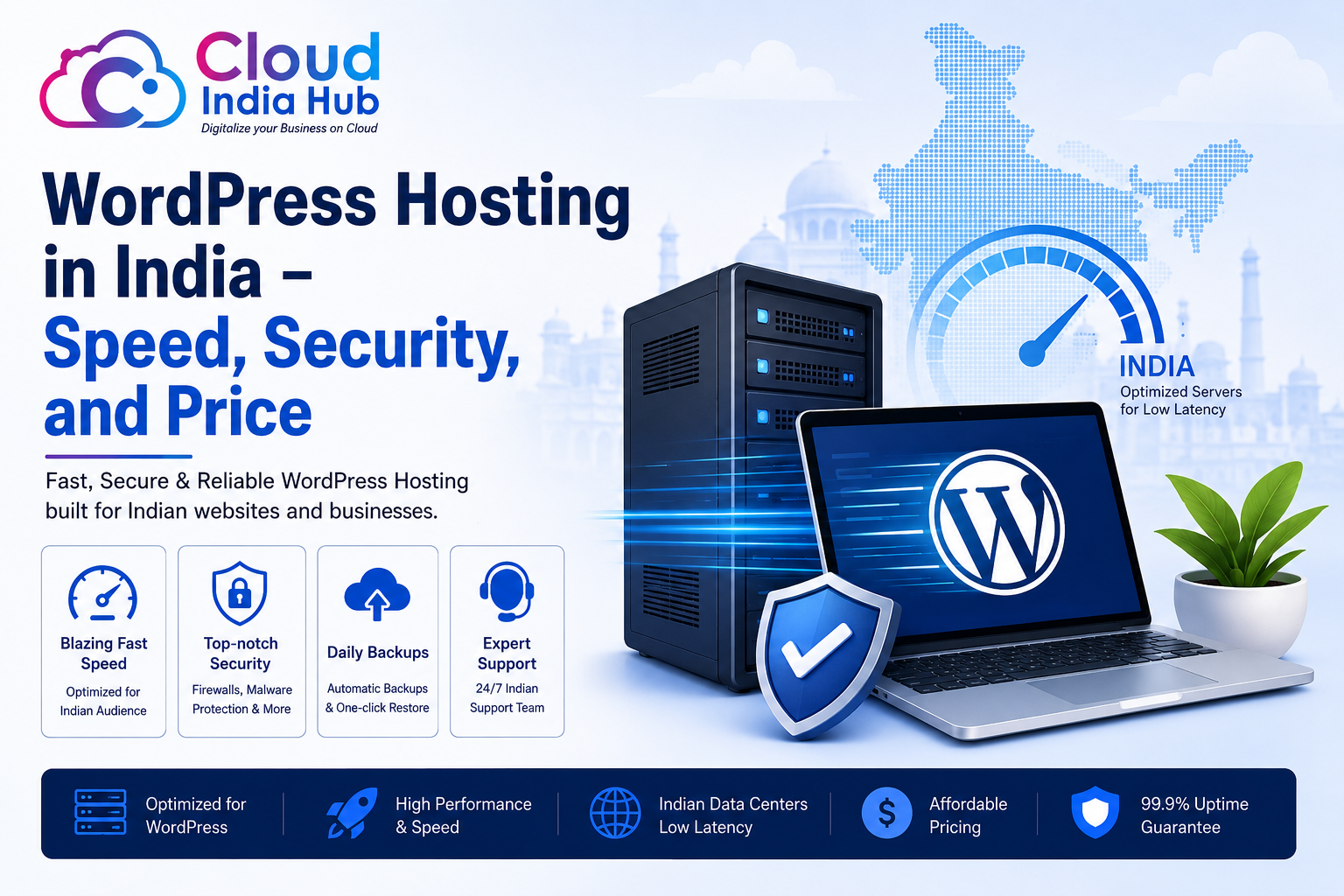
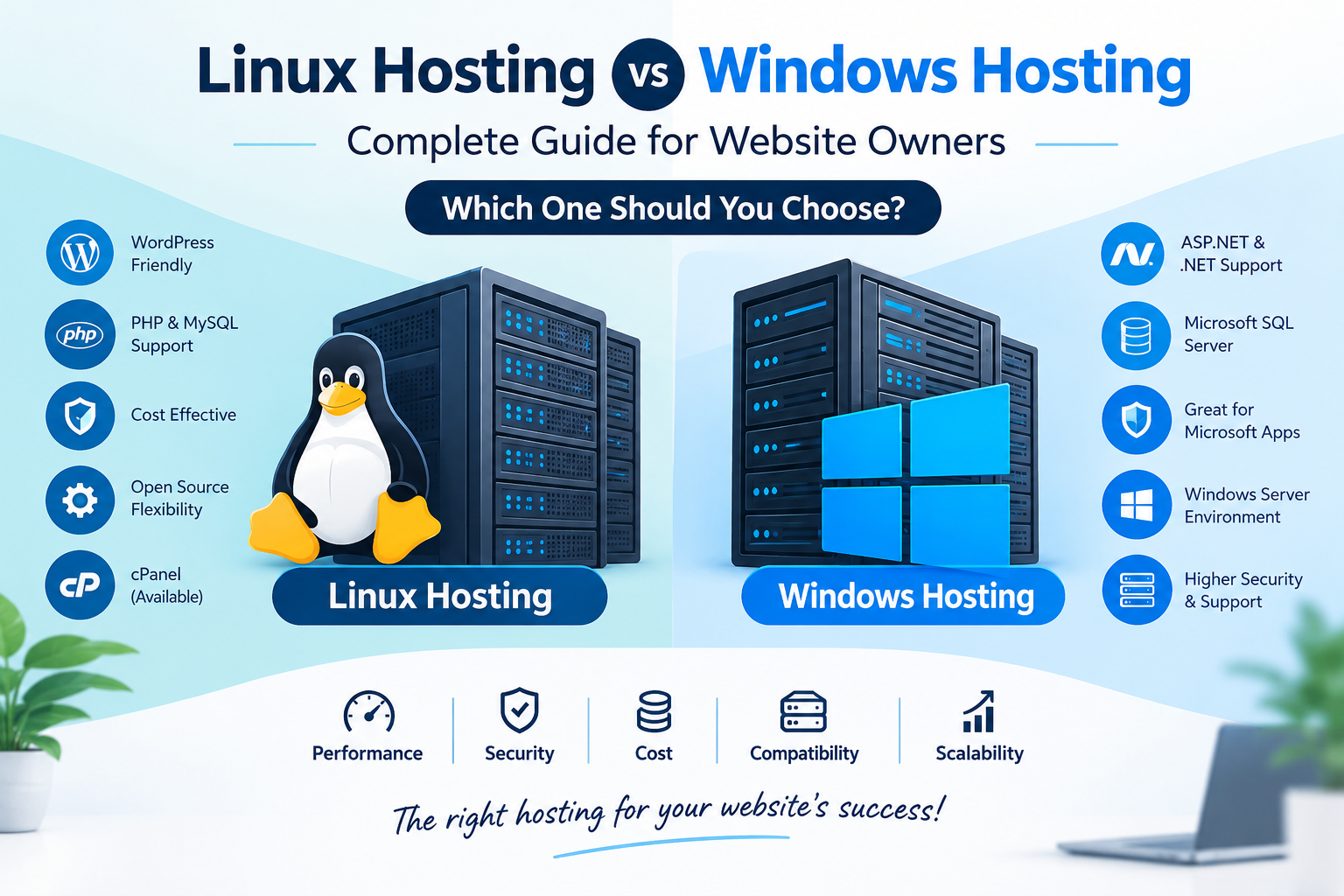
If your site runs on WordPress, a plan tuned for it is worth a look. WordPress hosting is set up for the platform, which usually means easier management and better performance for themes, plugins and page builders. Most small business sites and blogs in the city run on WordPress, so this is often the natural fit.
VPS hosting
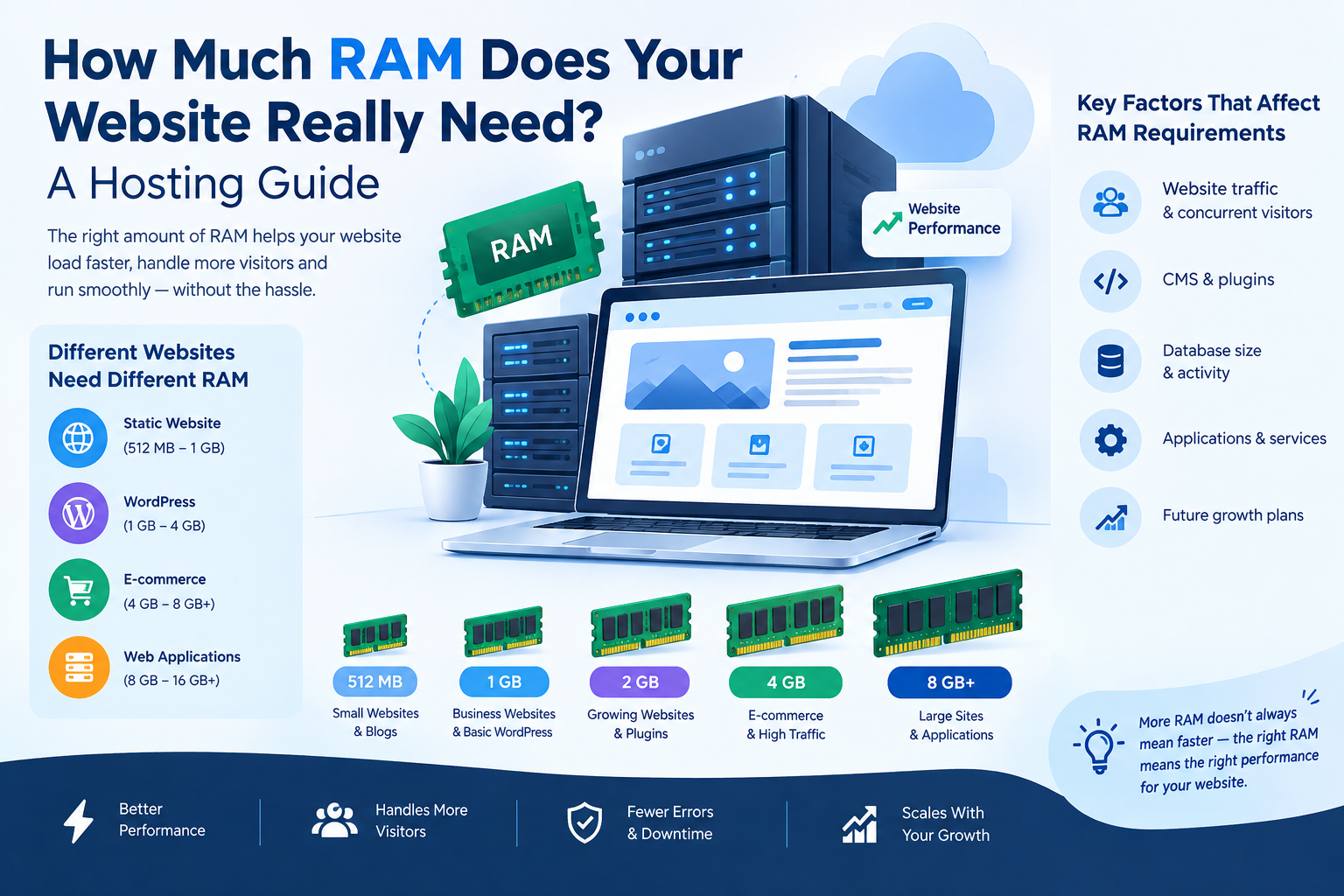
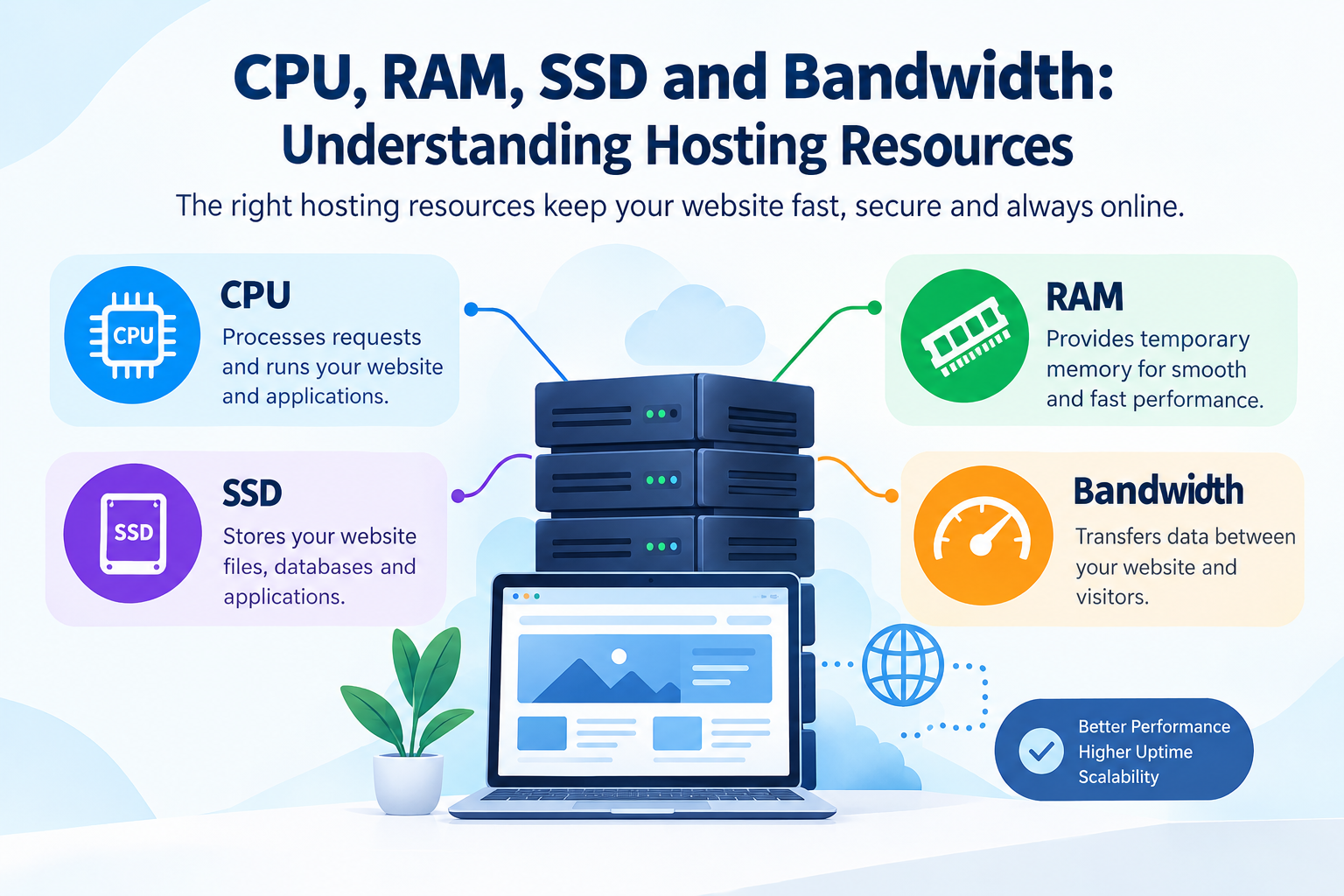
A virtual private server gives you a dedicated share of CPU, RAM and storage instead of competing with neighbours for resources. Businesses that outgrow shared plans, run online stores, or need custom software usually move here. If you are comparing VPS hosting in Bangalore, look at vCPU, RAM, storage and bandwidth side by side.
Cloud India Hub’s VPS plans start at ₹649 a month for 1 vCPU, 2 GB RAM, 40 GB SSD and 500 GB bandwidth. Higher tiers run to 4 vCPU and 16 GB RAM at ₹3,299 a month. The listed plans carry a 99.9% uptime guarantee and 24/7 support.
How much should you pay?
Many people search for cheap web hosting in India and pick the lowest first-year price. That is the most common mistake. The number to compare is the full cost over the life of your site, which means the renewal price, the cost of backups if they are not included, and the cost of upgrading later.
Billing yearly can lower the bill. On Cloud India Hub, the Starter plan drops from ₹3,588 a year to ₹2,870.40 with the 20% yearly discount. The site also shows renewal pricing before you buy, which is what you want from any provider. Check whether GST is added at checkout so the total holds no surprises.
What to check before you buy
Run every provider through this list:
- Uptime guarantee: look for a stated percentage, and find out what happens if it is missed.
- Backups: confirm how often they run. Some entry plans include none.
- Support hours: 24/7 matters if your business runs evenings and weekends.
- SSL: free SSL saves money and is essential for trust and search.
- Email accounts: check how many mailboxes are included.
- Upgrade path: you should be able to move from shared to VPS without a painful migration.
- Server location: ask where the servers are. A closer server generally means lower latency for local visitors.
- Renewal price and fair-use terms: read these before you pay, not after.
Do you need a domain as well?
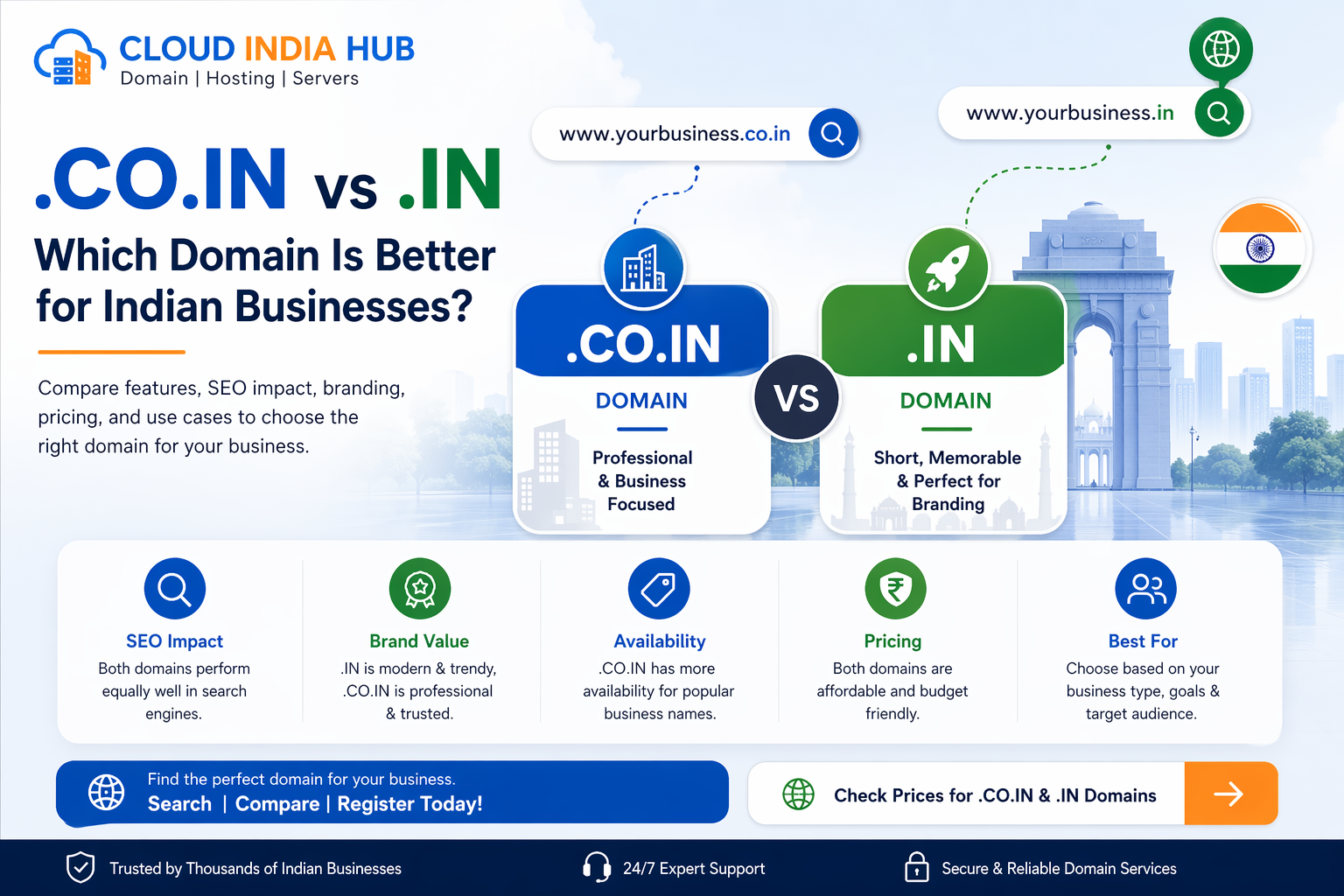
Your domain is part of the same decision. If you are handling domain registration in Bengaluru for a local business, the choice is usually between .in, which signals an Indian business, and .com, which is the most widely recognised extension. Cloud India Hub lists .in at ₹649 and .com at ₹1,175 per year, excluding GST, across 361 extensions. Free DNS management and domain locking are listed as part of the service.
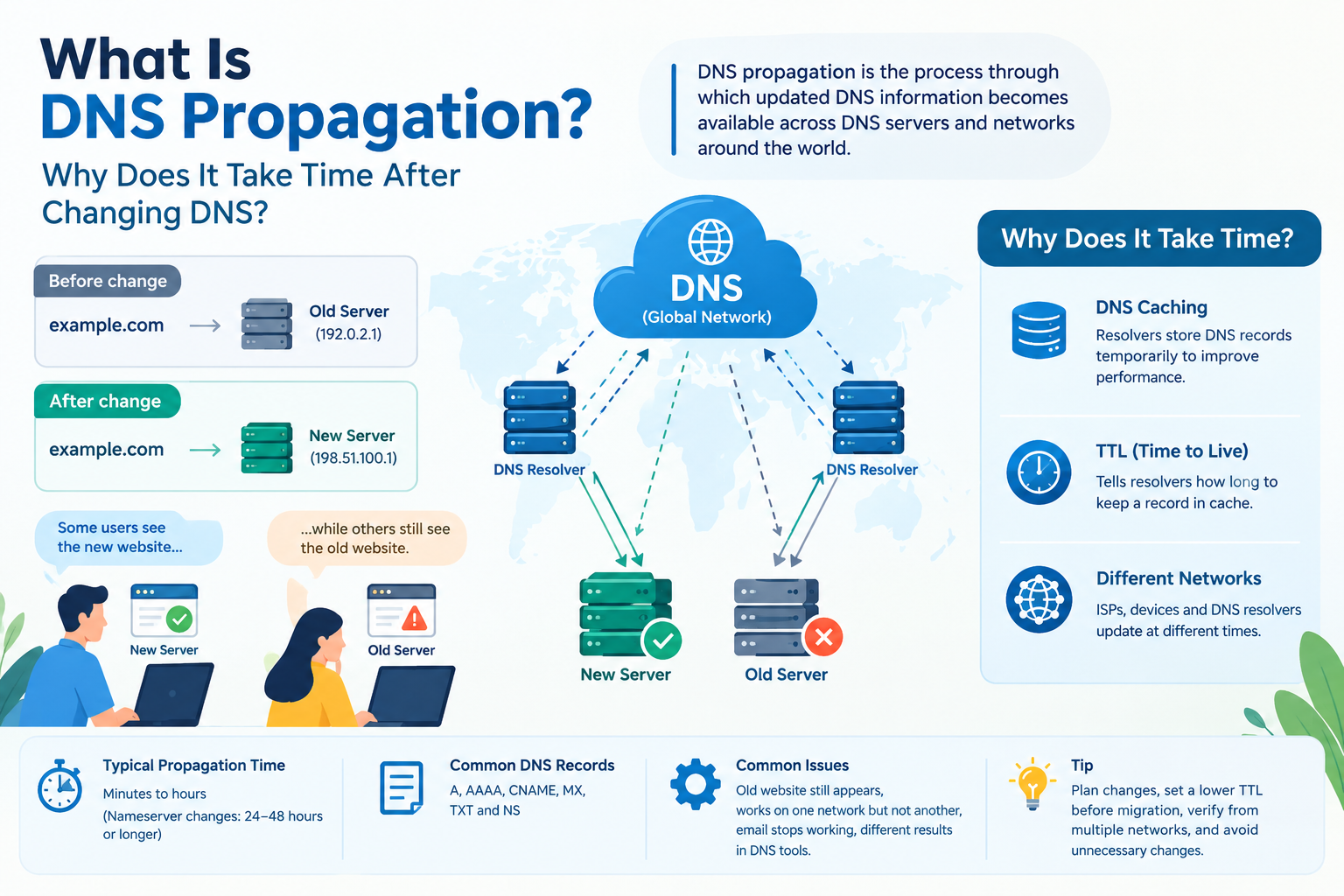
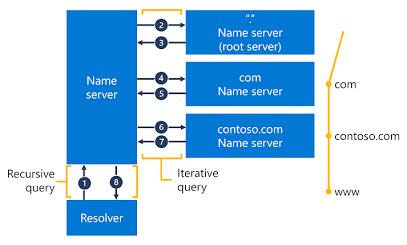
Keeping domain and hosting under one login makes renewals, DNS changes and support simpler. If you already own a domain elsewhere, a domain transfer lets you consolidate it.
How to judge a hosting provider
Whether you pick a web hosting company in Bangalore or a national provider, judge it on the same things: transparent pricing in rupees, clear terms, responsive support and a plan that grows with you. Test before you commit. Run your current site through a website speed checker and ask the provider’s support team a real technical question to see how quickly and clearly they answer.
Which plan fits which business?
| Your situation | A sensible starting point |
|---|---|
| New brochure site with one domain | Starter |
| Small business with a few sites | Basic |
| WordPress blog or business site | WordPress hosting |
| Agency or many client sites | Standard or Professional |
| Growing store or custom application | VPS |
Common mistakes to avoid
- Choosing on first-year price alone. Always compare renewal rates.
- Skipping backups. A plan without backups leaves you exposed when an update breaks something.
- Overbuying. A new site rarely needs a VPS on day one.
- Underbuying. If your site is already slow or growing fast, shared hosting may be holding you back.
- Ignoring support quality. You only learn how good support is when something fails, so test it early.
Frequently asked questions
What is the best hosting plan for a small business in Bengaluru?
It depends on traffic and growth plans. A single-site business can start on the Starter plan, a business running several sites can use Basic or Standard, and a store or custom app with rising traffic should look at a VPS. Compare backups, support and renewal price, not just the first-year cost.
How much does hosting cost for a small website?
Shared hosting at Cloud India Hub starts at ₹299 a month on Starter, with 20% off on yearly billing. If you are hunting for cheap web hosting in India, remember that the entry plan includes no backups, so budget for a backup solution or step up to Basic.
Should I choose shared hosting or a VPS?
Shared hosting suits new and low-traffic sites. A VPS gives you dedicated resources and more control, which suits stores and applications. When you compare VPS hosting in Bangalore options, check vCPU, RAM, storage and bandwidth side by side. Cloud India Hub VPS plans start at ₹649 a month.
Does server location matter for visitors in Bengaluru?
Yes. A server closer to your audience usually means lower latency and faster page loads. Ask any provider where its servers are hosted before you buy.
Should I register a .in or a .com domain?
Pick the extension your customers expect. For domain registration in Bengaluru, .in signals a local Indian business and .com is the most recognised worldwide. At Cloud India Hub, .in costs ₹649 and .com costs ₹1,175 a year, both before GST.
Is SSL included with hosting?
Free SSL is listed on the shared hosting plans, so you do not need to buy a certificate separately.
Conclusion
The right web hosting in Bengaluru comes down to matching the plan to your business today while leaving room to grow. Start with your site type and traffic, compare the full cost including renewals and backups, and test support before you commit. Whether you end up with a web hosting company in Bangalore or a national provider, choose the one that is clear about pricing, honest about limits and quick to help when you need it.
Bengaluru
Serving Bengaluru and nearby: Kumarswamy layout, Bengaluru.




























































































































































































Leave A Comment