

How To Use A URL Redirect Checker And Fix Redirect Chains
A URL redirect checker follows a link from the address you enter to the page that finally loads, listing every hop and its HTTP status code, such as 301, 302, 307, or 308. Use it to confirm each old URL reaches its new home in a single permanent hop.
Redirects break quietly. If you suspect a hacked site is sending visitors elsewhere, start with our guide to using a website safety checker. This post handles the everyday cases: site moves, HTTPS switches, and plugin rules that pile up into slow chains.
At A Glance
• Permanent codes: 301 and 308, which Google reads as a canonical signal
• Temporary codes: 302, 303, and 307, for short-term moves only
• Ideal chain length: 1 hop from the old address to the final page
• Free command-line check: curl -sIL followed by the address
• Price: Free for single-URL checks, paid tiers for bulk monitoring
• Fix redirects at the server, not with JavaScript or delayed meta refresh
What Does A URL Redirect Checker Actually Show You?
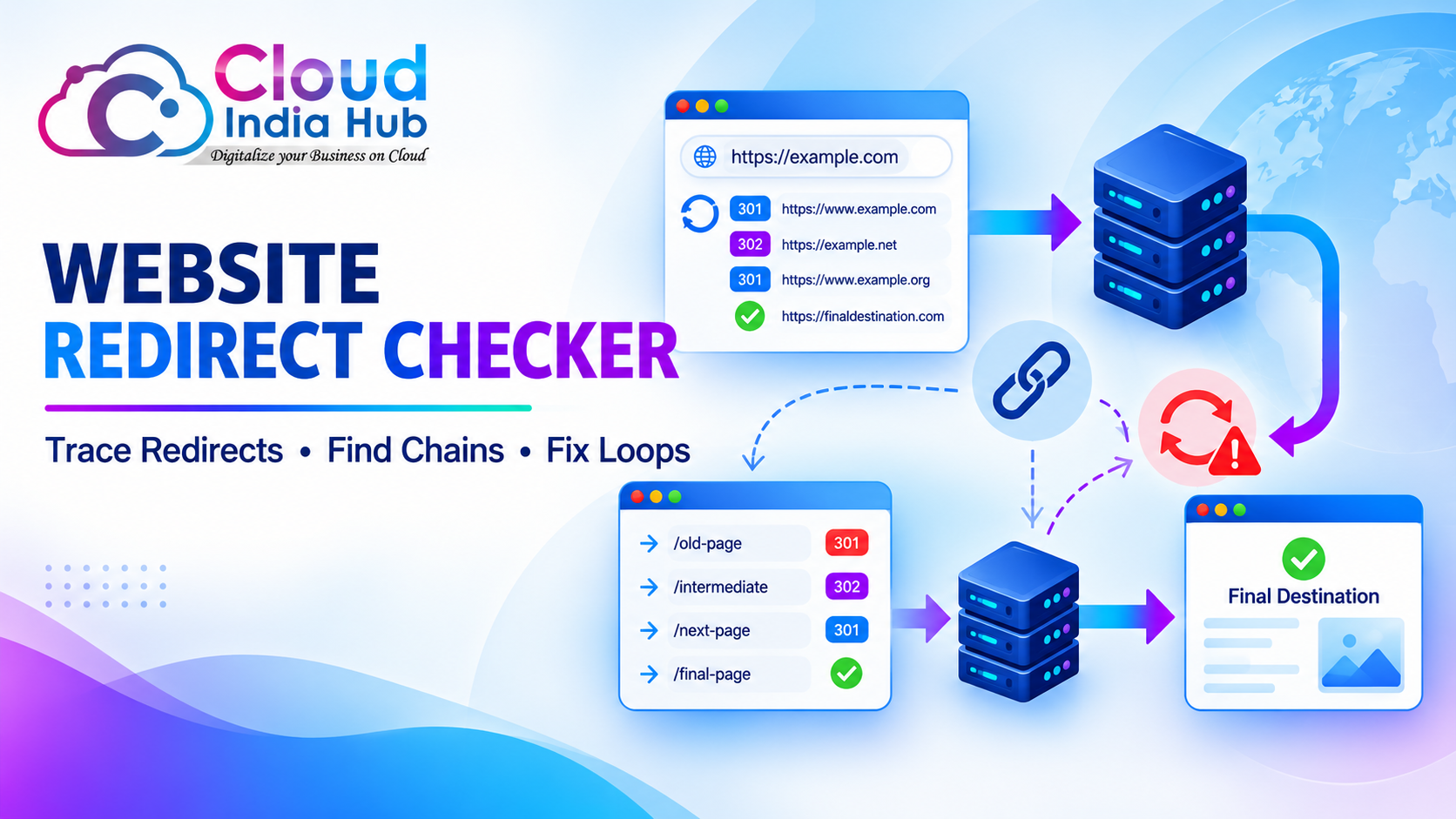
A URL redirect checker shows the full path a request takes: the starting address, each intermediate URL, the status code returned at every step, and the final destination with its 200 OK response. Many tools also show response time and server headers per hop.
Read the report from top to bottom. Each row is one request the browser had to make before it could show anything to your visitor.
|
Field |
What it tells you |
What a healthy result looks like |
|
Hop number |
How many requests happen before the page loads |
1 redirect, then the final page |
|
Status code |
Whether the move is permanent or temporary |
301 or 308 for a permanent move |
|
Location header |
The exact address the server sends you to next |
The final HTTPS URL, not another redirect |
|
Response time |
How long each hop takes |
Low and consistent on every hop |
|
Final status |
Whether the destination actually works |
200 OK, never 404 or 500 |
A good redirect checker also lets you switch the user agent. Some sites send mobile visitors or search crawlers somewhere different from desktop browsers. That difference only appears when you test as each one.
Which Redirect Status Codes Should You Know?
Five server-side codes matter when you read a URL redirect checker report: 301 and 308 for permanent moves, and 302, 303, and 307 for temporary ones. The permanent pair tell search engines to favour the new address. The temporary three keep the old one in results.
|
Code |
Type |
How Google treats it |
Typical use |
|
301 |
Permanent |
Strong signal that the target is canonical |
Page moves, HTTPS switch, domain change |
|
308 |
Permanent, keeps the request method |
Same as 301 |
Permanent moves where a form POST must stay a POST |
|
302 |
Temporary |
Source URL usually stays in results |
Short campaigns and tests |
|
303 |
Temporary, see other |
Source URL usually stays in results |
Sending users on after a form submission |
|
307 |
Temporary, keeps the request method |
Source URL usually stays in results |
Maintenance windows |
Google’s own documentation on redirects and Google Search adds two details worth knowing. An instant meta refresh counts as permanent and a delayed one as temporary. Server-side redirects are the most reliably interpreted method of all.
The most common mistake is a 302 left in place for a move that was always permanent. Many plugins and control panels default to 302, so check the code even when the destination looks right.
Why Do Redirect Chains Hurt Speed And Rankings?
A redirect chain forces the browser to make a full request and wait for the answer at every extra hop. Three hops mean three round trips before your visitor sees a single word. Mobile connections feel each one.
Chains also waste crawl effort. Search engines have to follow every step. A long chain gives them more chances to stop early or record the wrong final address.
Most chains grow by accident, one sensible fix at a time:
• An old http:// address goes to https://, then to www, then adds a trailing slash
• A plugin redirect sits on top of an older server rule for the same page
• A second domain move points at URLs that were already redirected after the first move
• A shortened campaign link points at a page that has since moved
Run the URL redirect checker on your homepage first, using all four host variants. Every other page inherits that pattern. After you collapse a chain, rerun our website speed test to confirm the load time actually dropped.
Which Type Of Redirect Checker Should You Use?
For one address, any online URL redirect checker tool is enough. For a site migration with hundreds of old URLs, use a bulk checker or a short script. Use your browser’s developer tools to see exactly what a real browser does.
|
Method |
Best for |
Cost |
Watch out for |
|
Online single-URL checker |
Quick spot checks and sharing results with a client |
Free |
Rate limits, and some ignore user agent settings |
|
Bulk checker or SEO crawler |
Site migrations and audits of a full URL list |
Free tiers, paid for large lists |
Results depend on the list you upload |
|
curl on the command line |
Server admins and repeatable scripted checks |
Free |
Follows HTTP redirects only, not JavaScript |
|
Browser DevTools, Network tab |
Debugging what one real browser receives |
Free |
The browser cache can hide a 301 you already changed |
A link redirect checker built into an SEO crawler is the most efficient choice for agencies. It finds every internal link that points at a redirect. You can then update the link itself instead of relying on the redirect forever.
How Do You Check Redirects From The Command Line?
Run curl with the -sIL flags followed by the address. The -I flag requests headers only, -L follows each Location header, and -s hides the progress meter. You see every status line and destination in order.
curl -sIL http://yourdomain.in/old-page | grep -iE "^(HTTP|location)"
A clean result shows one 301 line, one location line, and then a final 200 line. A few flags make the check more useful:
• -A “Mozilla/5.0 (iPhone)” tests what a mobile visitor receives
• –max-redirs 5 stops the request early if a loop never ends
• -w “%{num_redirects}” with -o /dev/null prints only the hop count
• A loop in a text file of URLs turns this into a free bulk check
Because curl never caches responses, it is the fastest way to prove whether a fix you just made on the server is live. If curl cannot resolve the domain at all, the fault is DNS rather than a redirect. Check the A and CNAME records with our DNS record lookup tool.
How Do You Run A Redirect Audit Step By Step?
Start with a list of every old URL and run each one through a URL redirect checker. Flag anything that is not a single 301 or 308 ending in 200 OK, then fix the rules at the server and retest a week later.
1. Collect the old URLs. Pull them from your previous sitemap, the Pages report in Search Console, and your top landing pages in analytics.
2. Test the four host variants. The http, https, www, and non-www versions of your domain should all reach one final address in one hop.
3. Record every result. Note the hop count, each status code, and the final URL in a simple sheet.
4. Flag the problems. Mark chains of two or more hops, 302s on permanent moves, loops, final 404s, and unrelated pages sent to the homepage.
5. Fix the rule at its source. Edit .htaccess on Apache or LiteSpeed, the server block on Nginx, or the hosting settings in Plesk or cPanel, and point every old URL straight at the final page.
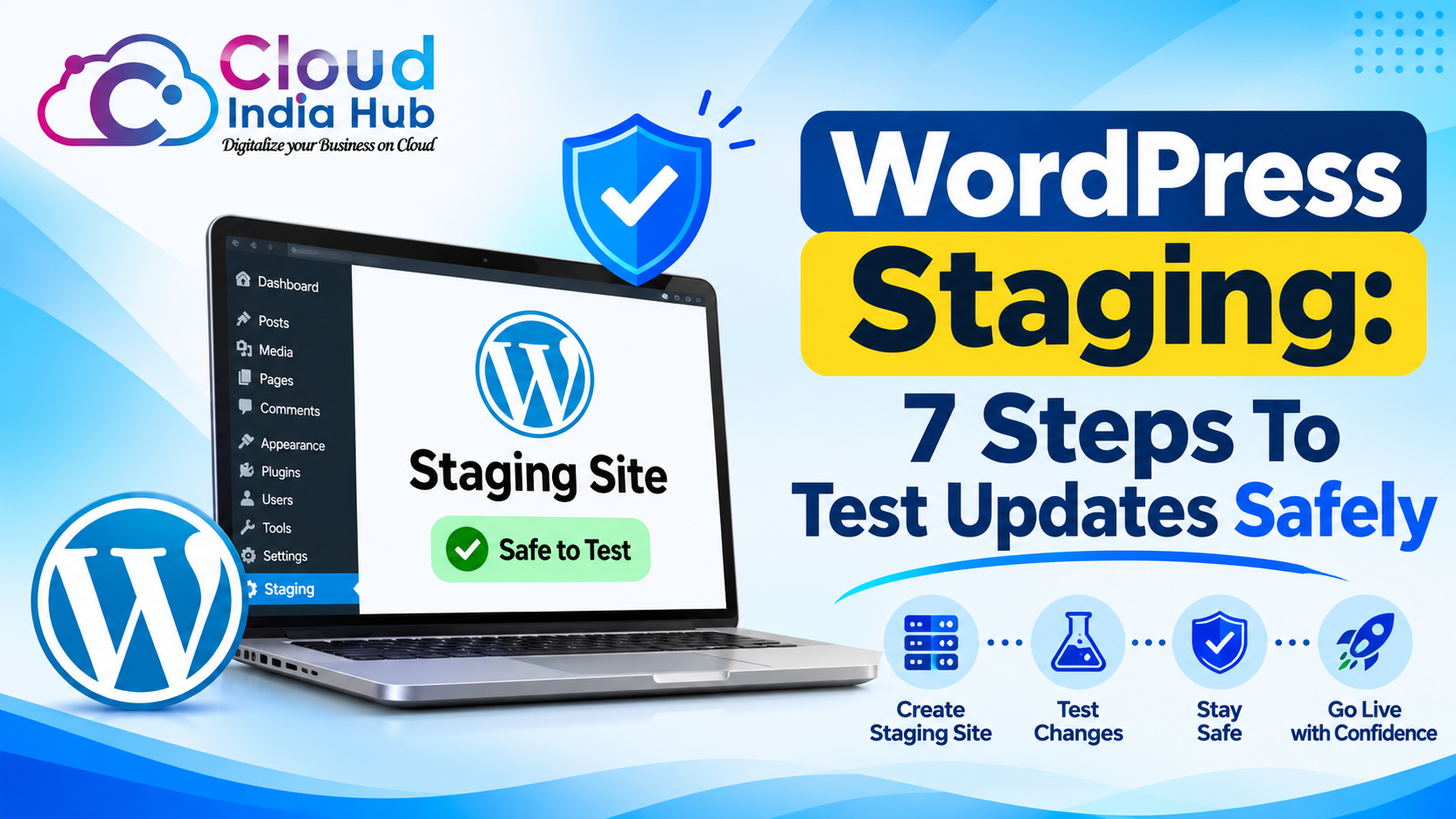
6. Test before you go live. Apply big rule changes to a copy first; our guide to setting up WordPress staging without risking your live site shows how.
7. Retest and clear caches. Purge your CDN and caching plugin, then run the full list again.
Update your internal links during step 5 as well. A redirect is a safety net for outside links and bookmarks, not a replacement for correct links on your own pages.
What Should You Check After Moving To HTTPS Or A New Host?
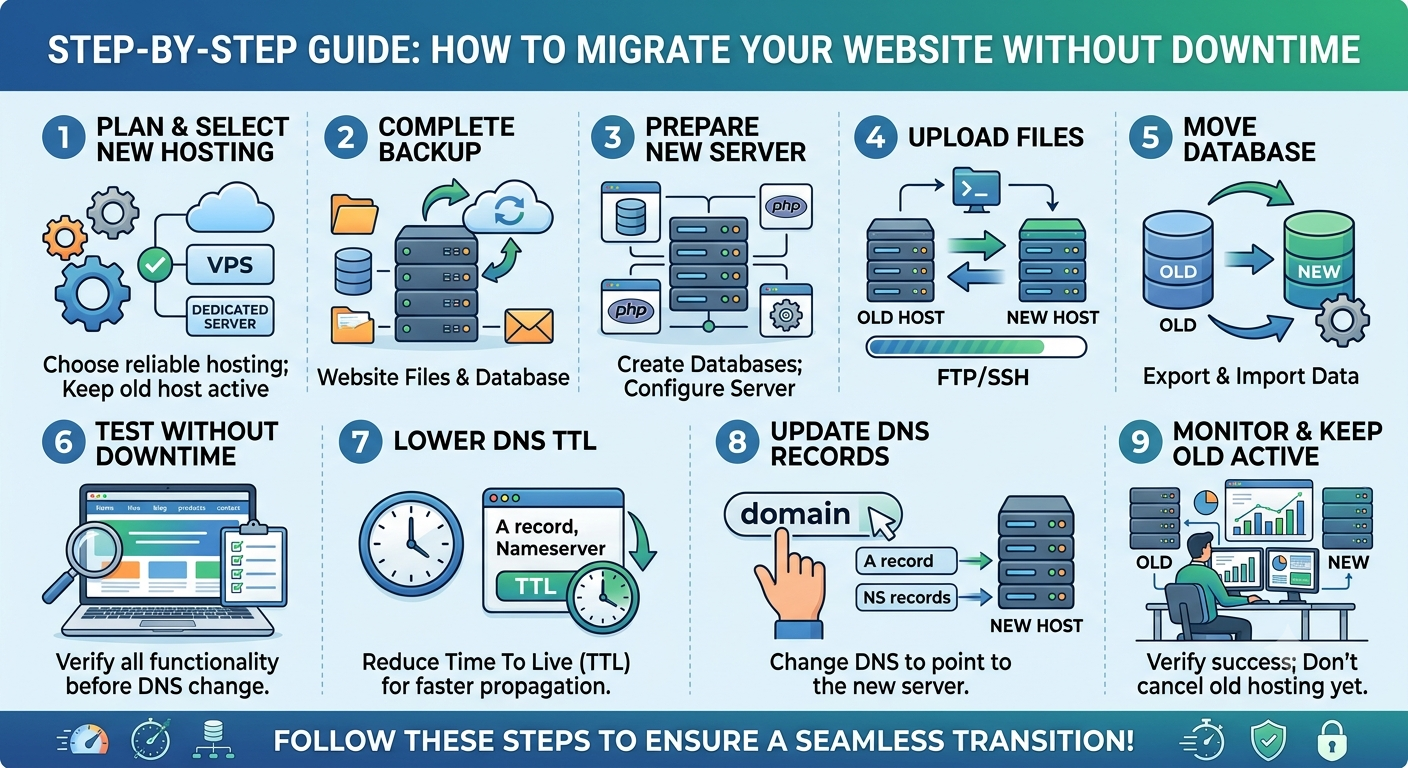
After an HTTPS switch or a host move, check that every old address lands on the new HTTPS version in one hop. Confirm the SSL certificate covers both www and non-www, and that no page loads files over plain http.
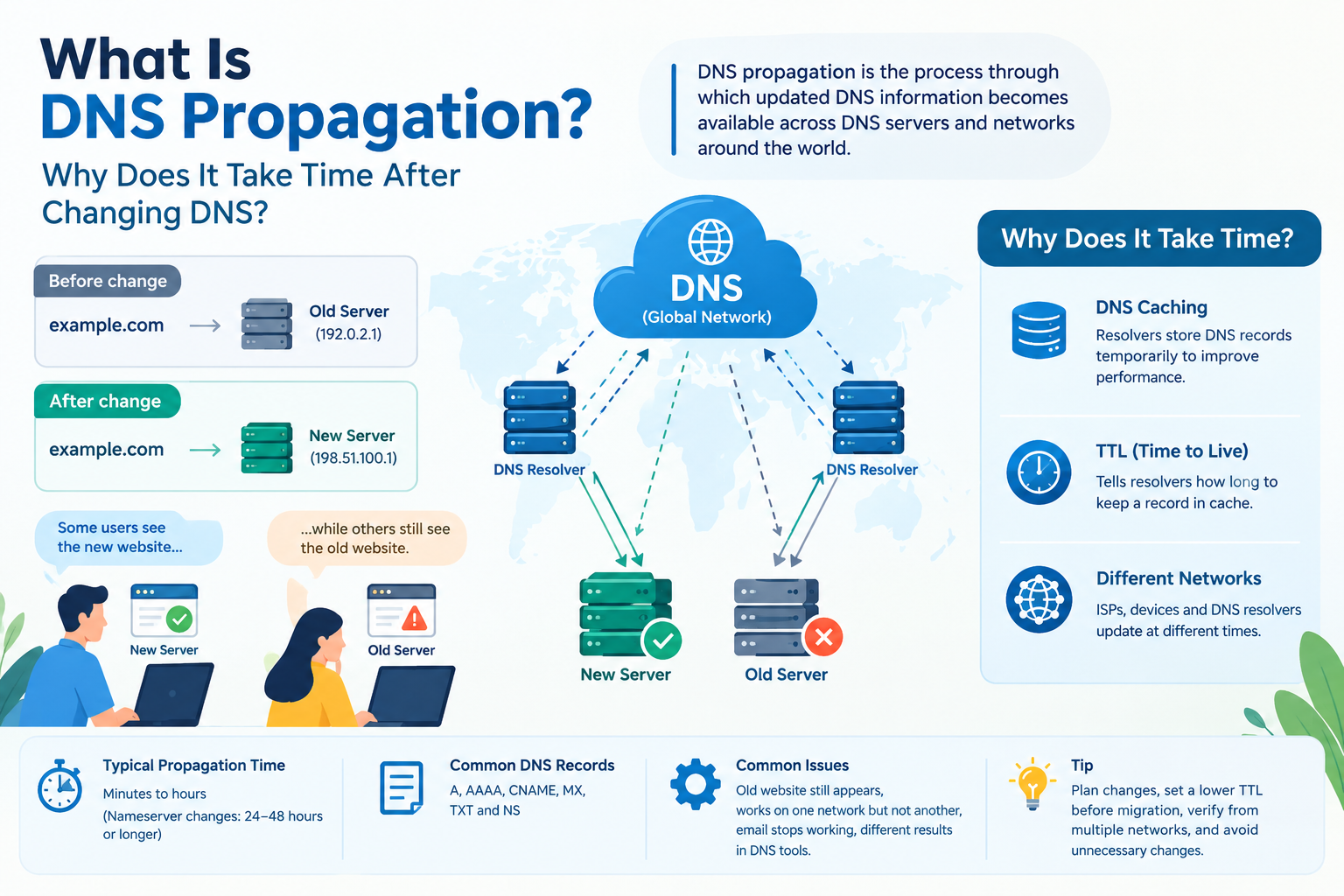
Host moves add a few risks of their own. Old server rules may not copy across, and a new control panel may add its own preferred-domain redirect. DNS changes can also take time to reach every visitor.
|
Check |
Why it matters |
|
http to https in one hop |
Avoids a chain on every single page of the site |
|
Certificate covers both www and non-www |
Prevents a browser warning before the redirect fires |
|
Old .htaccess rules carried over |
Stops old campaign links turning into 404s |
|
Panel redirect and app redirect agree |
Two rules fighting each other is the usual cause of loops |
If you are changing hosts anyway, compare Cloud India Hub web hosting plans, which start at ₹299 per month on the Starter plan. Run your redirect checks again once DNS has fully switched over.
Frequently Asked Questions
Is a URL redirect checker free to use?
Yes. Most online tools check single addresses at no cost, and a URL redirect checker usually charges only for bulk lists or scheduled monitoring, while curl is free on Linux, macOS, and Windows.
How many redirects in a chain is too many?
Aim for one. Two hops are tolerable during a migration, but anything longer should be collapsed so the first address points straight at the final page.
Does a 301 redirect pass ranking signals to the new page?
Google treats 301 and 308 as strong signals that the target should be canonical, so signals consolidate on the new address. A 302 usually keeps the old address as the main version.
Why does my browser show a different redirect than the checker?
Browsers cache 301 responses and may keep using an old one after you change the rule. Test in a private window, clear the cache, or use curl, which never caches.
Can a redirect checker detect JavaScript redirects?
Most cannot, because they read HTTP headers only and a JavaScript redirect looks like a normal 200 page. Use browser developer tools or a rendering crawler to catch those.
How long should I keep redirects after a site move?
Keep permanent redirects for as long as you can, ideally a year or more, and indefinitely for pages with strong backlinks. Removing them early turns old links and bookmarks into 404 errors.
Need Help Untangling Your Redirects?
Run a URL redirect checker on your 20 most visited pages this week and fix any chain or wrong 302 you find. If the rules live in a server configuration you cannot reach, contact the Cloud India Hub support team and they can help you trace where each rule is set.
Expert advice
|
Learn how a url redirect checker traces every hop between an old link and its final page, which status codes matter, and a 7-step audit to fix chains, loops, and wrong 302s. |
Serving Bengaluru, Karnataka.


























































































































































































































Leave A Comment