
How To Choose cPanel Reseller Hosting That Pays For Itself
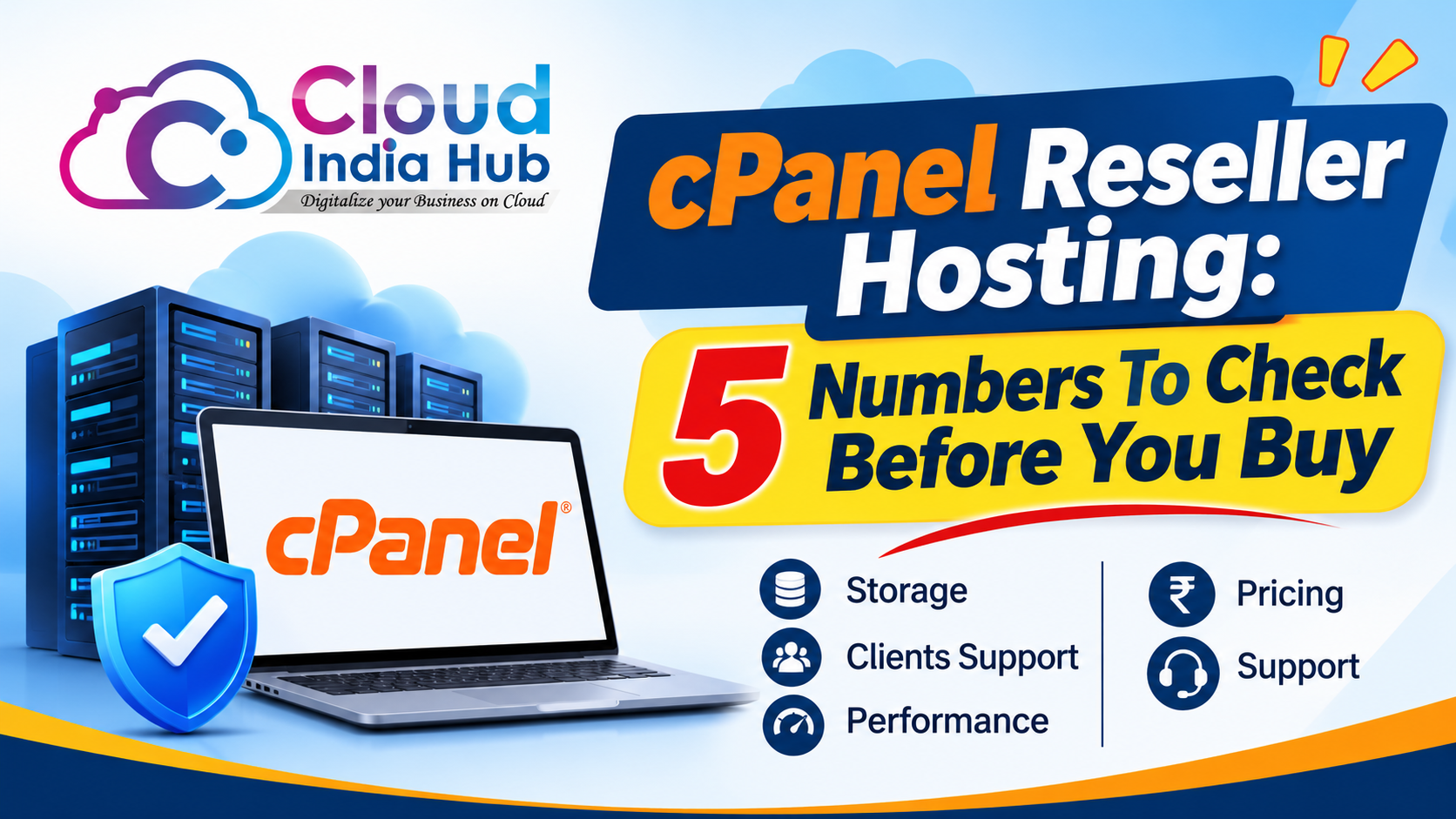
cPanel reseller hosting lets you split one server allocation into separate client accounts, such as 20 accounts of 5 GB from a 100 GB plan. Your profit depends on five numbers: account cap, disk, bandwidth, price per account, and renewal price.
This guide shows how to read a plan before you pay, using worked sums instead of slogans. If you are still deciding whether to start a hosting business at all, read our earlier guide to starting a hosting business in India first, then return here to compare plans.
At A Glance
• Core checks: account cap, disk, bandwidth, price per account, renewal price
• Worked split: 100 GB across 20 accounts is 5 GB each
• Price: ₹899 per month for 10 websites on a Cloud India Hub shared plan
• Control panel: WHM for you, a separate cPanel login for each client
What Does A Reseller Plan Actually Include?
Most cPanel reseller hosting plans include a WHM login, a fixed pool of disk and bandwidth, and the right to create client accounts inside that pool. Each client gets a private cPanel for files, email, and databases, while you control packages and billing.
The split of roles is the part newcomers miss. You work in WHM, the reseller control panel, and your clients never see it. They log in to their own cPanel, so routine tasks such as uploading files or creating a mailbox stay with them.
A typical day one looks like this: you create the account in WHM, point the client’s domain to the right nameservers, and email the cPanel login. From there, the client manages files and mailboxes while you watch usage and handle renewals.
Typical limits sit inside the pool:
• Disk space shared across every client account
• Monthly bandwidth, or a fair-use policy in place of a fixed number
• A cap on how many cPanel accounts you can create
• Email, database, and domain limits that you set per package
Free SSL, backups, and migration help differ between providers, so confirm each one before you pay. A plan that says unmetered almost always carries fair-use terms, and those terms decide what happens to a client who suddenly gets heavy traffic.
Is Cheap Reseller Hosting Worth The Risk?
Cheap cPanel reseller hosting is worth it when the low price comes with honest limits and still lets you serve clients well. It goes wrong when the account cap is tiny, the server is crowded, or the renewal price jumps. Work out the cost per account first.
Take a made-up plan that costs ₹6,000 a year and allows 25 accounts. Fill every slot and the floor cost is ₹240 per account per year. Fill only some of them and the same plan costs far more per client.
|
Accounts filled |
Yearly cost per account on a ₹6,000 plan |
|
8 |
₹750 |
|
15 |
₹400 |
|
25 |
₹240 |
Low prices usually hide one of three trade-offs: a small account cap, shared CPU with little protection from busy neighbours, or a first-year discount that ends. Ask which one applies, and ask for the renewal price in writing.
Watch for three warning signs: an account cap hidden behind the word unlimited, no stated backup schedule, and no clear route to escalate a server fault. Any one of them can turn a small client problem into a long outage.
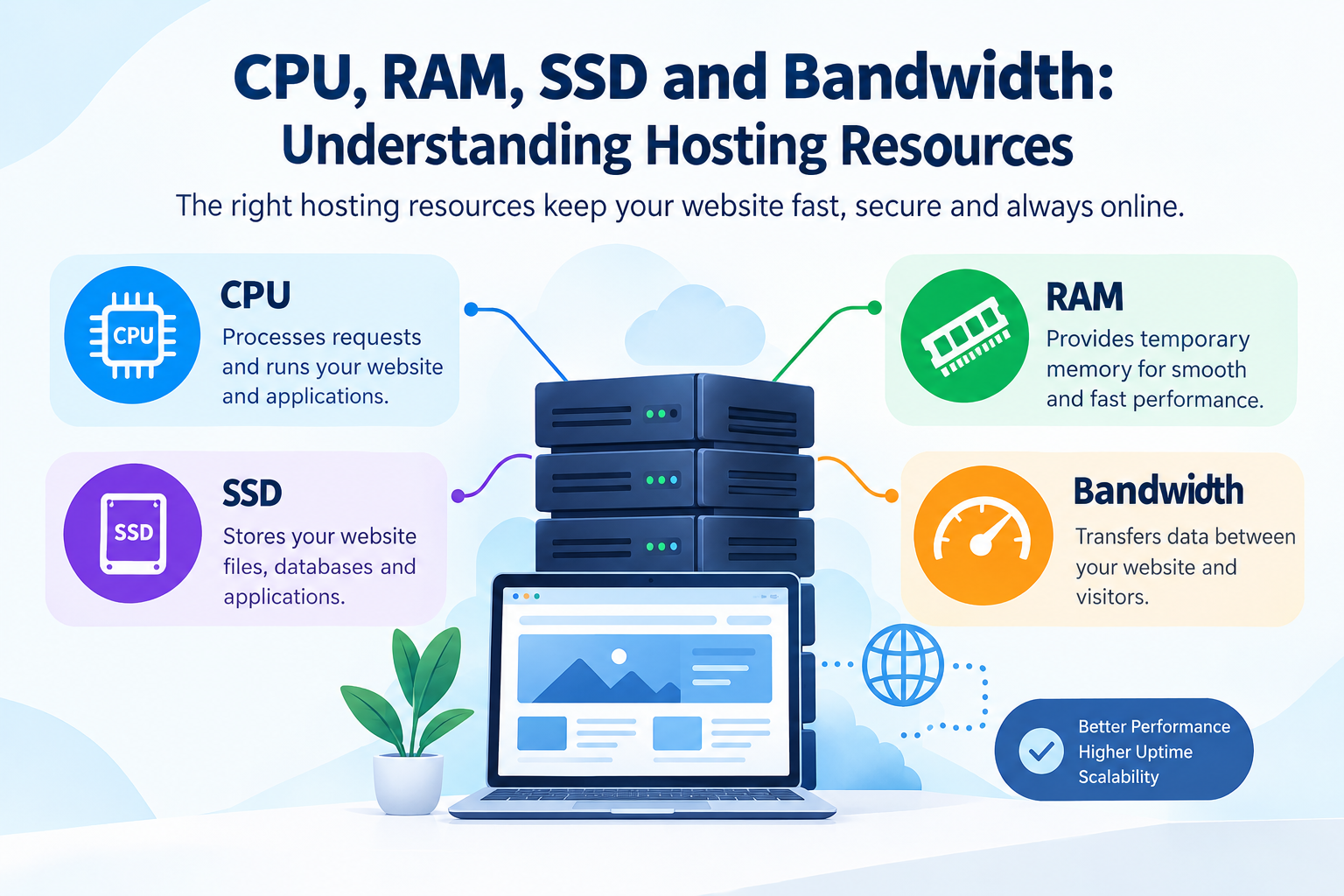
For help reading CPU and RAM promises, see how CPU, RAM, SSD and bandwidth limits work.
What Separates A Good Plan From A Poor One?
The best cPanel reseller hosting gives you clear limits, isolation between client accounts, dependable backups, and support that answers inside your clients’ patience. Price matters less than whether the plan stays stable once most account slots are full.
Beyond the numbers, five checks sort plans quickly:
• Account cap and disk: the exact number of accounts and total GB, not the word unlimited
• Isolation: whether one busy client can slow the others, and which limits apply per account
• Backups: how often they run, how long they are kept, and who restores them
• White label: custom nameservers and your own branding, if clients should not see the host
• Support: who fixes server faults while you answer client questions
Test the claims with a real site. Ask for a trial account or a refund window, move one live site across, and time how long the migration and the first backup restore take.
What Hidden Costs Does A Reseller Business Carry?
Beyond the plan price, expect costs for billing software, payment gateway fees, domain registrations, and your own support time. Plan prices usually cover server space only, so budget for these before you set client prices.
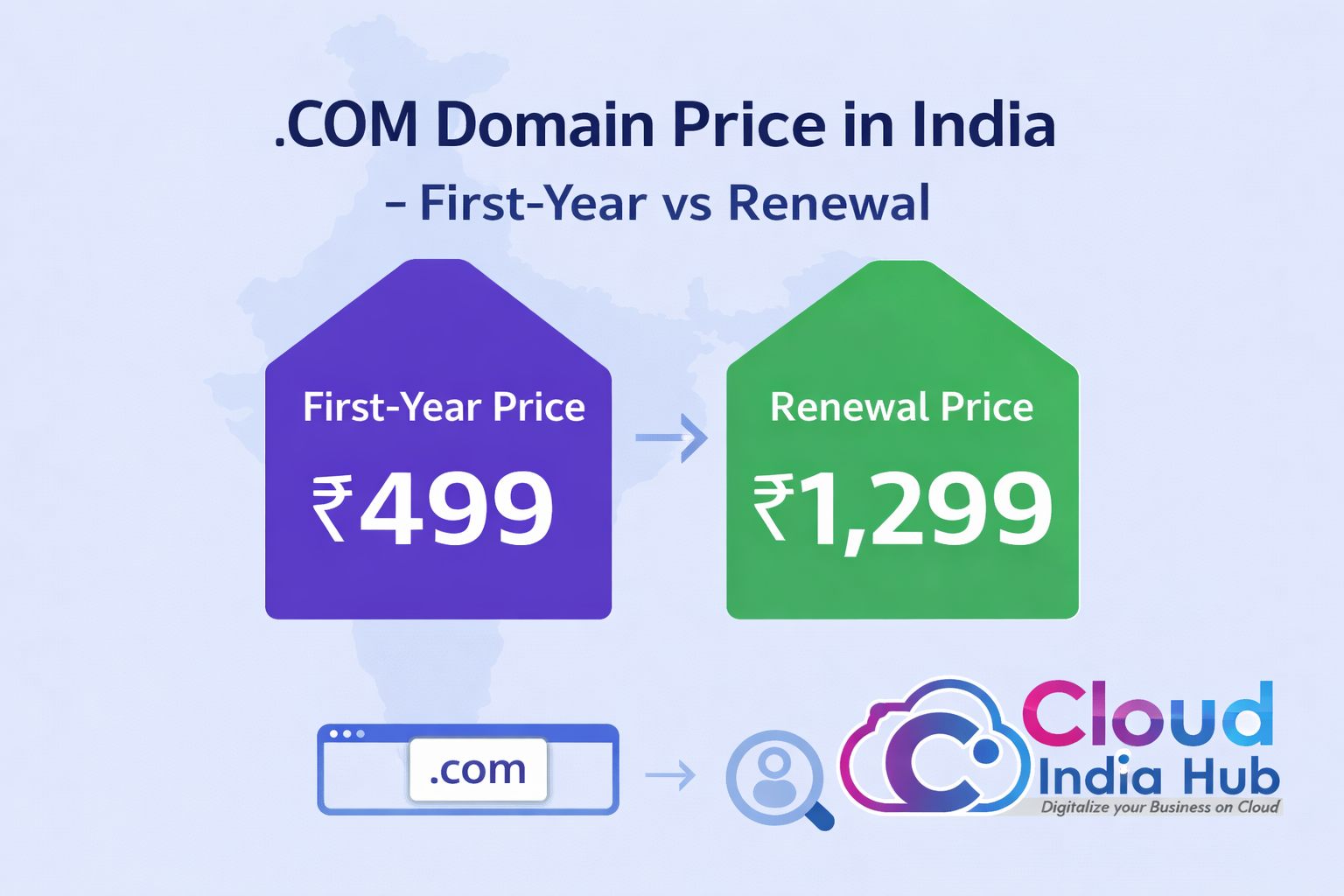
• The renewal price after any first-year offer
• Billing and invoicing software, if you want automatic invoices
• Gateway fees on every client payment
• Domains and any paid SSL beyond what the plan includes
• Your own hours spent on tickets, migrations, and renewals
Add these up, then price your packages so a half-full plan still covers its cost. The cost table above works as a stress test: if the 8-account row loses money, raise your price or pick a smaller plan.
Work out your break-even client count by dividing total yearly cost by the yearly price per client. With ₹8,000 of yearly cost and a ₹1,200 package, 8,000 divided by 1,200 is about 6.7, so you break even at 7 clients. Every client after that is margin, minus support time.
How Do You Split A Reseller Plan Into Client Packages?
Divide your total allocation by the number of clients you expect, then build one package per client type. With cPanel reseller hosting, 100 GB across 20 accounts gives 5 GB each, and you create the matching package in WHM so every account gets its own limits.
Overselling changes the sums. cPanel’s documentation on overselling says accounts can be allocated more space than your limit, but once real usage passes it, you cannot create new accounts. Its example has four 200 MB accounts using up to 800 MB against a 500 MB allocation.
1. Note the plan’s total disk, bandwidth, and account cap.
2. Pick three package sizes, for example 2 GB, 5 GB, and 10 GB.
3. Create each package in WHM with disk, bandwidth, email, and database limits.
4. Leave headroom, such as 20 percent, so one busy site cannot exhaust the pool.
5. Review usage every month and move heavy clients to a bigger package.
Which Hosting Setup Fits Your Client Count?
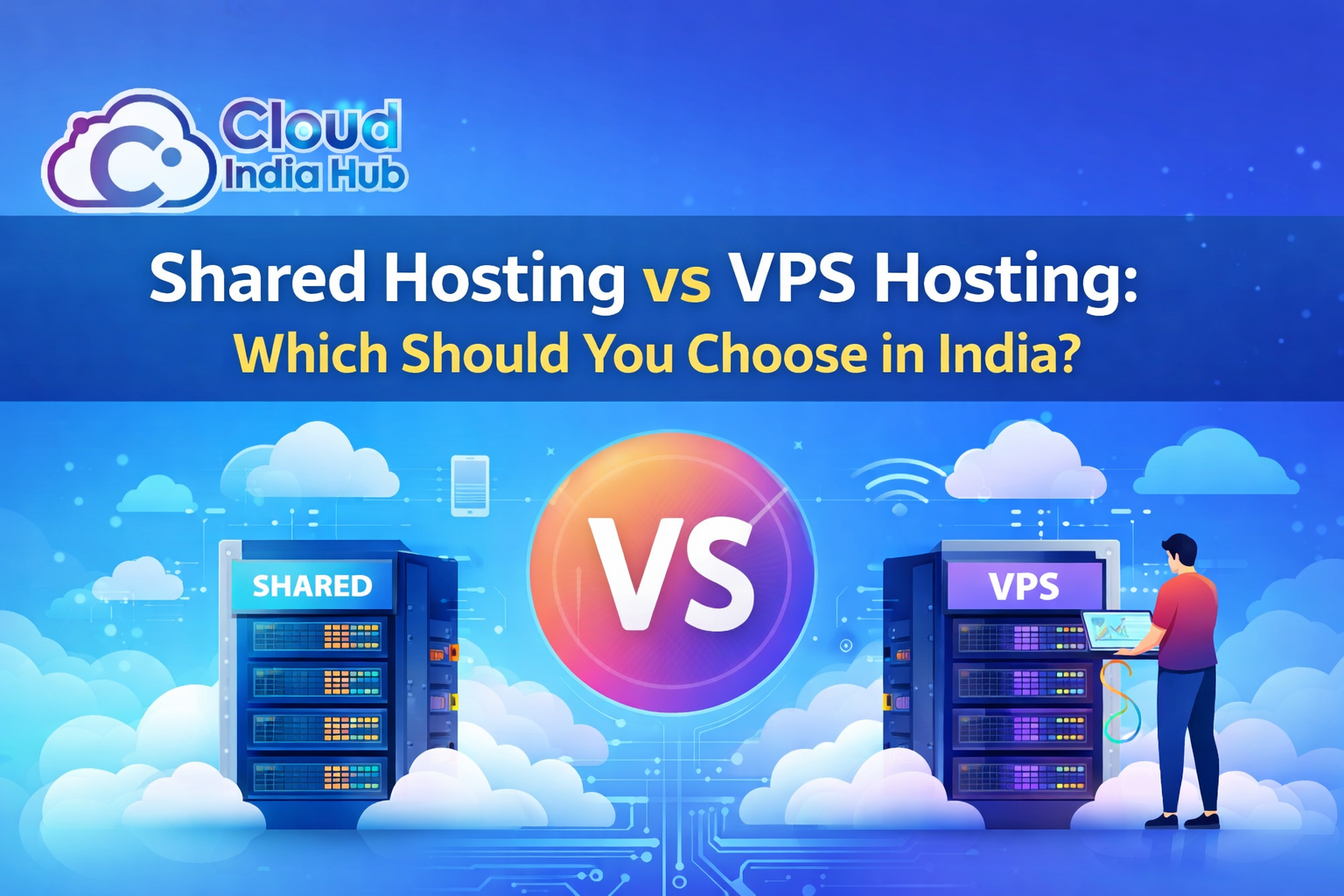
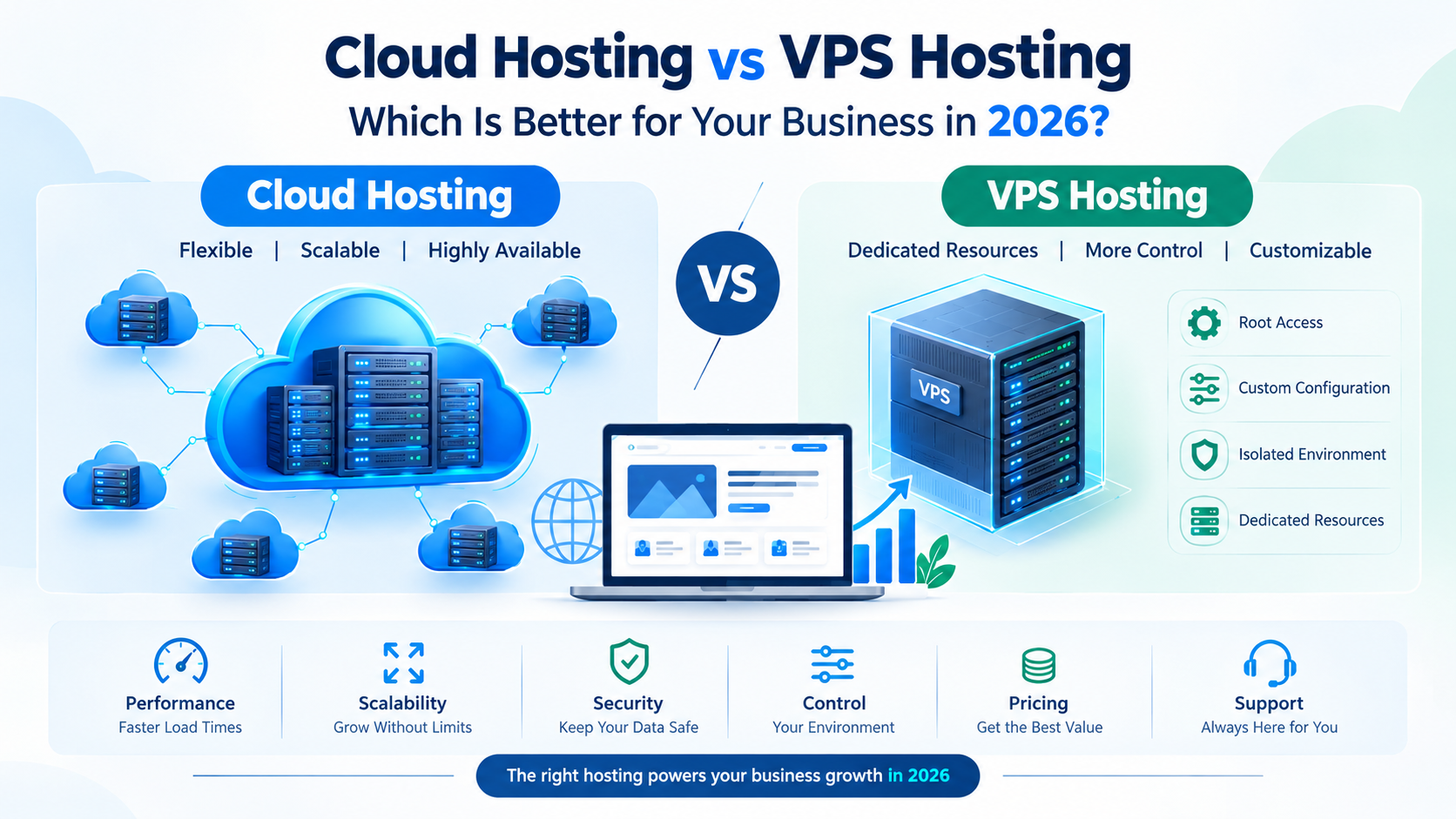
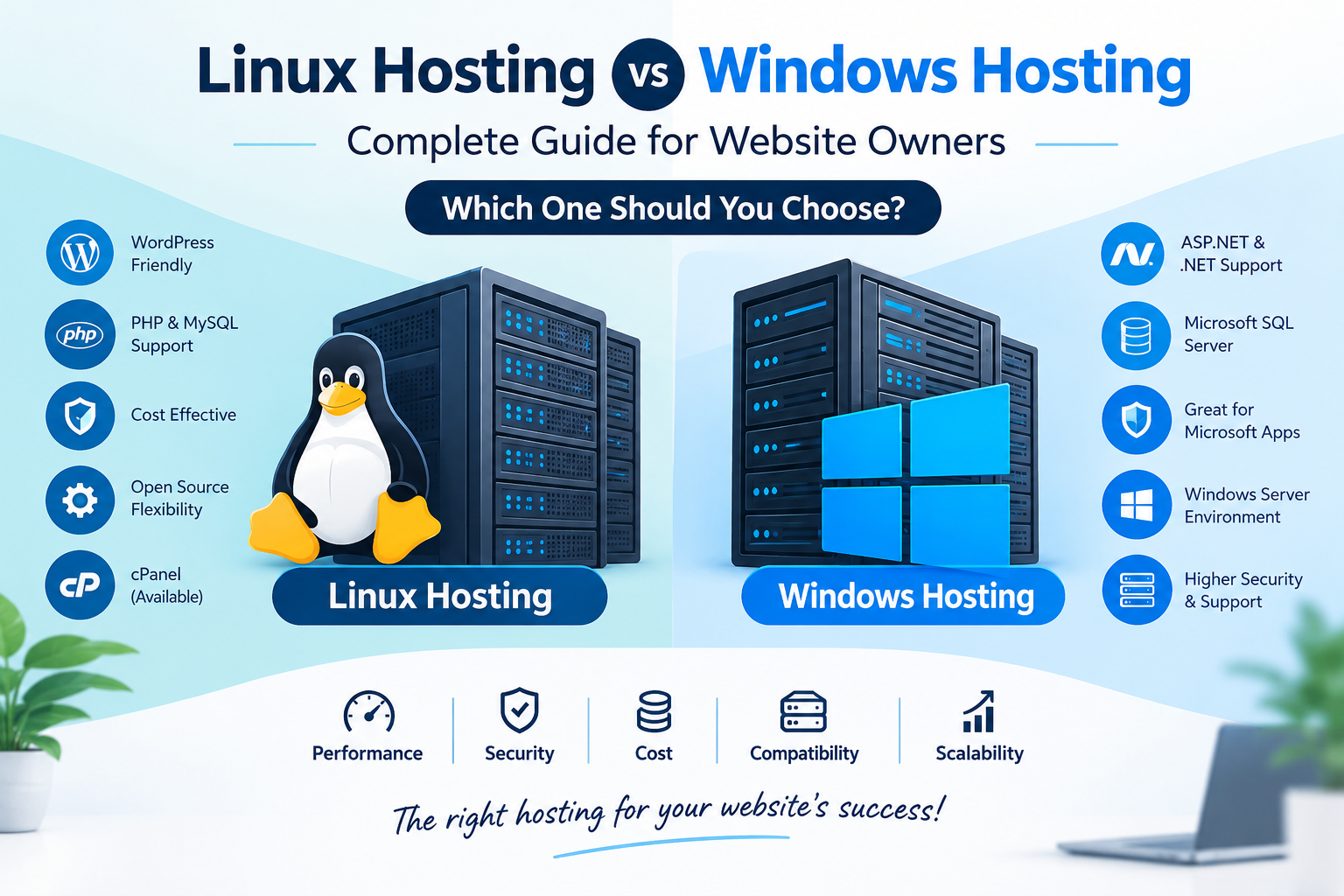
Choose cPanel reseller hosting when each client needs a private login, a shared multi-site plan when you only host your own sites, and a VPS when you want to run the whole stack yourself. Client count and support time decide the choice.
For a handful of your own sites, a shared plan can be enough. Cloud India Hub’s shared web hosting plans list 10 websites and 100 GB SSD on the Standard plan at ₹899 a month, with daily backups. Confirm whether each site gets its own login before you promise that to a client.
|
Setup |
Client logins and control |
Best for |
Watch out for |
|
Reseller plan |
Separate cPanel per client, with WHM packages and limits |
Agencies and freelancers with several clients |
Account cap and renewal price |
|
Shared multi-site plan |
Depends on the provider, and limited to the plan |
Your own sites or one or two clients |
Site cap and fair-use terms |
|
VPS |
You build it yourself, with full root access |
Developers who run their own stack |
Server upkeep and control panel licence cost |
When Does A VPS Make More Sense Than A Reseller Plan?
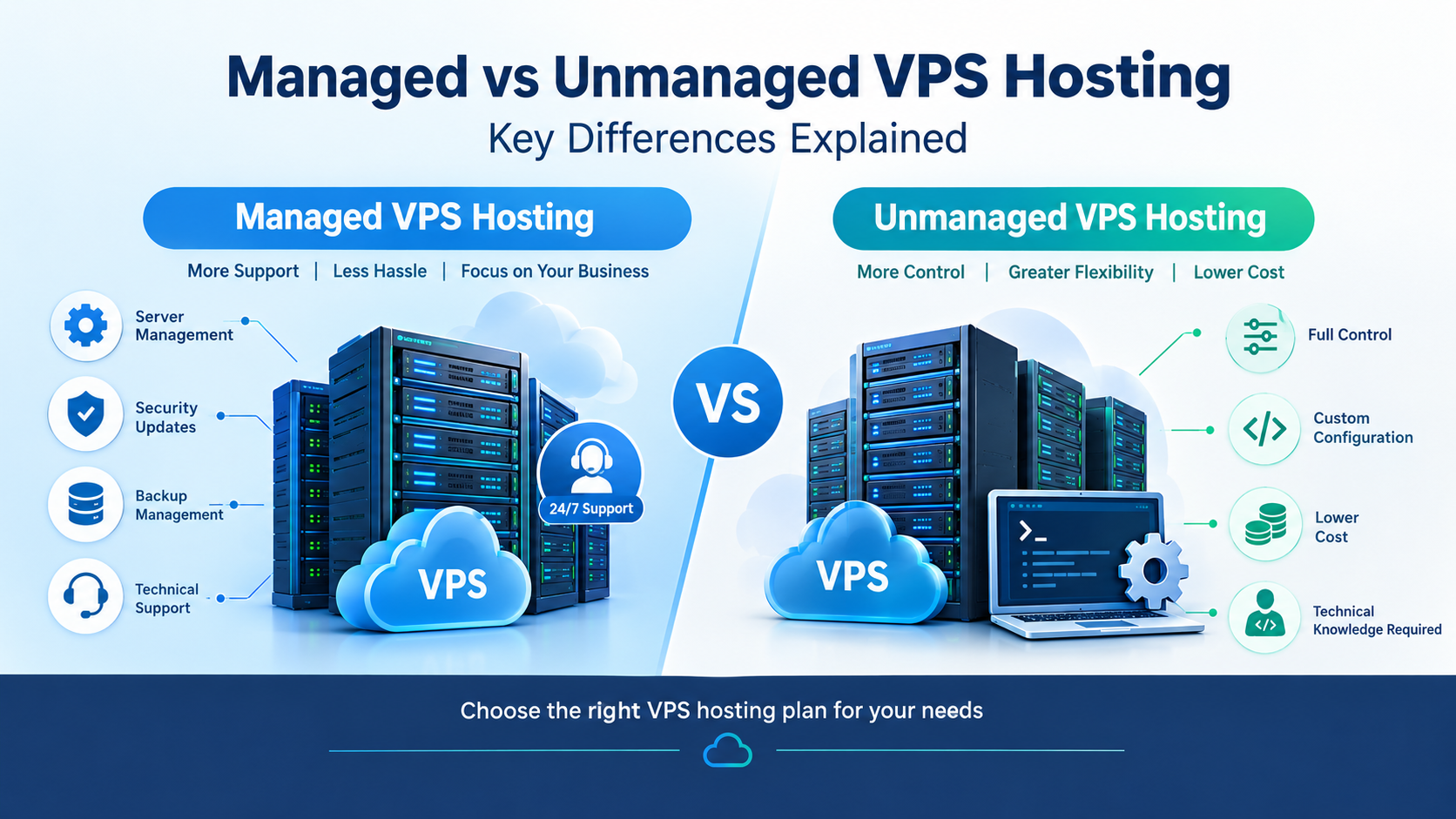
A VPS makes more sense when you need custom software, strict isolation for one demanding client, or full control of server settings. You also take on updates, security, and any control panel licence, so it suits people who are comfortable with server work.
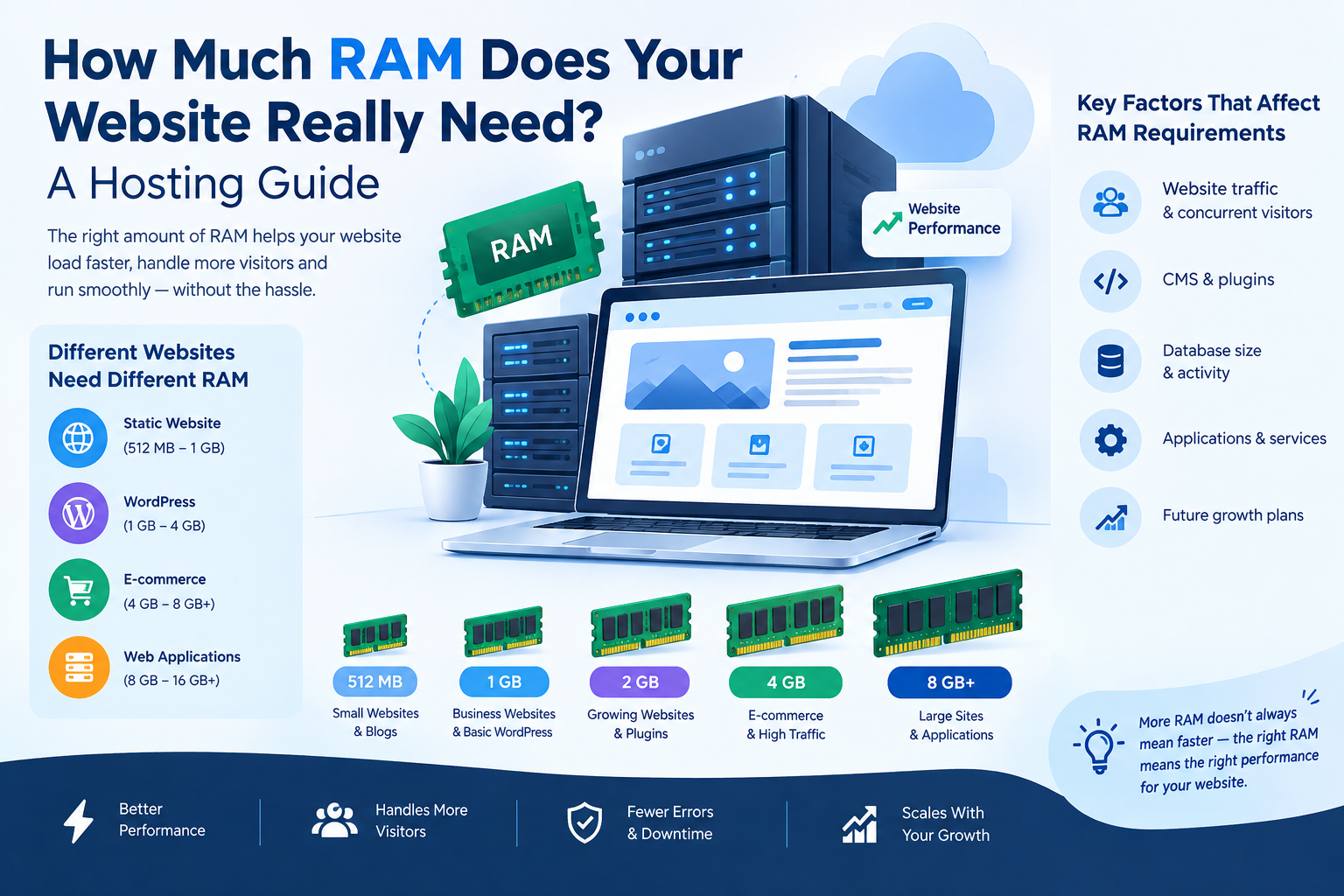
Cloud India Hub’s VPS plans with full root access range from 1 vCPU and 2 GB RAM up to 4 vCPU and 16 GB RAM. Each plan lists a 99.9% uptime guarantee and daily backups.
The page does not name a control panel, so ask which panel you can install before you plan around cPanel.
What Should You Ask A Provider Before You Pay?
Ask for the answers in writing before you pay. Vague replies about limits, renewals, or backups are a warning sign, because those three items decide how many clients you can safely serve.
• What is the exact account cap, and how much disk and bandwidth sit behind it?
• Is overselling allowed on my reseller account?
• What is the renewal price for the second year?
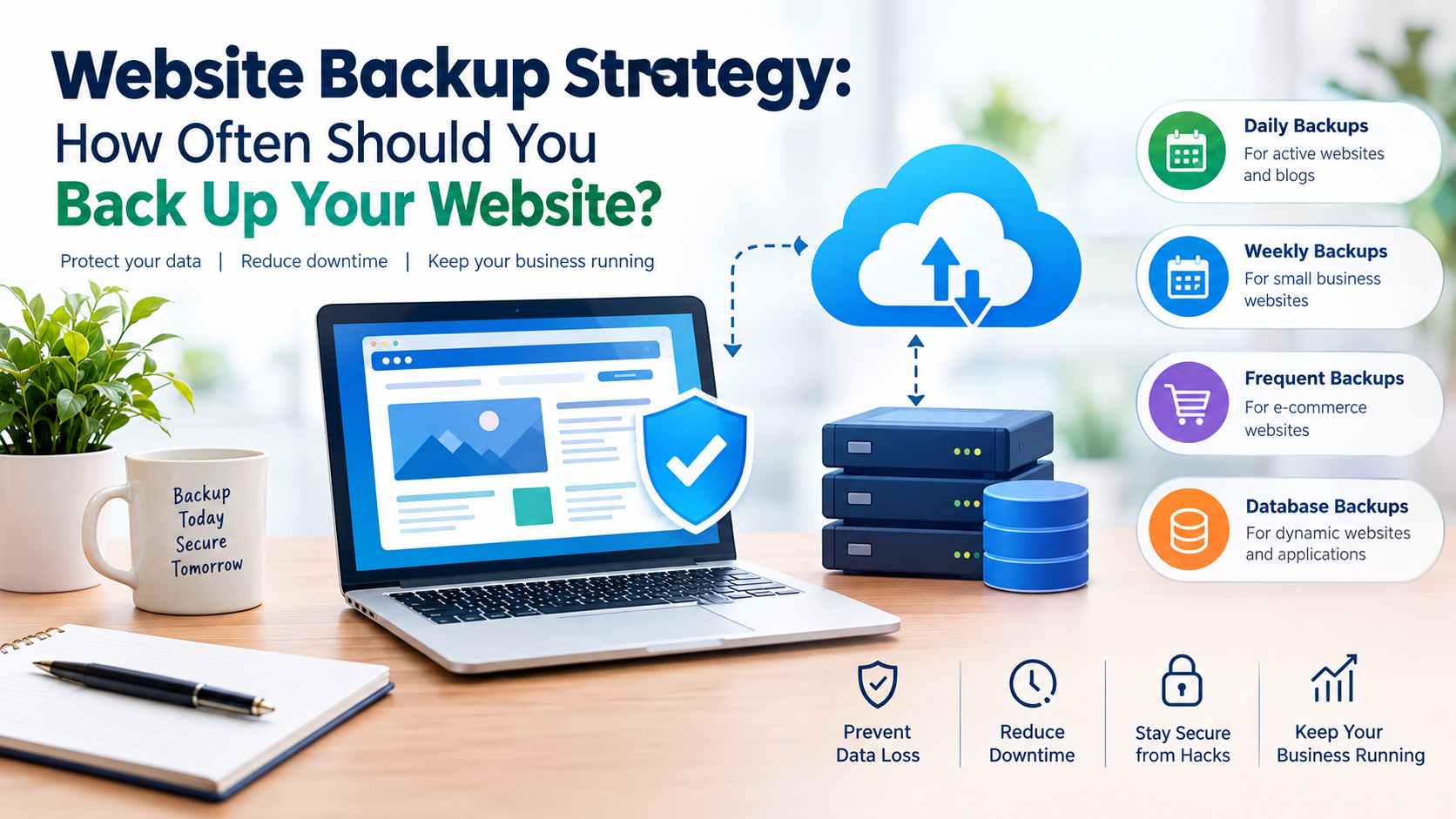
• How often are backups taken, and can I restore a single account?
• Do you migrate my existing cPanel accounts, and with how much downtime?
• Can I use custom nameservers and my own branding?
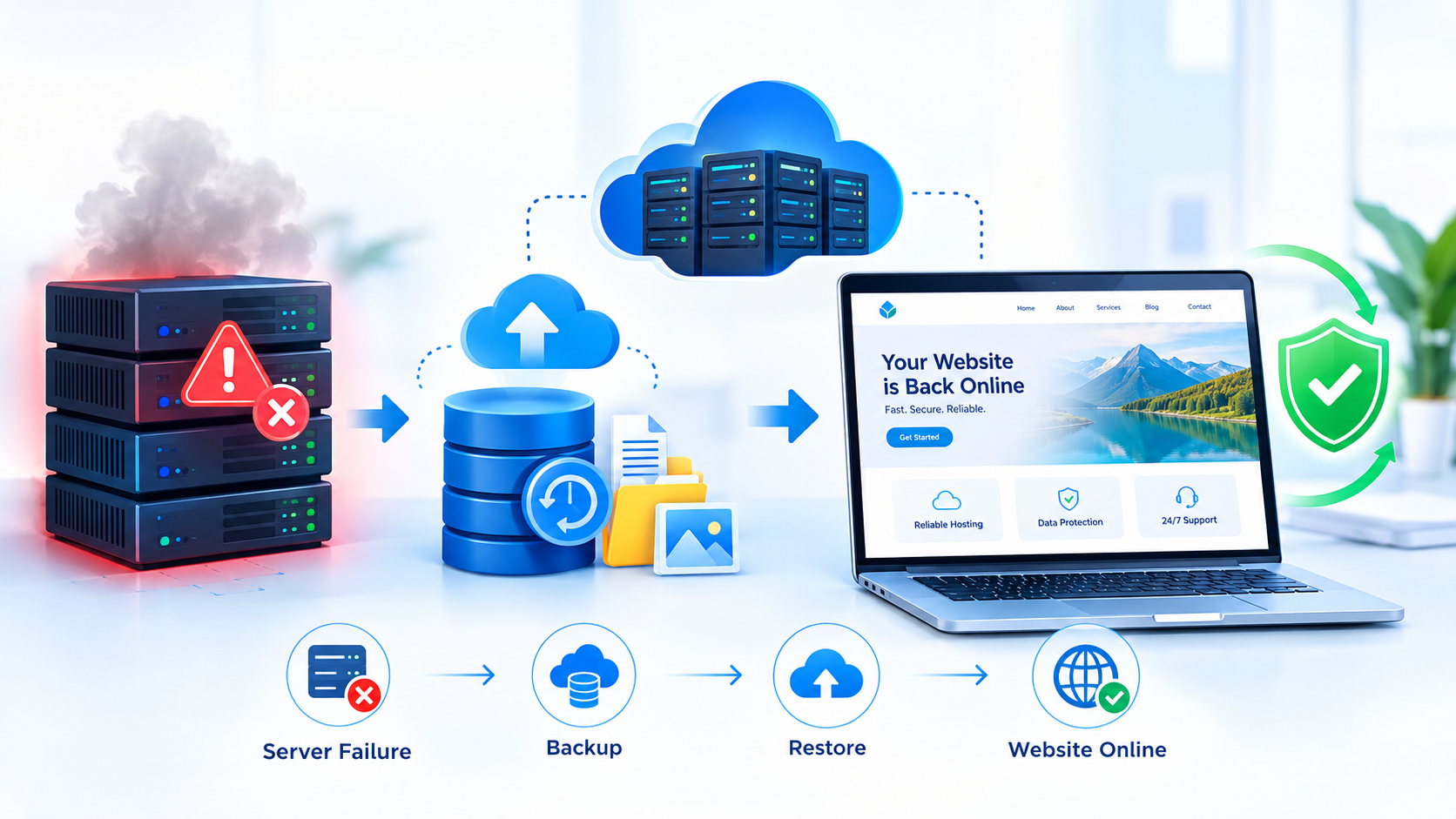
• Who do I contact when the server itself fails?
• What is the refund window if the plan does not suit my clients?
Keep the replies in one file. If two providers answer the same question differently, the written version is the one you can hold them to.
Frequently Asked Questions
Is cPanel reseller hosting profitable for beginners?
It can be, but only once your price per account sits above your cost and you have paying clients. Start with a small plan, track cost per account, and upgrade only when most slots are full.
How many clients can one plan support?
It depends on account caps and real usage, not just disk size. With cPanel reseller hosting, a 100 GB allocation might hold 20 light sites but far fewer busy online stores.
Do I need my own cPanel licence?
Usually not on a managed reseller plan, because the provider runs the server and holds the licence. On a VPS, you may need your own licence if you install the control panel yourself.
What is WHM and how is it different from cPanel?
WHM, or WebHost Manager, is where you create accounts, set packages, and suspend or upgrade clients. Each client works in their own cPanel, which manages only their files, email, and databases.
Can I sell the hosting under my own brand?
Often yes, through custom nameservers and your own billing, but features differ by provider. Ask whether white label is included and whether clients ever see the parent company’s name.
Can I move existing client sites to a new plan?
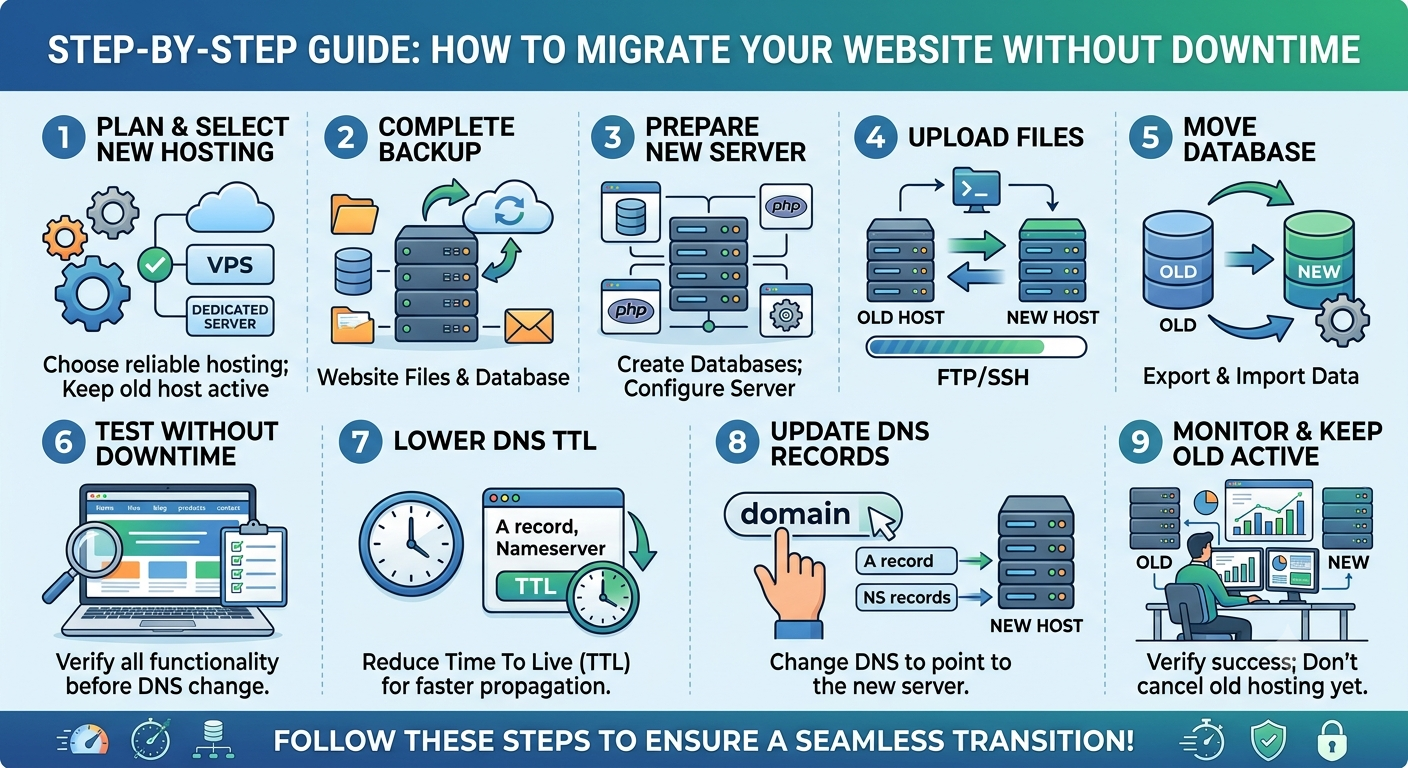
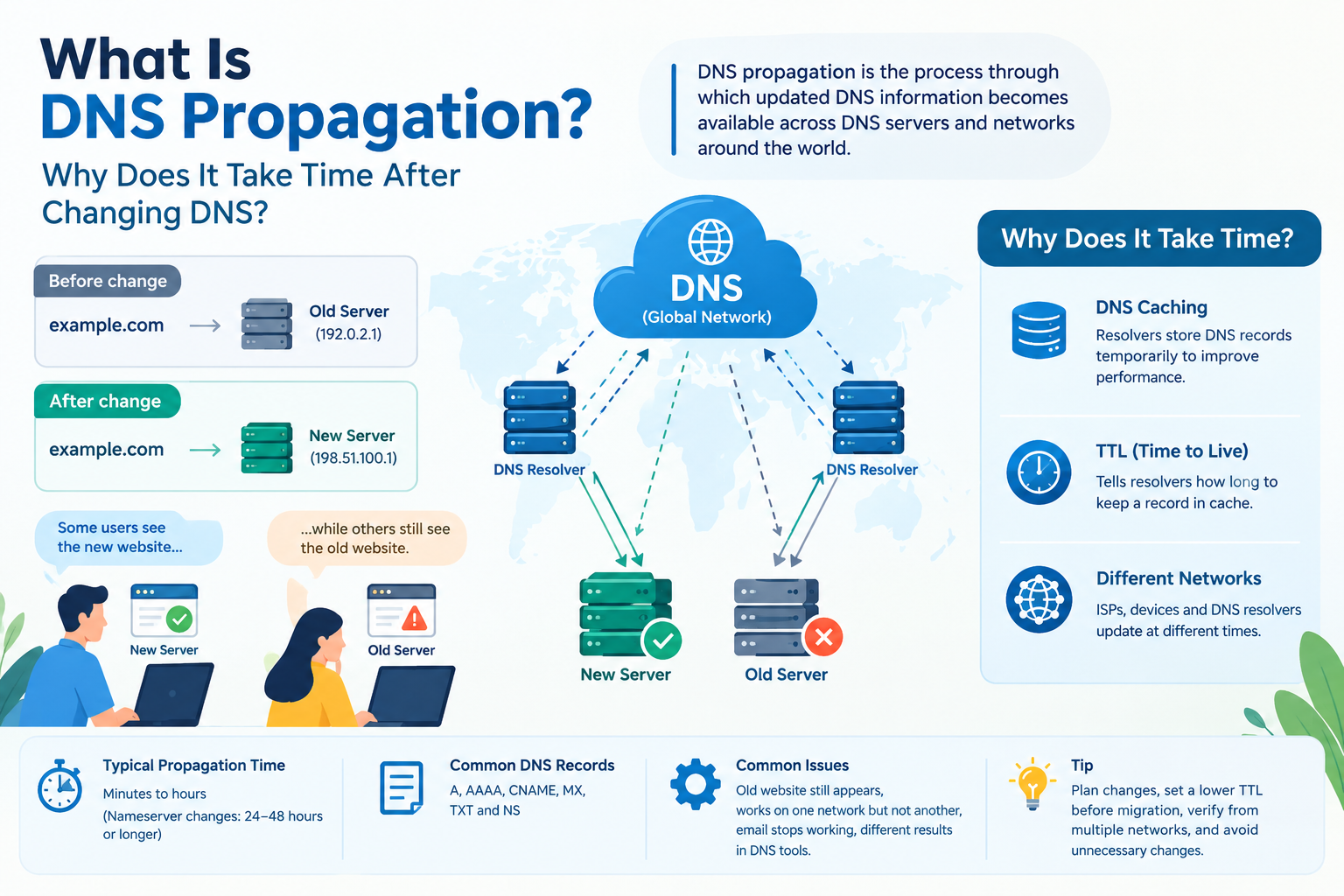
Yes, most providers can restore a full cPanel backup on the new server. Ask about free migration, expected downtime, and who updates the DNS records once the move is done.
Where Do You Go From Here?
Write down your expected client count, then price each cPanel reseller hosting option per account using the sums above. When you have a shortlist, talk to the Cloud India Hub team on 24x7 chat about which setup suits that client count.
Serving Bengaluru, Karnataka.






























































































































































Leave A Comment