

Should Business Email Hosting Live With Your Website?
Business email hosting gives your team addresses such as sales@yourbrand.com on a managed mail platform. Cloud India Hub lists three routes: mailboxes bundled with hosting from ₹299 a month, Enterprise Email plans from ₹499, and Google Workspace at ₹239 per user a month.
Most small teams face this choice the day a client questions an invoice sent from a free inbox. This guide prices each route for a team of eight. For vendor context, read our guide to the best email hosting providers in India.
At A Glance
• Price: From ₹299 a month, or ₹239 per user on Workspace
• Bundled mailboxes: 10 on Starter at ₹299 a month
• Enterprise Email: 5 GB, 10 GB and 30 GB tiers at ₹499, ₹799 and ₹1,999
• Google Workspace: 30 GB per user at ₹239 a month
• Support: 24x7 support
What Comes Inside A Business Mailbox Plan?
Business email hosting rents you the servers, spam filters, storage, and admin tools behind addresses on your own domain. You keep the brand, while the provider handles uptime, antivirus checks, and syncing to phones and desktop apps over IMAP or POP3.
The Cloud India Hub Enterprise Email page lists the typical package:
• Addresses on your own domain, such as accounts@yourbrand.in
• POP3 and IMAP sync across every device
• Shared calendars and automatic replies for leave periods
• Antivirus protection and a branded SSL certificate
• A stated 99.99% uptime and 24x7 support
A free inbox cannot offer what a team needs: an admin who resets a password the day someone leaves, shared addresses that outlive any one person, and a sender name customers recognise. Those controls are the real reason to move.
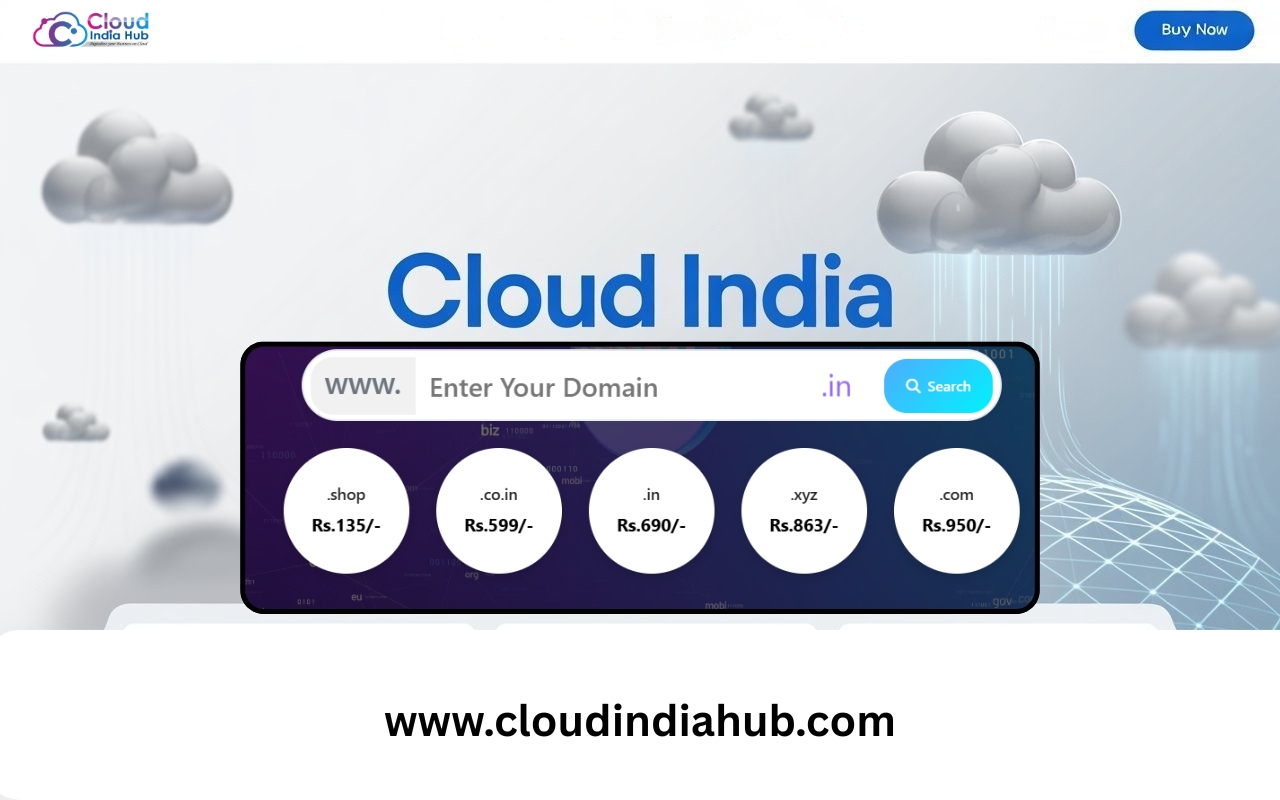
Every mailbox needs a registered domain first. Listed prices start at ₹649 for .in and ₹950 for .com before GST, and domain registration includes two email accounts, which suits a founder but not a team of eight.
Is Business Email And Website Hosting Better Together?
Together is simpler for small teams: one control panel, one invoice, one support desk. Apart is safer when mail is critical, because a website move never touches the mailboxes. Inbox users cannot tell the difference, as business email hosting behaves the same either way.
Bundling is cheap because the mailboxes ride on a website plan. The Cloud India Hub web hosting plans scale like this:
• Starter, ₹299 a month: 10 mailboxes, one website, no backups listed
• Basic, ₹499 a month: 50 mailboxes, five websites, weekly backups
• Standard, ₹899 a month: unmetered mailboxes, ten websites, daily backups
• Professional, ₹1,499 a month: unmetered mailboxes and websites, priority support
Unmetered still means fair use under the published terms, so ask support before importing hundreds of accounts.
Bundling has one trade-off worth naming. Your mail and your site share a plan, so an upgrade, a downgrade, or a move of the website is also a decision about the mailboxes. Teams that expect to change website hosts soon should weigh that before buying.
For business email and website hosting under one login, Basic is the practical pick for eight people. Its 50 mailboxes leave room for shared inboxes such as sales, support, and accounts, plus the hires you make next year.
How Much Do Business Email Hosting Services Cost In Rupees?
Business email hosting services cost ₹299 a month when mailboxes ride on a website plan, ₹239 per user a month on Google Workspace, and a calculated total on Enterprise Email. Compare them by team size, not by the headline number.
|
Setup |
Cost for eight people |
Best for |
Watch out for |
|
Bundled Starter |
₹299 a month |
Teams of up to 10 |
One website, no backups listed |
|
Bundled Basic |
₹499 a month |
Teams of up to 50 |
Weekly backups only |
|
Enterprise Email |
Set by accounts and term |
Mail kept apart from the site |
Tier prices start at ₹499 |
|
Google Workspace Starter |
₹1,912 a month |
Teams sharing files and calls |
Intro price ends after 12 months |
The Enterprise Email plans list webmail tiers at ₹499 for 5 GB, ₹799 for 10 GB, and ₹1,999 for 30 GB. The page then multiplies by accounts and duration, so do not assume those figures are per mailbox.
Prices above are list prices read on 2 November 2026. Check the final total at checkout before you commit.
The table leaves out four costs that change the real bill:
• Domain renewal: .in lists at ₹649 and .com at ₹950 before GST, and both recur yearly.
• Backups: Starter lists none, Basic runs weekly, and Standard and Professional run daily.
• Growth: Enterprise Email lets you add accounts from the admin panel as the team grows.
• Your own time: budget one evening for the switch, plus a day of questions from staff.
When Does Google Workspace Beat Plain Mailboxes?
Choose Google Workspace when your team lives in shared documents and video calls, because mail is only one piece of the bundle. For email alone, standard business email hosting costs less per person and avoids a per user charge that grows with every hire.
The Google Workspace plans page lists these tiers per user per month:
• Business Starter, ₹239: 30 GB of storage, video calls for 100 people
• Business Standard, ₹1,697: 2 TB of storage, calls for 150 people with recording
• Business Plus, ₹2,972: 5 TB of storage, calls for 250 people
Introductory prices of ₹159.30 on Starter and ₹1,131 on Standard apply to new customers only, for the first 20 users and 12 months. After that, the list rate returns, so budget with the list rate.
Two footnotes on that page affect planning. Storage is pooled per user across the organisation, and the Starter, Standard, and Plus tiers can be bought for a maximum of 300 users. Enterprise tiers have no minimum or maximum.
Which Setup Fits Each Team Size?
Solo owners fit inside Starter, teams of 8 to 50 fit inside Basic or Workspace, and larger firms should price Enterprise Email by account count. The deciding factor is less headcount than how much your staff share files and calls.
• One or two people: the two accounts that come with domain registration may be enough, and Starter’s 10 mailboxes add room.
• Eight people: Basic at ₹499 a month covers mail and a website. Workspace costs ₹1,912 for the same eight at list price.
• Thirty people: Workspace Starter reaches ₹7,170 a month at list price, against ₹499 for Basic. That gap of ₹6,671 buys documents, calls, and storage, so decide if you use them.
What Security Should Your Mailboxes Have?
Your mailboxes need SPF or DKIM authentication, TLS in transit, and a spam rate under 0.3%. Gmail has required these from every sender since 1 February 2024, and anyone sending over 5,000 messages a day to Gmail must add DMARC.
These numbers come from Google’s email sender guidelines, which also cover reverse DNS records and message formatting.
• SPF lists the servers allowed to send for your domain
• DKIM signs outgoing mail so receivers can verify it
• DMARC tells receivers what to do when those checks fail
Three mistakes cause most delivery trouble: publishing two SPF records for one domain, sharing a single password between staff, and leaving a former employee’s mailbox open. Each takes minutes to fix and weeks to recover from.
Hosted platforms usually generate the DKIM key for you, so your job is to paste it into DNS. Our SPF, DKIM and DMARC setup guide shows each entry.
How Do You Move Your Team To New Mailboxes In Five Steps?
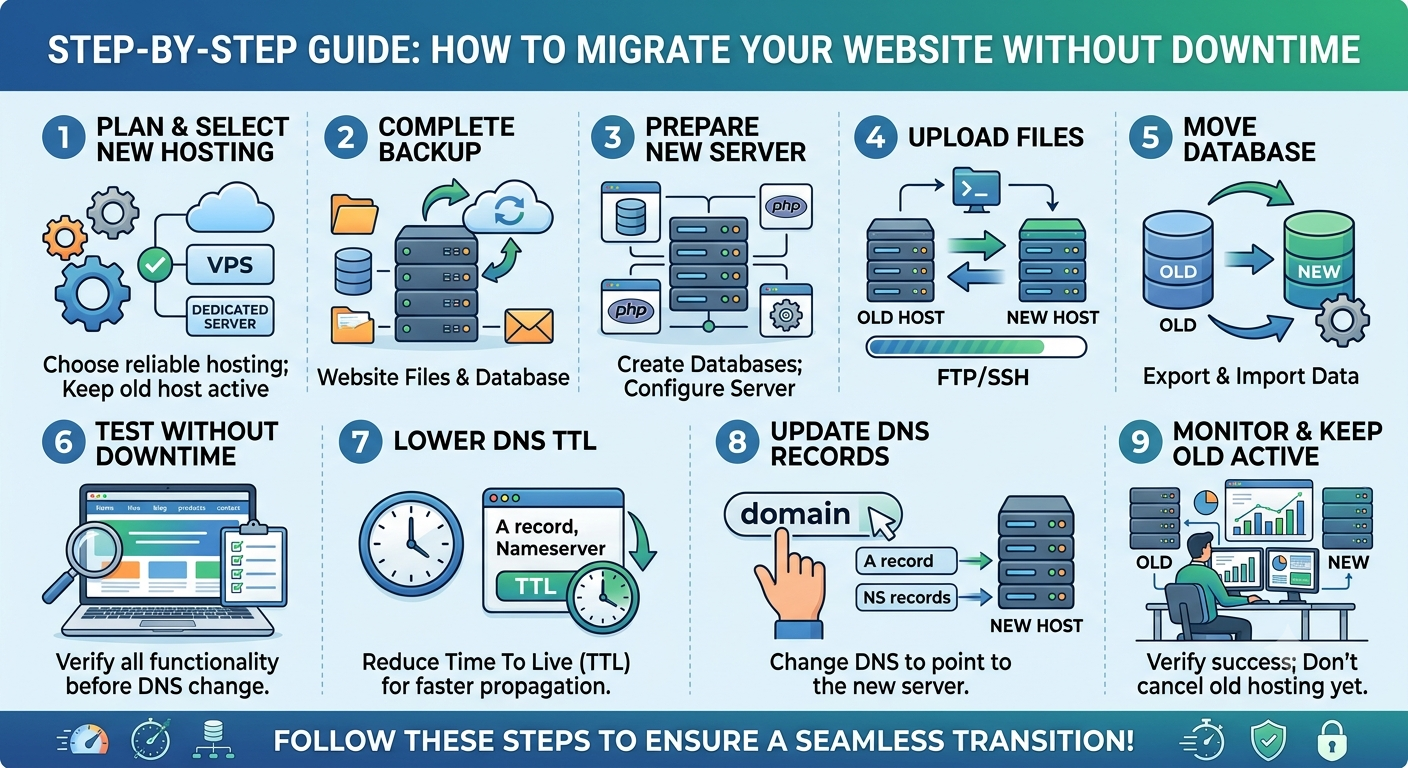
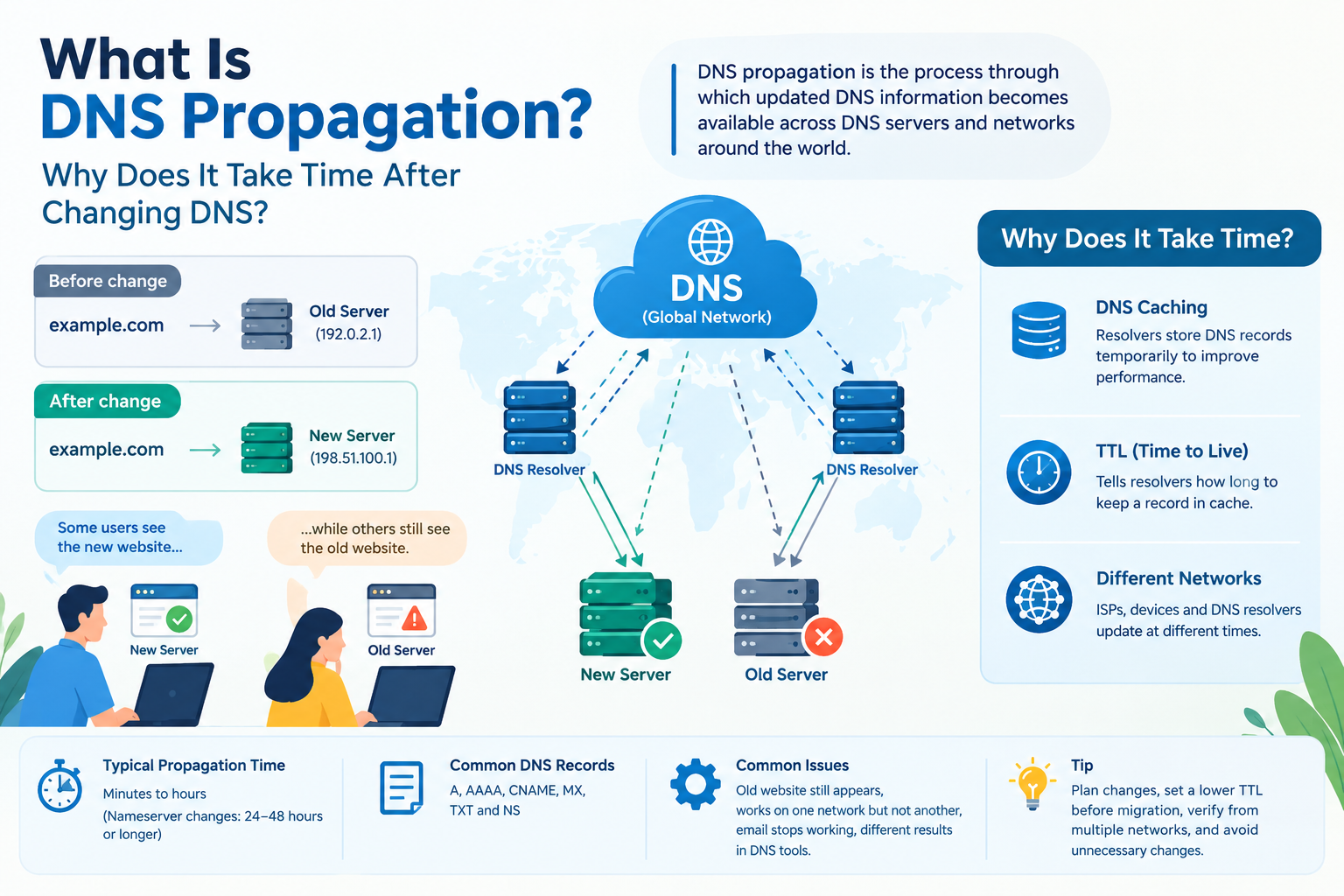
Moving to business email hosting takes five steps: count mailboxes, pick a plan, create accounts, switch the MX record, and add authentication records. Plan one quiet evening for the switch, because DNS changes can take anywhere from a few minutes to a day or more to spread.
1.Count today’s mailboxes and the ones you will add within a year, including shared inboxes.
2. Choose bundled, Enterprise Email, or Google Workspace using the table above.
3. Create the accounts, set strong passwords, and copy old mail across using IMAP.
4. Change the MX record at your DNS host so new mail lands on the new platform.
5. Publish SPF and DKIM records, then add a DMARC record that only monitors at first.
Test before you announce the change. Send one message from the new mailbox to a Gmail address and one to an Outlook address, open the message headers, and confirm that SPF and DKIM both show a pass. Then tell the team.
Frequently Asked Questions
Can I get a mailbox plan without a website?
Yes. Business email hosting works without a website: buy a standalone mail plan, register a domain, and point its MX record at the service.
What does the term web hosting with email mean?
Business email web hosting means mailboxes included inside a website plan, so one subscription covers both. Cloud India Hub’s Starter plan includes 10 email accounts and Basic includes 50.
How many mailboxes does a team of eight need?
Plan for eight people plus shared inboxes such as sales, support, and accounts, so about 11. Starter’s 10 mailboxes would be tight, while Basic’s 50 leaves room to grow.
Is Google Workspace the same as plain mailbox hosting?
No, Workspace is a productivity suite with mail, Drive, Docs, and Meet, billed per user. Plain mailbox plans cover email only and usually cost less.
Do I keep my addresses if I change provider?
You own the domain, not the mail platform, so the addresses stay the same when you switch. Update the MX record and move old mail across with IMAP.
Will my emails land in spam?
Not if you publish SPF and DKIM records and keep complaints under 0.3%. Authentication does not guarantee inbox placement, but it removes the most common cause.
Where Do You Go From Here?
Write down your headcount, shared inboxes, and daily tools, then match them to the table above. For a second opinion on business email hosting for your team, talk to Cloud India Hub support on chat or call +91 98864 66777.
Serving Bengaluru, Karnataka.















































































































































































Leave A Comment