
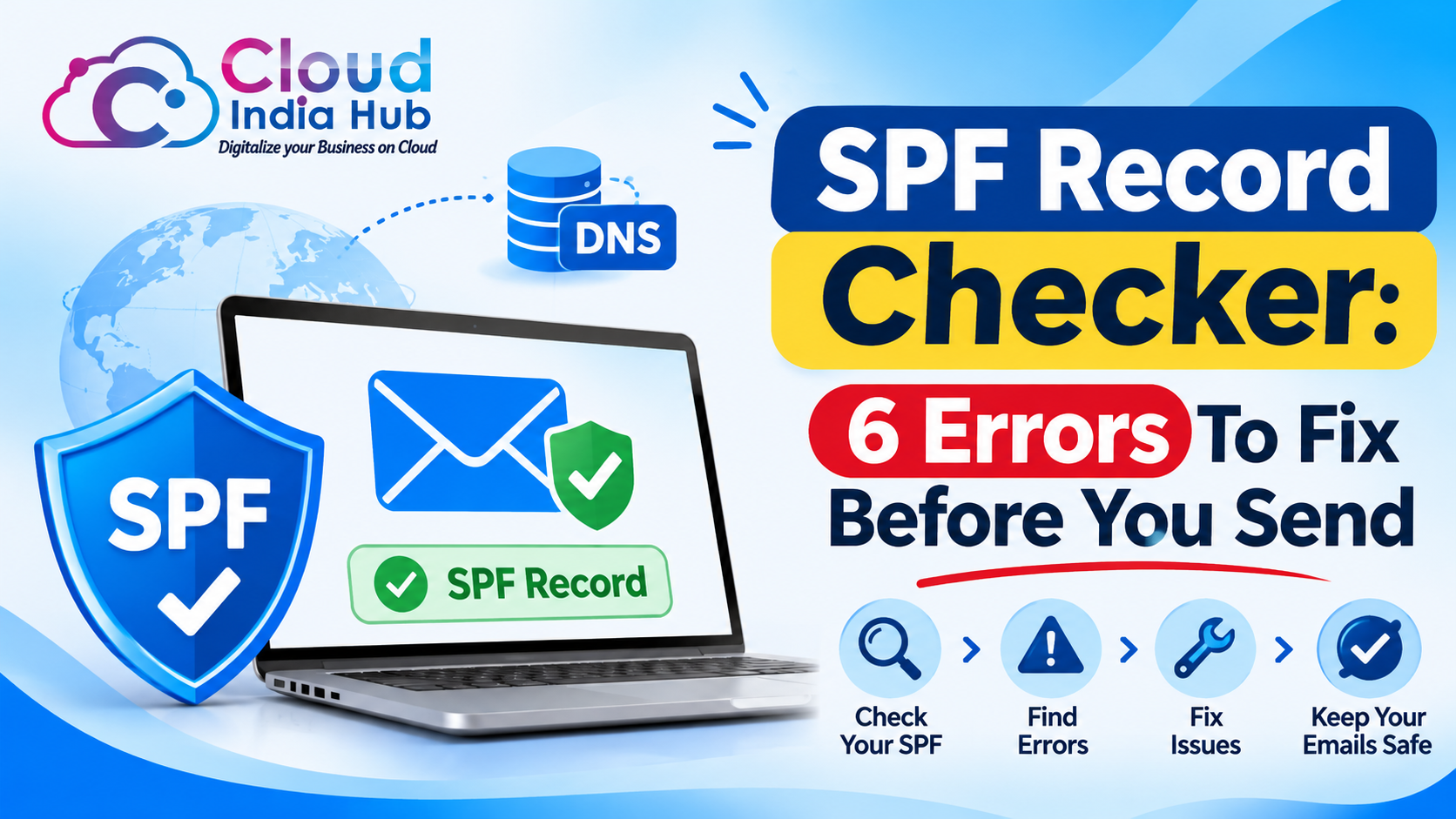
How To Read Your SPF Record Checker Results Step By Step
An SPF record checker reads the TXT record published for your domain, confirms it starts with v=spf1, and counts the DNS lookups it triggers against the limit of 10 in RFC 7208. Run one after every mail change, because a single error makes receivers treat your SPF as broken.
Most mail problems trace back to one line of DNS. This guide shows what the check tests, how to read each verdict, and how to fix errors, starting with our guide to A, CNAME, MX, and TXT records if TXT records are new to you.
At A Glance
• Price: From ₹299 a month for hosting with 10 mailboxes
• Lookup limit: 10 DNS-querying terms per check
• Records allowed: 1 SPF record per domain
• Record type: TXT, starting with v=spf1
• A failed check often shows up as spam placement or bounced mail.
What Does An SPF Record Checker Actually Test?
A good SPF record checker tests four things: that exactly one record exists, that its syntax parses, that the lookups it triggers stay within the limit, and that a given sending IP address matches one of its mechanisms. Each test can fail on its own.
SPF lives in a TXT record at the root of your domain, not in a subdomain, and the whole policy is one line of text. A simple example is v=spf1 mx include:mail.example.net -all.
• One record: two SPF records on one name produce an error, not a merge.
• Valid syntax: a typo anywhere invalidates the entire record.
• Lookup budget: include, a, mx, ptr, exists, and redirect terms each cost a lookup.
• Sender match: the checker compares the IP address to each term from left to right.
The first term that matches decides the verdict. That is why the ending matters: -all, ~all, and ?all give an unlisted sender three different results.
How Do You Read Pass, Softfail, And Permerror Results?
Every SPF record checker ends with one of seven verdicts defined in RFC 7208: none, neutral, pass, fail, softfail, temperror, or permerror. Pass and fail are definite, softfail and neutral are weak signals, and the rest mean a missing record, a DNS hiccup, or a broken record.
A plain SPF checker prints the verdict beside the term that matched. Use the table to decide what to do next.
|
Result |
What it means |
What to do |
|
Pass |
The sending IP matches a term in the record |
Nothing, keep testing after changes |
|
Fail |
The IP is explicitly not authorized, usually by -all |
Add the sender if it is legitimate |
|
Softfail |
The IP is probably not authorized, usually by ~all |
Add real senders, then tighten later |
|
Neutral |
The record makes no claim, usually by ?all |
Treated like none, so move to ~all |
|
None |
No SPF record was found |
Publish one TXT record starting v=spf1 |
|
Temperror |
A transient DNS error stopped the check |
Retry later and check nameserver health |
|
Permerror |
The record cannot be interpreted |
Fix duplicates, syntax, or lookup count |
To see the raw record behind a verdict, the Cloud India Hub DNS record lookup returns TXT records alongside A, MX, and NS. The page asks you to sign in before a lookup runs.
Softfail deserves patience. Receivers are advised not to reject on softfail alone, so ~all is the safer ending while you confirm every sender.
Why Does The 10 Lookup Limit Break So Many Records?
Each include, a, mx, ptr, exists, and redirect term costs one DNS lookup, and nested includes add more. Cross the limit of 10 and the result is permerror, so SPF stops giving a usable answer for mail from your domain.
The cap comes from RFC 7208, section 4.6.4, which names the six terms that cost a lookup and the ones that do not. Pick an SPF record checker that prints the lookup count, because your DNS panel never shows it.
|
Term |
Costs a lookup? |
Note |
|
include |
Yes |
Plus every term inside the included record |
|
a |
Yes |
Resolves the domain’s address records |
|
mx |
Yes |
Querying over 10 address records gives permerror |
|
ptr |
Yes |
The standard says not to publish it |
|
exists |
Yes |
Rarely needed for ordinary mail |
|
redirect |
Yes |
A modifier that points to another record |
|
ip4 and ip6 |
No |
List addresses directly |
|
all |
No |
Ends the record |
Here is an illustrative tally. A record with mx, a, and three include terms costs 5 lookups. If two of those includes nest two terms each, the total is 9. Add a CRM include with one nested term and you reach 11, which fails.
Two more limits hide in the same section. RFC 7208 advises stopping at two void lookups, meaning queries that return nothing. It also suggests keeping the DNS answer under 450 octets so it fits one UDP packet.
Is An Online SPF Checker Enough On Its Own?
No. An online SPF checker tests the record as published in DNS, not the path your real mail takes. It cannot see which server sent a message, whether a forwarder rewrote the sender, or whether your mail host signs with DKIM.
Treat the SPF record checker verdict as the first half of the test. The second half is a live message: send one to two inboxes at different providers, open the full headers, and look for spf=pass in the Authentication-Results line.
• What the tool sees: record text, syntax errors, lookup count, and a verdict for one IP.
• What it misses: forwarding, mailing lists, and which IP your mail host really used.
• Why forwarding fails: the receiver sees the forwarder’s IP, not yours.
Forwarders and mailing lists are the usual source of surprise failures, as RFC 7208 explains in its section on mediators. A passing tool result plus a failing header is a clue to look there first.
What Does An SPF DKIM Checker Add To The Picture?
An SPF DKIM checker tests two separate proofs. SPF says which servers may send for your domain, while DKIM adds a signature that receivers verify with a public key you publish in DNS under a selector name.
SPF evaluates the envelope sender and HELO name, not the From address people see. RFC 7208 warns that an authorized message can still show other identities in its headers.
DKIM keys sit in a TXT record at selector._domainkey on your domain, and your mail host tells you the selector. DMARC then ties both results to the visible From domain and sets the policy.
Our SPF, DKIM, and DMARC setup guide for small businesses walks through the three records in order, so you can publish them once and test them together.
Run the DKIM half of the test with the selector your host gave you, because a checker cannot guess it. If SPF passes but DKIM fails, look for a missing or mistyped key record before you touch the sender list.
Which Senders Belong Inside Your SPF Record?
Include every system that sends mail using your domain in the envelope sender: your mailbox host, Google Workspace or Microsoft accounts, newsletter tools, and billing or CRM software. Remove anything that no longer sends, because dead includes spend lookups for nothing.
Ask each vendor for its include value rather than guessing it. Then rank terms by cost, because RFC 7208 prefers ip4 and ip6 over a, and a over mx, when addresses rarely change.
• Current senders: list them first, and note who owns each.
• Retired tools: delete the include the day you cancel the service.
• Parked domains: publish v=spf1 -all on domains that send no mail.
If you are still choosing where mail should live, our business email hosting comparison prices bundled mailboxes from ₹299 a month and Enterprise Email from ₹499, so you can count senders before you count rupees.
How Do You Fix A Failing SPF Record In Six Steps?
Run your SPF record checker first, then fix errors in this order: duplicates, syntax, lookup count, missing senders, the closing term, and record weight. An earlier error can hide the later ones, so recheck after every change.
1. Duplicate records: delete extras so only one TXT record begins with v=spf1.
2. Syntax typos: use one space between terms and spell each mechanism correctly.
3. Too many lookups: swap a and mx for ip4 or ip6 where addresses are fixed, and remove unused includes.
4. Missing senders: add the include value for each service that sends as your domain.
5. Wrong ending: move from ?all or +all to ~all while testing, then to -all once every sender passes.
6. Heavy records: drop ptr, and keep long records under 450 octets by splitting text into strings of 255 octets or fewer.
Give DNS time to update before you judge a change. Finish with a live test message and read the headers, because the tool only proves the published record.
Frequently Asked Questions
What is an SPF record?
An SPF record is a DNS TXT entry beginning v=spf1 that lists the servers allowed to send mail for your domain. Receivers compare the sending IP address to it and return a verdict such as pass or fail.
How often should you run an SPF record checker?
Run an SPF record checker after any change to your mail host, newsletter tool, or DNS, and again before moving from ~all to -all. A monthly check also catches vendors that change their includes.
Can I have two SPF records on one domain?
No, RFC 7208 forbids multiple SPF records that a check would select, and receivers return permerror when they find two. Merge every sender into one TXT record starting v=spf1.
Is there a free online SPF checker I can trust?
Free tools exist, and any online SPF checker that prints the lookup count, syntax errors, and a verdict per IP is useful. Confirm with a live test message, since tools see only the published record.
Does passing SPF guarantee inbox delivery?
No, SPF proves which servers may send for the domain, not that the message is wanted. Receivers also weigh DKIM, DMARC, content, and sender reputation before choosing between inbox and spam.
What does permerror mean in an SPF result?
Permerror means the receiver could not interpret your record, usually from duplicate records, a syntax error, or more than 10 lookups. It needs a DNS fix, because retrying will not clear it.
Where Do You Go From Here?
Run your domain through the check today, write down the verdict and lookup count, and fix duplicates first. For a second pair of eyes, talk to Cloud India Hub support by chat or call +91 98864 66777, and bring the output of your next SPF record checker run.
Expert advice
|
Learn how an SPF record checker reads your DNS, what each verdict means, why the 10 lookup limit breaks records, and how to fix six common errors before your next campaign. |
Serving Bengaluru, Karnataka.















































































































































































































Leave A Comment