

Domain Registration in India: What Each Rupee Actually Buys
Domain registration in India costs ₹599 to ₹950 for the first year on Cloud India Hub, excluding GST, depending on whether you pick .co.in, .in or .com. Part of that fee goes to the registry that runs the extension, and the rest pays for your registrar's service.
Domain registration in India costs ₹599 to ₹950 for the first year on Cloud India Hub, excluding GST, depending on whether you pick .co.in, .in or .com. Part of that fee goes to the registry that runs the extension, and the rest pays for your registrar’s service.
Most buyers compare only the headline price. This guide splits the fee into layers, shows who handles each one, and ends with five checks to run before you pay. Want the basics first? Read our registry and registrar basics guide.
At A Glance
• Price: ₹599 to ₹950 for year one, excluding GST
• Activation: Live within minutes of payment
• Included: Free DNS management and domain locking
• Support: 24/7 chat support
• Rule of thumb: Normally you deal with the registrar, not the registry.
Who Handles What When You Register A Domain?
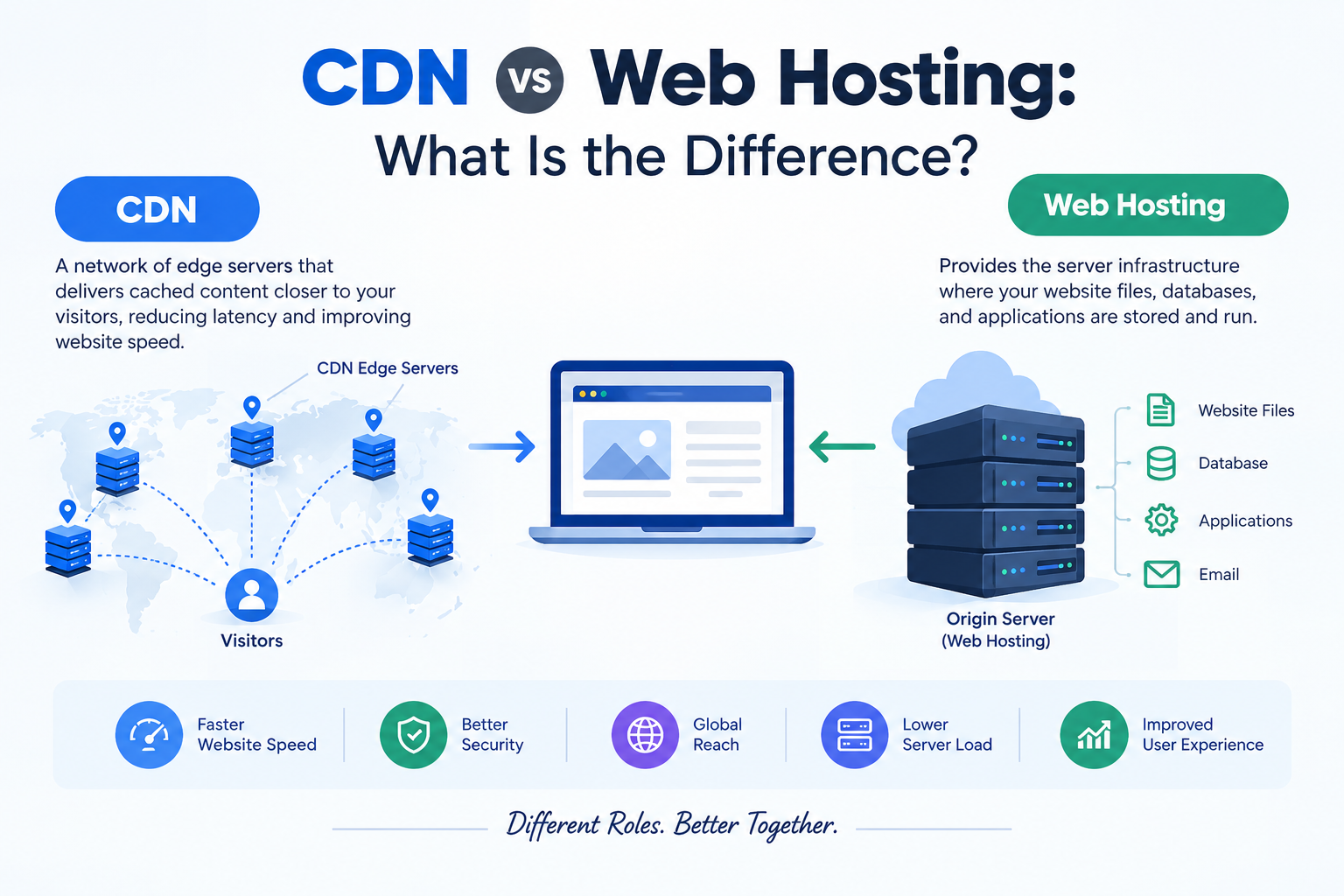
Four parties touch every domain registration: you as the registrant, a registrar that sells and manages the name, a registry that keeps the master database for the extension, and DNS that points the name at your website or email.
The registry layer, which covers what people call domain name registry services, stays invisible to most buyers. Registrars deal with it, and you deal with the registrar.
• Registrant: you or your company, the legal holder of the name.
• Registrar: the shop where you search, pay, renew and manage the name.
• Registry: the operator that maintains the extension’s authoritative records.
• DNS: the records that connect the name to hosting and email.
Here is what happens in the minutes after you pay, and who owns each stage:
|
Stage |
What happens |
Who owns it |
|
1. Order |
You pay and confirm your contact details |
You and your registrar |
|
2. Registry update |
The registrar sends the name to the registry database |
Registrar and registry |
|
3. Nameserver entry |
The registry records which nameservers answer for your name |
Registry |
|
4. DNS records |
Your host’s records point the name at your site and email |
You and your host |
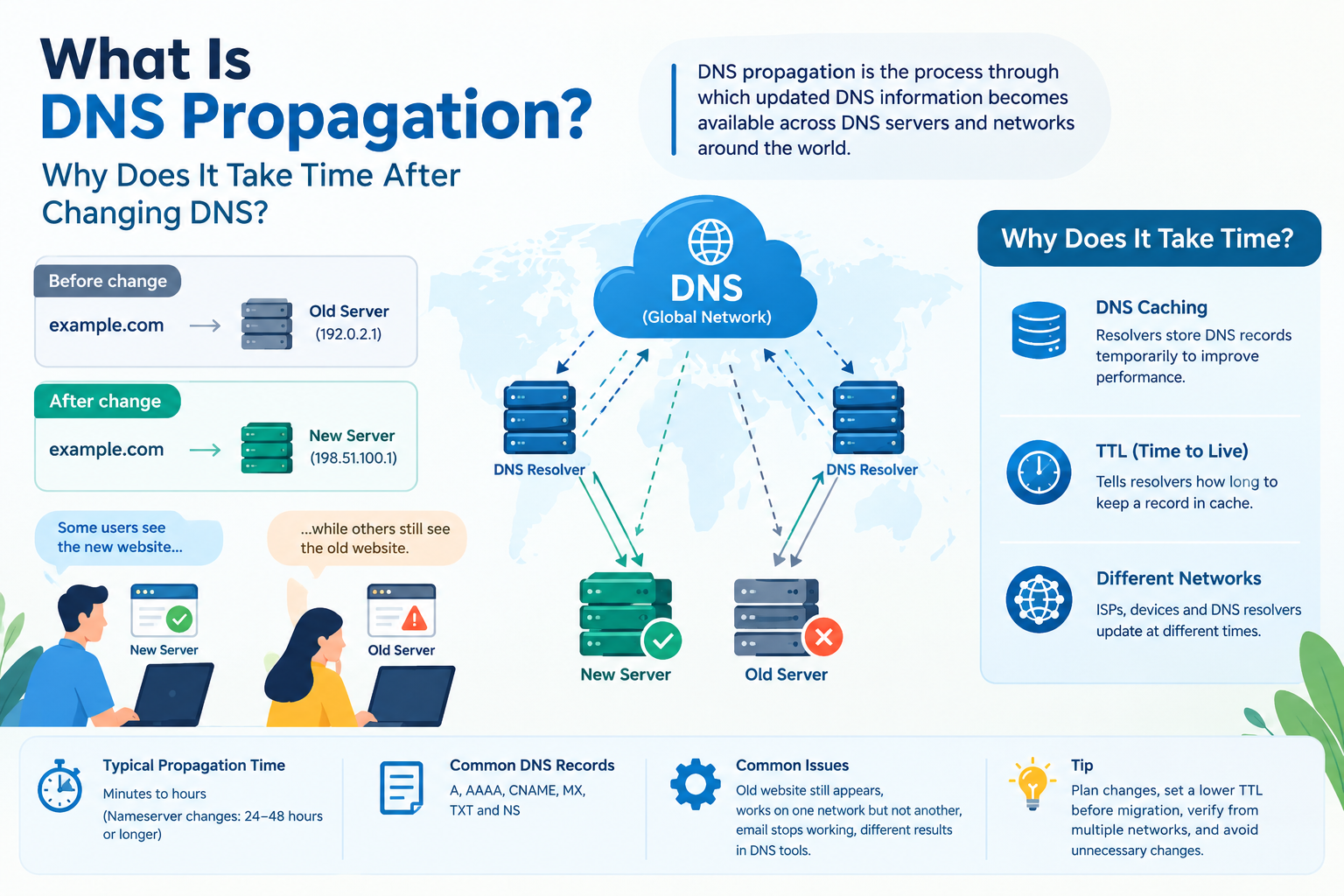
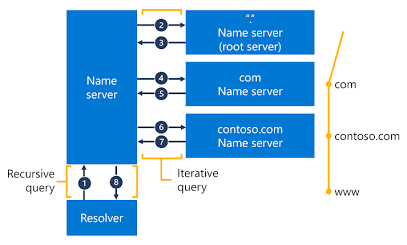
Stages 1 and 2 usually finish within minutes. Stage 4 is where most new-site delays appear, because resolvers keep old answers for a while.
For .IN, the Government of India delegated registry operations to NIXI in 2004, and the registry takes registrations through its accredited registrars, according to the government’s MyGov page on the .IN Registry. The .com registry is run by a different operator, Verisign.
What Do You Get Beyond The Name Itself?
Good domain registration services bundle the name with the tools you need to run it: DNS management, domain locking, forwarding and renewal reminders. On Cloud India Hub, the homepage lists free DNS management, domain locking, redirects and two email accounts alongside the name.
The name alone does not give you a website. Hosting, SSL and design are separate purchases, even when a bundle discounts them. Here is what each included tool does for you:
• DNS management: Lets you edit A, CNAME, MX and TXT records from your dashboard.
• Domain locking: Blocks unauthorized transfers and changes while the lock is on.
• Redirects: Sends visitors from a spare name to your main site.
• Renewal reminders: Warn you before the expiry date arrives.
• Email accounts: Two mailboxes on your own name, such as info@yourbrand.com.
Once the name is live, our DNS records guide for beginners explains which record does which job.
How Much Does Each Extension Cost In India?
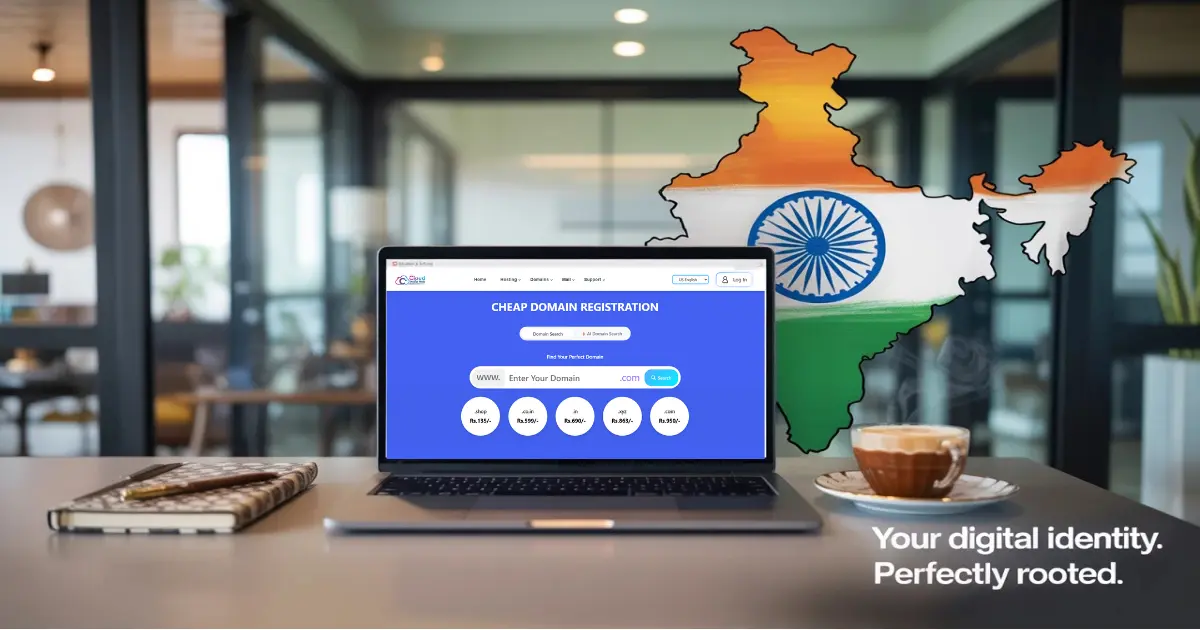
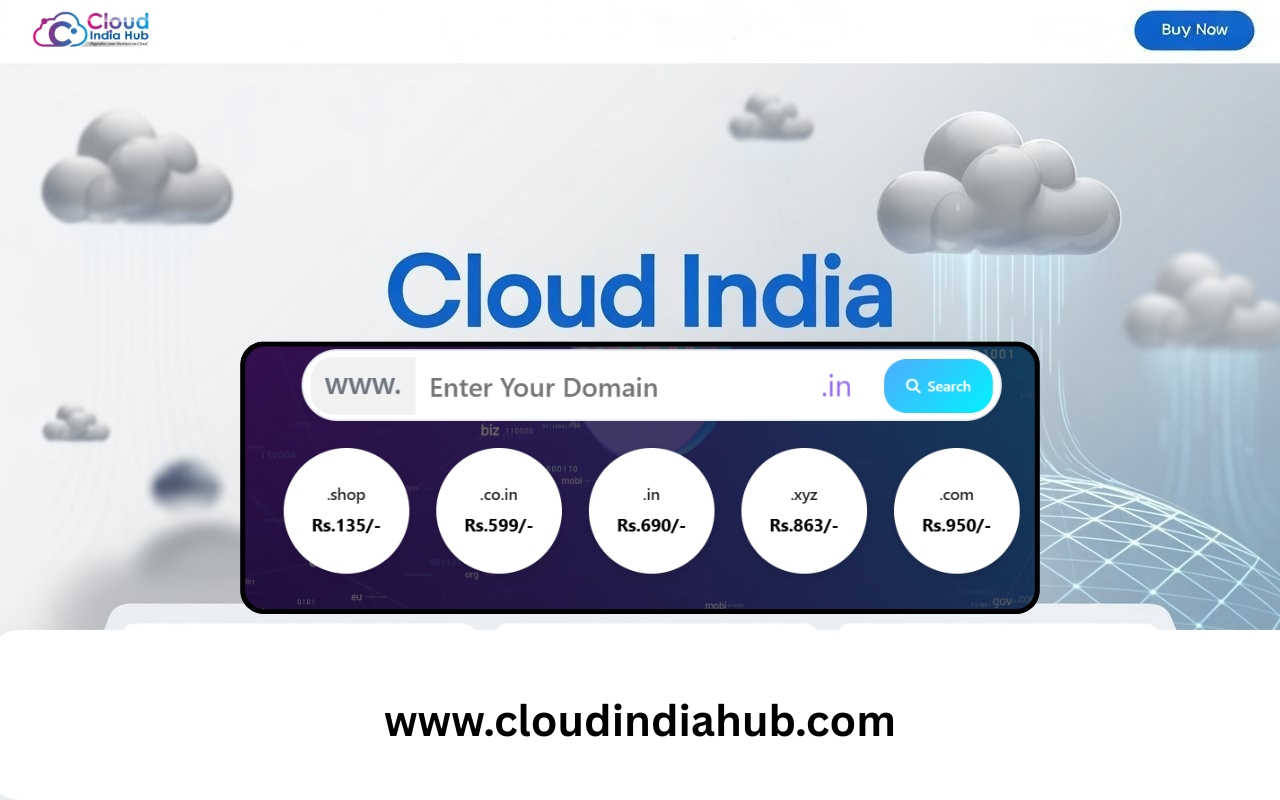
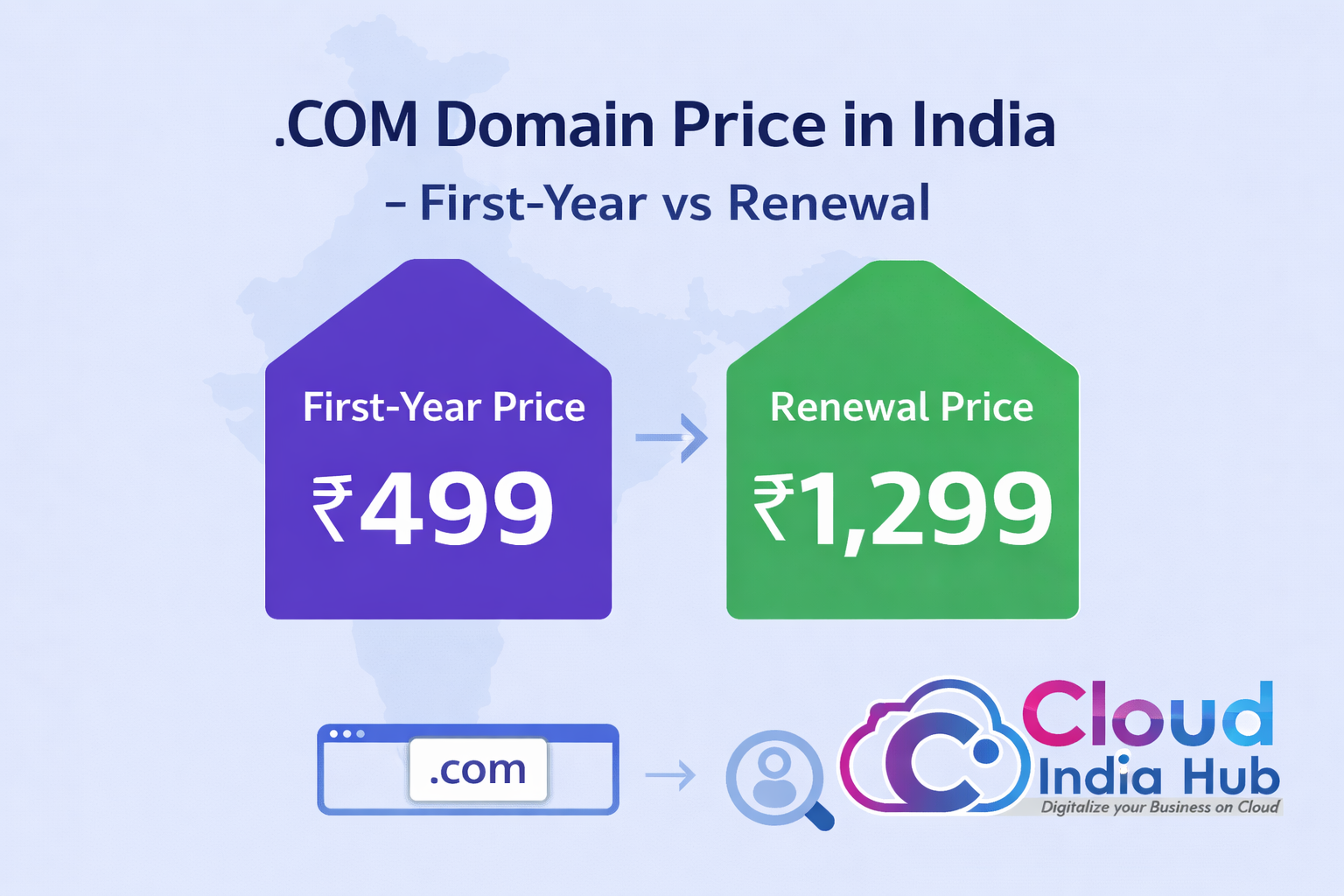
On the Cloud India Hub pricing page, the first-year fee for domain registration is ₹599 for .co.in, ₹649 for .in and ₹950 for .com, all excluding GST. Renewal is charged at the standard rate for each extension, which can differ from the first-year price.
|
Extension |
First-year price |
Best for |
Registry operator |
|
.co.in |
₹599 |
Indian commercial sites on a tight budget |
NIXI (IN Registry) |
|
.in |
₹649 |
Brands that want an Indian identity |
NIXI (IN Registry) |
|
.com |
₹950 |
Brands that sell beyond India |
Verisign |
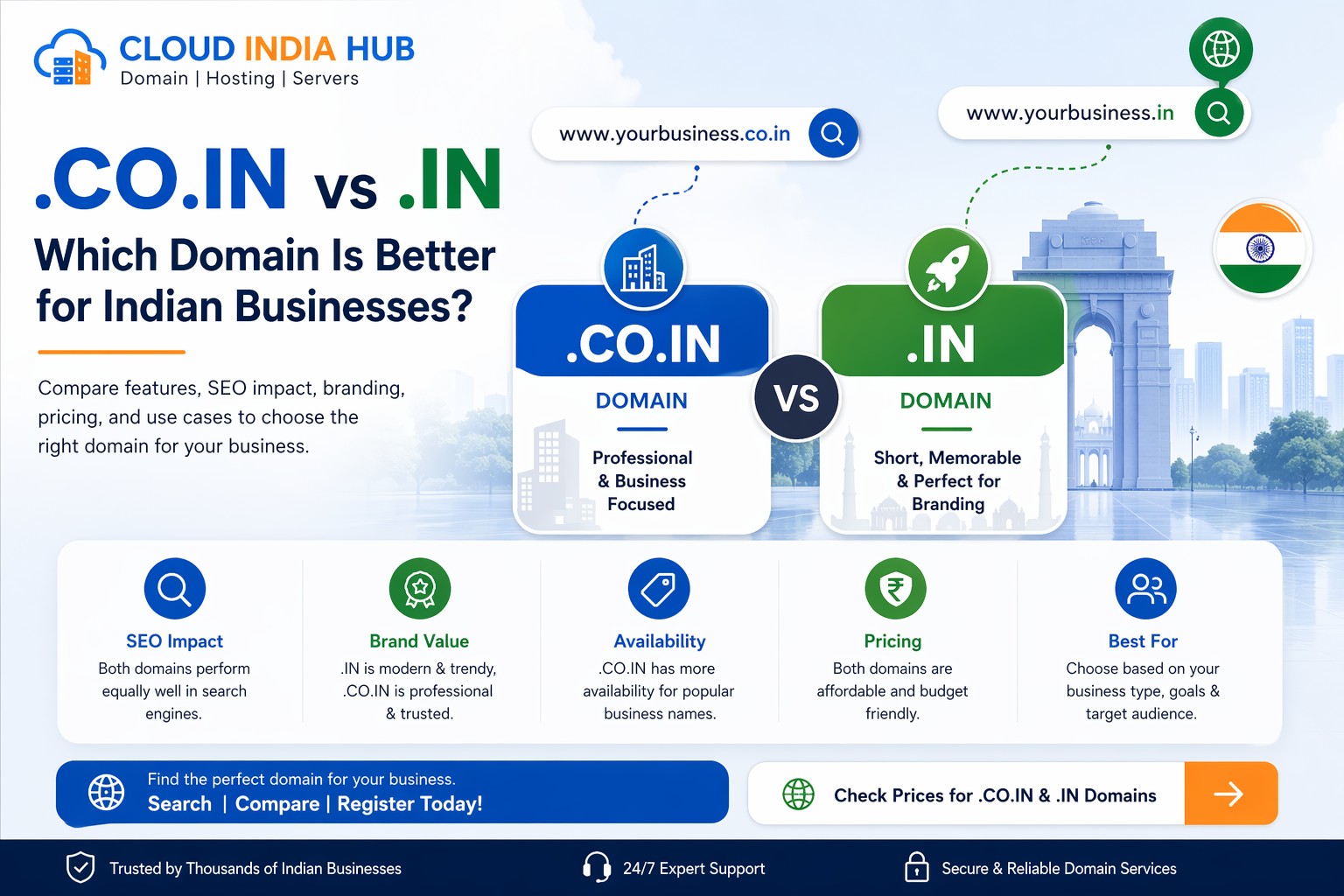
Both .co.in and .in sit under the same registry, so choosing between them is a branding decision, not a technical one.
The listed fee is only the first line of your bill. Build a short ledger before you pay:
• The first-year fee for the extension you chose
• GST at the rate shown at checkout
• The standard renewal rate for year two
• Any add-on you did not plan to buy, such as email, SSL or hosting
• Whether the low price needs a multi-year commitment, since some offers apply only then
Check the live figures on the domain extensions and prices page before you pay, because promotions change and every listed price leaves out GST.
Which Extension Should You Choose For Your Business?
Choose .in or .co.in if most of your customers are in India, and .com if you sell abroad or want the most widely recognized extension. Budget rarely decides it, because even the dearest option costs only ₹351 more than the cheapest in year one.
Pick the extension your customers would guess first, then confirm your exact name is free in it. A name that is nearly right in the wrong extension can send visitors to someone else.
• Pick .in when you want a short, modern address aimed mainly at Indian customers.
• Pick .co.in when your first-choice .in name is taken or you prefer a classic company-style address.
• Pick .com when you plan to sell outside India or expect people to type your name from memory.
• Add a second extension only if protecting the brand is worth the extra year-one cost, then redirect it to your main site.
For a deeper side-by-side, read our .co.in vs .in comparison for Indian businesses.
How Do Domain Registry Services Differ Between .IN And .COM?
Domain registry services differ in who runs the database and which rules apply. The .IN registry follows Indian policy and works through accredited registrars, while the .com registry is operated by Verisign under its agreement with ICANN. Your domain registration still goes through a registrar in both cases.
The split matters when something goes wrong, because each party can fix only its own layer. Use this list to know who to call.
The registry decides:
• Which names exist and who holds them
• The wholesale price and technical rules for the extension
• The dispute process for that extension
Your registrar decides:
• Retail price, renewal price and offers
• The dashboard, DNS tools, locking and support hours
• Refund and cancellation terms
If you later move to another registrar, the registry stays the same and only the shop changes. That is why your name stays yours while you compare providers.
How Do You Complete Domain Registration In Five Checked Steps?
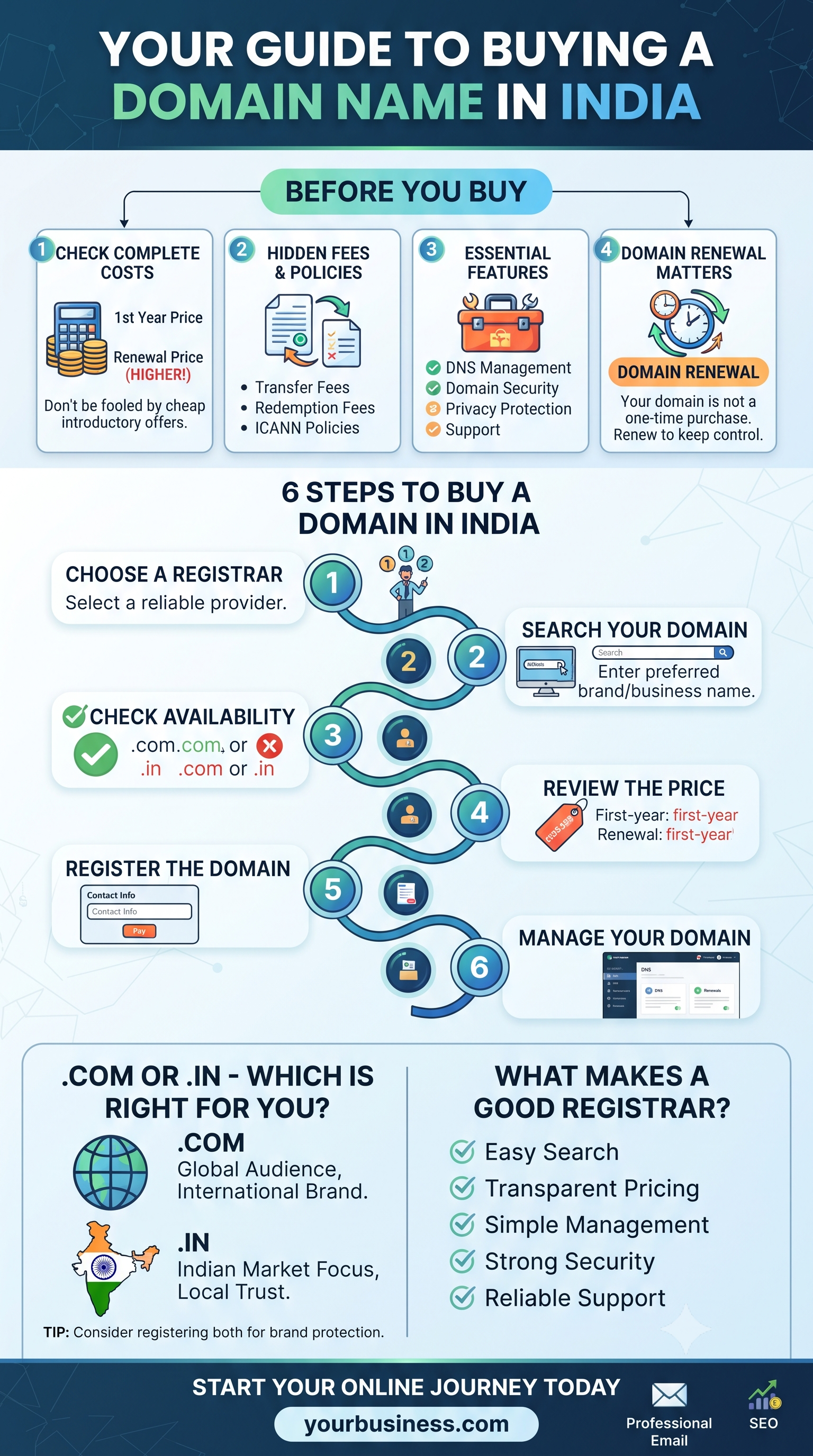
To complete domain registration without surprises, check five things in order: availability, extension, total cost, account security and DNS. Each check takes a few minutes and catches a different expensive mistake.
1. Search the exact spelling. Confirm the name is free in your chosen extension, then say it aloud to a colleague. A name that needs spelling out loses word-of-mouth visits. The homepage search box covers .com, .in, .co.in and .ai.
2. Match the extension to your market. Pick .in or .co.in for Indian customers and .com if you sell abroad.
3. Price the whole term. Add GST, read the renewal rate and compare it with the first-year fee. A low opening price matters less than the rate you pay every year after it.
4. Secure the account. Switch on domain locking, use a strong password and keep your registrant email working, because important notices land in that inbox.
5. Point the DNS. Add the records your host gives you, then wait for them to reach every network. Test the site on mobile data as well as Wi-Fi to see a fresh lookup.
What Happens If You Need A Refund Or Miss A Renewal?
Refund requests must be made in writing within 5 days of delivery, and services marked non-refundable at checkout are excluded. Renewal is a separate risk, so switch on auto-renewal and keep your registrant email working.
Read the full cancellation and refund policy before you add paid extras.
Missing a renewal is the costlier mistake. A lapsed name can take your website and your business email offline together. Put the expiry date in a calendar a month ahead, and renew early if you are travelling or changing payment cards.
• Save your invoice and your expiry date.
• Turn on auto-renew at checkout or from the renewal screen.
• Ask support about any add-on that looks non-refundable, before you pay rather than after.
Frequently Asked Questions
How long does domain registration take?
Domain registration usually completes within minutes of payment, and Cloud India Hub’s homepage says the name goes live in that time. DNS changes can take longer to reach every network.
What is the difference between a registry and a registrar?
A registry runs the master database for an extension such as .IN or .com, while a registrar sells names to you and manages them in a dashboard. You buy from the registrar, and the registrar updates the registry.
Is GST added to the listed price?
Yes, the pricing page says first-year prices exclude GST, so your checkout total will be higher than the listed fee. Check the final amount before you pay.
Can I register a domain without buying hosting?
Yes, the name and the hosting are separate purchases, so you can register the address now and connect a website later. A bundle only saves effort if you plan to launch straight away.
What does domain locking do?
Domain locking blocks unauthorized transfers and changes while the lock is switched on. Unlock the name only when you are moving it to another registrar yourself.
Who can help if my new domain does not load?
Use the 24/7 chat on the contact page or call +91 98864 66777. Keep your order details and domain name ready so support can check your DNS records first.
Where Do You Go From Here?
Pick your extension, run the five checks, then complete your domain registration with a registrar that shows renewal prices before you pay. If you would like a second opinion, talk to the Cloud India Hub support team on chat or phone.
Serving Bengaluru, Karnataka and nearby: Bengaluru, Karnataka, Chennai, Tamil Nadu, Maharashtra, Mumbai, West Bengal, Kolkata.








































































































































































Leave A Comment