
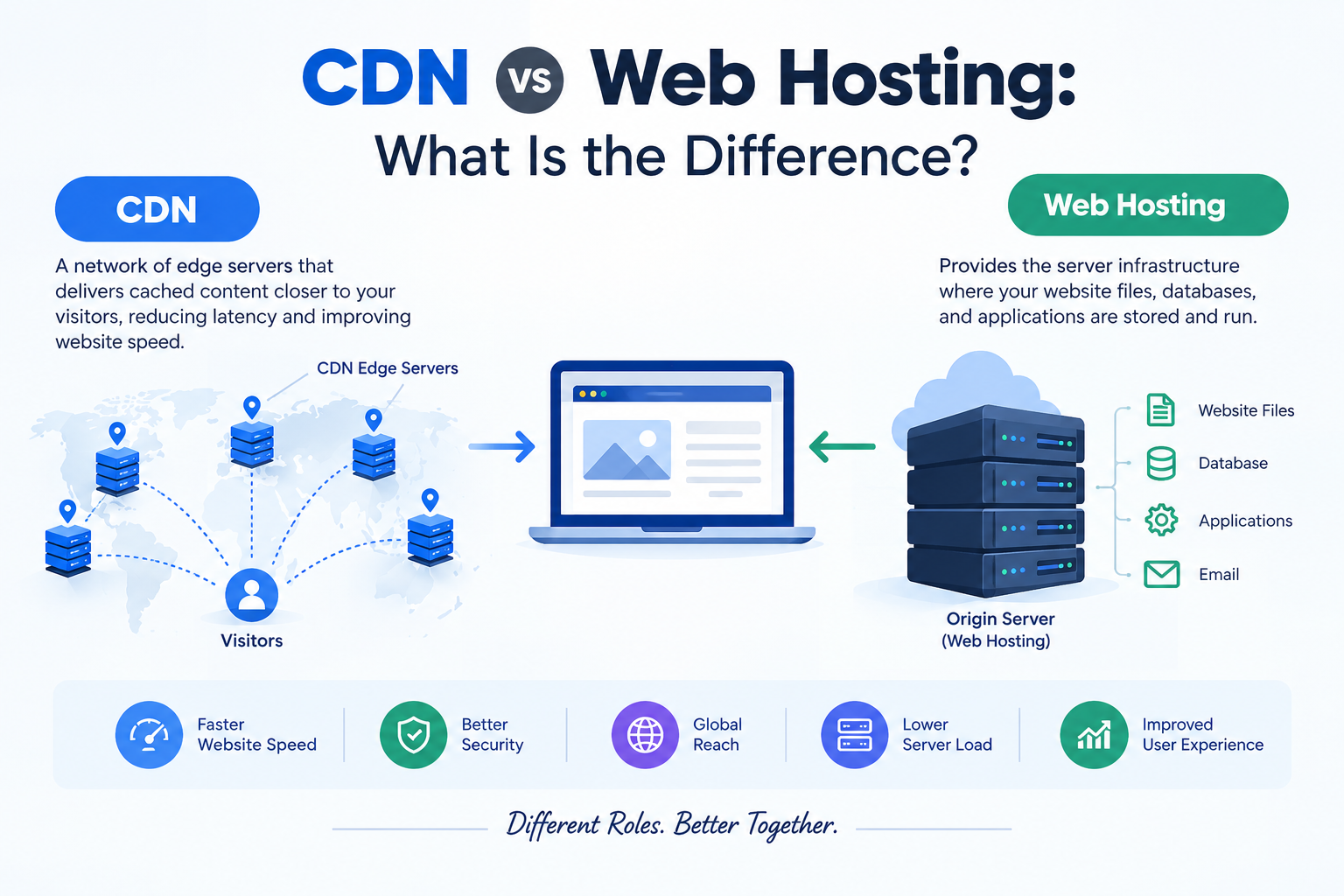
When building a website, two terms you will often come across are web hosting and CDN (Content Delivery Network). Both play an important role in website performance, but they serve completely different purposes.
Web hosting provides the infrastructure where your website files, databases, applications, and other resources are stored and served. A CDN, on the other hand, helps deliver certain website content faster by serving cached copies from servers located closer to your visitors.
So, what is the difference between CDN and web hosting? Can a CDN replace web hosting? And does your website really need both?
In this guide, we will explain CDN vs web hosting, how they work, their benefits, and when you should use them together.
What Is Web Hosting?
Web hosting is a service that provides the server infrastructure needed to store and run your website.
When you create a website, it contains different types of files and resources, such as:
HTML files
CSS files
JavaScript files
Images
Videos
Website applications
Databases
Other website data
These files need to be stored on a server that is connected to the internet. A web hosting provider gives you access to this server infrastructure and allows visitors to access your website.
For example, when someone enters your website address into their browser, the browser sends a request to your hosting server. The server then processes the request and sends the required website content back to the visitor.
How Does Web Hosting Work?
The basic process looks like this:
Visitor → Hosting Server → Website Files → Visitor's Browser
The hosting server acts as the main source of your website's content. Depending on your hosting plan, the server may also handle databases, server-side applications, email services, security features, backups, and other functions.
Types of Web Hosting
Different websites require different types of hosting. Common options include:
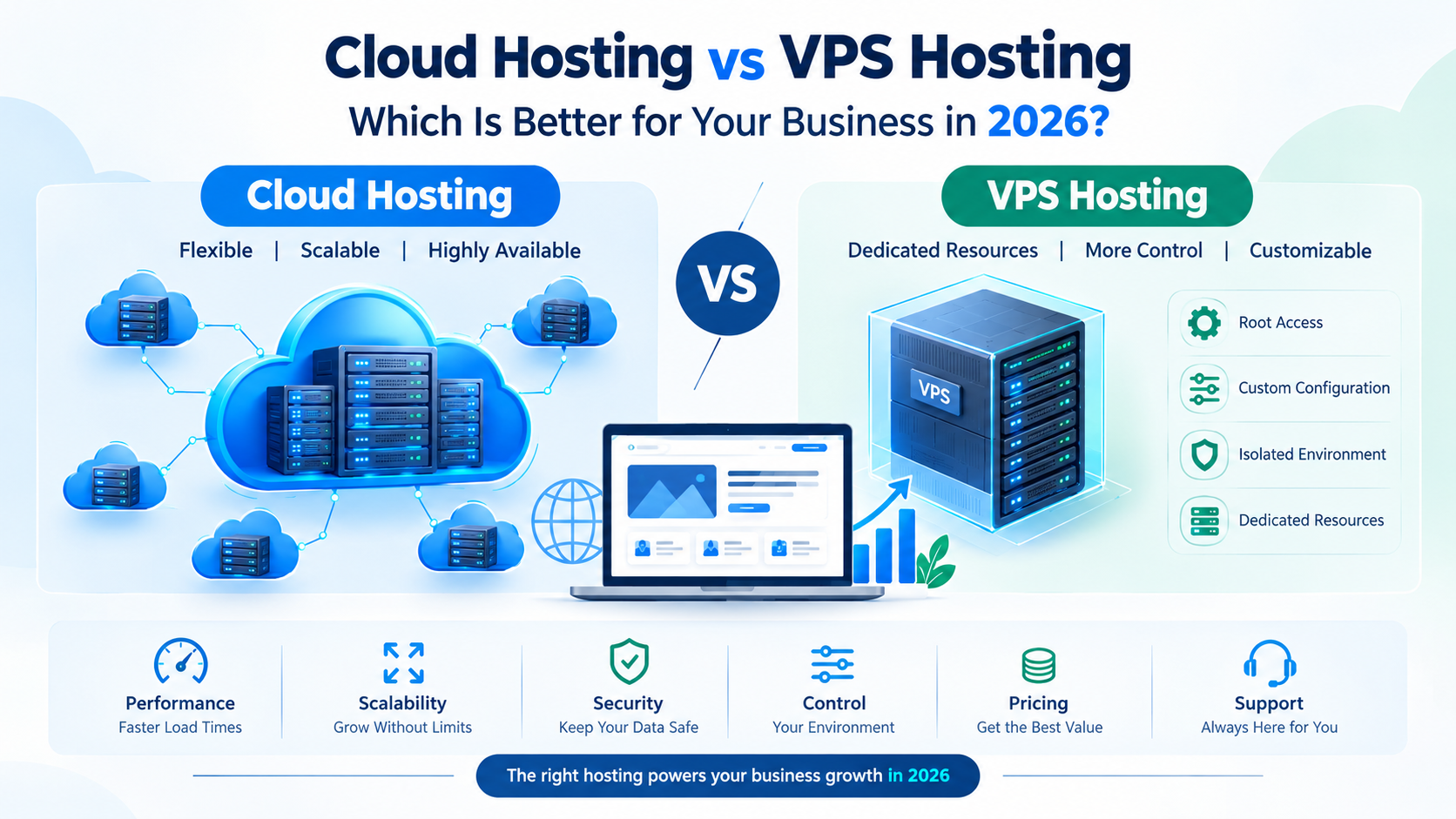
Shared Hosting
Multiple websites share resources on the same server. Shared hosting is generally suitable for small websites, blogs, portfolios, and new business websites.
VPS Hosting
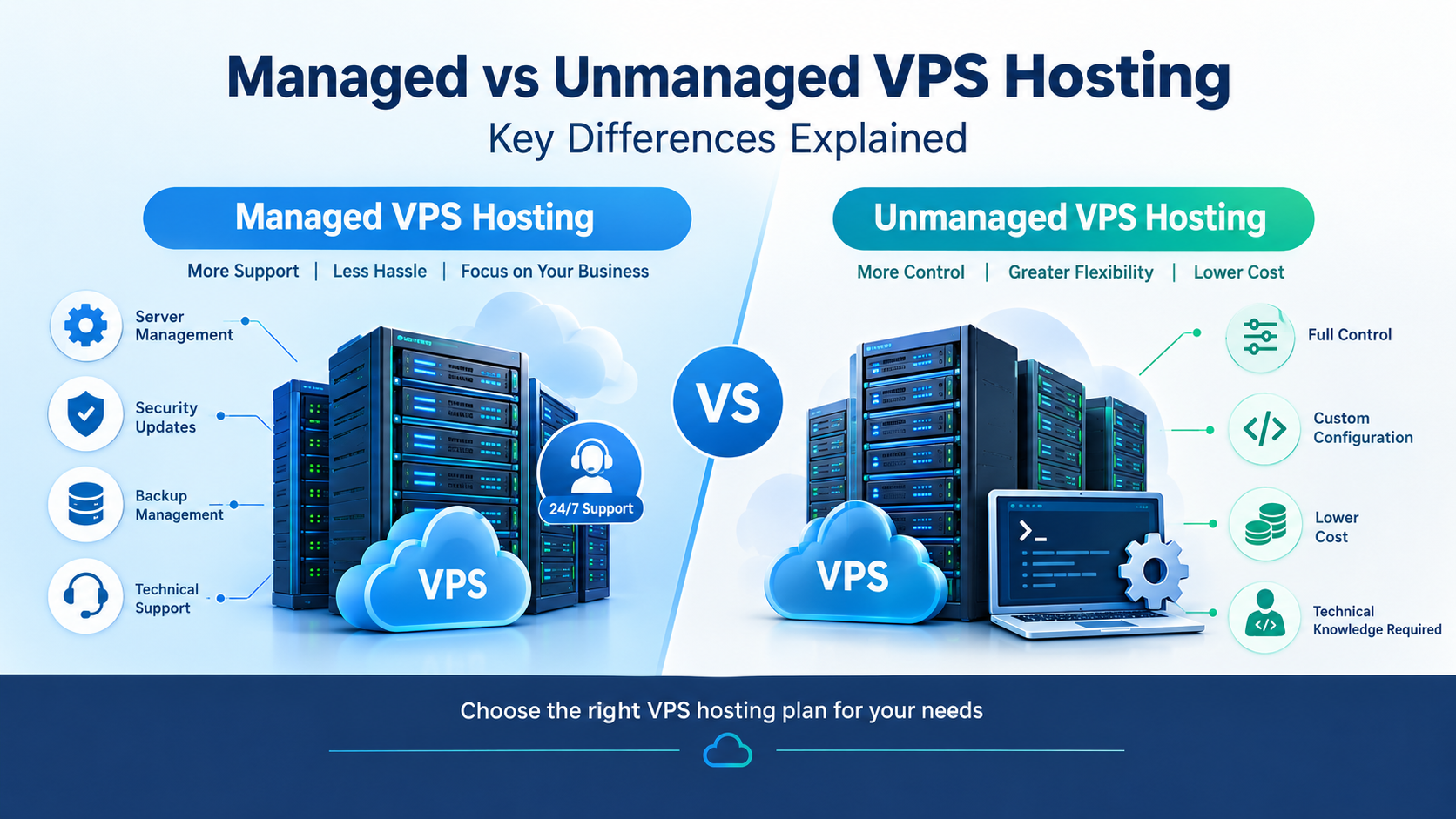
A Virtual Private Server provides more dedicated resources and greater control compared with traditional shared hosting. VPS hosting is useful for growing websites and applications that need more flexibility.
Dedicated Hosting
With dedicated hosting, an entire physical server is allocated to one customer. It provides greater control and resources for demanding websites and applications.
Cloud Hosting
Cloud hosting uses a network of interconnected servers to provide scalable resources and improved flexibility. It can be useful for websites with changing traffic requirements.
What Is a CDN?
CDN stands for Content Delivery Network.
A CDN is a network of servers distributed across different geographic locations. These servers, commonly called edge servers, can cache and deliver website content closer to users.
Instead of every visitor having to retrieve static content directly from the original hosting server, a CDN can deliver cached content from a nearby edge location.
For example, if your website's main hosting server is located in the United States and a visitor accesses your website from India, the physical distance can contribute to network latency.
With a CDN, frequently requested static content may be delivered from an edge server closer to the visitor.
How Does a CDN Work?
A CDN works by storing cached copies of eligible website content across its network.
The basic process can look like this:
Visitor → CDN Edge Server → Cached Content → Visitor
If the requested content is already cached at the edge location, the CDN can deliver it without sending the request all the way back to the origin server.
If the content is not available in the cache, the CDN can request it from the origin server and then cache it according to its configuration.
This can reduce latency and decrease the amount of work required from the origin server for cached resources.
CDN vs Web Hosting: What Is the Difference?
The easiest way to understand the difference is to think about their roles.
Web hosting is where your website lives.
A CDN helps deliver certain website content efficiently to visitors.
Here is a simple comparison:
| Feature | Web Hosting | CDN |
|---|---|---|
| Main purpose | Stores and runs your website | Delivers cached content efficiently |
| Website files | Stores original website files | Caches selected content |
| Database | Can host databases | Generally does not replace database hosting |
| Server locations | Depends on hosting provider | Multiple edge locations |
| Website delivery | Serves content from origin infrastructure | Serves cached content from edge servers |
| Performance | Provides the foundation for website performance | Can reduce latency for cached content |
| Security | Depends on hosting provider | May provide additional security features |
| Replaces the other? | No | No |
| Can work together? | Yes | Yes |
CDN vs Hosting: Which One Is Better?
It is not really a matter of choosing between a CDN and web hosting because they are designed for different purposes.
Your website needs an origin infrastructure, such as web hosting or a cloud server, to store and run its content.
A CDN can then work alongside that infrastructure to improve the delivery of cached content.
Think of it this way:
Web Hosting = Your Website's Home
CDN = A Network of Delivery Points
The hosting server is responsible for your website's original content and application. The CDN helps distribute frequently requested content closer to your visitors.
Benefits of Web Hosting
Choosing reliable web hosting is important because your hosting environment affects the basic performance and availability of your website.
Some important benefits include:
1. Website Storage
Web hosting provides the server space required to store your website files and data.
2. Website Availability
A reliable hosting provider helps keep your website accessible to visitors.
3. Server Resources
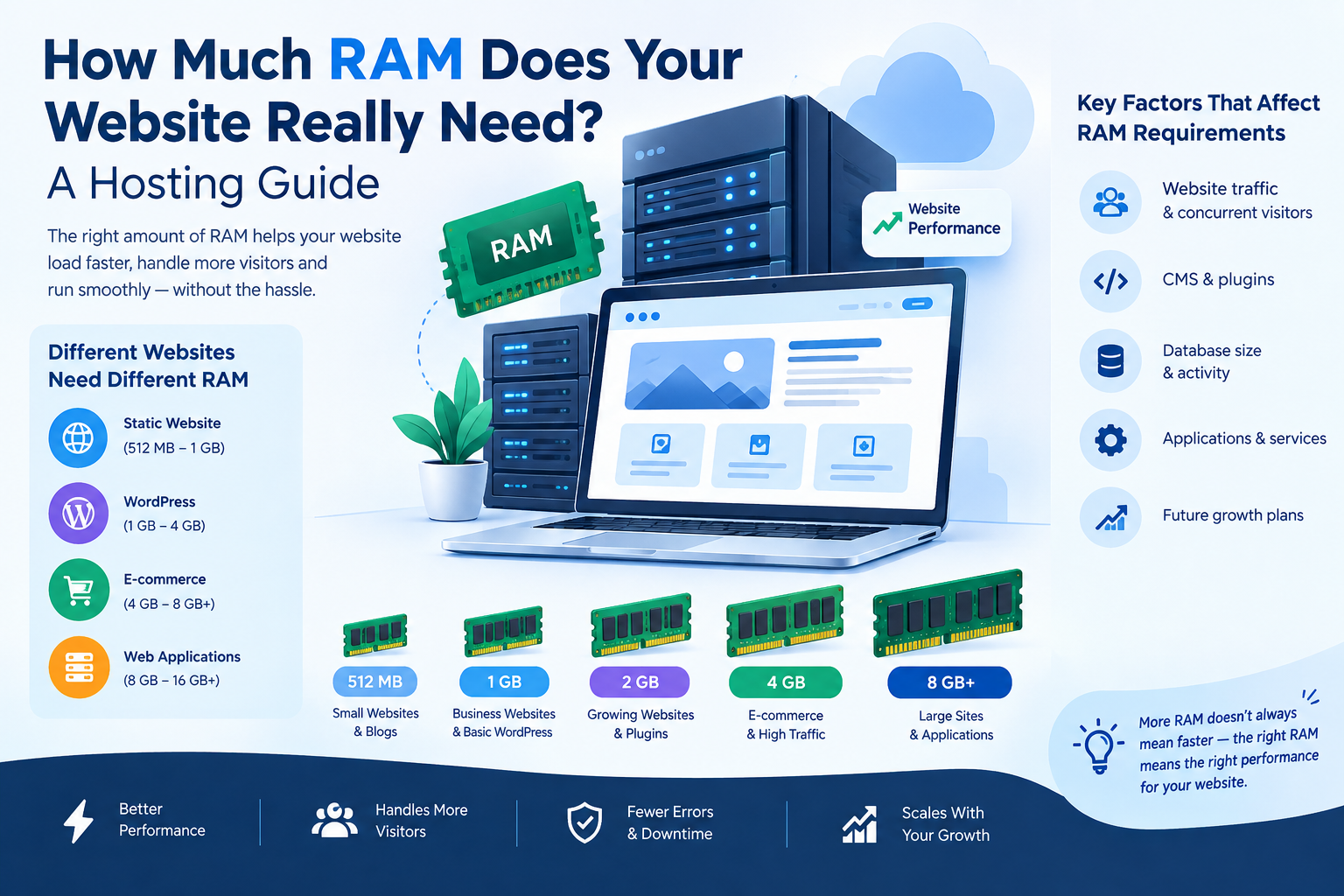
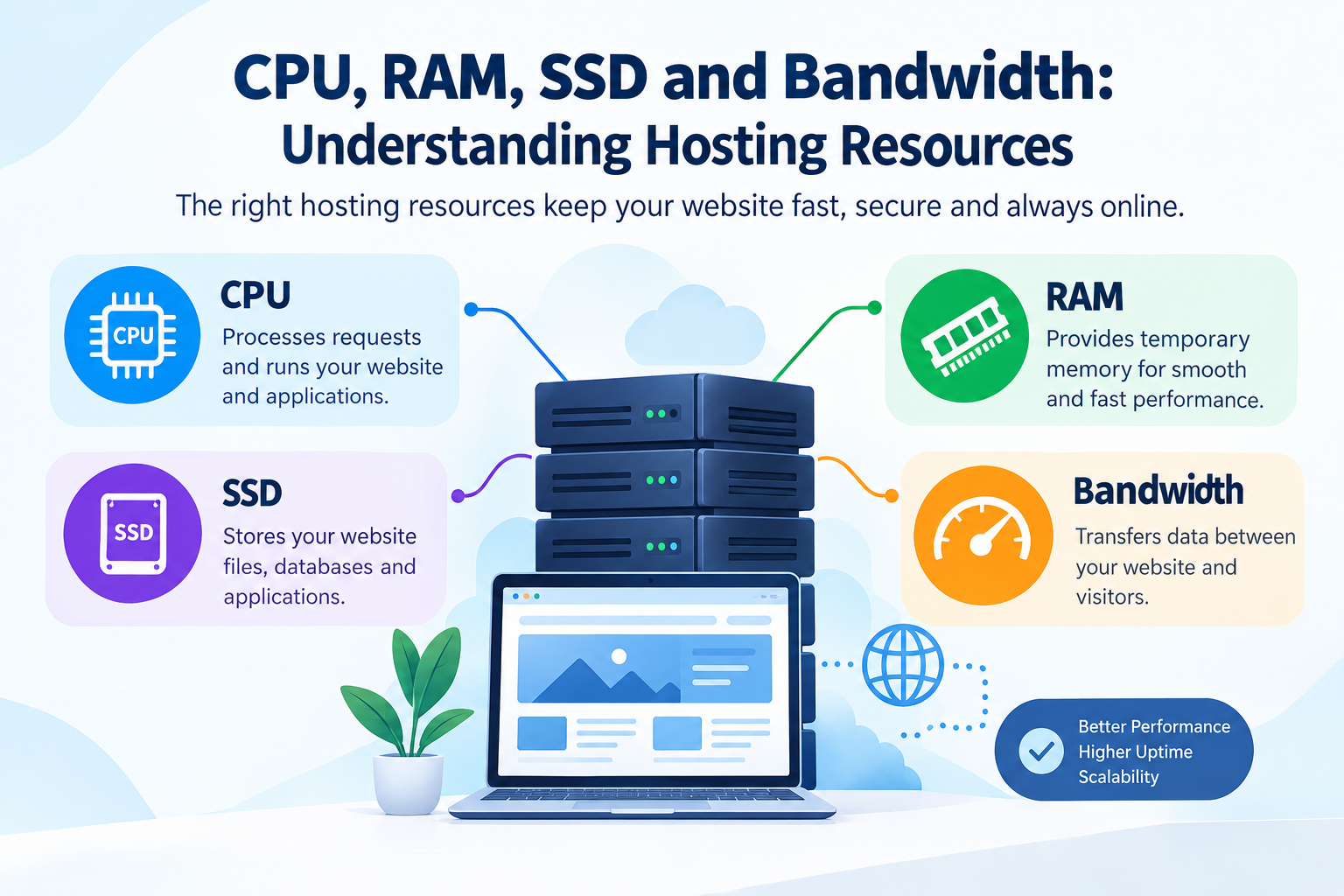
Your hosting plan provides resources such as CPU, RAM, storage, and bandwidth according to the package.
4. Database Support
Many hosting environments support databases required by websites and web applications.
5. Website Management
Hosting providers may offer control panels, backups, SSL support, security tools, and other management features.
Benefits of Using a CDN
A CDN can provide several advantages, especially for websites serving visitors across different geographic locations.
1. Faster Content Delivery
A CDN can serve cached content from an edge location closer to the visitor, potentially reducing network latency.
2. Reduced Origin Server Load
When cached content is served from edge servers, fewer requests for those resources need to reach the origin server.
3. Better Performance for Global Visitors
Websites with visitors from multiple regions can benefit from having content distributed across different locations.
4. Improved Handling of Traffic Spikes
A CDN can help distribute requests for cached content across its network, which can reduce pressure on the origin infrastructure.
5. Additional Security Features
Many CDN providers offer security features such as DDoS protection, web application firewalls, bot management, and traffic filtering.
The exact features depend on the CDN provider and plan.
Can a CDN Replace Web Hosting?
No, a CDN generally does not replace web hosting.
A CDN primarily focuses on delivering cached content efficiently. Your website still needs an origin infrastructure to store and process its content.
For example, dynamic functions such as login systems, shopping carts, database operations, account management, and server-side applications typically require an origin server or application infrastructure.
Therefore, a CDN and web hosting usually work together rather than replacing one another.
Can You Use a CDN and Web Hosting Together?
Yes. In fact, this is a common setup for modern websites.
A typical architecture can look like this:
Visitor → CDN → Origin Server / Web Hosting
The CDN handles eligible cached requests, while the origin server handles content and requests that require processing.
For example, consider an online store.
A visitor may request product images, CSS files, JavaScript files, and other static resources. The CDN can serve cached versions of these resources from an edge location.
At the same time, dynamic operations such as checking product availability, processing a shopping cart, or handling an account request may need to communicate with the origin application.
Does a CDN Improve Website Speed?
A CDN can improve website loading performance, particularly when visitors are geographically far from the origin server.
However, a CDN is not a magic solution for every performance problem.
Website speed can also depend on:
Hosting server performance
Server response time
Website code
Image sizes
JavaScript
CSS
Database performance
Caching configuration
Network conditions
Third-party scripts
For the best results, CDN configuration should be combined with good hosting and overall website performance optimization.
Does a CDN Improve SEO?
A CDN is not a direct guarantee of higher Google rankings.
However, website performance and user experience are important aspects of a modern SEO strategy. A properly configured CDN can help improve the delivery speed of cached resources, which may contribute to a better user experience.
For SEO, it is important to look beyond CDN implementation and optimize the entire website, including:
Page loading performance
Core Web Vitals
Mobile usability
Technical SEO
Website structure
Content quality
Internal linking
Image optimization
A CDN should therefore be considered one part of a broader website optimization strategy.
When Should You Use a CDN?
A CDN can be particularly useful when:
Your visitors are located in different countries or regions
Your website contains many images or static resources
Your website receives significant traffic
You want to reduce load on the origin server
You need better delivery performance for global visitors
You want additional security and traffic-management capabilities
For a small local website with limited traffic, a CDN may not always be necessary immediately. The right solution depends on your website's size, audience, traffic, and technical requirements.
CDN vs Web Hosting: Which One Does Your Website Need?
The answer depends on what your website requires.
Small Business Website
For a basic business website serving a local audience, reliable web hosting may be the first priority.
Blog or Content Website
A CDN can become useful as traffic grows, especially when the website contains many images and other static resources.
E-commerce Website
An e-commerce website can benefit from reliable hosting combined with a CDN, caching, security, and performance optimization.
High-Traffic Website
Websites receiving large amounts of traffic can use a CDN to help distribute cached content and reduce unnecessary load on the origin server.
Global Website
If your audience is spread across different countries, a CDN can help deliver cached content closer to visitors around the world.
CDN vs Web Hosting: A Simple Example
Imagine that your website is a restaurant.
Your web hosting server is the main kitchen where the food is prepared.
A CDN is like having multiple delivery points located closer to customers.
The main kitchen remains important because it contains the original resources and handles the core operations. But having delivery points closer to customers can make delivery more efficient.
Similarly, web hosting provides the foundation of your website, while a CDN helps deliver certain content efficiently to visitors.
Frequently Asked Questions About CDN and Web Hosting
Is CDN the same as web hosting?
No. Web hosting provides the infrastructure where your website is stored and operated. A CDN is a network of edge servers that can cache and deliver website content closer to visitors.
Can I use a CDN without web hosting?
A CDN generally needs an origin source from which it can retrieve content. That origin can be web hosting, a cloud server, object storage, or another supported infrastructure.
Does every website need a CDN?
No. A CDN is not mandatory for every website. The need depends on traffic, visitor locations, website content, performance requirements, and technical architecture.
Is CDN better than web hosting?
They are not direct alternatives. Web hosting and CDN services perform different functions and can work together.
Does a CDN make hosting faster?
A CDN can improve the delivery of cached content and reduce some requests reaching the origin server. However, it does not automatically make a slow or poorly configured hosting environment fast.
Can a CDN reduce server load?
Yes. When static content is served from CDN cache, fewer requests for those resources need to reach the origin server.
Should I use a CDN for my business website?
If your website has visitors from multiple locations, serves a lot of static content, or experiences significant traffic, a CDN may be useful. For smaller websites, the priority may first be reliable hosting and proper website optimization.
Final Thoughts
The difference between CDN and web hosting becomes simple once you understand their roles.
Web hosting provides the infrastructure where your website lives, while a CDN helps deliver cached content efficiently to visitors through a distributed network of edge servers.
They are not competing technologies. Instead, they can work together to create a faster, more reliable, and scalable website experience.
For many websites, the best approach is to start with reliable web hosting, optimize the website properly, and then add a CDN when traffic, geographic reach, or performance requirements make it beneficial.
If you are planning to improve your website's performance, choosing the right combination of hosting, caching, CDN, security, and optimization can make a significant difference to your visitors' experience.

















































































































































































Leave A Comment