

Website Redirect Checker: How To Trace Every Redirect Hop
A website redirect checker follows a URL from the first request to the final page and lists every status code on the way, such as 301, 302, 307 or 308. One run shows whether a link takes a single clean hop or a messy chain.
A redirect can fail quietly, because the page still opens and nobody sees the extra hops or the wrong status code. This guide explains how to read the results, and our guide to DNS settings and TTL covers the domain side that sits underneath every test.
At A Glance
• Redirect codes: 301 and 308 are permanent, 302 and 307 are temporary
• Best result: One hop from the old URL to the final URL
• Where to fix: .htaccess on Apache or your hosting panel redirect settings
• Price: Free with browser tools or curl
• A healthy final page answers with status 200
What Does A Website Redirect Checker Actually Show?
Every website redirect checker does one core job: it requests a URL, reads the status code and Location header in the reply, then follows each hop until a final page answers. The report lists the steps in order, so you see exactly where a visitor or crawler ends up.
A useful report includes these fields:
• Start URL: the address you typed or linked
• Status code per hop: 301, 302, 307 or 308 for redirects, 200 for a working page
• Location header: where each hop sends the next request
• Final URL and status: the page a visitor or crawler actually reaches
• Hop count: how many requests it took to get there
Your browser hides all of this. You click a link, a page loads, and the extra redirects between the two pass unseen. Some tools also show timing for each hop, which tells you how much delay a chain adds.
Which Redirect Codes Should You Expect To See?
Expect 301 or 308 for permanent moves and 302, 303 or 307 for temporary ones. The Google Search Central guide to redirects sorts them into 2 classes: permanent redirects show the new target in results, while temporary ones keep the source page.
Treat the table below as a cheat sheet when your website redirect checker returns a code you do not recognise.
|
Code |
Type |
What Google Search does |
Typical use |
|
301 |
Permanent |
Treats the target as the canonical URL |
Moved page, new domain |
|
308 |
Permanent |
Gives the same signal as a 301 |
Permanent move that must keep the request method |
|
302 |
Temporary |
Keeps the source URL in results |
Short detour, such as maintenance |
|
307 |
Temporary |
Gives the same signal as a 302 |
Temporary move that must keep the request method |
Choose by how long the redirect will stay in place. Use a permanent code only when you are sure the move will not be reverted. If a service is down for a day, a temporary redirect to an explanation page leaves the original URL in search results.
Redirects do not only live in server headers. Google reads an instant meta refresh as permanent and a delayed one as temporary, and it advises JavaScript redirects only when nothing else is possible. A header-based checker will not see a script redirect.
What Problems Does A Redirect Test Catch?
A test exposes five common faults: chains, loops, the wrong status code, a hop that lands on an error page, and versions of your site that disagree. Use it to check website for redirects after every release, not only during a migration.
• Chains: the old URL goes to a second URL, then a third, then the page. Point the first URL straight at the destination.
• Loops: two URLs send visitors back and forth until the browser gives up and shows an error.
• Wrong status code: a 302 on a permanent move means Google Search may keep showing the old URL.
• Dead ends: a 301 that lands on a 404 sends visitors to a page that does not exist.
• Version mismatch: http and https, with and without www, give four addresses for one home page. Pick one and redirect the other three.
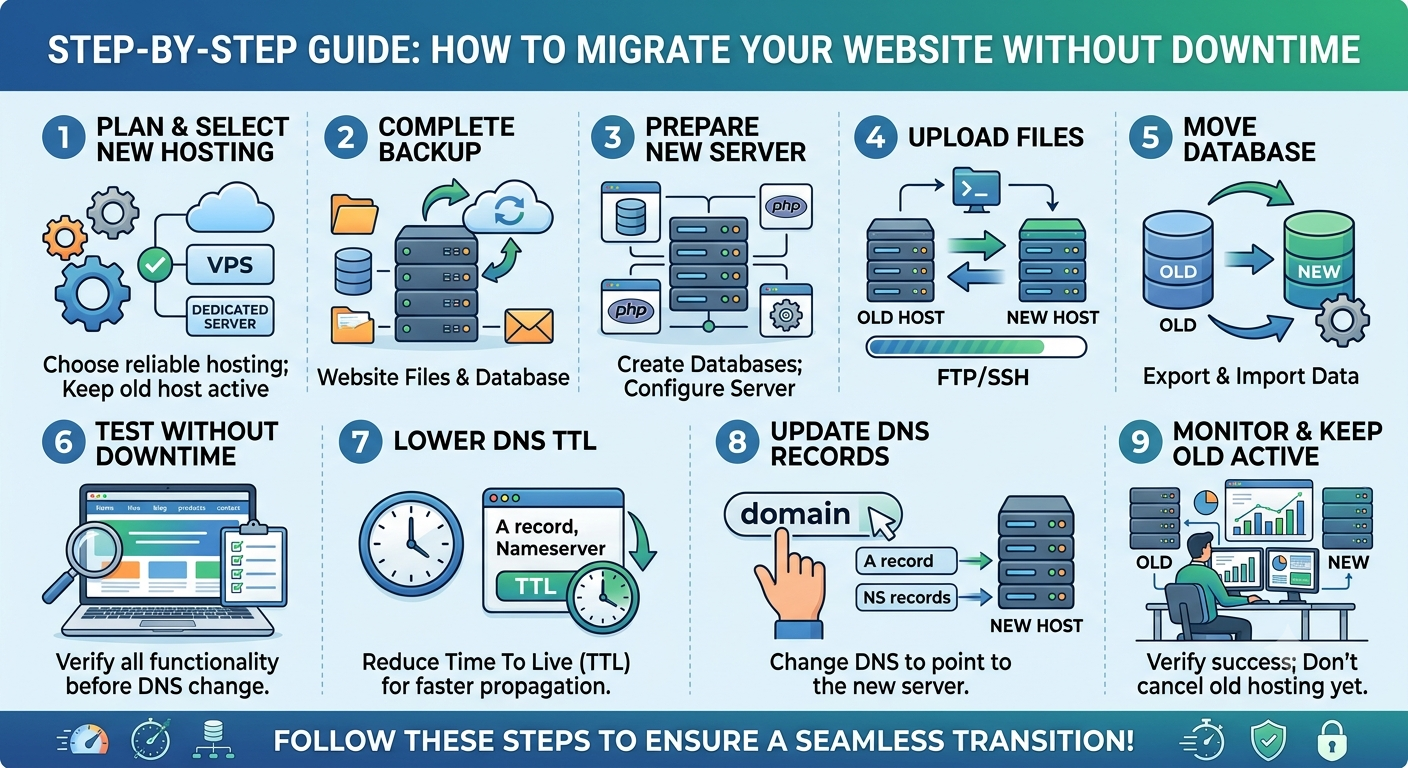
Migrations are a common source of these faults. The 12 steps in our website migration guide ask you to record existing redirects before a move and check redirects during it.
A website redirect checker makes these faults visible in seconds, because each one shows up as an odd status code or an extra row in the report. Here is what a three-row chain looks like:
|
Hop |
URL requested |
Status |
Sends the visitor to |
|
1 |
http://yourdomain.in/services |
301 |
https://yourdomain.in/services |
|
2 |
https://yourdomain.in/services |
301 |
https://www.yourdomain.in/services/ |
|
3 |
https://www.yourdomain.in/services/ |
200 |
Nothing, the page loads |
Two redirects sit in front of one page. The fix is a single rule that sends hop 1 directly to the final address in hop 3, and the middle step disappears.
Where Do Domain And Hosting Settings Change Redirect Results?
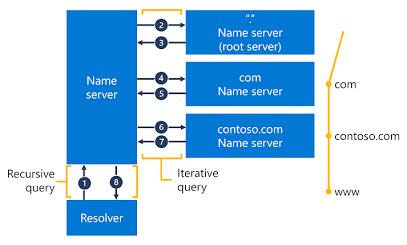
Redirects come from three layers: domain forwarding, DNS records and web server rules. A checker reports the final behaviour, but the fix lives in whichever layer created the hop, so find that layer before you edit anything.
• Domain forwarding: Cloud India Hub lists domain forwarding among the free services that come with a domain, and its Domain Redirects feature forwards visitors to another domain.
• DNS records: the root domain and www often use different record types, so confirm that both point where you expect.
• Server rules: on Apache, redirect rules usually live in the .htaccess file, and the Google guide shows permanent and temporary examples.
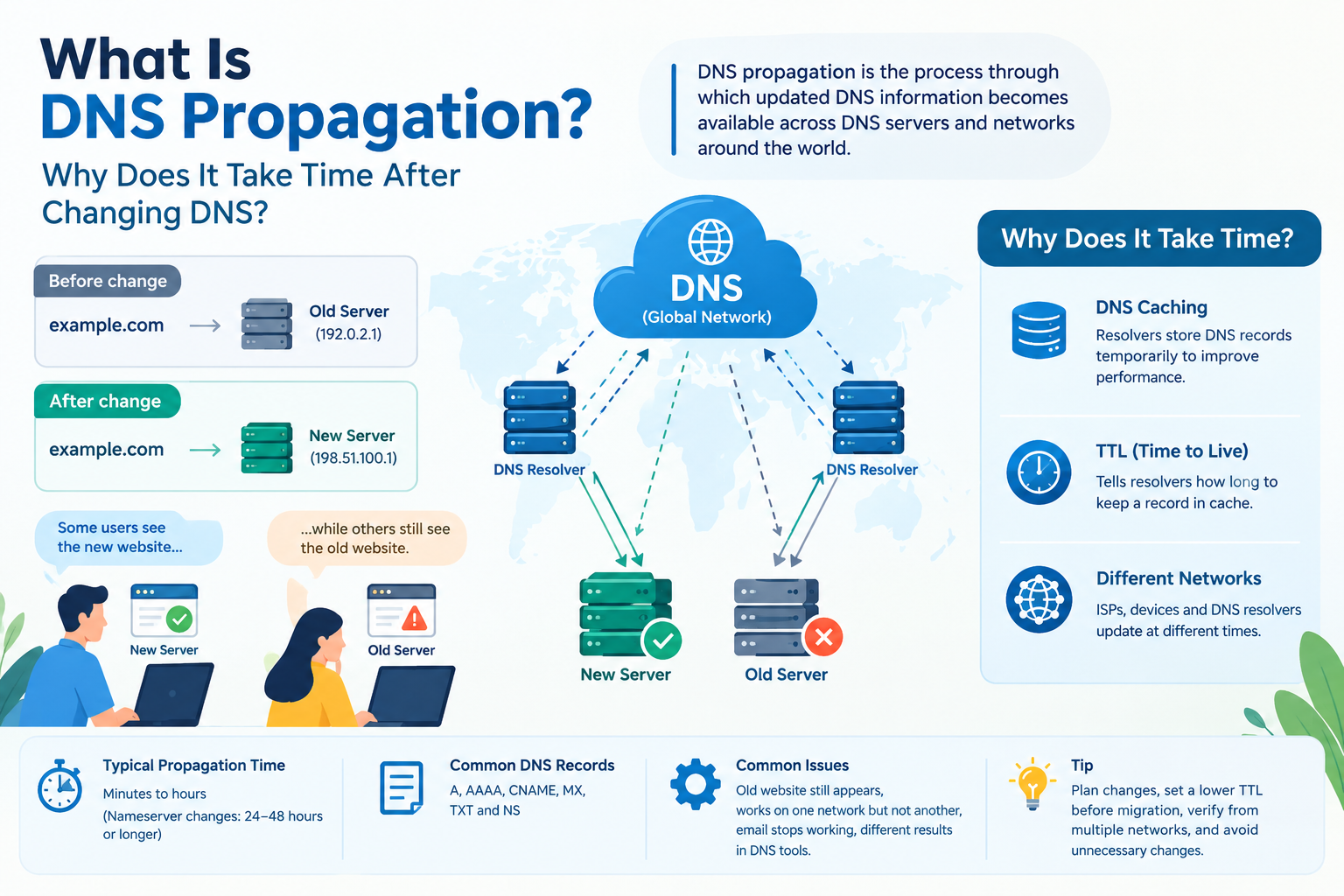
Most domains rely on 7 DNS record types, from A and CNAME to MX and SOA. Use the DNS record lookup tool to read the A, AAAA, CNAME, MX, NS, TXT and SOA records for your domain before you blame a redirect rule.
Which Method Should You Use To Test Redirects?
Pick the method by the job: an online checker for a quick answer on one URL, curl for exact headers, browser developer tools for script redirects, and a crawler for whole-site sweeps. All four are free or have a free tier to start with.
|
Method |
Best for |
What you see |
Limit |
|
Online checker |
A fast answer on one URL |
Status codes and Location headers per hop |
Usually blind to script redirects |
|
curl with -IL |
Scripted or repeatable checks |
Raw headers for every hop |
Needs comfort with the command line |
|
Browser developer tools |
Script and meta refresh redirects |
What a real browser does |
One URL at a time |
|
Crawler or bulk checker |
Whole-site sweeps |
One row per URL |
Takes setup time |
No single method covers everything. Header-based tools are fast and consistent, while a real browser is the only way to confirm that a script redirect fires. Use the first for volume and the second for the odd pages that behave strangely.
How Do You Check All Redirects On Website URLs At Once?
To check all redirects on website pages, start from three lists: your sitemap, your old URL inventory and your top landing pages. Run the whole set through a bulk checker or a crawler, then sort the results by status code and hop count.
Each list catches a different problem:
• Sitemap: it should hold final URLs only, so any redirect here is a link to replace with its target.
• Old URL inventory: pages from before a redesign or move, where permanent redirects should live.
• Top landing pages: the pages with the most visits, where a broken redirect costs the most.
Keep one row per URL, with the start URL, first status code, hop count, final URL and final status in separate columns. Sort by hop count first. Anything above one hop gets flattened, and anything that ends in a 404 gets a new target.
Bulk mode in a website redirect checker saves hours here, because a single URL test cannot show how widespread a pattern is. One bad rule often repeats across hundreds of pages.
How Do You Check Site For Redirects Step By Step?
A website redirect checker needs only a URL. To check site for redirects, follow these steps in a browser, on the command line or in an online tool, and repeat the routine after every fix.
1. Pick one address: an old URL, a campaign link or the http version of a page.
2. Run it through the checker. On the command line, curl -IL followed by the URL prints the headers for every hop. In a browser, open the Network tab in developer tools and turn on the option that preserves the log.
3. Read the first status code. 301 or 308 means permanent. 302, 303 or 307 means temporary.
4. Count the hops. More than one means a chain to flatten.
5. Check the final URL and status. It should be the page you meant, answering with 200.
6. Confirm HTTPS. The Cloud India Hub web hosting plans list a free SSL certificate on the Starter plan, which the http to https redirect needs to land on.
7. Fix the rule where it was created, then run the same test again to confirm.
Save the report before and after each fix. A dated copy proves the change worked and gives you a rollback record if a rule misbehaves.
Frequently Asked Questions
What Is The Difference Between A 301 And A 302 Redirect?
A 301 is permanent, so Google Search treats the new URL as the one to show. A 302 is temporary, so Google keeps the original URL in results while the detour lasts.
Can A Website Redirect Checker Find JavaScript Redirects?
A website redirect checker that reads only HTTP headers cannot, because it never runs scripts. Open your browser developer tools to catch those, and keep the header checks for the server-side hops.
How Many Redirects Are Too Many?
More than one hop between the old URL and the final page is already worth fixing. Point the first URL straight at the destination, so every visit resolves in a single request.
Does A Redirect Chain Hurt SEO?
A chain adds a request per hop, slows the page and can give crawlers more chances to stop early. A single permanent redirect is the cleanest signal, so shorten chains wherever you control the rules.
How Often Should You Check Website For Redirects?
Check after every migration, domain change, HTTPS switch or URL restructure, then sweep your top pages once a quarter. Any release that touches server rules deserves a quick retest.
Do Redirects Change When You Move To New Hosting?
Yes. Rules stored in .htaccess or server configuration must be copied to the new server, and DNS changes can briefly send visitors to either host, so retest every important URL after the move.
Where Do You Go From Here?
Run your five most important URLs through a website redirect checker today, then fix anything that takes more than one hop. If a rule lives in a hosting or domain panel and you cannot find it, the Cloud India Hub support team is on 24x7 chat.
Expert advice
|
A website redirect checker shows every hop between an old URL and the page visitors finally see. Learn what the status codes mean, which five faults to look for, and how to test your whole site. |
Serving Bengaluru, Karnataka.




































































































































































































































Leave A Comment