
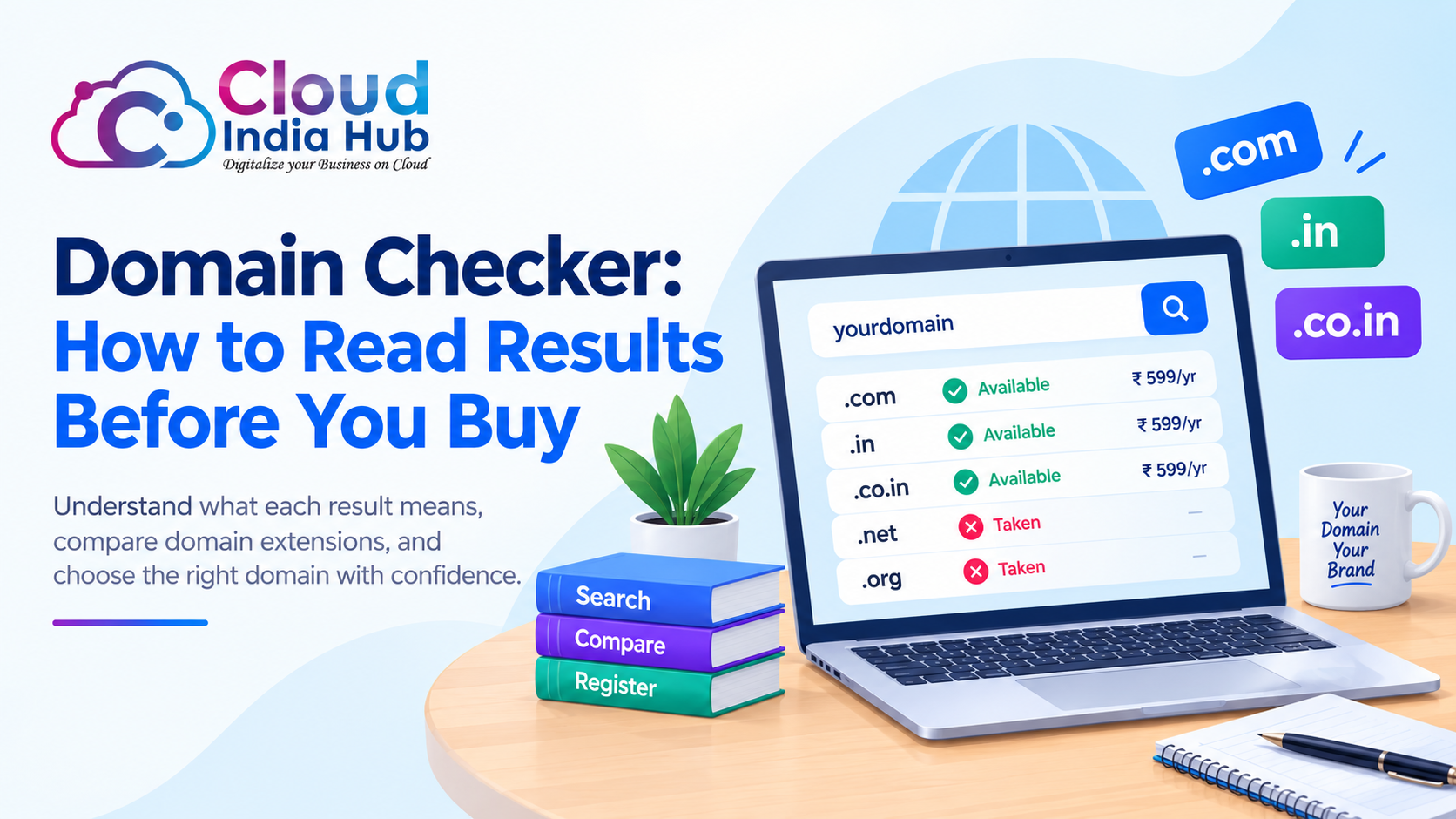
Domain Checker: How To Read Results Before You Buy
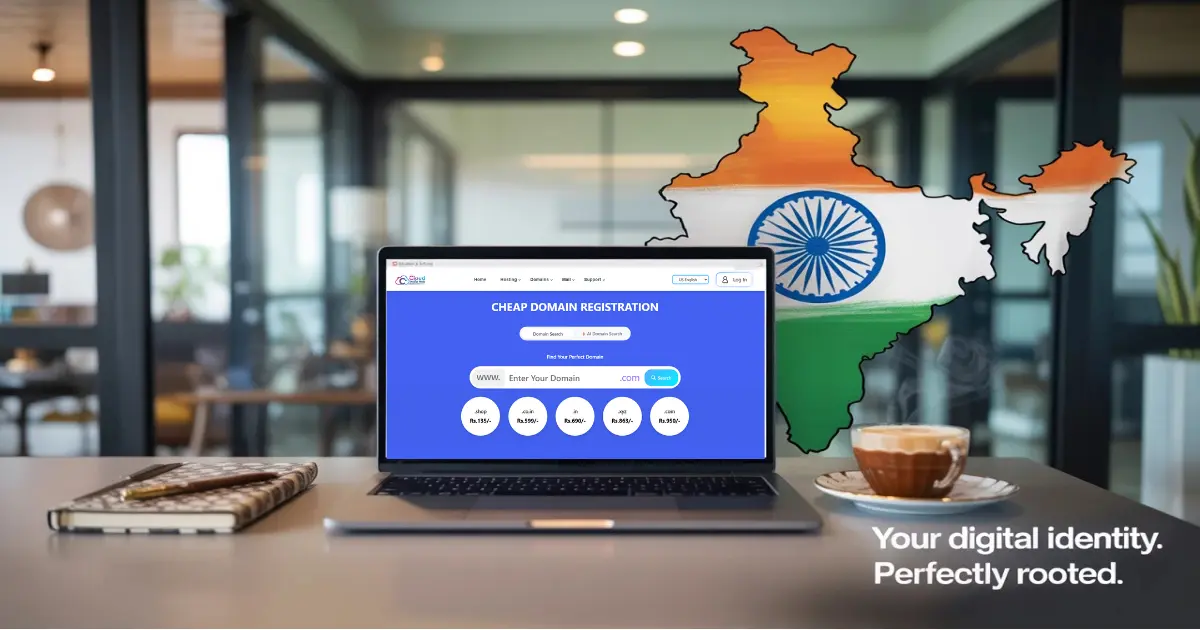
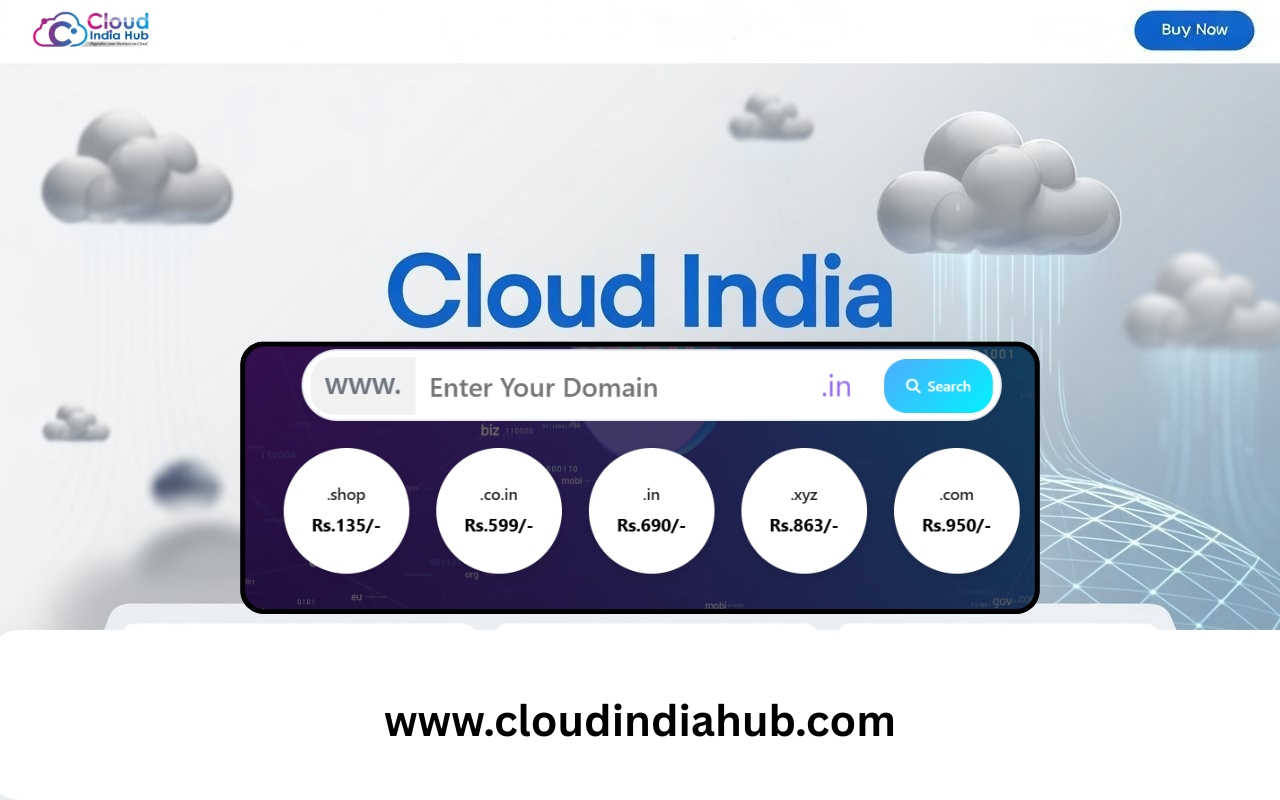
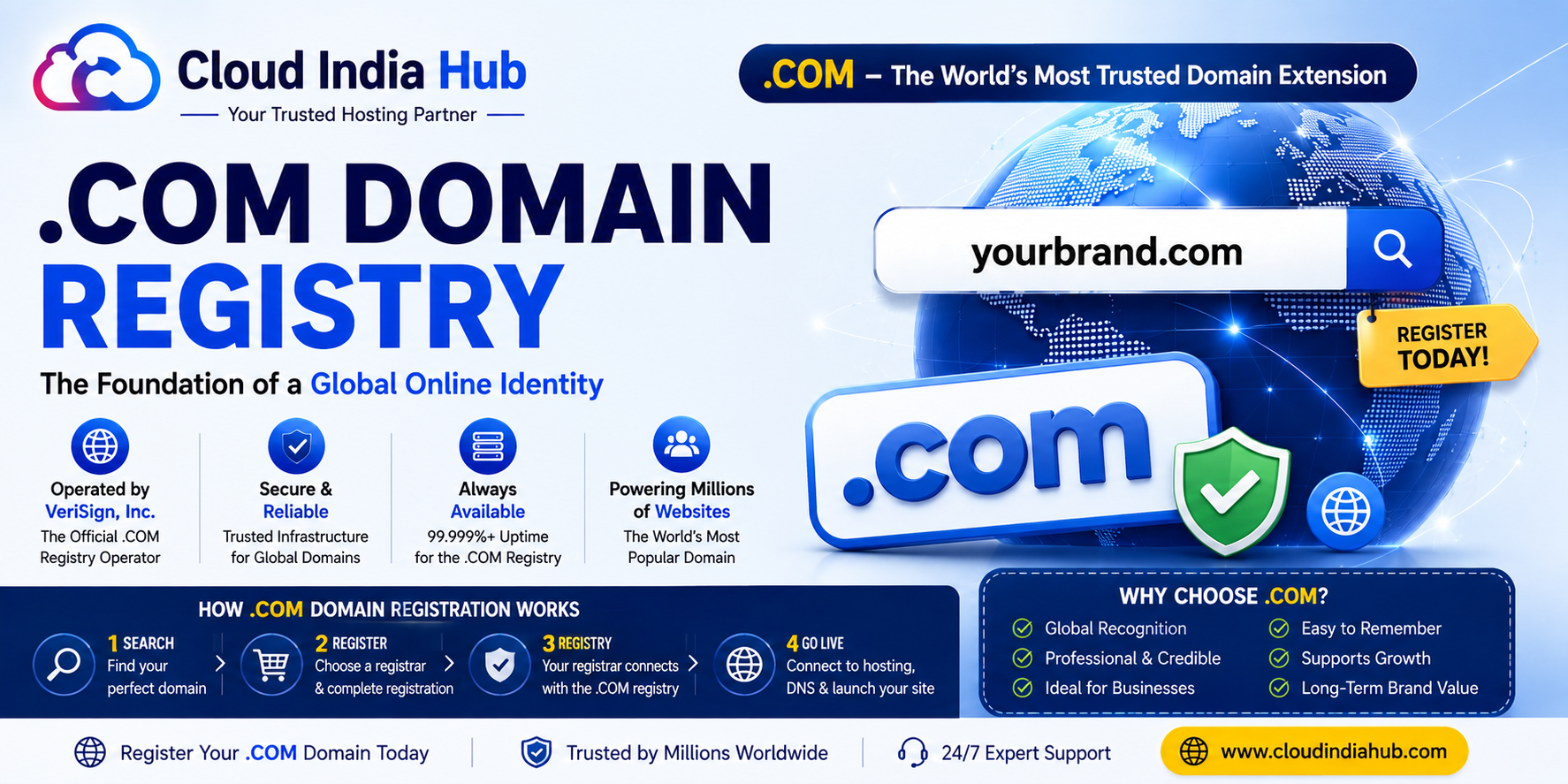
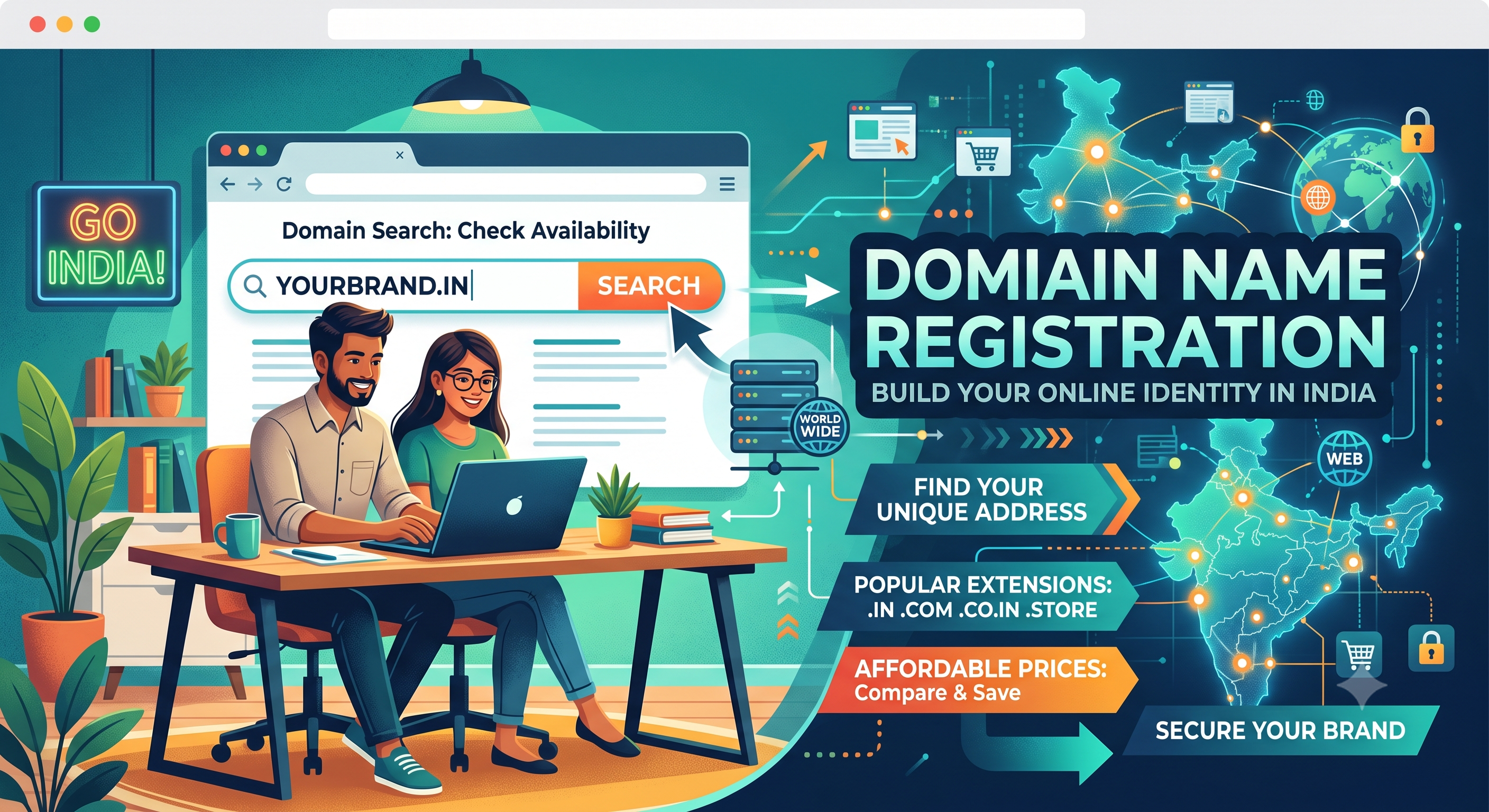
A domain checker tells you within seconds whether a name is free to register or already taken. On Cloud India Hub, one search covers .com, .in, .co.in and .ai, with first-year prices from ₹599 excluding GST.
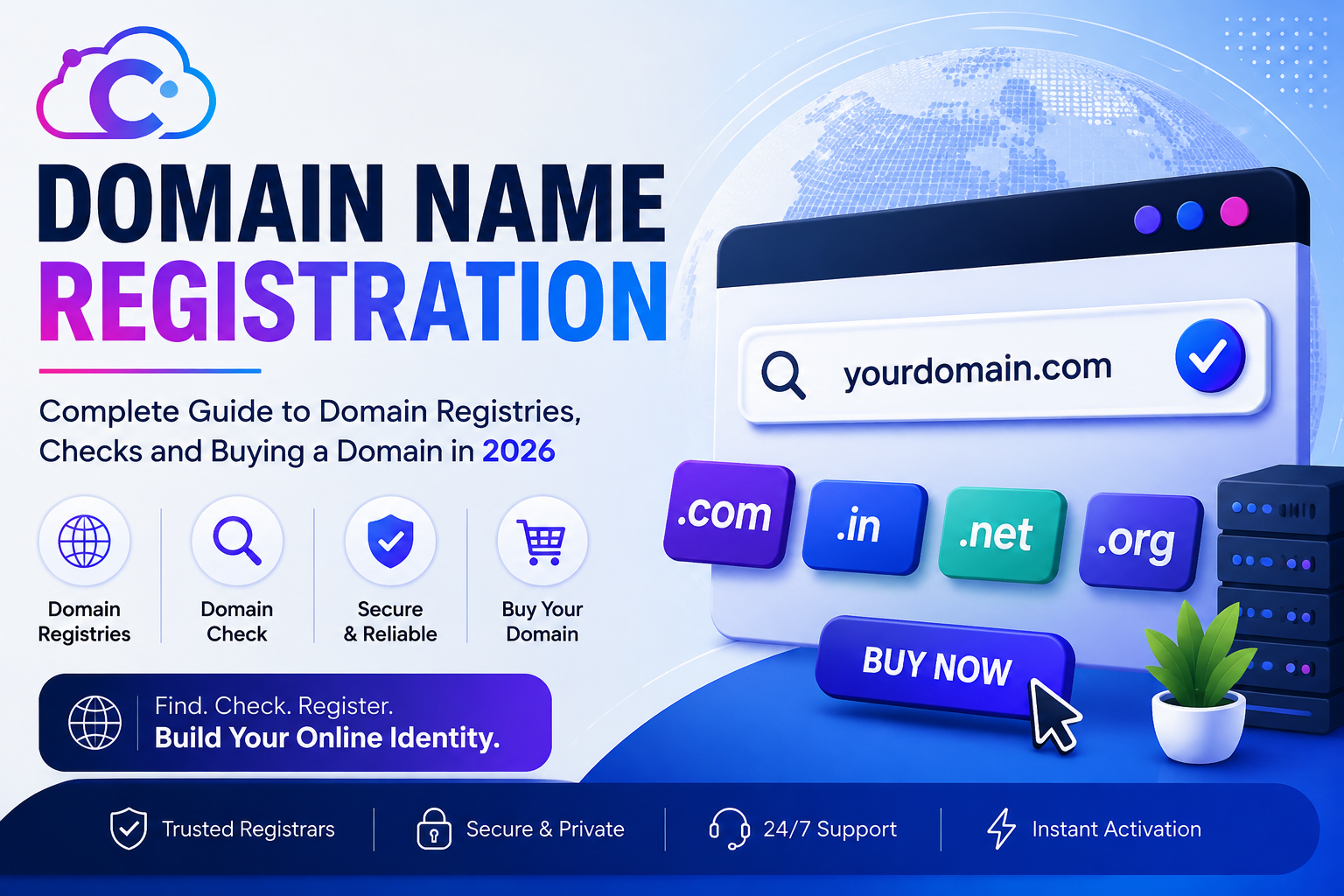
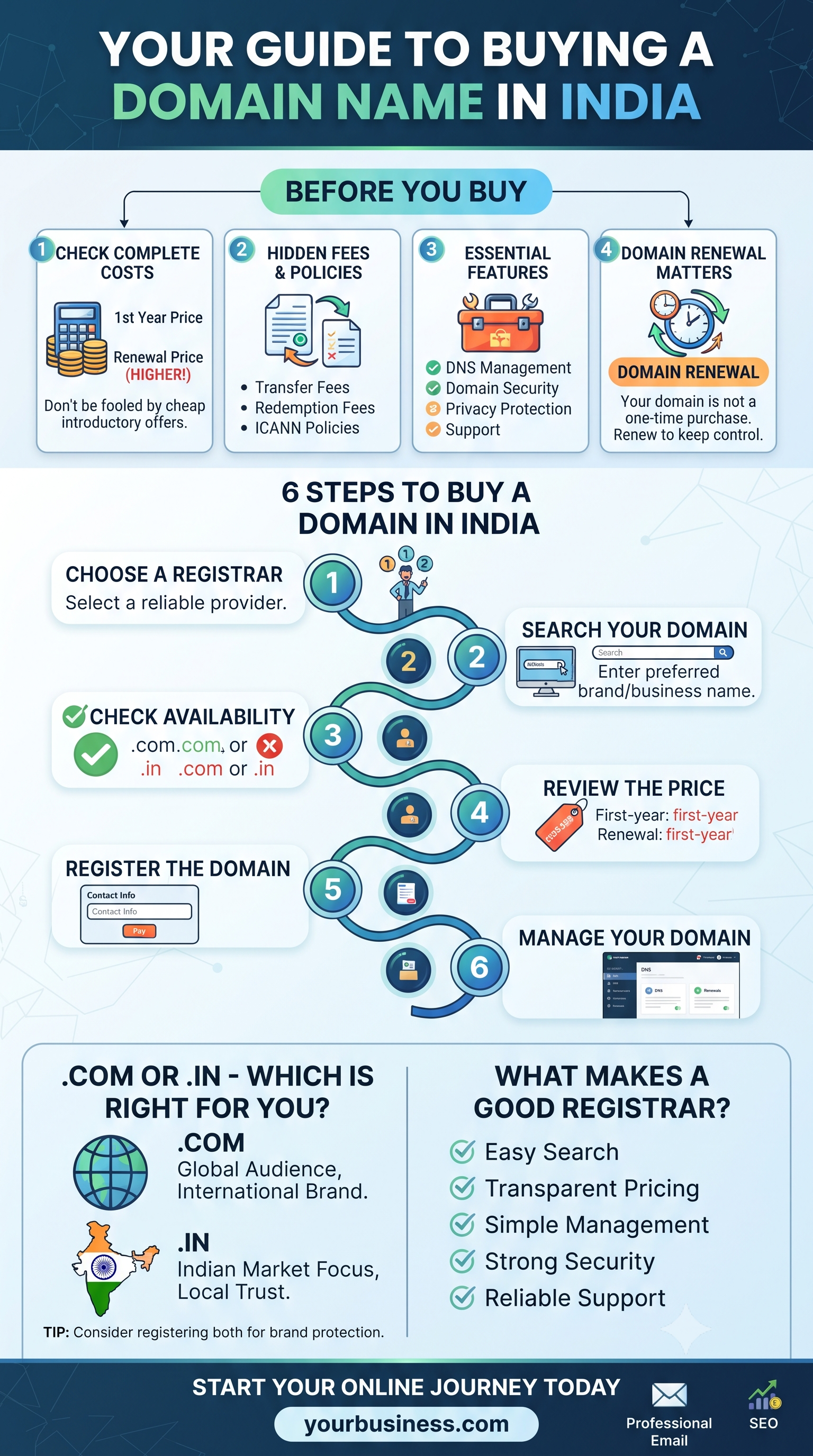
Most buyers stop at the word Available and miss what sits behind it. This guide explains what each result means, what a search cannot tell you, and what to do next. New to registration itself? Start with our domain name registration guide for 2026.
At A Glance
• Price: ₹599 to ₹950 for year one, excluding GST
• Activation: Live within minutes of payment
• Included: Free DNS management and domain locking
• Extensions searched: .com, .in, .co.in and .ai
• Searching shows availability, and nothing is yours until you pay.
What Does A Domain Checker Actually Tell You?
A domain checker answers one question reliably: can the exact name you typed be registered right now, in the extension you chose? That is a narrow answer, so know what it leaves out before you print business cards or buy ads.
The result describes the registry at the moment of your search. It does not judge whether the name is wise, legal or memorable. Those decisions stay with you.
• It confirms: the name is free, or already registered, in that extension
• It does not confirm: that the name is safe from trademark conflicts
• It does not confirm: that matching social handles are free
• It does not confirm: that a taken name is for sale
Treat the search as step one of three. Step two is a look for existing brands with the same or a similar name. Step three is a check of the handles you plan to use on social media and in email.
What Do The Five Result Types Mean?
Most results from a domain checker fall into five groups: available, taken, premium, expiring and not offered. Each group needs a different next move, and the table pairs every result with a sensible reaction.
|
Result |
What it means |
Your next move |
|
Available |
The name can be registered now at the standard fee |
Confirm the spelling, then add it to the cart |
|
Taken |
Someone already holds the registration |
Try another extension or a variant |
|
Premium |
The name is on sale at a price above the standard fee |
Weigh the price against what the name is worth to you |
|
Expiring |
The holder has not renewed yet, and timing varies |
Do not plan a launch around it; pick a backup |
|
Not offered |
The registrar does not sell that extension |
Check another extension or another registrar |
Wording differs between registrars, so read the label on screen instead of guessing. Also remember that Available is a snapshot. Someone else can register a free name a minute after your search, so finish the order in the same sitting.
A result also applies to one extension only. Each extension is a separate namespace, so yourbrand.com and yourbrand.in can belong to different owners. A Taken label on .com says nothing about .in or .co.in.
What Should You Do When Your First Choice Is Taken?
When a domain checker shows your first choice as taken, change one variable at a time: the extension, the spelling or the word choice. Moving from .com to .in or .co.in suits many Indian businesses, and a short variant beats a long hyphenated copy.
Do not give up after one miss. Because a free domain search costs nothing, test ten variants before you decide, and write down every available one. A list of five open names beats a single name you are attached to.
• Swap the extension: .co.in costs ₹599 and .in costs ₹649 in year one
• Add one clear word: a city, a product type or a short verb
• Drop hyphens and numbers: they are hard to say aloud
• Test the sound: ask a friend to spell it after hearing it once
If you are still stuck, our guide to a domain name generator for Indian brand names covers naming styles and a seven-step process for shortlisting ideas.
To see whether a taken name belongs to an active business, run a registration lookup. ICANN offers a free public lookup tool for registration data that shows whether a name is registered and the date it was registered. A name registered a decade ago with no website differs from one registered last month.
Is A Free Domain Search Really Free?
Yes, a free domain checker costs nothing to use, and you pay only when you register. What is not free is the name itself, GST at checkout and the renewal rate after year one. Check all three before you pay.
The table separates what the search gives you from what you buy afterwards.
|
Item |
Free or paid |
Note |
|
Running a search |
Free |
Search as many variants as you like |
|
Registering .co.in, .in or .com |
Paid |
₹599, ₹649 and ₹950 for year one |
|
GST |
Added at checkout |
The listed prices exclude it |
|
Renewal |
Paid |
Charged at the standard rate, which can differ from year one |
|
DNS management and domain locking |
Included |
Listed as free on the homepage |
|
Domain for the first year |
Free with some hosting plans |
Read the plan conditions first |
Confirm the current figures on the domain extensions and prices page before checkout, since offers change and the listed fees leave out GST. A free search and a free domain are different things, so never assume the second from the first.
Use a simple budgeting rule. Add GST to the first-year fee, then ask what renewal costs. A name listed at ₹649 for year one should be judged by its renewal rate, because that is the amount you pay every year after the first.
Which Extension Should You Check First?
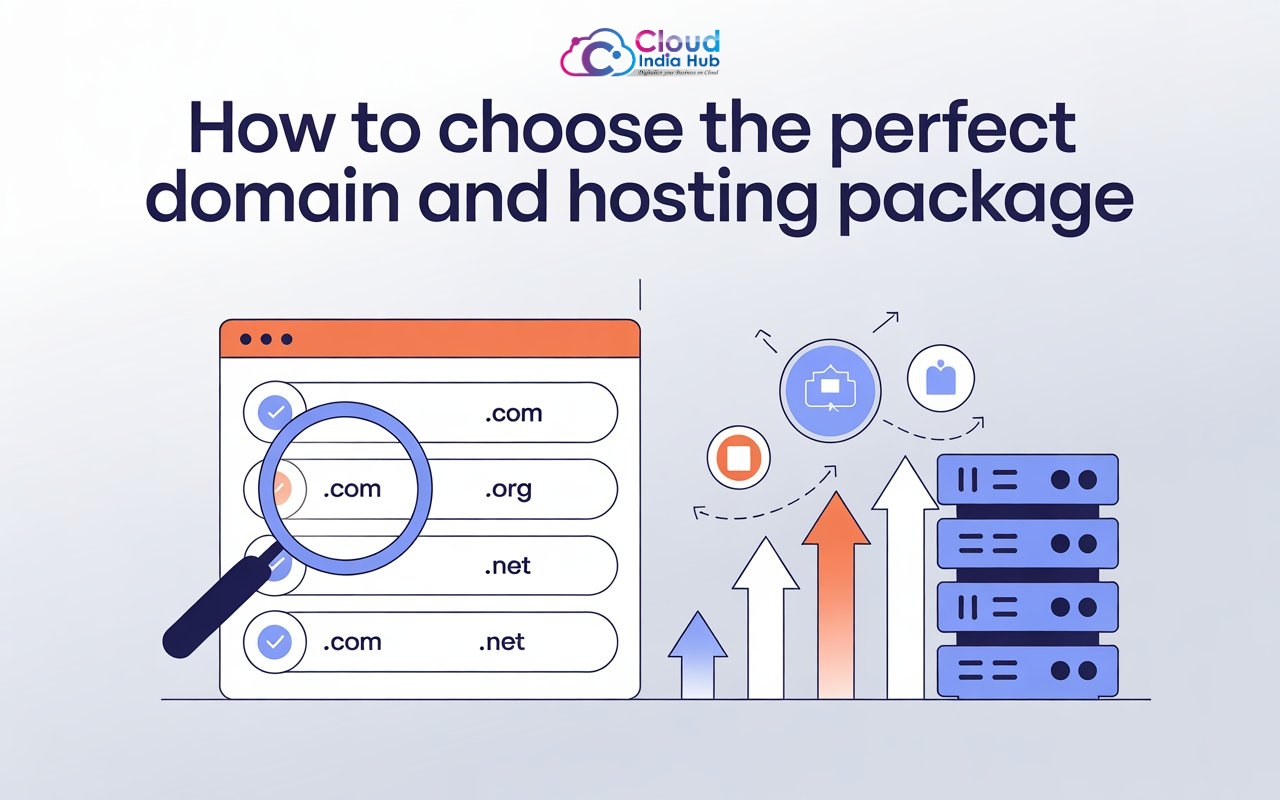
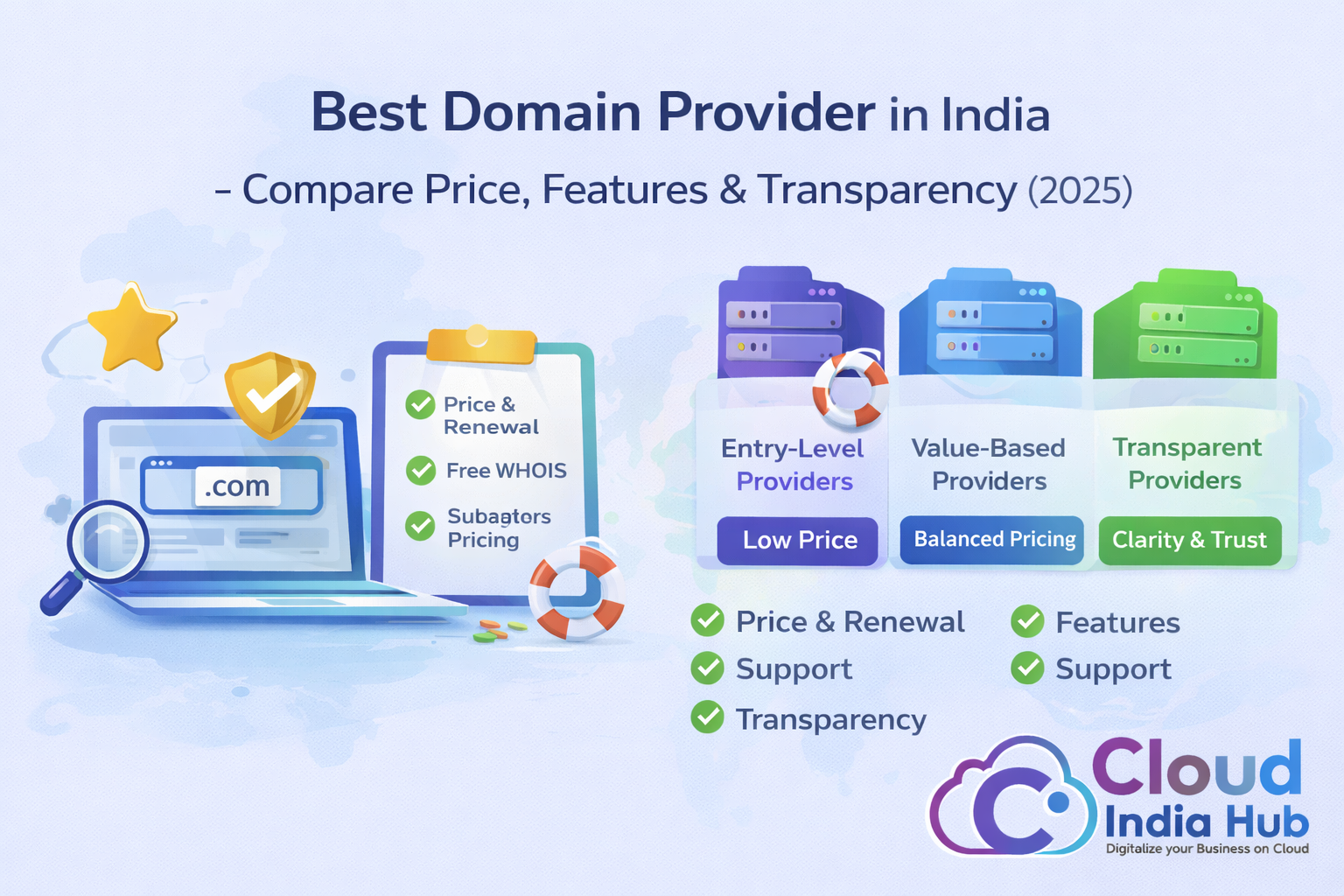
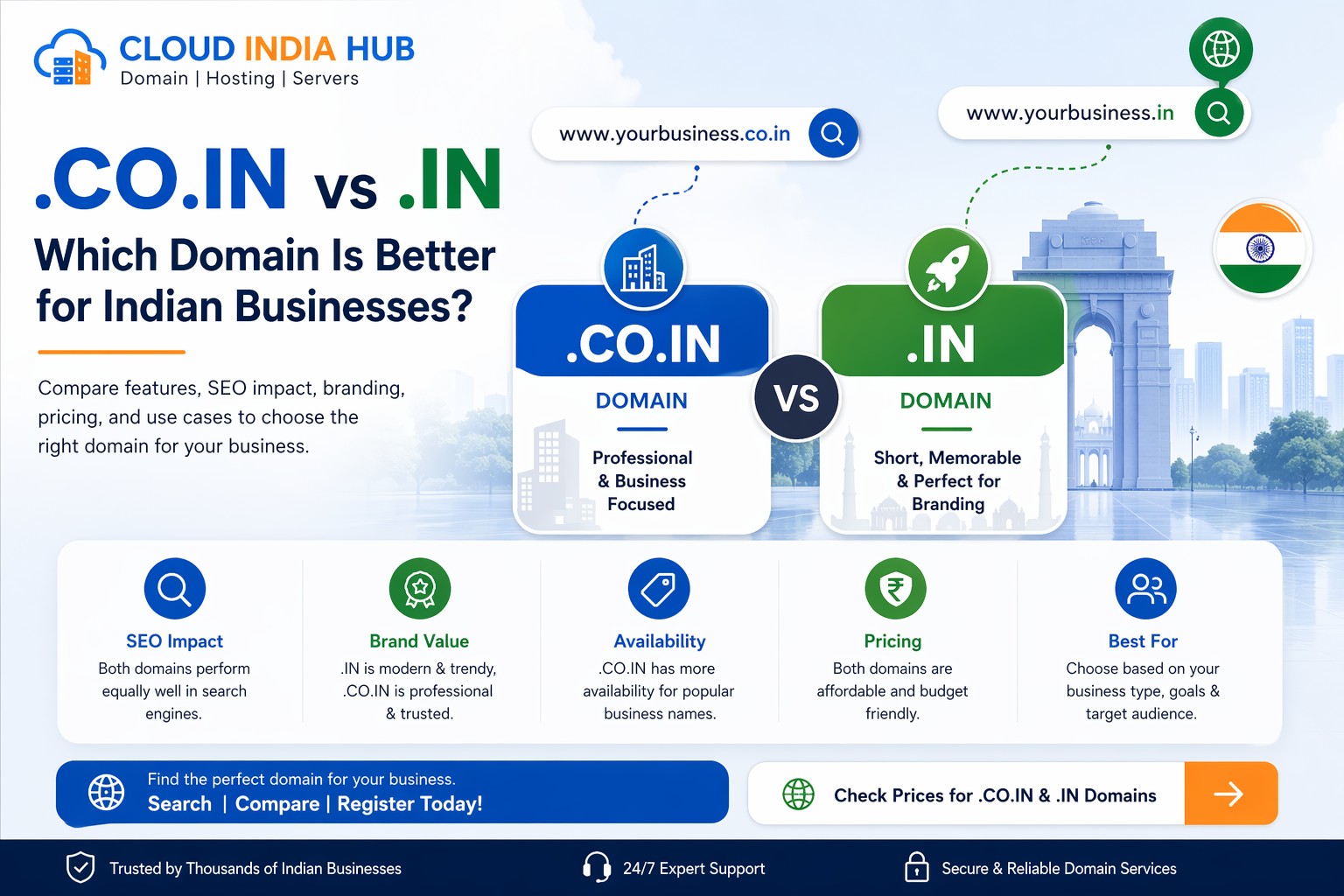
Check the extension your customers would guess first. For customers in India that is usually .in or .co.in, while .com suits brands that sell abroad. First-year fees differ by only ₹351 between the cheapest and the dearest of the three.
• .co.in at ₹599: a company-style address for Indian businesses
• .in at ₹649: a short address with a clear India identity
• .com at ₹950: the extension people type from memory
• .ai: searchable from the homepage, but priced differently, so read its price on screen
Run all three for your shortlist, then register the ones that matter. If protecting the brand is worth the extra first-year cost, buy a second extension and redirect it to your main site.
For a line-by-line view of what each rupee pays for, read our domain registration cost breakdown.
What Should You Check Beyond The Search Box?
Check four things that a search cannot show: trademark conflicts, social handles, the name’s history and how the address sounds when spoken. These checks are free, take minutes, and prevent the most expensive mistakes in naming.
• Trademarks: an available domain is not legal clearance, so look for brands with the same or a similar name
• Social handles: a name that matches across platforms is easier to remember
• History: a name with a previous owner may carry old links or a poor reputation, so search it by name
• Email: picture addresses such as info@yourbrand and see whether they read cleanly
None of these needs a paid tool. To check history, search the name in quotes in your browser and read what appears. Old pages, complaints or spam mentions are a warning sign, and a clean result is a good one.
A few searches and a short chat with a colleague cover most of the risk.
How Do You Run A Domain Search In Five Steps?
Type the exact name, check two or three extensions, say it aloud, search for similar brands, then register. Following this order with a domain checker catches the costly mistakes while they are still free to fix.
1. Type the exact name. Enter only the name, such as yourbrand, and pick an extension from the list.
2. Check two or three extensions. Compare .in, .co.in and .com before you fall for one.
3. Say the name aloud. If a listener cannot spell it after one hearing, shorten it.
4. Search for similar brands. Look for the same or a close name in your industry.
5. Register and lock it. Pay, switch on domain locking and renewal reminders, and keep your registrant email working.
Here is the routine on a made-up name. You search greenleafcafe and see that the .com is taken, while .in and .co.in are free. A café serving local customers can take the .in at ₹649, add GST at checkout, and skip the .com entirely.
After registration, point the name at your website. Our guide to A, CNAME, MX and TXT records explains which record does which job.
Frequently Asked Questions
Is a domain checker free to use?
Yes, running a search with a domain checker costs nothing. You pay only if you register a name, plus GST and later renewals.
What is the difference between a domain search and a WHOIS lookup?
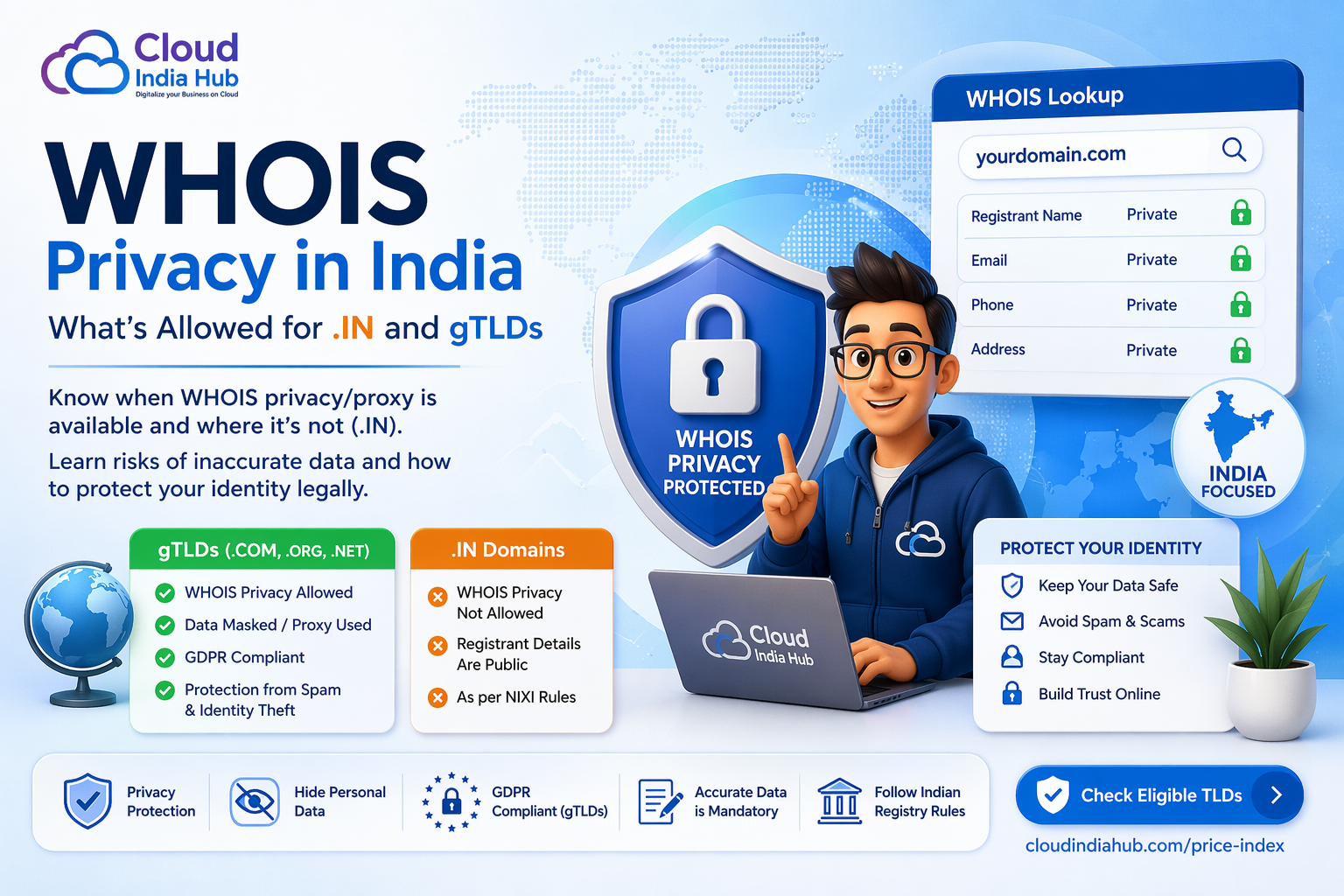
A search asks whether a name can be registered, while a lookup reads the public record of a name already registered. Personal details in that record may be hidden.
How accurate is a free domain name search?
A free domain name search reflects the registry at that moment, so it is accurate when you run it. A name can be taken minutes later, so complete your order in the same session.
Does searching for a name reserve it?
No, a search only reads availability. The name becomes yours when you pay and the registration completes, which usually takes minutes.
Why does a taken name show an empty website?
Registration and hosting are separate purchases. Someone can hold a name for years without building a site, so an empty page does not mean the name is free to register.
What if the .com is taken but the .in is free?
Choose by audience: .in is a short, strong address for customers in India. If you plan to sell abroad, vary the name slightly in .com rather than settling for a weaker extension.
Where Do You Go From Here?
Run your shortlist through the domain checker on the Cloud India Hub homepage, then register the best available name the same day. For questions about extensions or pricing, talk to the Cloud India Hub support team on 24x7 chat or call +91 98864 66777.
Serving Bengaluru, Karnataka.






























































































































































Leave A Comment