

High performance, seamless scalability, and maximum uptime have become non-negotiable for any modern digital venture. Whether you are scaling an e-commerce platform, launching a high-traffic web application, or migrating a resource-heavy enterprise portal, traditional single-server environments often fall short of handling sudden traffic surges.
Modern businesses require infrastructure that adapts dynamically to changing resource demands. Cloud India Hub provides advanced cloud hosting solutions designed to give growing websites, startups, and enterprises the flexibility, speed, and high availability they need to succeed online.
This guide explores how cloud hosting works, how it differs from traditional web hosting, its core benefits, and how to choose the right infrastructure for your expanding digital footprint.
Table of Contents
What Is Cloud Hosting?
How Cloud Hosting Works
Traditional Web Hosting vs. Cloud Hosting
Key Benefits of Cloud Hosting
Scalability: Growing Without Limits
High Availability and Uptime
Enhanced Security in Cloud Environments
Cloud Hosting for E-Commerce and Businesses
Cloud Hosting in India
Comparing Cloud Hosting to VPS and Dedicated Servers
How to Choose the Right Cloud Hosting Plan
Why Choose Cloud India Hub?
Cloud Hosting Use Cases by Website Type
Conclusion
FAQs
1. What Is Cloud Hosting?
Cloud hosting is an advanced type of web hosting that utilizes a cluster of multiple interconnected virtual and physical servers to store and manage website files and resources.
Unlike traditional hosting—where your website relies entirely on a single physical machine—cloud hosting draws power from a vast network of virtual resources. This distributed architecture ensures that your website remains online, responsive, and secure even if an individual hardware component encounters an issue.
2. How Cloud Hosting Works
The core technology behind cloud hosting is virtualization, which splits physical data center servers into multiple isolated virtual units using hypervisors.
The mechanism relies on clustered architecture:
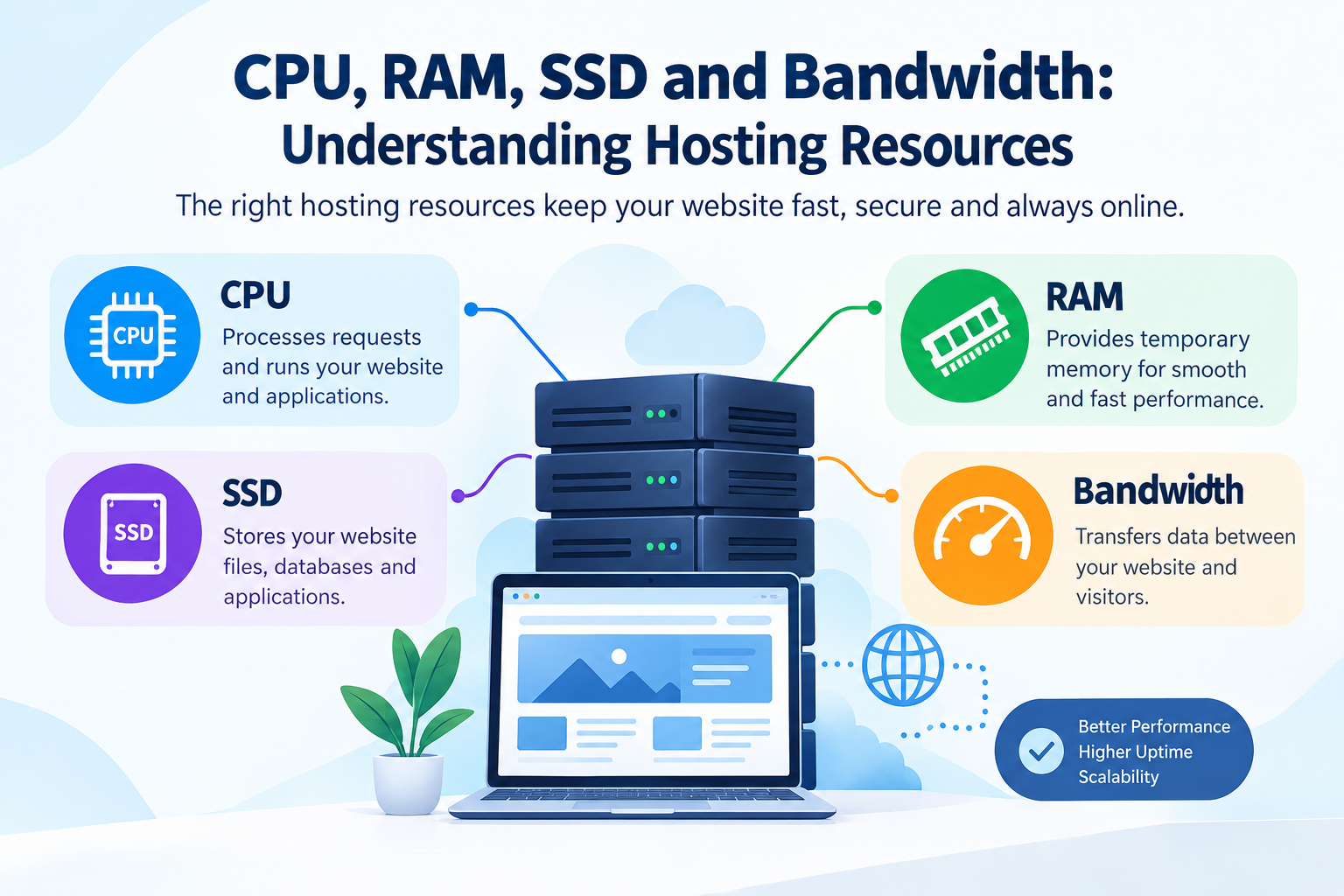
Resource Pooling: Multiple servers combine their processing power, storage, and RAM into a single unified resource pool.
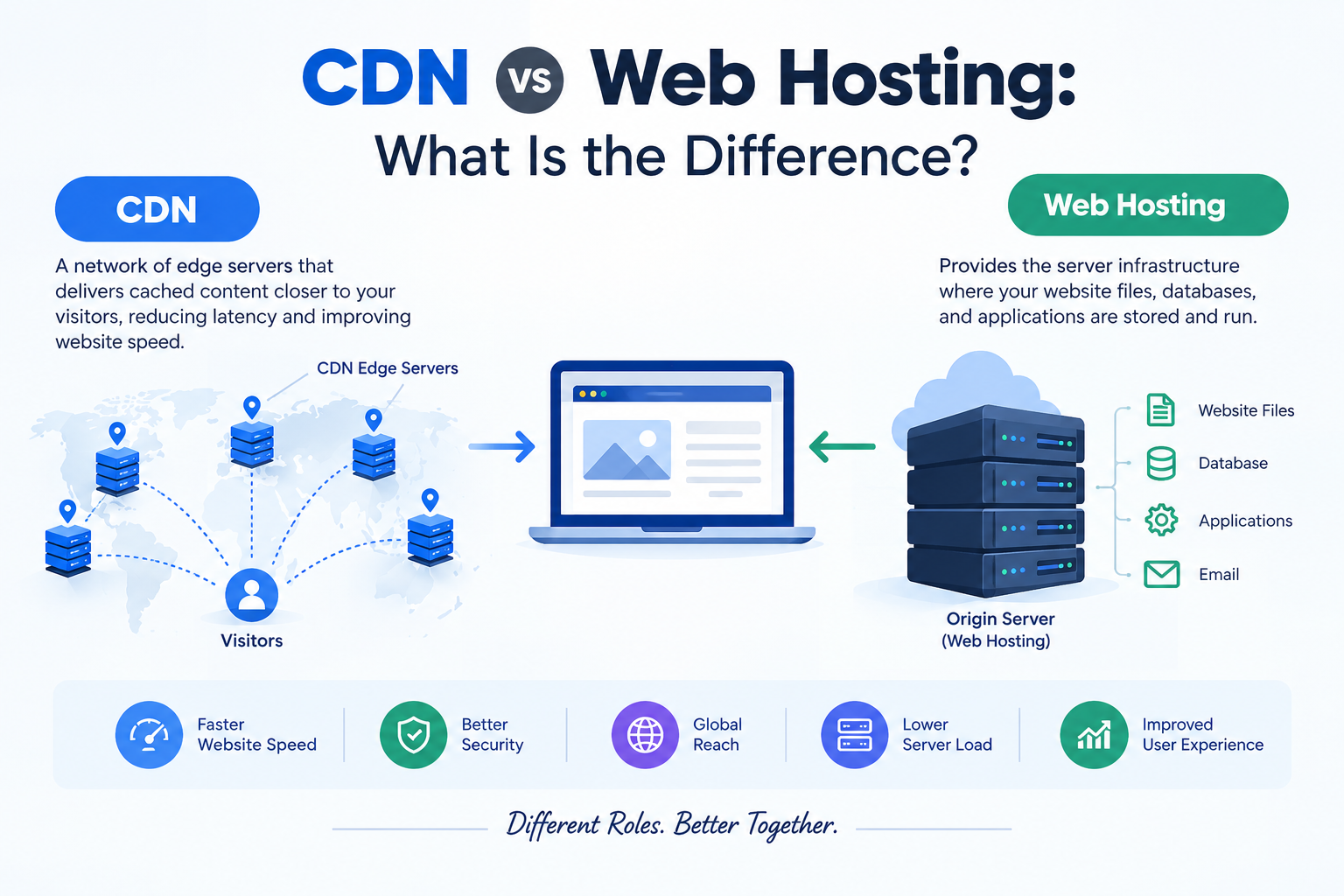
Cluster Distribution: Your website's data, databases, and assets are mirrored or dynamically accessed across this network.
Automated Load Balancing: If traffic spikes or a node undergoes maintenance, traffic is instantly rerouted to an available server without service interruption.
On-Demand Allocation: Resources scale up or down automatically based on real-time demands.
3. Traditional Web Hosting vs. Cloud Hosting
Understanding the structural differences helps clarify why growing platforms transition to the cloud.
| Feature | Traditional Shared/VPS Hosting | Cloud Hosting |
| Infrastructure | Single physical server or partitioned VPS | Clustered network of multiple servers |
| Reliability | Vulnerable to single-server hardware failure | High availability through automatic node failover |
| Scalability | Manual, often requires downtime to upgrade plans | Instant, seamless resource scaling on demand |
| Performance | Restricted by physical server limitations | Balanced load management across multiple nodes |
| Pricing Model | Fixed monthly or annual tiers | Flexible resource allocation models |
4. Key Benefits of Cloud Hosting
Switching to a cloud infrastructure delivers distinct technical and operational advantages for modern website owners:
Unmatched Reliability: Elimination of single points of failure ensures continuous operational uptime.
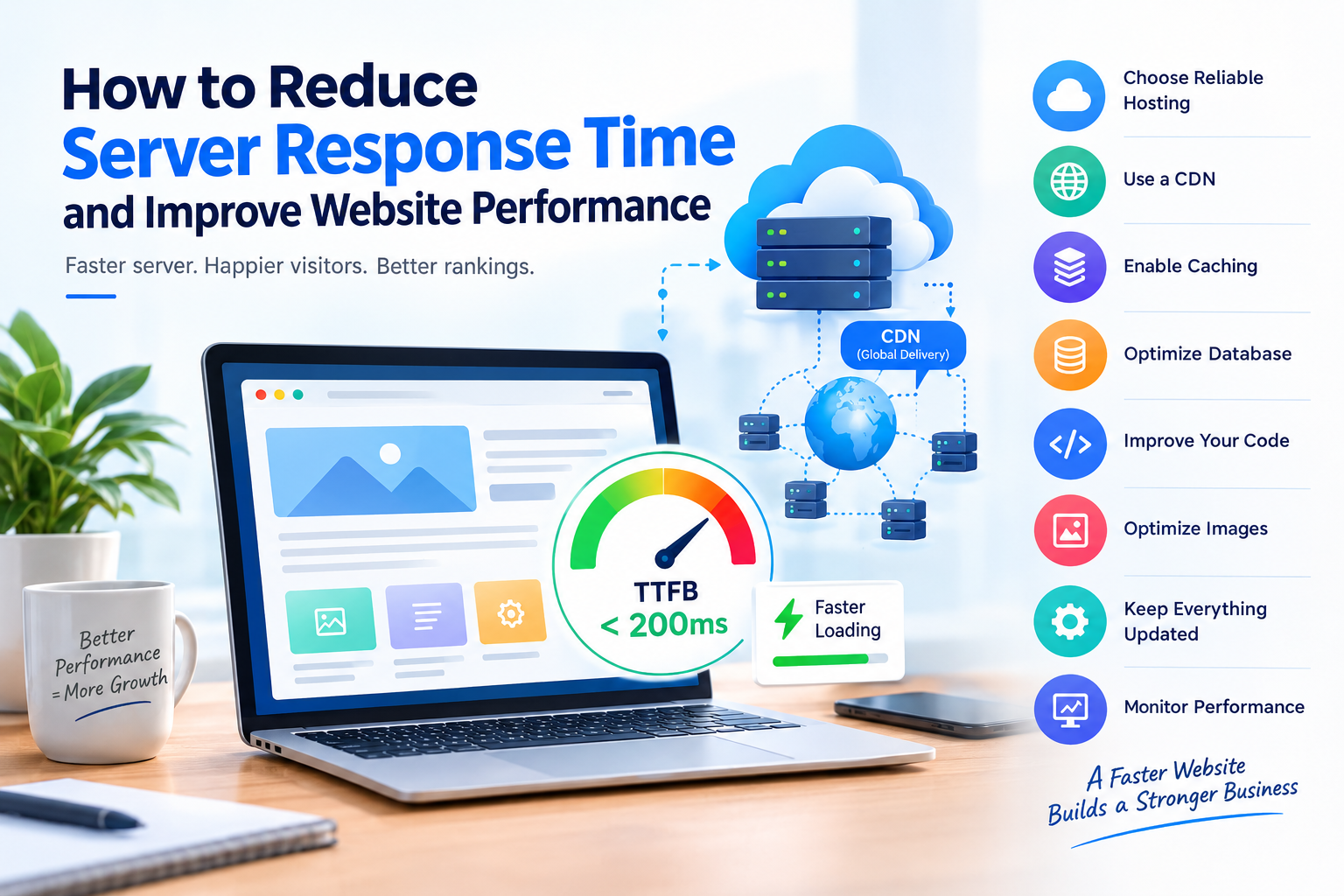
Optimized Speed: Distributed server resources and advanced caching mechanisms lead to faster load times.
Resource Isolation: Your performance is not bottlenecked or impacted by neighboring websites.
Complete Flexibility: Pay only for the specific computing resources your application utilizes.
5. Scalability: Growing Without Limits
The single biggest advantage of cloud hosting is its dynamic scalability. On a standard hosting plan, experiencing a viral marketing campaign or a sudden influx of seasonal holiday shoppers can crash your server due to resource exhaustion.
Cloud hosting eliminates this bottleneck. If your website experiences an unexpected traffic surge, additional CPU, RAM, and bandwidth resources can be provisioned instantly in real-time, ensuring zero downtime and a seamless user experience.
6. High Availability and Uptime
Uptime is critical for maintaining user trust and search engine rankings. Traditional hosting servers can go offline due to hardware degradation, software crashes, or local power outages.
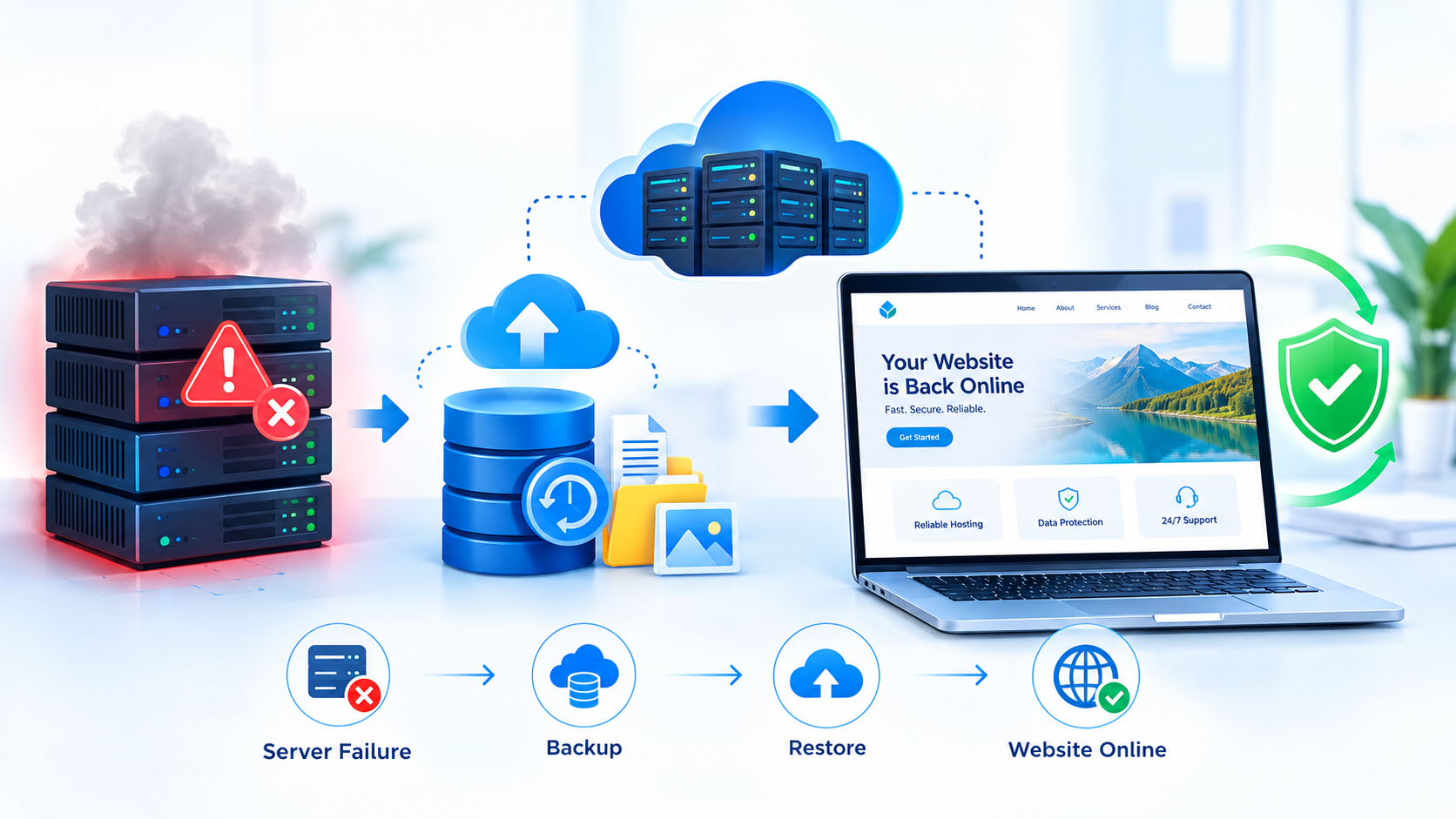
Cloud hosting provides built-in redundancy. Because your website data exists across a cluster, if one physical server experiences a glitch, another server in the cloud cluster takes over instantly. This automated failover process guarantees maximum service uptime.
7. Enhanced Security in Cloud Environments
Security is a primary pillar of reliable infrastructure. Enterprise-grade cloud platforms integrate multi-layered protection protocols, including:
Isolated virtual environments that prevent cross-contamination from other accounts.
Advanced firewall configurations and DDoS mitigation systems.
Automated, encrypted regular backups.
Secure SSL integration to protect data transmissions between users and the server.
8. Cloud Hosting for E-Commerce and Businesses
Online stores, financial portals, and corporate web apps require robust processing power to handle secure transactions, customer account management, and database queries simultaneously.
Cloud hosting ensures that high-volume product catalogs, checkout gateways, and dynamic search features run smoothly during peak operational hours, directly contributing to higher conversion rates and minimized cart abandonment.
9. Cloud Hosting in India
For businesses targeting audiences across the Indian subcontinent, choosing infrastructure tailored to regional requirements offers major performance benefits.
Opting for cloud solutions managed through providers like Cloud India Hub ensures lower network latency, faster page delivery for local users, seamless local compliance, and customer support aligned with Indian business hours.
10. Comparing Cloud Hosting to VPS and Dedicated Servers
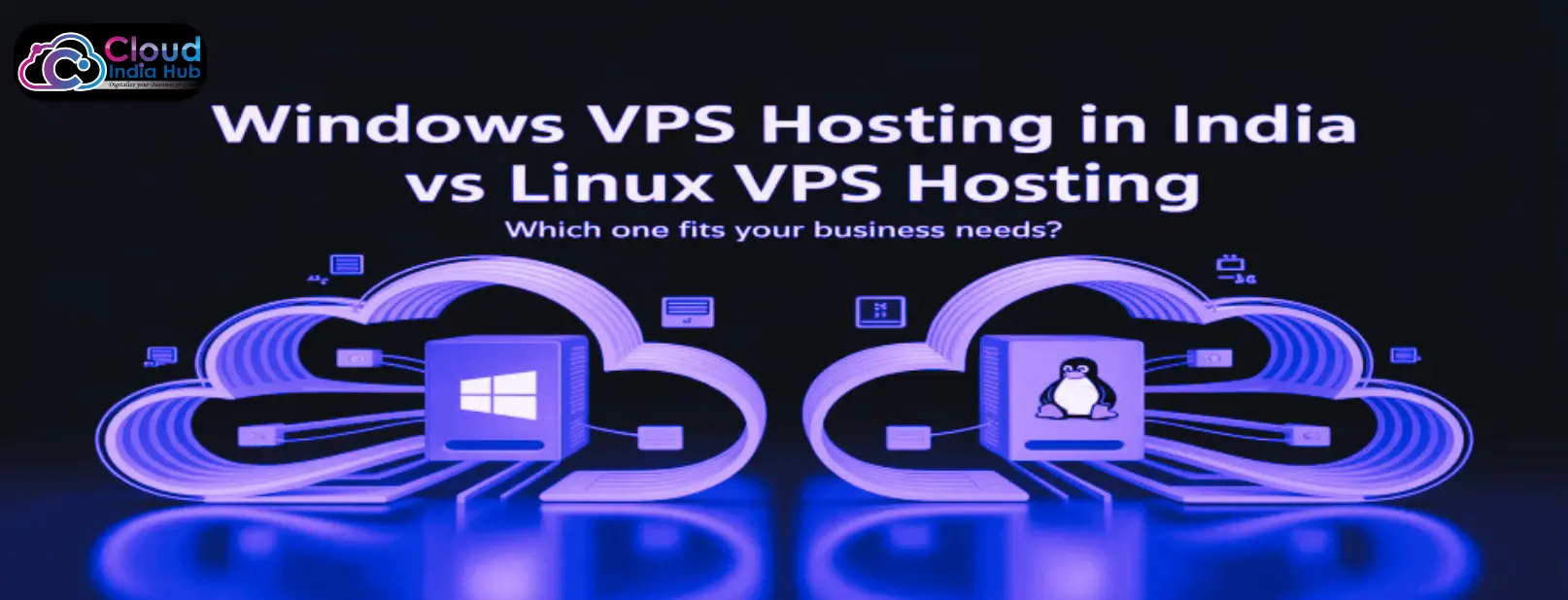
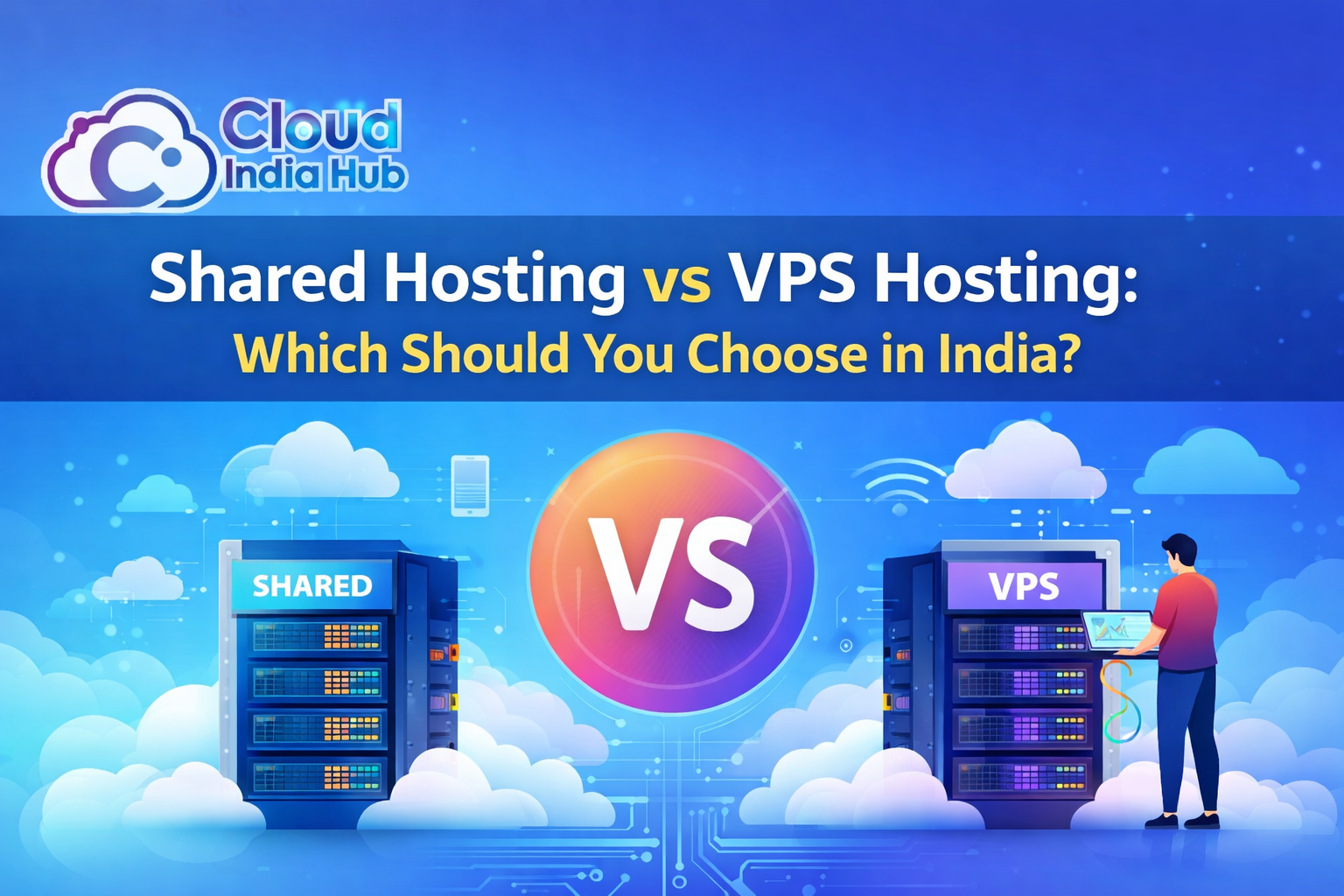
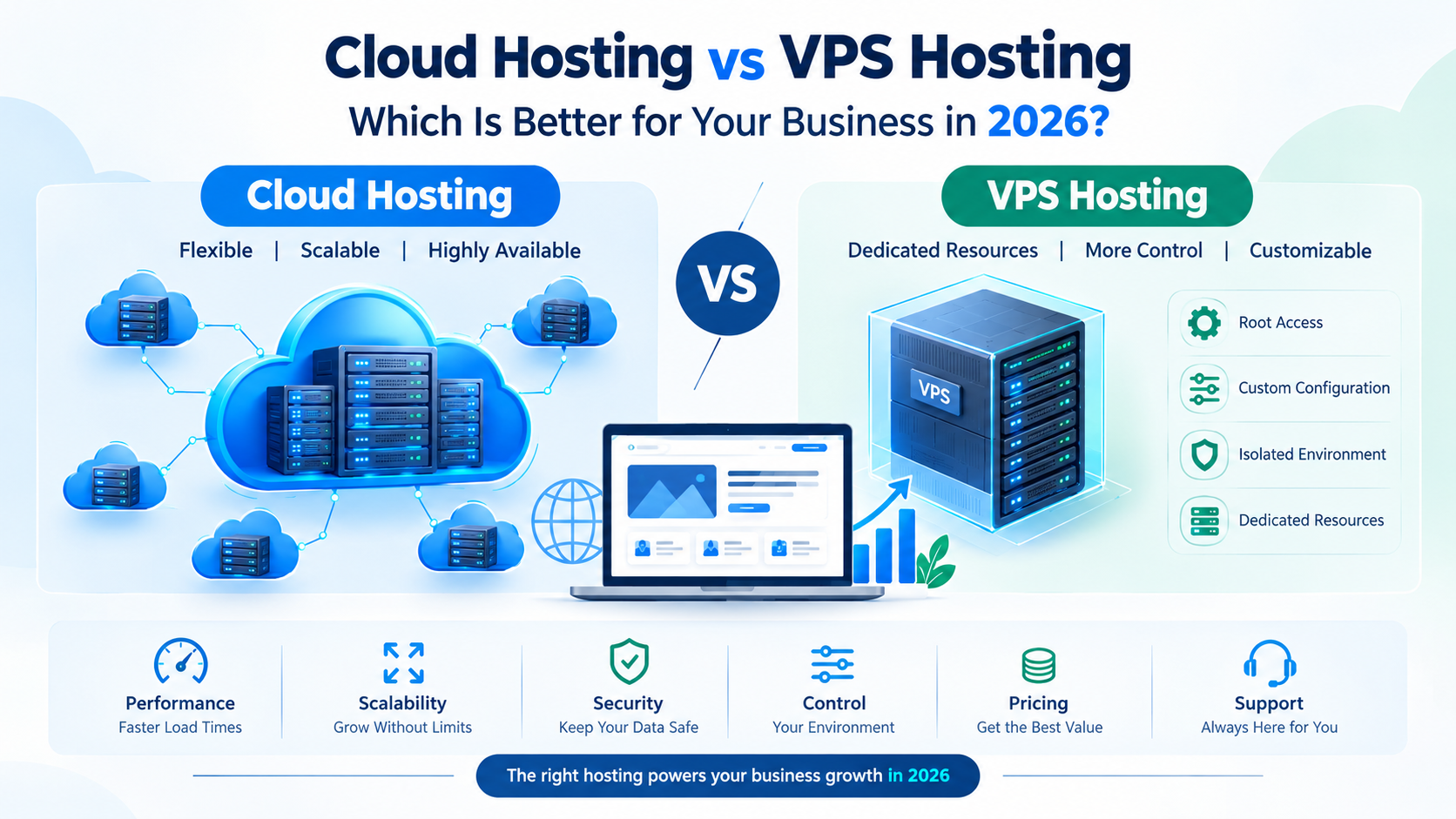
Cloud Hosting vs. VPS: While a Virtual Private Server (VPS) gives you dedicated slices of a single machine, cloud hosting spreads your application across an entire network of machines for superior failover safety and instant scaling.
Cloud Hosting vs. Dedicated Servers: Dedicated hosting gives you an entire physical box, but scaling it requires hardware changes and potential downtime. Cloud hosting offers equivalent or greater power with the flexibility to scale instantly without physical hardware constraints.
11. How to Choose the Right Cloud Hosting Plan
Before selecting a cloud hosting configuration, analyze your digital project using these criteria:
Traffic Projections: Evaluate your current visitor count and anticipated growth spikes.
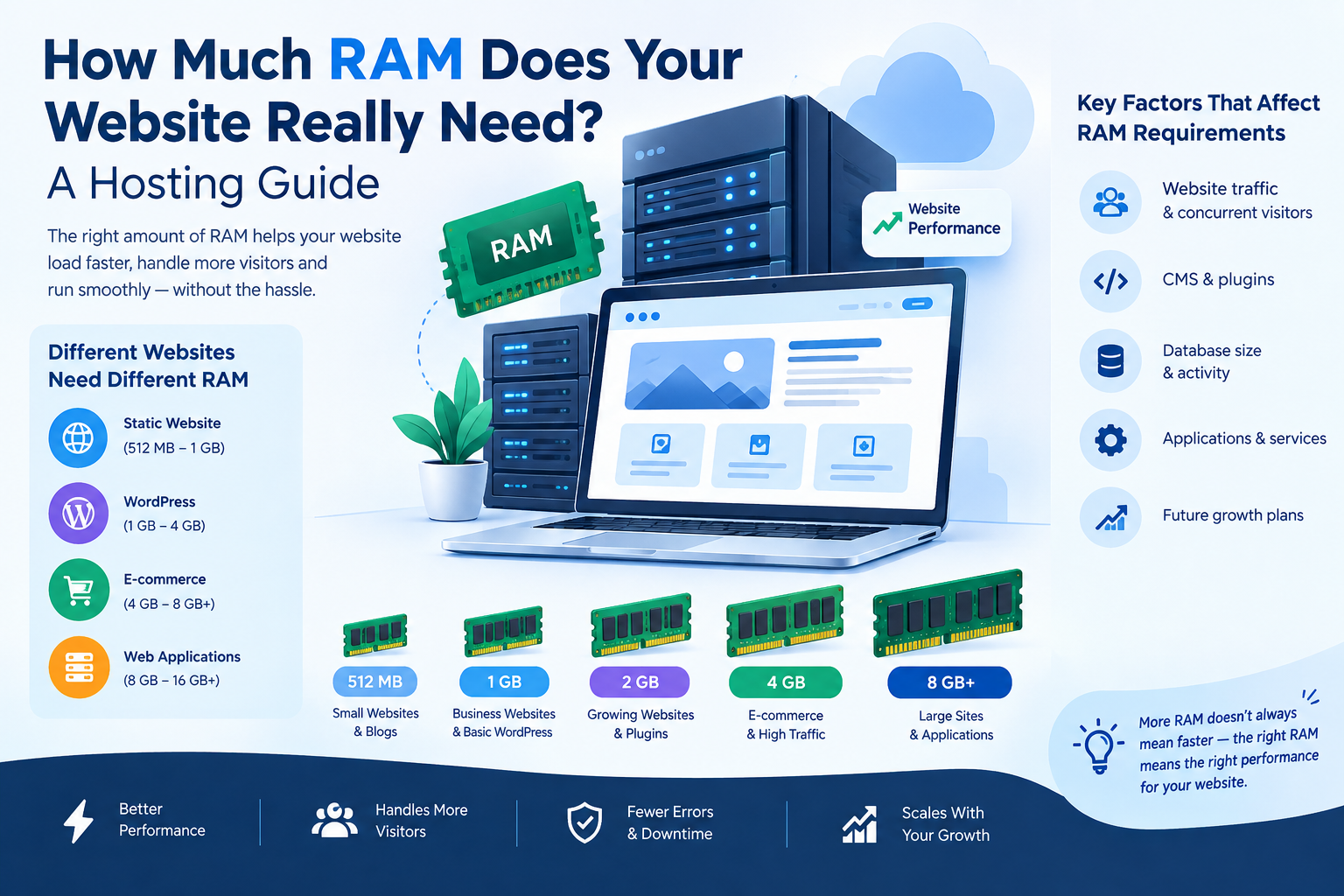
Resource Needs: Calculate your CPU, RAM, and storage requirements for database-heavy applications.
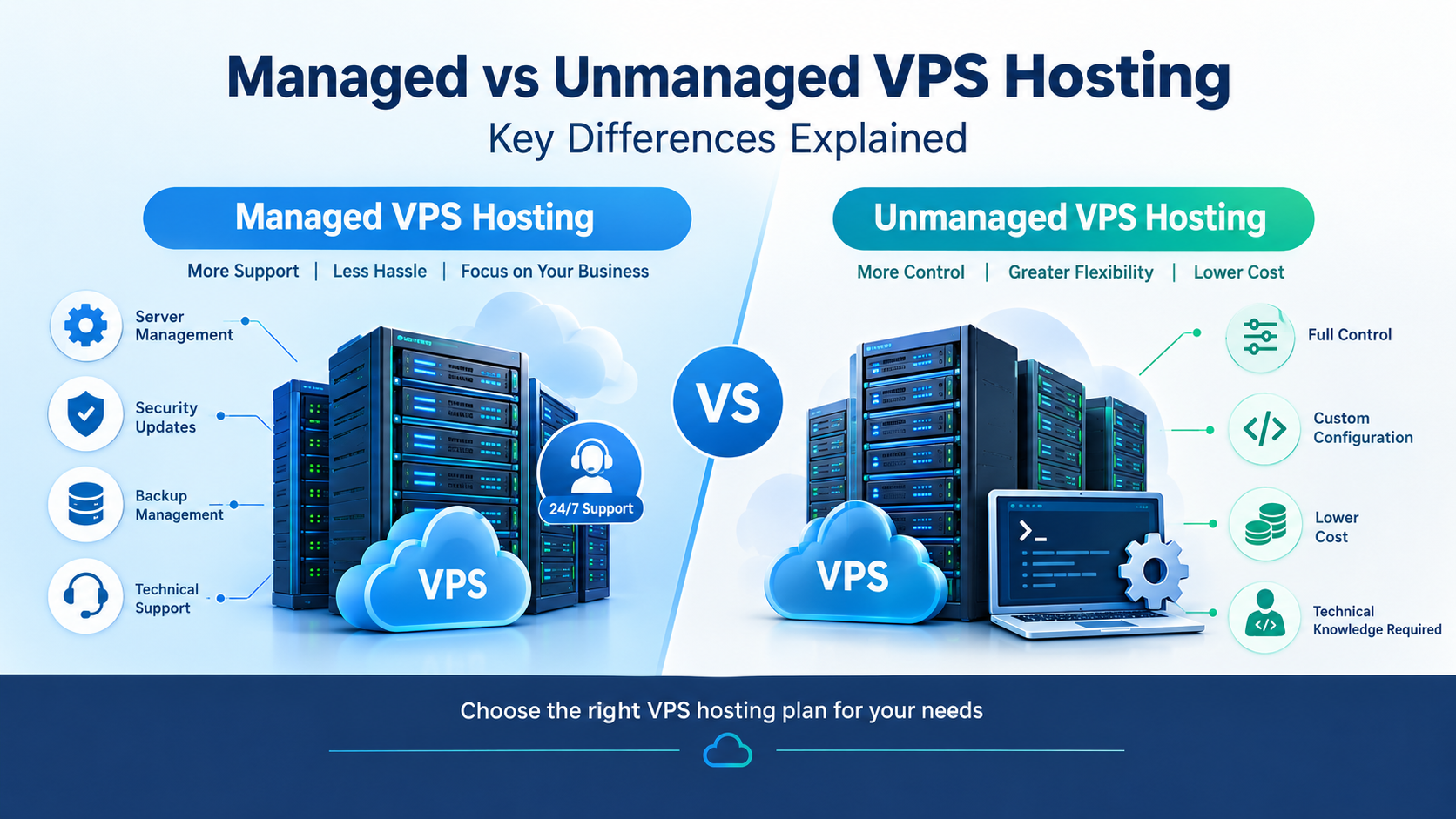
Technical Management: Decide whether you need a fully managed cloud environment or prefer root-level developer control.
Budget Alignment: Balance upfront costs against long-term resource efficiency and uptime requirements.
Support Availability: Ensure the provider offers round-the-clock technical assistance.
12. Why Choose Cloud India Hub?
Whether you are scaling up from shared web hosting or deploying a mission-critical application, Cloud India Hub offers reliable server environments, robust security features, transparent resource management, and 24/7 expert technical support to keep your business online and optimized.
13. Cloud Hosting Use Cases by Website Type
| Website / Application Type | Why Cloud Hosting Fits Best |
| E-Commerce Stores | Handles seasonal traffic rushes and secure transactions seamlessly. |
| SaaS & Web Applications | Provides isolated, high-performance environments for user scripts and databases. |
| High-Traffic Blogs & News Portals | Delivers fast content delivery and handles sudden viral traffic spikes. |
| Corporate Enterprise Portals | Guarantees maximum uptime, data redundancy, and robust security protocols. |
| Developer Staging Environments | Offers instant resource deployment and flexible scaling parameters. |
14. Conclusion
Cloud hosting represents the pinnacle of modern web infrastructure, combining blistering speeds, absolute reliability, and infinite scalability into a single ecosystem.
Moving away from rigid legacy servers empowers your business to handle traffic growth smoothly while safeguarding sensitive user data. For individuals, developers, and businesses aiming for long-term digital success, Cloud India Hub provides the stable, scalable cloud environment needed to expand with complete confidence.
15. FAQs
1. What makes cloud hosting faster than standard shared hosting?
Cloud hosting distributes data processing across a cluster of multiple interconnected servers and utilizes advanced resource balancing, preventing the performance bottlenecks common on single shared machines.
2. Is cloud hosting difficult to manage for beginners?
Not necessarily. Many cloud plans come integrated with user-friendly control panels like cPanel or managed support layers that simplify server administration for users without deep technical backgrounds.
3. Can I upgrade my cloud hosting resources easily?
Yes. Instant scalability is a core feature of cloud hosting, allowing you to scale up CPU, RAM, or storage dynamically with little to no downtime.
4. Is cloud hosting suitable for small business websites?
Yes. While often utilized by large enterprises, entry-level cloud solutions are increasingly affordable and ideal for small businesses expecting rapid growth or requiring high uptime.
5. How does cloud hosting protect against server failures?
If a physical hardware node in the cloud cluster fails, the automated architecture instantly reroutes your website traffic to a healthy, active node in the network, ensuring uninterrupted availability.
6. Does Cloud India Hub offer cloud and VPS solutions in India?
Yes, Cloud India Hub provides robust, high-performance hosting plans built to support local businesses and growing websites with dedicated support and secure infrastructure.
7. Will migrating to cloud hosting improve my website’s SEO?
Indirectly, yes. Cloud hosting improves server response times, reduces page load latency, and ensures near-100% uptime—all of which are positive performance signals evaluated by search engine crawlers.
8. How do I know when it's time to switch to cloud hosting?
You should consider upgrading when your current shared hosting environment experiences frequent slowdowns, resource limit errors, or when your business traffic begins to outgrow fixed server boundaries.
























































































































































Leave A Comment