
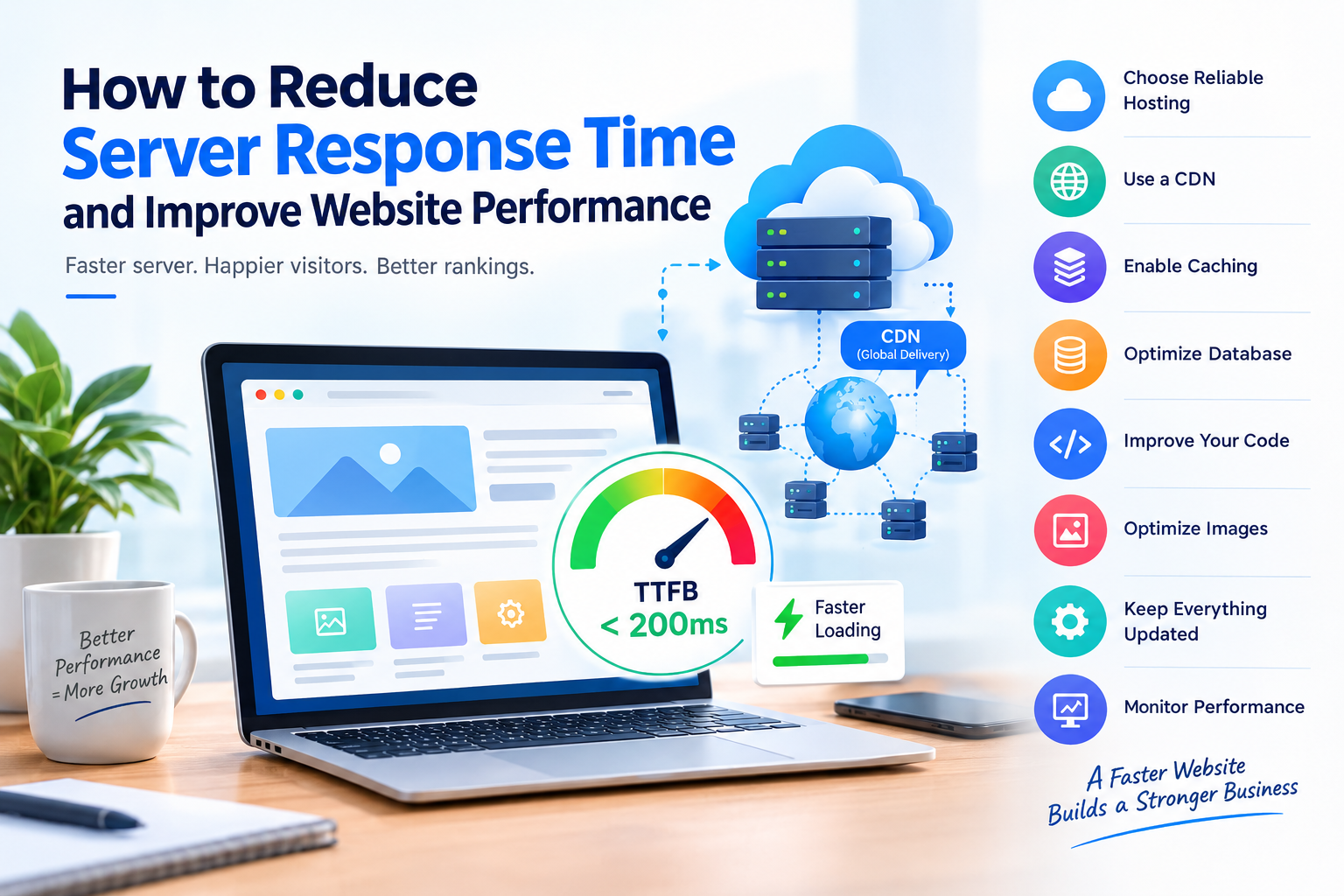
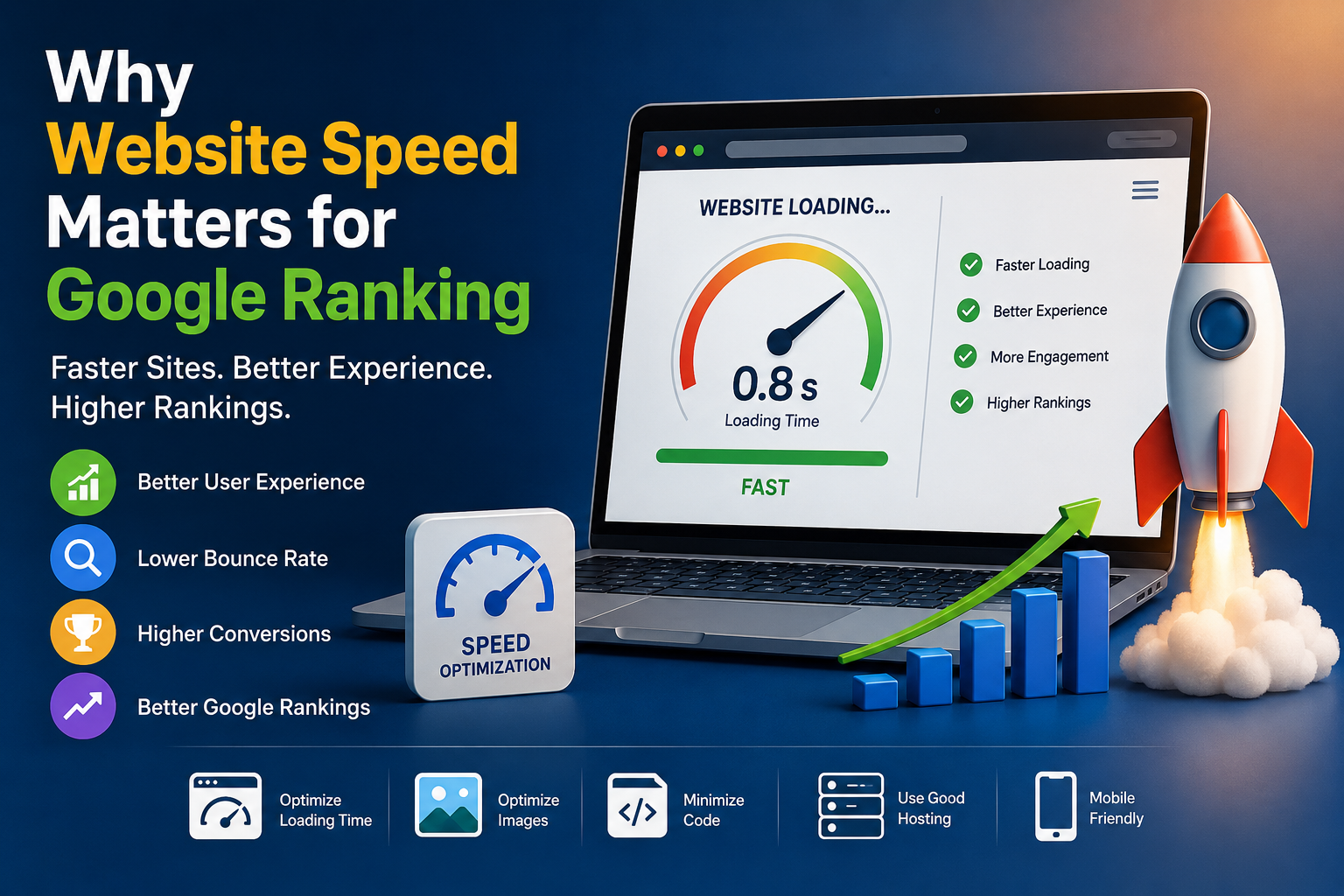
Website speed plays an important role in user experience, search visibility, and conversions. When a visitor clicks on a page, they expect the website to respond quickly. If the server takes too long to send the first response, visitors may leave before the page even loads.
One of the important factors affecting website speed is server response time, often measured using Time to First Byte (TTFB). A slow server response can be caused by poor hosting, inefficient databases, unoptimized applications, heavy traffic, or server configuration issues.
The good news is that there are several practical ways to reduce server response time and improve overall website performance.
In this guide, we will explore the main causes of slow server response time and the steps you can take to make your website faster and more reliable.
Table of Contents
- What Is Server Response Time?
- Why Is Server Response Time Important?
- Common Causes of Slow Server Response Time
- How to Reduce Server Response Time
- Choose Reliable Web Hosting
- Use a Content Delivery Network (CDN)
- Enable Server-Side Caching
- Optimize Your Database
- Optimize Website Code
- Reduce HTTP Requests
- Optimize Images and Media
- Keep Your CMS and Plugins Updated
- Use the Latest PHP Version
- Monitor Website Performance
- How Server Response Time Affects SEO
- Server Response Time Optimization Checklist
- Conclusion
- Frequently Asked Questions
1. What Is Server Response Time?
Server response time is the amount of time a server takes to process a request from a visitor's browser and begin sending a response.
It is commonly associated with TTFB (Time to First Byte), which measures the time between a browser making a request and receiving the first byte of data from the server.
For example:
Visitor → Browser Request → Server Processing → First Byte → Website Content
The faster the server processes the request, the sooner the visitor can start receiving the webpage.
2. Why Is Server Response Time Important?
A slow server can affect several aspects of your website.
Better User Experience
Visitors expect websites to load quickly. A slow response can create frustration and increase the chances of users leaving the website.
Improved Website Performance
Reducing server response time allows the browser to start receiving website resources sooner.
Better SEO
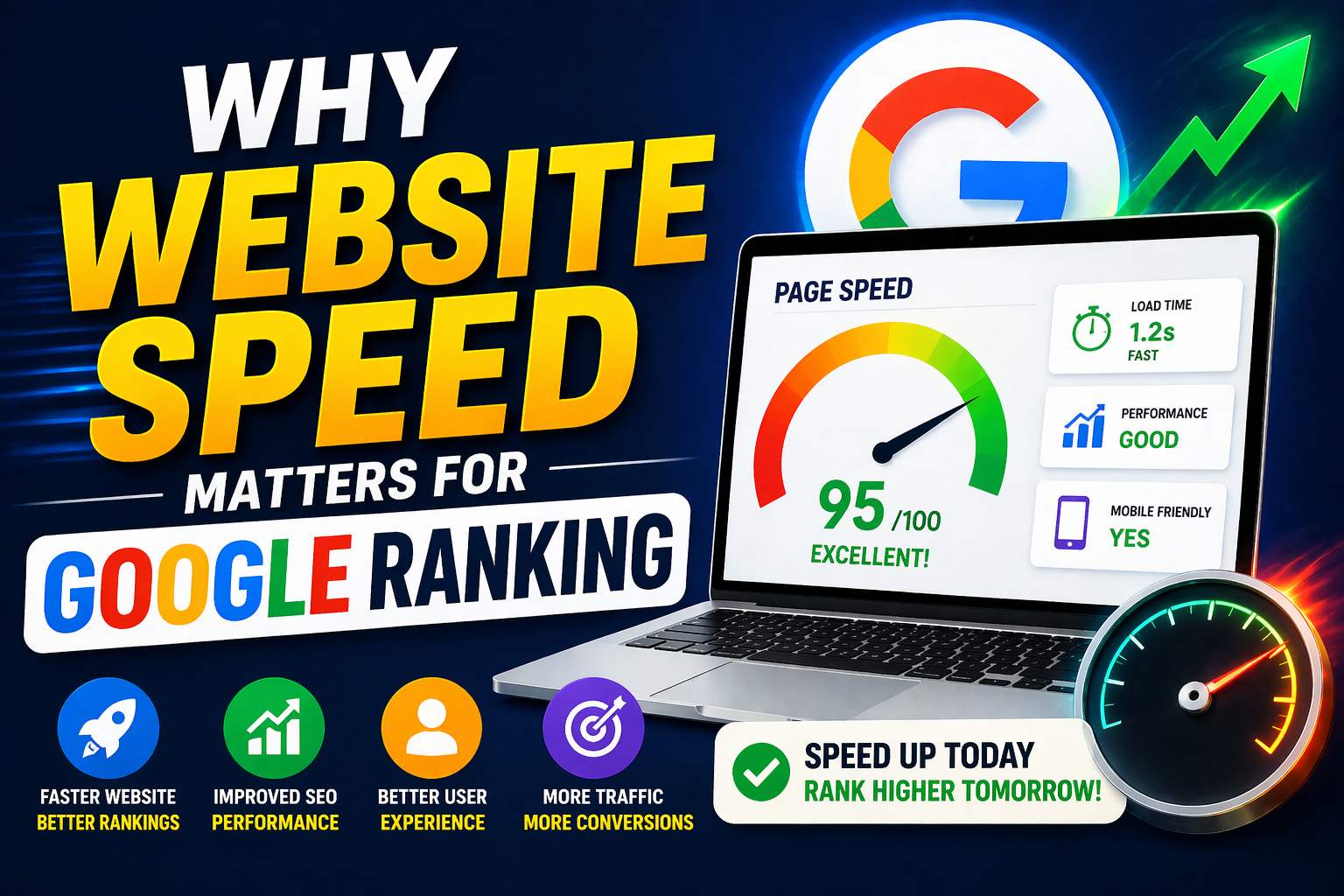
Website performance is one of the factors considered in Google's page experience ecosystem. Faster websites can also provide a better experience for visitors.
Higher Conversions
For business websites, faster pages can help create a smoother journey from landing on the website to submitting a form, making a purchase, or contacting the business.
3. Common Causes of Slow Server Response Time
Before trying to improve server response time, identify what is causing the delay.
Common causes include:
- Poor-quality web hosting
- Overloaded servers
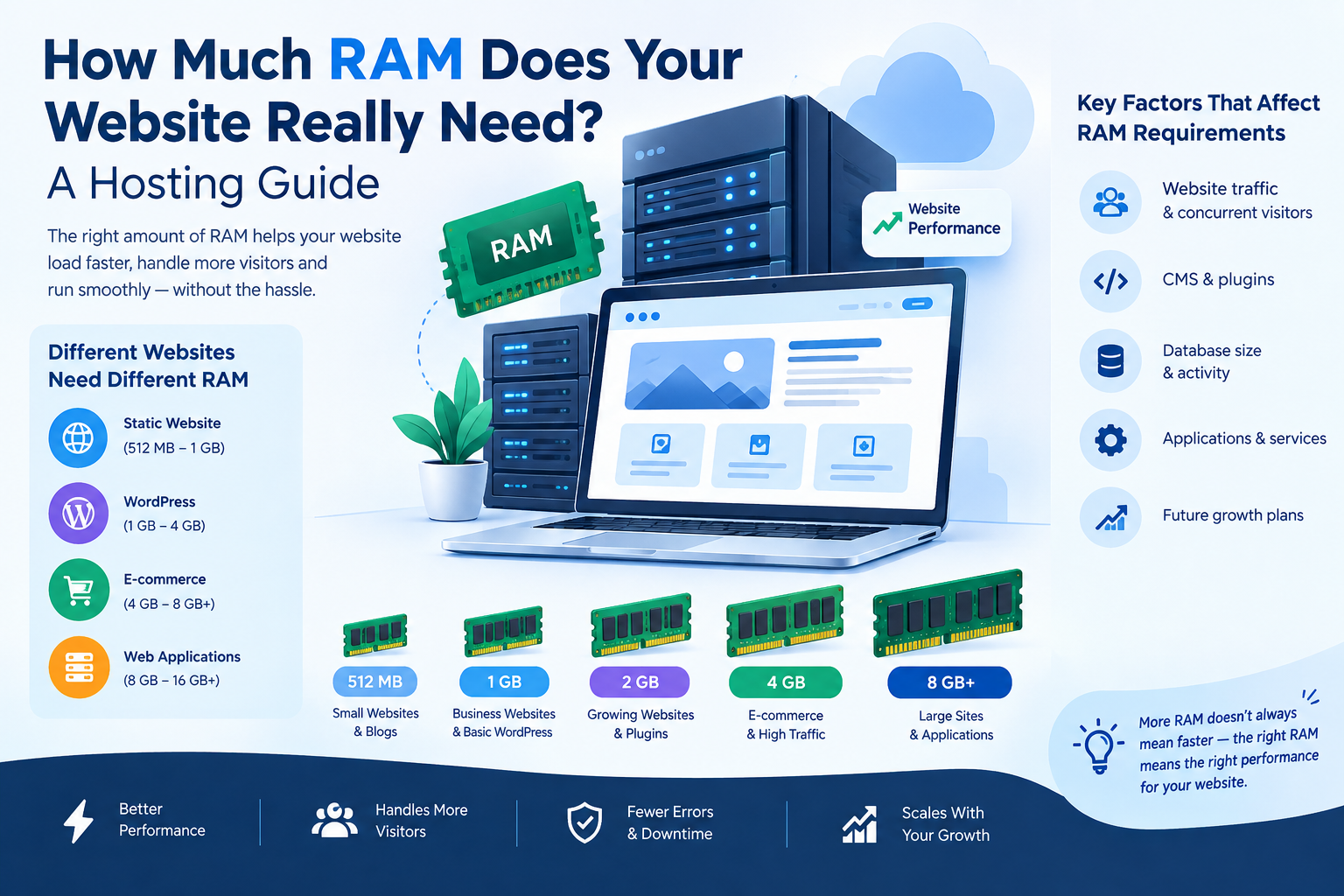
- Insufficient CPU or RAM
- Slow database queries
- Lack of caching
- Unoptimized website code
- Too many plugins
- Outdated CMS or PHP versions
- High website traffic
- Poor server configuration
- Large dynamic requests
- Lack of CDN implementation
Finding the actual bottleneck is important because simply adding more plugins or increasing server resources may not solve the underlying problem.
4. How to Reduce Server Response Time
Here are some practical ways to improve server response time and overall website performance.
5. Choose Reliable Web Hosting
Your hosting environment has a direct impact on website performance.
Shared hosting can be suitable for smaller websites, but websites with growing traffic may require more resources.
Depending on your website requirements, you may consider:
- Optimized shared hosting
- VPS hosting
- Cloud hosting
- Dedicated servers
- Managed hosting
Look for hosting that provides adequate CPU, RAM, SSD/NVMe storage, network performance, server monitoring, and reliable infrastructure.
6. Use a Content Delivery Network (CDN)
A CDN stores and delivers static website resources through servers distributed across different geographic locations.
Instead of every visitor requesting static files directly from your origin server, the CDN can deliver cached resources from a location closer to the visitor.
A CDN can help with:
- Images
- CSS files
- JavaScript files
- Fonts
- Videos and other static assets
This can reduce the workload on the origin server and improve delivery speed for geographically distributed visitors.
7. Enable Server-Side Caching
Caching can significantly reduce the amount of work your server needs to perform for repeated requests.
Instead of generating the same page repeatedly, a cached version can be served when appropriate.
Common caching methods include:
- Page caching
- Object caching
- Database caching
- Opcode caching
- Browser caching
For WordPress websites, caching can often be implemented through properly configured caching solutions and hosting-level features.
8. Optimize Your Database
A database-heavy website can experience slow response times when queries are inefficient or the database contains unnecessary information.
Database optimization may include:
- Removing unnecessary data
- Cleaning expired records
- Optimizing database tables
- Reviewing slow queries
- Reducing unnecessary database requests
- Using object caching where appropriate
For larger websites, database performance should be monitored regularly rather than optimized only after problems appear.
9. Optimize Website Code
Poorly written or unnecessary code can increase processing time.
Developers can improve performance by:
- Removing unused code
- Minifying CSS and JavaScript
- Reducing unnecessary scripts
- Optimizing database queries
- Loading scripts efficiently
- Avoiding excessive third-party integrations
The goal is not simply to reduce the number of lines of code but to make the website perform only the work that is actually required.
10. Reduce HTTP Requests
Every resource requested by a webpage can add processing and network overhead.
A website may request:
- CSS files
- JavaScript files
- Images
- Fonts
- Videos
- Third-party scripts
Reducing unnecessary requests can help improve page performance.
You can review your website and remove resources that are no longer required.
11. Optimize Images and Media
Large images can slow down the overall loading experience even when server response time itself is good.
Use:
- WebP or AVIF where suitable
- Proper image dimensions
- Image compression
- Responsive images
- Lazy loading for below-the-fold images
Avoid uploading a huge image and relying on HTML or CSS to display it at a much smaller size.
12. Keep Your CMS and Plugins Updated
Outdated software can sometimes cause performance, compatibility, and security problems.
Keep your:
- CMS
- Plugins
- Themes
- PHP version
- Server software
updated where compatibility and testing allow.
For WordPress websites, regularly review installed plugins and remove plugins that are unnecessary or no longer maintained.
13. Use the Latest PHP Version
For PHP-based websites, using a supported and properly configured PHP version can improve application performance and security.
Before upgrading, test your website and plugins in a staging environment where possible.
A modern PHP environment combined with optimized application code can help reduce server-side processing time.
14. Monitor Website Performance
Website performance should be measured regularly instead of relying only on how fast a page feels on your own computer.
Useful performance metrics include:
- TTFB
- Largest Contentful Paint (LCP)
- Interaction to Next Paint (INP)
- Cumulative Layout Shift (CLS)
- Server CPU usage
- RAM usage
- Database response time
- Page load time
Tools such as Google PageSpeed Insights, Chrome DevTools, and server monitoring platforms can help identify performance problems.
15. How Server Response Time Affects SEO
Server performance contributes to the overall page experience.
A slow server can delay the beginning of page loading, which can affect the time required for important page content to become available.
However, SEO performance depends on many factors—not just server response time.
A successful SEO strategy should also consider:
- Quality content
- Search intent
- Technical SEO
- Mobile usability
- Internal linking
- Crawlability
- Structured data where appropriate
- Core Web Vitals
- Website architecture
Therefore, reducing server response time should be part of a broader website optimization strategy.
16. Server Response Time Optimization Checklist
Use this checklist when auditing your website:
| Optimization | Check |
|---|---|
| Reliable hosting | ✅ |
| Adequate CPU & RAM | ✅ |
| CDN configured | ✅ |
| Server-side caching | ✅ |
| Database optimized | ✅ |
| Images compressed | ✅ |
| Unused plugins removed | ✅ |
| CSS & JavaScript optimized | ✅ |
| PHP updated | ✅ |
| CMS updated | ✅ |
| Third-party scripts reviewed | ✅ |
| Website performance monitored | ✅ |
17. Conclusion
Reducing server response time is an important step toward building a faster and more reliable website. Hosting quality, caching, database performance, code optimization, CDN usage, and server resources can all influence how quickly your website responds to visitors.
Instead of focusing on a single optimization technique, monitor your website regularly and identify the biggest performance bottlenecks first.
A well-optimized hosting environment combined with efficient website development can provide a faster experience for visitors and create a stronger foundation for long-term website performance.
18. Frequently Asked Questions
What is a good server response time?
A lower server response time is generally better. The appropriate target depends on the website, hosting environment, application complexity, and traffic conditions. TTFB should be measured in the context of the entire page experience rather than treated as the only performance metric.
How can I reduce server response time?
You can reduce server response time by improving hosting resources, enabling caching, optimizing databases, using a CDN, reducing unnecessary server-side processing, and optimizing your website code.
Does hosting affect server response time?
Yes. Server resources, infrastructure, configuration, network conditions, and the workload placed on the server can all affect response time.
Does a CDN reduce server response time?
A CDN can improve content delivery and reduce the workload on the origin server, particularly for static resources. Its effect on the origin server's actual processing time depends on how the website and CDN are configured.
Does server response time affect SEO?
Server performance can contribute to the overall page experience and performance of a website. However, SEO depends on many factors beyond server response time.



































































































































































































Leave A Comment