
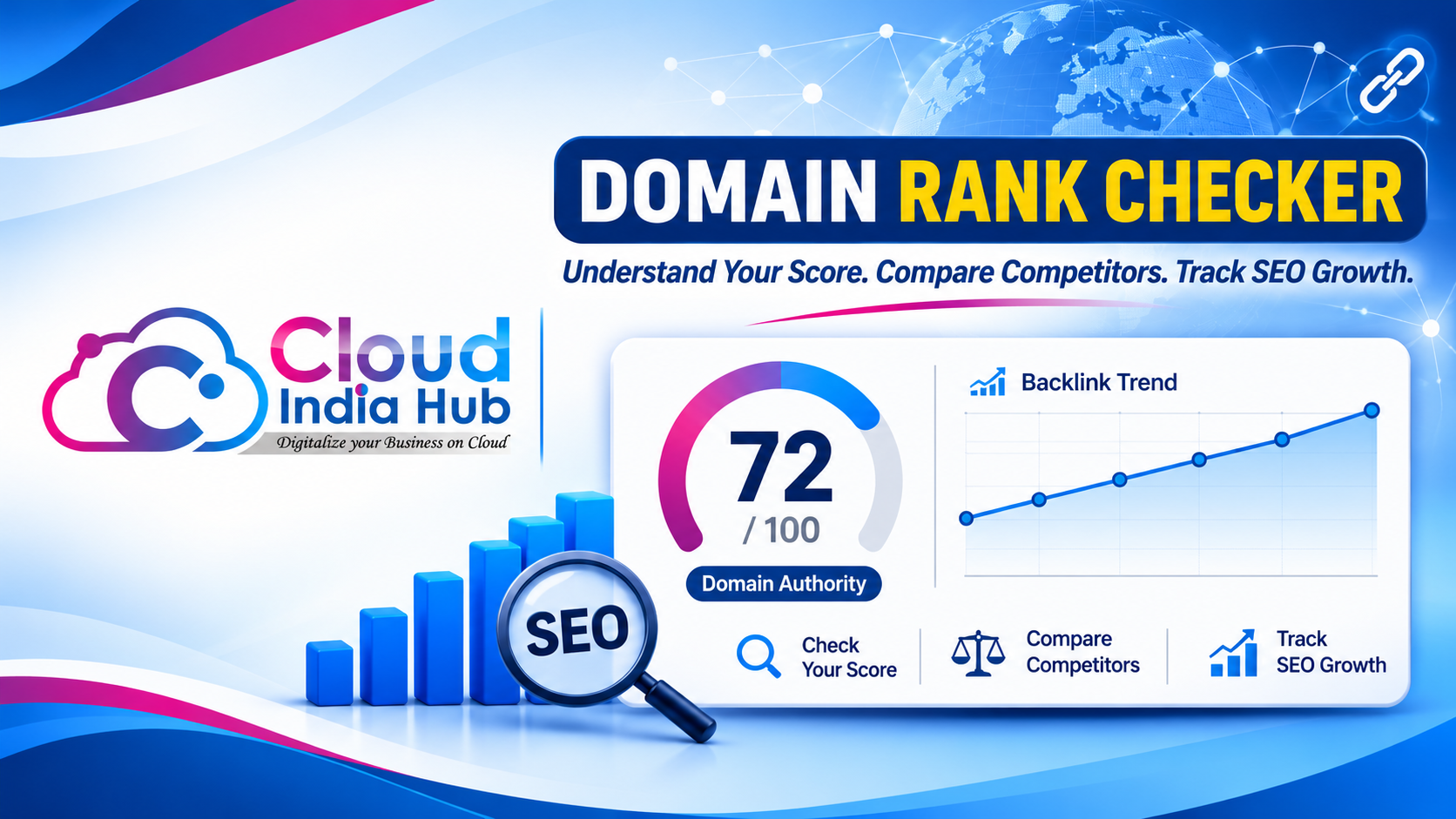
How to Use a Domain Rank Checker and Read Your Score
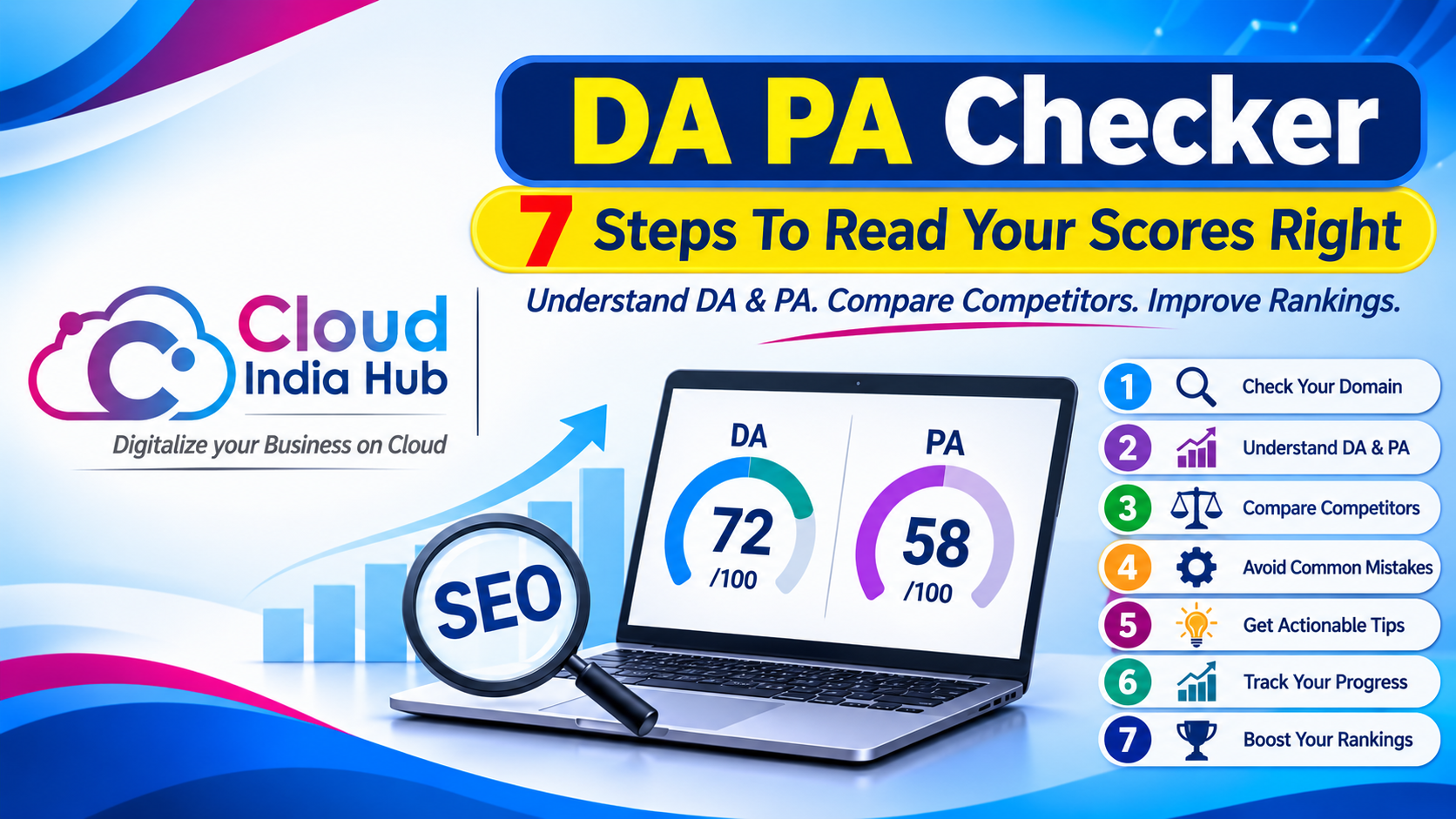
A domain rank checker gives your website a score, usually from 1 to 100, that estimates how strong its backlink profile is next to other sites. Use it to compare yourself with rivals on one tool, because the number is a third-party estimate, not a Google ranking factor.
Choosing a name and judging a live site are different jobs. If you are still picking an address, start with our guide to reading domain checker results, then come back here to score a real site.
At A Glance
• Score range: 1 to 100
• Metric type: A third-party estimate, not a Google ranking factor
• Best use: Comparing your site with rivals on one tool
• Price: Hosting from ₹239 per month on a 1-year term
• Scores move when tools refresh link data, so log the date.
What Does A Domain Rank Checker Really Measure?
A domain rank checker estimates the strength of your backlink profile, mainly how many different sites link to you and how many links you hold in total. It does not measure traffic, content quality or page speed.
Moz calls its version Domain Authority, a score on a 100-point scale built from dozens of factors, including the number of linking root domains and the total number of links. Other vendors publish their own versions, so one site can show different numbers on different tools.
|
Vendor |
Metric name |
What it reflects |
|
Moz |
Domain Authority |
Likelihood of ranking, built from dozens of link factors |
|
Ahrefs |
Domain Rating |
Strength of a backlink profile on a 100-point scale |
|
Semrush |
Authority Score |
Overall quality and SEO performance of a domain |
|
Majestic |
Flow Metrics |
Link volume and the quality of the content |
Because every vendor uses its own link index, never compare a Moz number with an Ahrefs number. Pick one tool and compare like with like.
Think of the score as a summary of who vouches for you. A site cited by many unrelated sites usually scores higher than one cited by a handful, which is why a new site starts low and rises as it earns mentions.
Does Domain Authority Affect Your Google Rankings?
No. Domain Authority is a Moz metric, and Google has repeatedly said it does not use it. A domain rank checker is therefore a diagnostic for comparing sites, not a lever that moves your position in search.
Search Engine Journal’s review of the evidence on Domain Authority as a ranking factor reports that Moz itself says the score has no effect on search results. It also lists statements from Google’s John Mueller, spread from 2016 to 2022, saying Google does not use it.
Mueller has pointed site owners toward focused, useful content instead of any authority number. The score still has value, because sites with strong link profiles are often strong sites. Treat it as a thermometer, not a steering wheel.
There is still a practical reason to track it. If you plan outreach, a rival’s score and the sites that link to them show where useful links come from, and your own trend shows whether your link work is landing.
Which Free Tools Can You Use To Check Your Score?
Search for a free domain authority checker from a major SEO vendor, or use the free tier of a paid suite. Each shows a score from its own link index, so a domain rank checker result only makes sense when you stay with one tool.
Moz, Ahrefs, Semrush and Majestic all publish their own authority metrics, so start with whichever your team already uses. A website ranking checker free of charge often limits how many lookups you can run, so read the current limits on the vendor’s page before you plan a monthly routine.
Check these basics before you trust any tool:
• It names its data source or link index
• It shows referring domains, not only one score
• It lets you check rivals, not just your own site
• It shows when its data was last refreshed
• It does not ask for card details for a basic lookup
A short list like this saves time. A tool that hides its data source or its refresh date gives you a number you cannot defend in a report.
If a tool offers both a domain score and a page score, record the domain score for this routine. Keep the page score for the moments when you compare two individual articles.
Why Do Two Tools Show Different Scores For One Site?
Each vendor crawls the web on its own schedule, builds its own link index and weighs links in its own way, so one site can score 22 on one tool and 35 on another. Neither figure is wrong, because each describes a different index.
Three things drive the gap:
• Index size: a tool that has crawled more of the web finds more of your links
• Refresh schedule: indexes update on different timetables, so fresh links appear at different times
• Scoring formula: vendors weigh link count, link sources and spam signals differently
That is why a mixed comparison, such as your Moz number against a rival’s Ahrefs number, tells you nothing. Compare sites on one tool, on the same day, and keep a screenshot for your records.
What Can A Score Never Tell You?
A domain rank checker cannot tell you your traffic, your keyword positions, your page speed or whether your content answers a searcher’s question. It reads links only, so pair it with other checks before you act.
|
Question |
Does the score answer it? |
Where to look instead |
|
Which rival has stronger links? |
Yes |
The same tool, on the same day |
|
Will my page rank first? |
No |
Google Search Console and page-level checks |
|
Is my site fast? |
No |
A website speed test |
|
How many people visit? |
No |
Your analytics |
|
Who owns this domain? |
No |
A WHOIS lookup |
A rising score with falling traffic is a warning sign worth investigating. It can mean your links are strong while your pages no longer match what searchers want, so open Google Search Console before you celebrate.
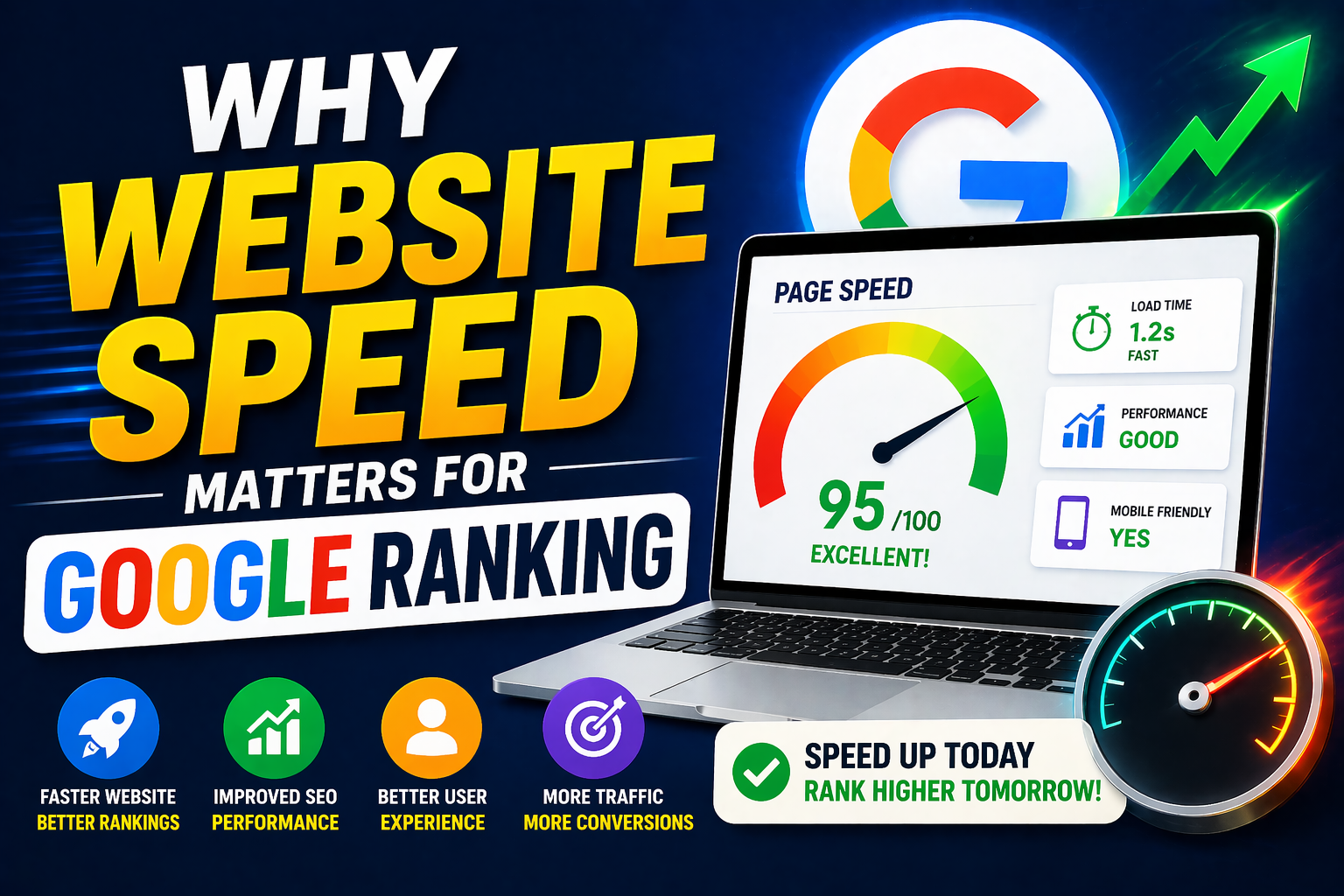
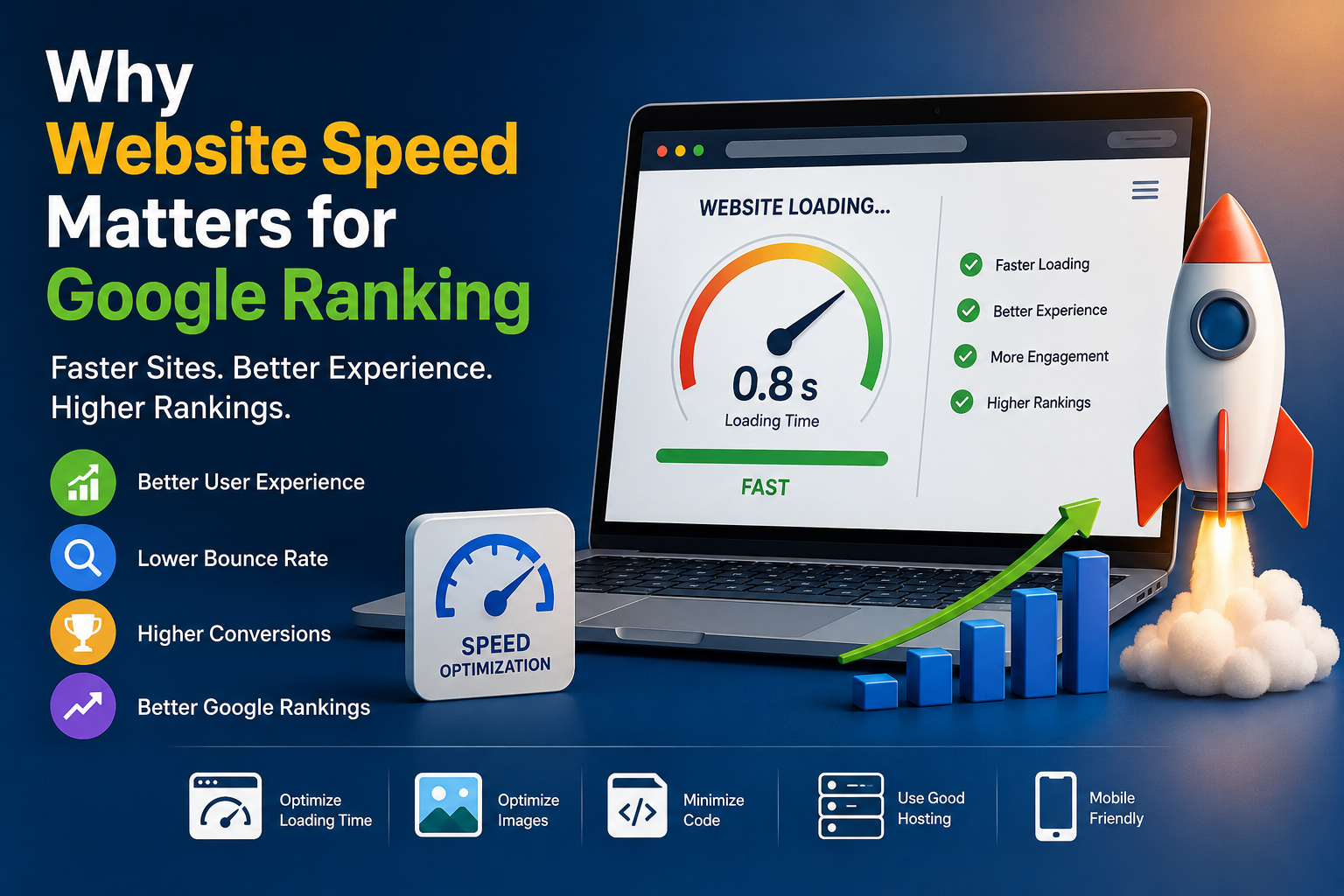
Speed deserves its own check, because slow pages lose visitors whatever your score says. Our guide on why website speed matters for Google ranking explains Core Web Vitals in plain language. The Domains menu on Cloud India Hub also lists a WHOIS lookup and a website speed checker.
How Do You Run A Domain Rank Check In Five Steps?
Run a domain rank checker the same way every month: one tool, the bare domain, three to five rivals, a dated log and a trend review. Consistency matters more than any single number.
1. Pick one tool. Choose a single vendor and use it for every check, because scores differ between tools.
2. Enter the bare domain. Type yourbrand.in without a page path, so you measure the whole site.
3. Record the numbers. Save the score, the count of referring domains and the date in a sheet.
4. Check three to five rivals. Run the same tool on sites that compete for your customers.
5. Review the trend each month. Look for movement over several months, not daily swings.
A simple sheet needs only a few columns: date, tool name, your score, your referring domains and your rivals’ scores. Add a notes column for events such as a launch, a press mention or a site migration, since those explain jumps later.
Say your .in site scores 18 and your three rivals score 25, 31 and 40. The gap tells you to earn links from more unique sites, not to chase a number or buy a shortcut.
The check is most useful at three moments:
• Before a guest post: judge whether the site you want a link from is worth the effort
• Before buying a site or domain: pair the score with a WHOIS lookup and a history check
• When you review an agency report: ask which tool produced the number and on what date
How Can You Improve Your Score Over Time?
Earn links from relevant sites, publish pages worth citing and keep your site technically clean. There is no shortcut, and paid score-boosting schemes can put your site at risk without helping real rankings.
• Earn mentions: offer useful data or guides to sites your customers already read
• Fix broken pages: an error page wastes the links that point to it
• Keep one clean address: redirect the www and non-www versions to a single version
• Stay online: a site that is down when visitors or crawlers arrive loses trust
Patience matters here. Link profiles grow as other sites discover and cite your work, so judge progress over quarters instead of weeks, and compare it with how fast your rivals grow.
Good hosting will not raise your score by itself, but it keeps pages fast and online while links build up. Our shared web hosting plans include free SSL and a 99.9% uptime guarantee, with plans from ₹239 a month on a one-year term.
Frequently Asked Questions
What is a good domain authority score?
There is no universal good score, so judge yours against the rivals you compete with on the same tool, because a score that leads one niche can trail another. Scores usually run from 1 to 100.
Is a free domain authority checker accurate?
A free domain authority checker estimates from its own link index, so numbers differ between tools. Treat the score as a trend line from one tool, and ignore small month-to-month shifts.
How often should you check your score?
Once a month with a domain rank checker is enough for most sites, because scores move when the tool refreshes its link data. Log the date beside each result.
Is there a website ranking checker free to use?
Yes, several vendors offer a limited free version, often with caps on lookups or detail. Paid plans add bulk checks and history, which most small sites do not need at first.
Does a high score guarantee Google rankings?
No, because Google does not use Moz’s Domain Authority, and rankings depend on relevance, content quality and many other signals. Use the number only to compare sites.
Can hosting change my domain authority score?
Not directly, because links drive the score while hosting shapes speed and uptime. Pick hosting for reliability, and keep earning links separately.
Where Do You Go From Here?
Run your first check today, record the score and the date, and repeat it each month beside three rivals. Use one domain rank checker throughout so the trend means something. If you want hosting that keeps your site fast, talk to the Cloud India Hub support team on 24x7 chat or call +91 98864 66777.
Serving Bengaluru, Karnataka.


























































































































































































Leave A Comment