

How To Use A Domain Expiration Checker Before A Name Lapses
A domain expiration checker reads the public registration record of a domain and shows the exact day it expires. ICANN requires registrars to send at least 2 renewal reminders first, so confirm your date 90 days ahead and again at 30 days.
Most owners learn the date only when a reminder hits spam or the site goes dark. This guide covers what the record shows, what follows expiry and how to check a lapsed name. Still choosing a name? Read our guide to domain checker results.
At A Glance
• Renewal reminders: At least 2 before expiry
• Auto Renew Grace Period: 1 to 45 days
• Redemption Grace Period: 30 days
• DNS interruption: Up to 8 days
• Check each date 90 days ahead, then again at 30 days.
What Information Does A Domain Lookup Show You?
A domain expiration checker shows the expiry date, the registrar, the registration date, the last update, the nameservers and the status codes of a domain. The expiry date is the field that matters, because every renewal deadline hangs on it.
Read the whole record, not just the date. Each field answers a different question about who controls the name and what could go wrong.
• Expiry date: the day the current registration term ends
• Registrar: the company that must send you renewal notices
• Status codes: hints such as a transfer lock or a redemption flag
• Nameservers: the place where the domain’s DNS currently points
Owner details are often hidden behind a privacy service. The expiry date normally stays visible, which is why anyone can run a lookup on a name they do not own. A few country registries withhold it, so a missing date does not always mean a broken tool.
Suppose a record shows an expiry date of 14 March and a transfer lock. You now know your deadline, and you know the name cannot move to another registrar until the lock is removed.
How Does A Domain Name Expiry Check Work?
A domain name expiry check queries the public registration database and returns the record for the name you typed. A good domain expiration checker then highlights the Expires field, so you can read the date at a glance.
Three routes lead to the same date. The table shows when each one fits.
|
Route |
Best for |
Watch out for |
|
WHOIS lookup tool |
Any domain, yours or someone else’s |
Owner details may be hidden |
|
Registrar dashboard |
Domains you own |
Needs a login and a working email |
|
Reminder emails |
A passive warning |
Spam folders and old addresses |
Try the Cloud India Hub WHOIS lookup tool on a name you own. It returns the created, updated and expiry dates together with the domain age.
Labels vary between records. Some say Registry Expiry Date, others say Expires or Expiration Date, and all of them point to the same deadline. Copy the date into your calendar the moment you read it, because a number you do not record is a number you will forget.
Why Do Domains Expire Without Their Owners Noticing?
Domains lapse because a payment fails, a reminder goes to a dead inbox, or nobody owns the task. Each cause is quiet, and each looks fine until the date arrives. A domain expiration checker run every quarter exposes all three early.
Picture a small shop that bought its name on a founder’s personal card. When the bank replaces that card, the auto-renew charge fails and nobody sees the error.
• Expired card: the renewal charge is declined without a visible warning
• Old contact email: notices go to the registrant address on file
• Spam folder: reminders sent about a month and a week ahead are easy to miss
• No owner: the person who bought the name has left the company
Any one of these is enough to start the clock. Combine two of them, such as a new card and an unread mailbox, and a lapse becomes close to certain.
Our guide to domain renewal habits for Indian businesses covers auto-renew, multi-year terms and keeping contact data current.
What Happens After The Expiry Date Passes?
After expiry, a generic domain may get a registrar grace period of 1 to 45 days. Once the registrar deletes it, a 30 day redemption period follows. A domain expiration checker lets you watch the status flag change along the way.
ICANN’s registrant guide to the Expired Registration Recovery Policy sets the minimum rules for generic extensions such as .com. The table turns those rules into a timeline.
|
Stage |
Rule |
What it means for you |
|
Before expiry |
At least 2 reminders, about a month and a week ahead |
Watch your inbox and spam |
|
After expiry |
Optional grace period of 1 to 45 days, possibly for a fee |
Read your registrar’s terms |
|
Before deletion |
DNS service disrupted for up to 8 days |
Website and email stop working |
|
After deletion |
30 day redemption period, with no transfers |
Ask your registrar to restore the name |
If the registrar deletes the name, it must also send a notice within 5 days that explains how to restore it. Country extensions such as .in follow their own registry rules, so confirm the details with your registrar.
Timing changes the price of a mistake. Renewing during a grace period usually costs the normal renewal fee, while restoring a deleted name from redemption can add a restore fee. The cheapest day to act is always the earliest one.
If your own name has already lapsed, work through four moves in order:
• Log in and renew: pay while the name is still in its grace period
• Read the status: a redemption flag means you must ask the registrar to restore it
• Recheck the site: ICANN’s policy asks registrars to restore your DNS settings promptly after renewal
• Fix the cause: replace the card, update the contact email and turn on auto-renew
How Does An Expired Domain Name Search Work?
An expired domain name search checks whether a name that once had an owner has finished its recovery stages and become free to register. An expired domains search for ideas works the same way, but it only pays off after the name is released.
Until release, the former owner can still renew, so a name that looks lapsed may not be yours to take. Treat any name in grace or redemption as unavailable, and keep a backup name ready.
• Search the exact name on the domain search box and read the label on screen
• Check the status: redemption means the owner may still restore it
• Check the history: an old name can carry spam links or a poor reputation
• Watch the release: a pending delete flag means the drop is close
Backorder services try to register a name the moment it is released. Our domain backordering guide explains how they work and what to compare.
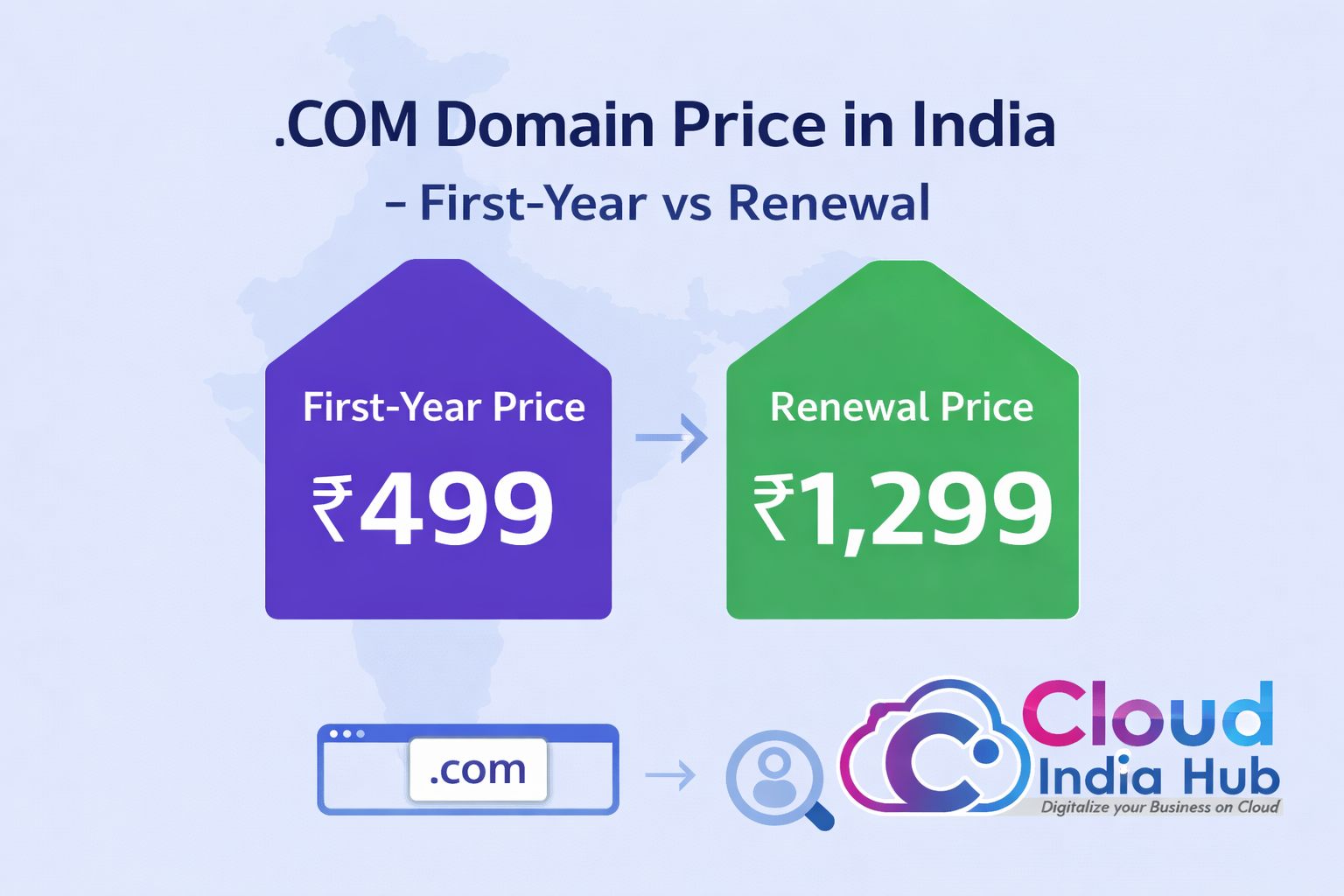
When a name does become free, move fast. The Cloud India Hub homepage lists .co.in at ₹599, .in at ₹649 and .com at ₹1,175, with prices excluding GST, so you can compare options before you commit. Always read the renewal rate as well as the first price.
How Do You Run A Domain Expiration Checker In Five Steps?
Run a domain expiration checker by entering the name, reading the Expires field, confirming the registrar and contact email, setting two reminders, then renewing or switching on auto-renew. The routine is short enough to repeat every quarter.
1. Enter the exact name. Type the full domain, such as yourbrand.in, without www in front.
2. Read the Expires field. Note the date, then the registrar and the status line.
3. Check the contact email. Confirm the registrant address is one you read every day.
4. Set two reminders. Add calendar alerts 90 days and 30 days before the date.
5. Renew or automate. Renew early or switch auto-renew on, then confirm it shows as active.
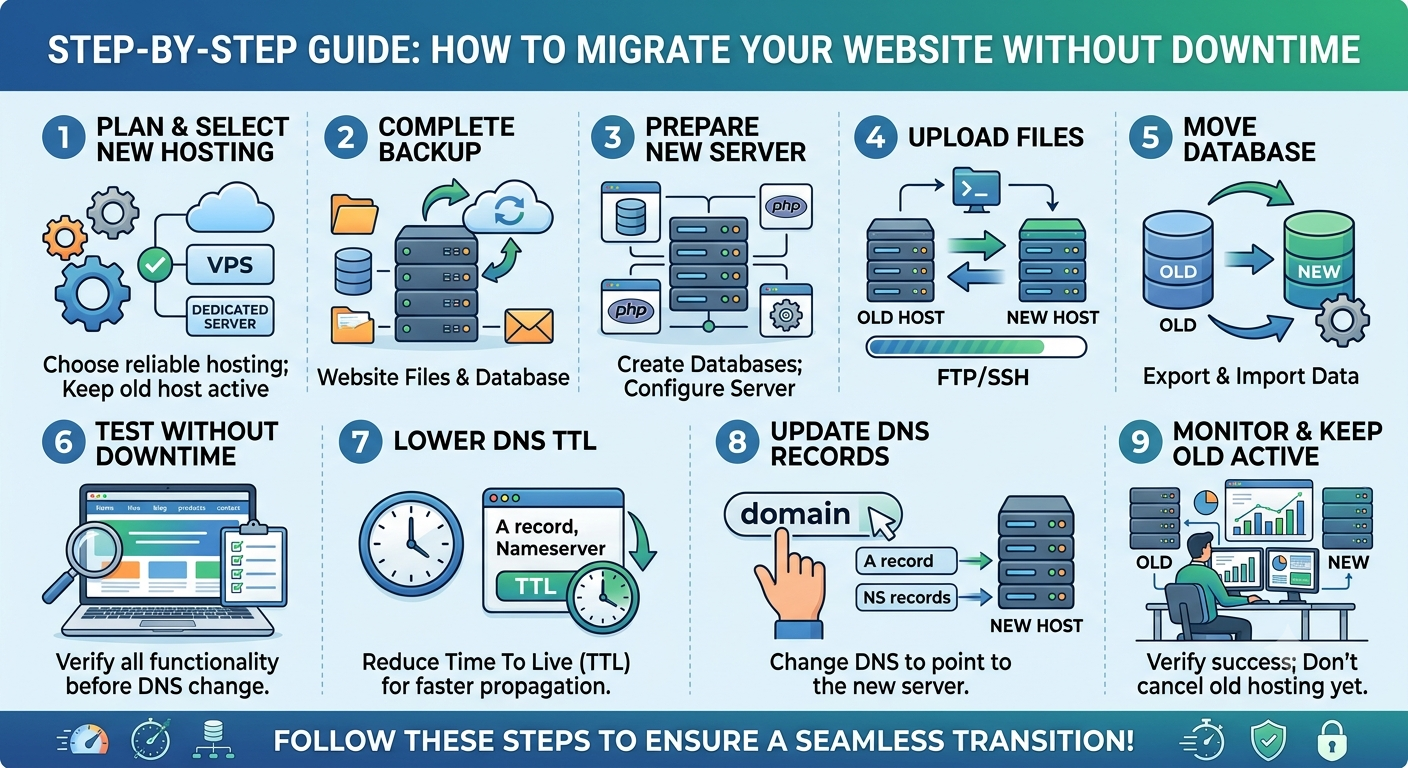
To move a name to a registrar with clearer controls, use the domain transfer page. It states that transfers typically complete within 5 to 7 business days, so never start one in the final week.
How Should You Track Several Domains Across A Team?
Keep one shared register that lists every domain with its registrar, expiry date, auto-renew status and a named owner. Review it every quarter, and send reminders to a shared mailbox instead of one person’s inbox.
A short register beats a clever tool. Four columns cover almost every case, and the last one prevents the orphaned domain problem.
|
Field |
Example entry |
Why it matters |
|
Domain and registrar |
yourbrand.in at one registrar |
Shows where to renew |
|
Expiry date |
The date from the lookup |
Drives your reminders |
|
Auto-renew status |
On, payment card current |
Exposes a failing payment |
|
Named owner |
Operations lead |
Stops a name being forgotten |
Spread renewal dates across the year where you can, so one missed week cannot threaten every name at once. When a colleague leaves, reassign their domains the same week. Update the registrant email at the same time, so the next reminder reaches a person who still works there.
Frequently Asked Questions
How often should you check a domain’s expiry date?
Check every domain once a quarter and again 30 days before its date. A domain name expiry check takes seconds and catches failed payments while there is still time to fix them.
Does WHOIS privacy hide the expiry date?
No. Privacy services usually mask the owner’s personal details, but your domain expiration checker should still show the registrar and the expiry date in most lookups.
What should you do if the date has already passed?
Contact your registrar at once. Many offer a grace period of 1 to 45 days, and generic domains get a 30 day redemption period after deletion, though restore fees may apply.
Where do renewal reminders go?
They go to the registrant email in the domain’s contact record, under ICANN’s policy. Keep that address current and watch your spam folder about one month and one week before expiry.
Can an expired domain name search find names you can register today?
Only names that have finished grace, redemption and deletion are free to register. A name still in grace or redemption can be renewed by its owner, so treat it as unavailable.
How far ahead should you renew a domain?
Renew at least 30 days ahead, or choose a multi-year term to repeat the task less often. Avoid waiting for the final reminder, because payment failures need time to fix.
What Is The Fastest Way To Start?
Open your domain list today and run a domain expiration checker on every name, starting with the one closest to its date. If a result looks wrong or a name has already lapsed, talk to the Cloud India Hub support team on 24x7 chat or call +91 98864 66777.
Expert advice
|
Learn how a domain expiration checker reads the expiry date, what happens when a renewal is missed, and how to check expired names. Includes a five step routine and a timeline based on ICANN rules. |
Serving Bengaluru, Karnataka.




















































































































































































































Leave A Comment