
How To Use The SMTP Server Gmail Offers Without Errors
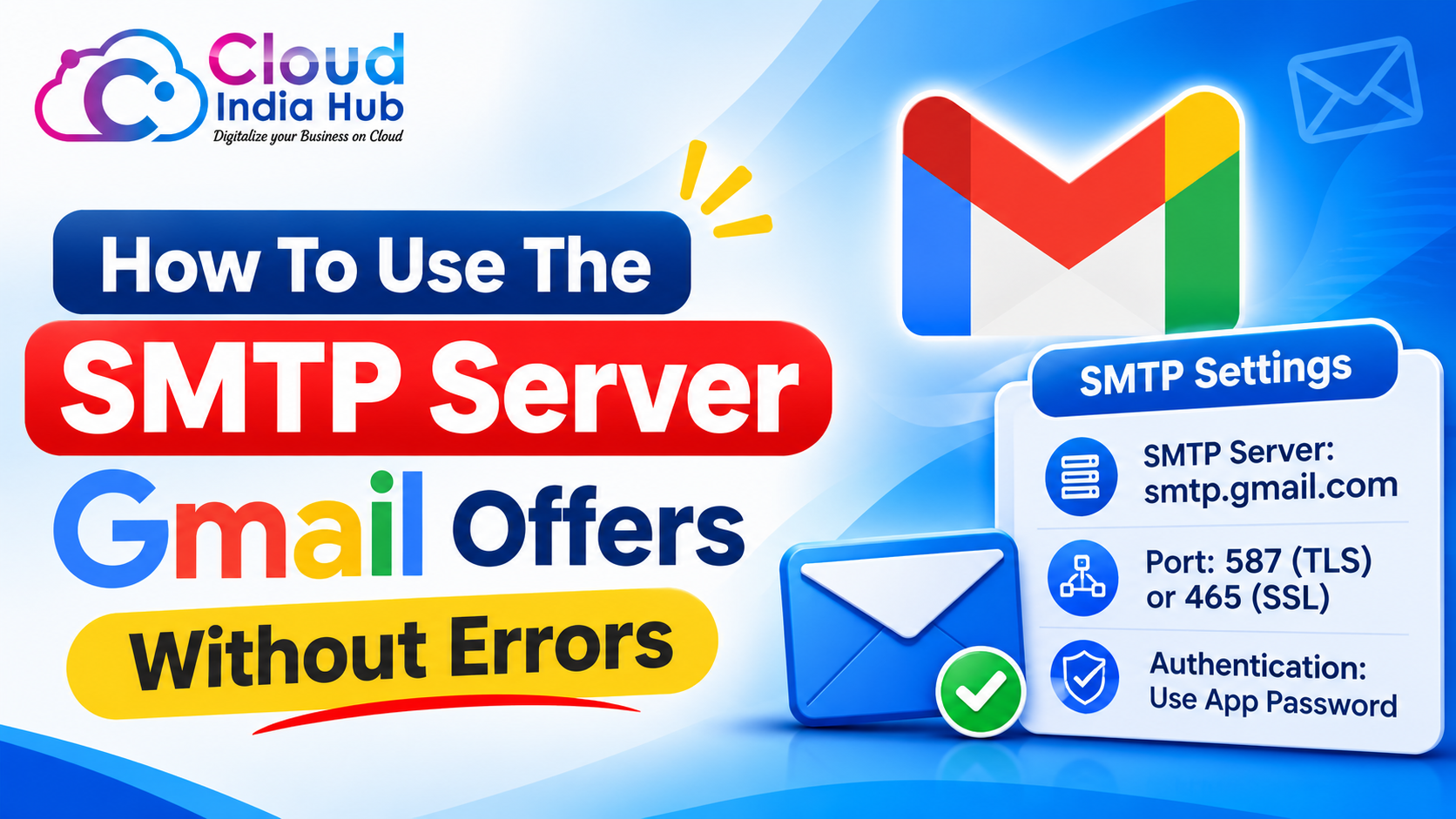
The SMTP server Gmail offers is smtp.gmail.com, reached on port 587 with TLS or port 465 with SSL. Sign in with your full address and an app password, and stay under 2,000 messages a day on Google Workspace.
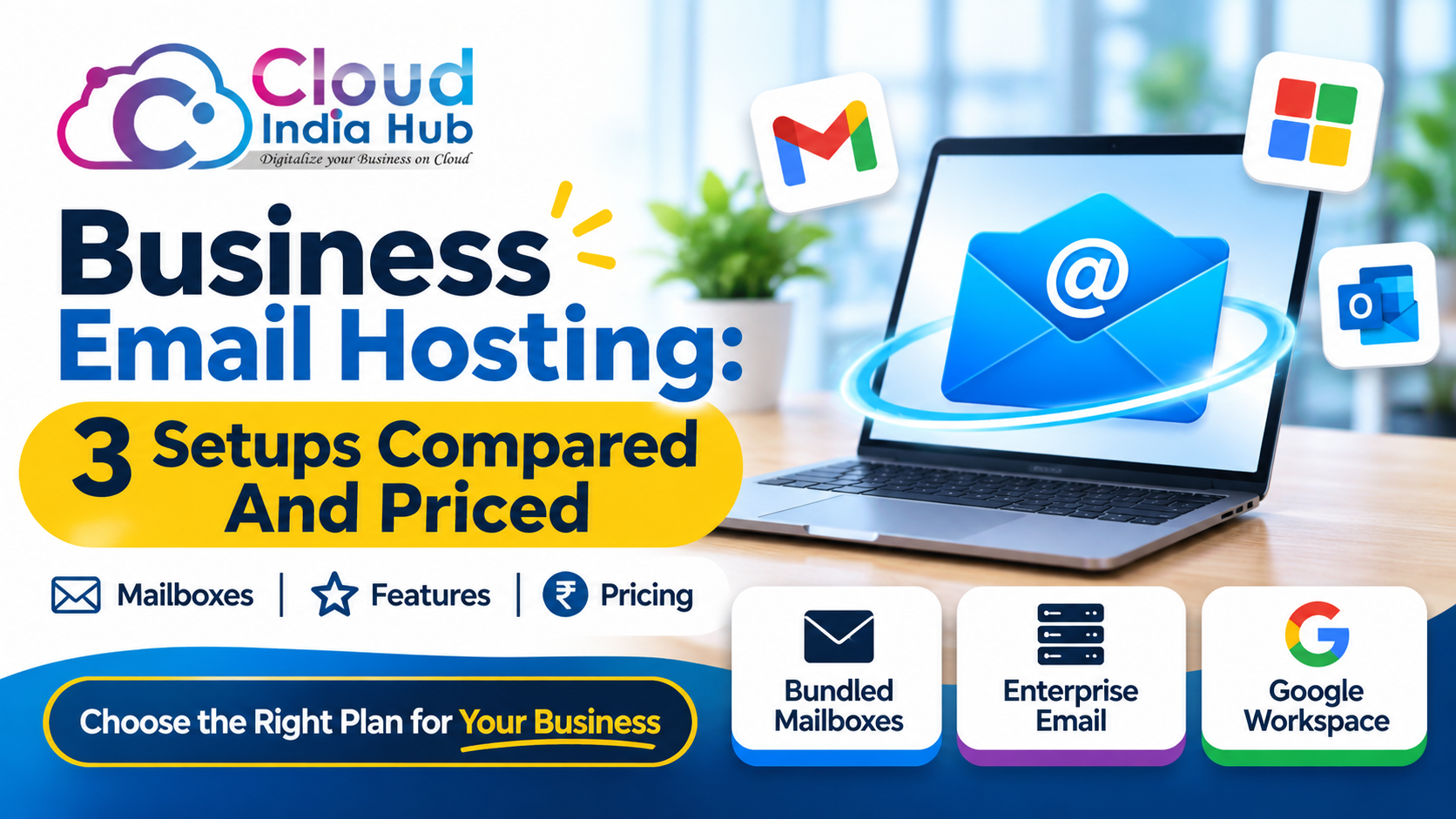
Most failed setups come from one wrong port or a normal password where an app password belongs. This guide gives the values, the sign-in rules, and the fixes. If you are still choosing a mailbox platform, start with our business email hosting options compared in rupees.
At A Glance
• Price: ₹239 per user a month for Google Workspace Starter
• Server: smtp.gmail.com
• Ports: 587 for TLS, 465 for SSL
• Daily limit: 2,000 messages on Google Workspace
• Sign-in: full email address plus an app password
What Are The Exact Gmail SMTP Settings For 2026?
The SMTP server Gmail runs for outgoing mail uses the host smtp.gmail.com with authentication switched on. Choose port 587 with TLS or port 465 with SSL, then enter your full address as the username and an app password as the password.
These gmail smtp settings are identical in WordPress plugins, desktop mail clients, CRMs, and your own scripts. Only the field labels change from one tool to the next, so copy the values from the table rather than guessing.
|
Field |
Value |
Note |
|
Server |
smtp.gmail.com |
Same host for Gmail and Google Workspace accounts |
|
Port with TLS |
587 |
Connection starts plain, then upgrades with STARTTLS |
|
Port with SSL |
465 |
Encrypted from the first byte |
|
Username |
Full email address |
For example you@yourdomain.com |
|
Password |
App password |
Never your normal sign-in password |
|
Authentication |
On |
Google requires it for this server |
Teams that want branded addresses can buy Google Workspace plans from ₹239 per user a month and reuse these exact values for every mailbox.
Should You Use Port 587 Or Port 465?
Use port 587 with TLS first, because it works with nearly every mail library and office network. Switch to port 465 with SSL only when your tool asks for implicit encryption or when 587 fails to connect.
Both ports reach the same SMTP server Gmail hosts, so the decision is about encryption style, not features. Mixing them up is the most common cause of a timeout.
|
Port |
Encryption |
Choose it when |
Watch out for |
|
587 |
TLS (STARTTLS) |
Apps, plugins and mail clients |
SSL selected on this port usually times out |
|
465 |
SSL |
Your tool offers only implicit SSL |
TLS selected on this port usually times out |
|
25 |
SSL or TLS |
Older devices that cannot use the others |
Some networks block it |
Remember the pairing as a rule: TLS belongs with 587, and SSL belongs with 465. If a plugin lists only a single “secure” dropdown, pick TLS for 587 and SSL for 465.
How Do You Sign In Without Breaking Google Rules?
Prefer OAuth when your app offers it. When the app has only a password field, create an app password, which needs 2-Step Verification turned on for the account. A normal password fails because Google stopped accepting it from third-party apps.
Google Workspace states in its official guide to sending email from devices and apps that since 1 May 2025 accounts no longer allow plain username and password sign-in from third-party apps and devices. That is why old tutorials fail today.
Create the credential in four short steps:
• Turn on 2-Step Verification for the mailbox you will send from.
• Open the account security settings and create an app password.
• Copy the 16-character code once and paste it into the password field.
• Revoke the code the day you remove the plugin or device.
If the app password option is missing, ask your Workspace administrator. A tidy smtp configuration never stores the real account password in a plugin, a settings file, or a shared spreadsheet.
What Do The Field Names Mean In Your Plugin Or Mail Client?
Tools label the same values differently, so match each label to its value instead of copying a screenshot. Host, server and outgoing server all take smtp.gmail.com, while security, encryption and protocol all take TLS for 587 or SSL for 465.
|
Label you may see |
What to enter |
|
Host, server, outgoing server |
smtp.gmail.com |
|
Security, encryption, protocol |
TLS for port 587, SSL for port 465 |
|
Port |
587 or 465, matching the encryption |
|
Username, login, account |
Full email address |
|
Password, secret |
App password |
|
From address |
The same mailbox you signed in with |
Use the signed-in address as the From address, because Gmail may rewrite a different one. The sender name changes only the display name, so set it to your brand and leave the connection fields alone.
When Should You Use SMTP Relay Instead?
Choose SMTP relay for printers, scanners and servers that send for many people, because Google lists it as the recommended route. The SMTP server Gmail provides at smtp.gmail.com suits one app sending as one mailbox, with a lower daily ceiling.
|
Option |
Host |
Port |
Sign-in |
Best for |
|
Gmail SMTP server |
smtp.gmail.com |
465 SSL or 587 TLS |
Account plus app password |
One app, one mailbox |
|
SMTP relay |
smtp-relay.gmail.com |
25, 465 or 587 |
IP address |
Printers, servers, many senders |
|
Restricted server |
aspmx.l.google.com |
25 |
None, IP allowlist |
Mail to Gmail users only |
The limits differ sharply. Google caps the standard server at 2,000 messages a day, while relay lets each user in the organisation relay to up to 10,000 recipients a day. Estimate your monthly volume before launch, because a newsletter can pass 2,000 in one send.
Suspicious messages can be filtered or rejected on all three routes, so authentication matters as much as the connection details.
Is Gmail SMTP Enough For Newsletters And Bulk Mail?
Gmail SMTP suits transactional mail and small teams, but not large campaigns. A 2,000 message daily ceiling, plus filtering that can reject suspicious messages, leaves little room for a newsletter sent to thousands of subscribers in one go.
• Order confirmations, contact-form alerts and password resets fit comfortably.
• A 5,000 subscriber newsletter needs an authorised relay or a dedicated sending service.
• Keep spam complaints under 0.3 percent, because a high rate hurts every later send.
• Use one app password per app, so you can revoke a single tool without breaking the rest.
Split mail by purpose when volume grows. Send receipts and alerts through Gmail, and send marketing through a service built for it.
How Do You Keep Gmail SMTP Mail Out Of Spam?
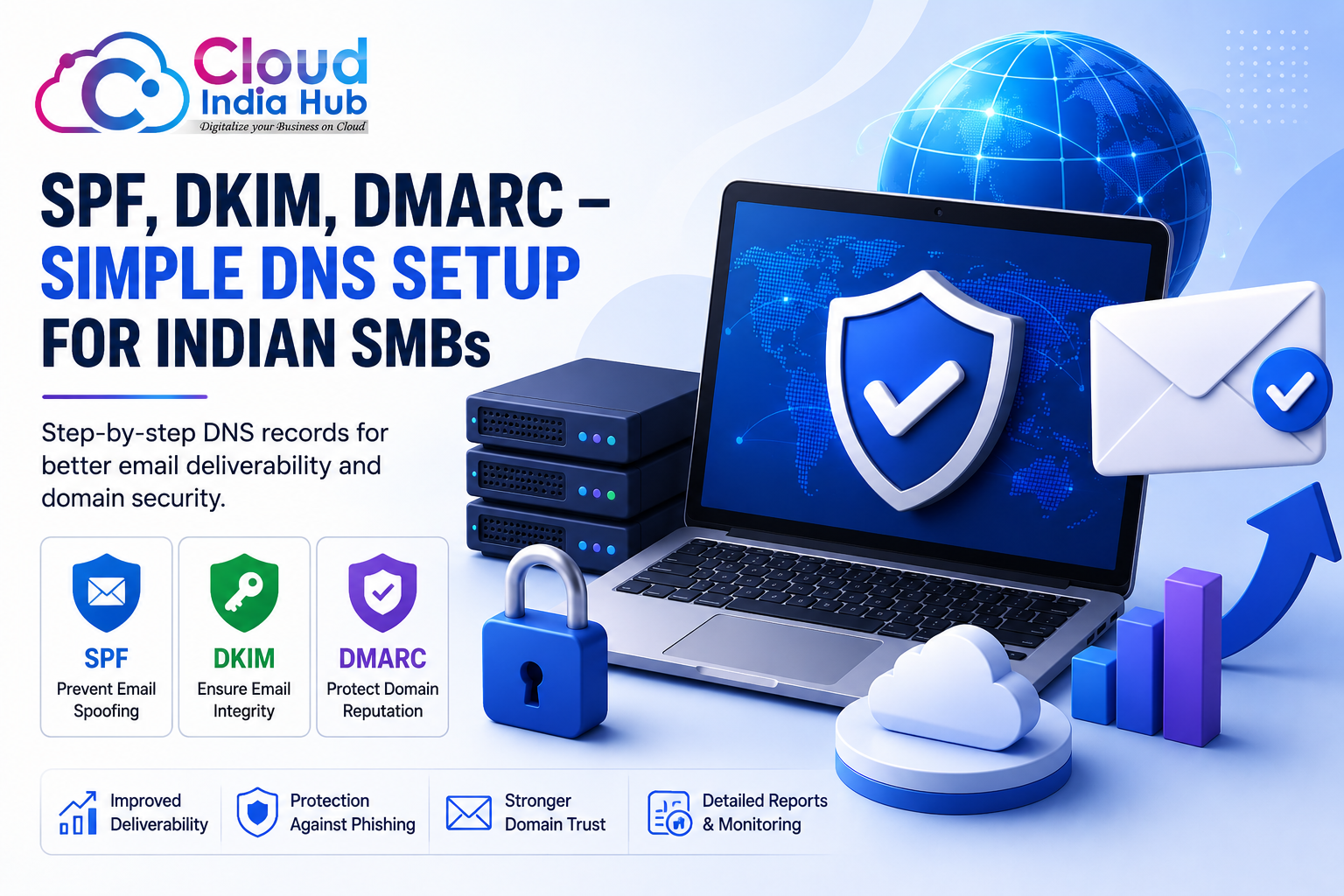
Publish SPF and DKIM records for the domain in your From address, then add a monitoring-only DMARC record. A successful login only proves the connection works, while authentication decides whether receivers trust the message.
Mail sent from your own domain through the SMTP server Gmail exposes still needs an SPF record that includes Google, or receivers may filter it. Publish one SPF record only, because two records for a single domain break the check.
• SPF lists the servers allowed to send for your domain.
• DKIM signs each message so receivers can verify it.
• DMARC tells receivers what to do when those checks fail.
Our SPF, DKIM and DMARC setup guide shows each DNS entry in plain steps. Start DMARC at monitoring only, read the reports for a week, and tighten the policy once legitimate mail passes.
How Do You Complete The Gmail SMTP Configuration Step By Step?
Follow these six steps to connect any app to the SMTP server Gmail runs, then send one test message before you go live. A clean gmail smtp configuration takes minutes once the app password exists.
1. Confirm the mailbox exists and 2-Step Verification is on.
2. Create an app password and copy the 16-character code.
3. Enter smtp.gmail.com as the host in your app.
4. Select port 587 with TLS, or port 465 with SSL.
5. Enter your full address as the username and the app password as the password.
6. Send a test message to a second address, then open the full headers and confirm SPF passes.
To test the connection from the sending machine, these two commands show whether the ports are reachable:
• openssl s_client -starttls smtp -connect smtp.gmail.com:587
• openssl s_client -connect smtp.gmail.com:465
WordPress sites on shared hosting, such as Cloud India Hub web hosting plans with 10 email accounts on Starter, can use an SMTP plugin with the same fields. Ask support to confirm that outbound ports 587 or 465 are open on your plan.
Why Does Gmail SMTP Reject Your Login Or Time Out?
Most rejections trace back to a normal password, a mismatched port, a blocked network, or a missing app password. Match the symptom in the table to its cause and fix it in a single pass.
|
Symptom |
Likely cause |
Fix |
|
535 5.7.8 username and password not accepted |
Normal password entered |
Create and use an app password |
|
534 5.7.9 application-specific password required |
2-Step Verification is on |
Use an app password |
|
Timeout on connect |
Port blocked or wrong encryption |
Try 587 with TLS, then 465 with SSL |
|
Authentication required |
Authentication switched off in the app |
Turn authentication on |
|
Sent but lands in spam |
No SPF or DKIM for your domain |
Publish the records |
Change one setting at a time and retest after each change. Changing the port, the encryption and the password together hides which fix worked.
Frequently Asked Questions
What is the address of the Gmail outgoing mail server?
The SMTP server Gmail uses is smtp.gmail.com on port 587 with TLS or port 465 with SSL. Authenticate with your full email address and an app password.
Can I use my normal Gmail password?
No. Use an app password, or OAuth where your app supports it, because Google no longer accepts plain password sign-in from third-party apps on Workspace accounts.
Which port is better, 587 or 465?
Start with 587 and TLS, and use 465 with SSL only when your tool requires it. Pairing TLS with 465, or SSL with 587, usually causes a timeout.
How many emails can I send per day?
Google Workspace allows 2,000 messages a day through smtp.gmail.com, while SMTP relay lets each user relay to 10,000 recipients a day. Check Google’s sending limits for your account type.
What is the difference between Gmail SMTP and SMTP relay?
smtp.gmail.com signs in with an account and app password. smtp-relay.gmail.com authenticates by IP address, and Google recommends it for printers, scanners and servers.
Do I need a static IP address?
Not for smtp.gmail.com, which allows dynamic IPs. SMTP relay authenticates by address, so it may need a static IP.
Where Do You Go From Here?
Copy the six values, create the app password, and send one test message today. Once it lands in the inbox, your SMTP server Gmail setup is complete.
Want a specialist to check your smtp configuration or set up business mailboxes? Talk to Cloud India Hub support on chat or call +91 98864 66777.
Expert advice
|
Learn the SMTP server Gmail host, the two ports, the app password rule and the daily limits, then fix the five errors that stop most setups from sending. |
Serving Bengaluru, Karnataka.











































































































Leave A Comment