
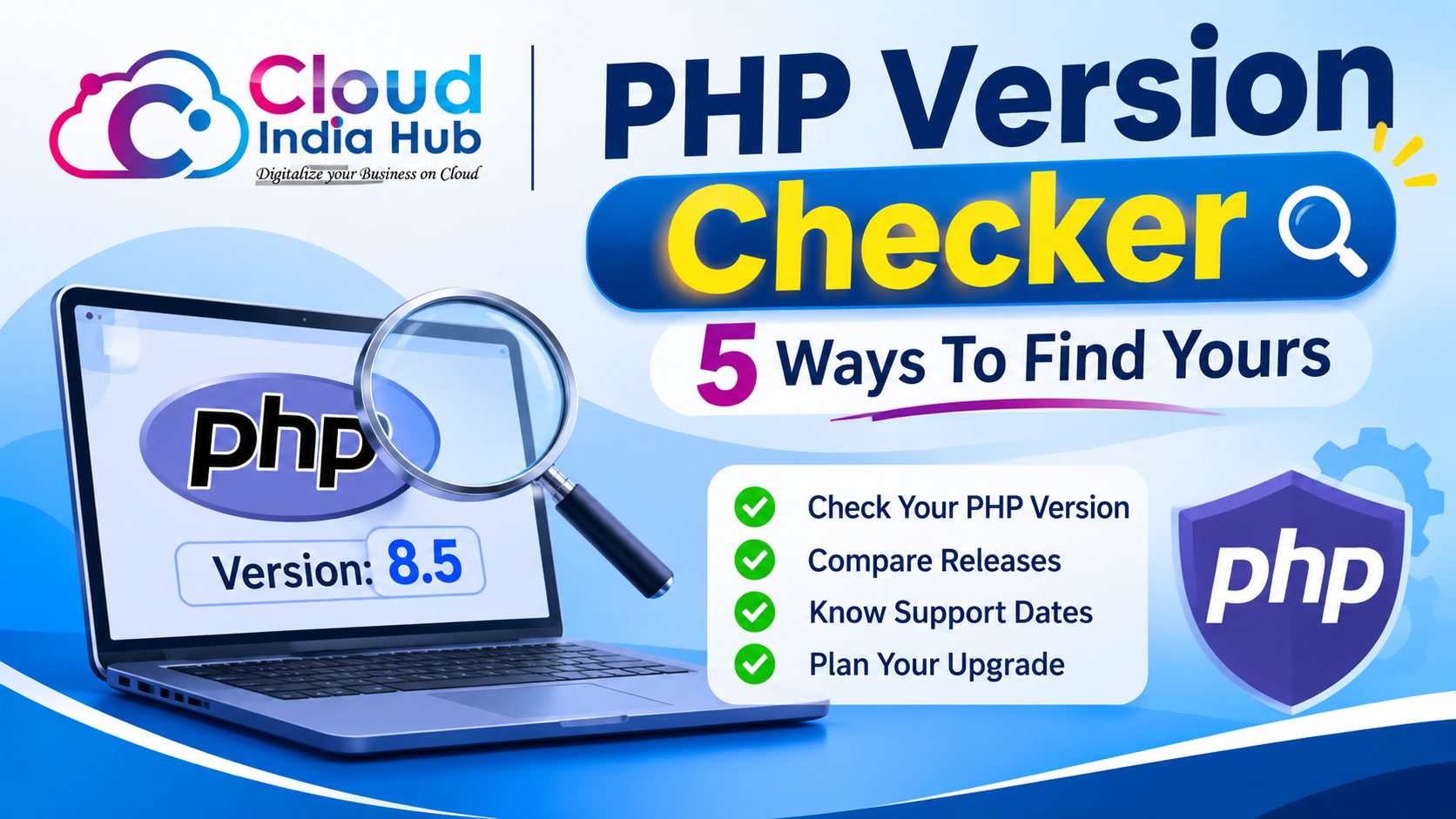
How To Use A PHP Version Checker And Stay On Supported PHP
A PHP version checker tells you which PHP release your website runs, so you can compare it with the versions PHP still supports. PHP 8.2 security support ends on 31 December 2026, which leaves about six weeks to plan an upgrade if your site still uses it.
Old PHP is a quiet risk. Unsupported versions stop receiving security fixes, and outdated software is one of the first things a scan flags, as our website safety checker guide shows. This post covers five ways to find your version and how to move up safely.
At A Glance
• Price: Free for the methods in this guide
• Newest supported branch: PHP 8.5
• PHP 8.2 security support ends: 31 December 2026
• Longest support today: 31 December 2029, for PHP 8.5
• Fastest command line check: php -v
What Does A PHP Version Checker Reveal About Your Site?
A remote PHP version checker sends an ordinary web request and reads what the server volunteers, usually the X-Powered-By response header. If your host hides that header, the tool returns nothing, so a blank result does not prove the site runs without PHP.
That is why you should check PHP version online as a first pass only. It costs nothing and needs no login, but it can only report what the server chooses to expose. Many hosts switch the header off as a hardening step, because it tells attackers which release to target.
You can run the same test by hand. Open your browser’s developer tools, load the page, select the Network tab, click the first request and read the response headers. Look for X-Powered-By followed by a version number. A missing header only means the server stays quiet.
A remote result is also only as fresh as the page you test. Caching layers and content delivery networks can serve a stored response, so test a page that was not cached, such as a fresh address with a query string added.
• Shows the PHP version, but only when the server exposes it
• Does not show which version other domains on the same account use
• Does not show whether your plugins and themes support that version
Which Method Should You Use To Find Your PHP Version?
Use the method that matches your access. A PHP version checker works from the outside with only a domain name, while a hosting panel, a PHP file or the command line reads the real setting from inside your account and gives a more dependable answer.
|
Method |
Access needed |
What it shows |
Watch out for |
|
Online checker |
Domain name only |
The version in the response header, if exposed |
Many hosts hide it |
|
Hosting control panel |
Account login |
The version set for each domain |
Menu names differ between hosts |
|
PHP file upload |
File manager or FTP |
The exact version the web server runs |
Delete the file straight after |
|
WordPress Site Health |
WordPress admin login |
The PHP version plus WordPress advice |
Works on WordPress sites only |
|
Command line |
SSH access |
The command line version |
Can differ from the website version |
People who search check PHP version of website are usually after one of two answers: the version on their own site, or the version on someone else’s. The first is easy from the inside. The second only works through the remote route in the first row.
For your own site, start with the hosting panel and confirm the result with a file or Site Health.
How Do You Find Your PHP Version Inside Your Hosting Account?
Log in to your hosting panel and open the PHP selector or PHP settings page, which lists the version for each domain on many panels. If you cannot find one, upload a one-line PHP file that prints the version, or ask your host’s support team.
Where the setting lives depends on your plan. Shared hosting normally gives you a panel, while a VPS gives you SSH and the command line. Our shared web hosting plans page shows what each tier includes.
Once you know the real setting, run a PHP version checker from outside to confirm that visitors see the same release. The two answers should match. If they do not, the usual causes are covered in the FAQ below.
• PHP file: Create version.php in your site’s public folder containing <?php echo PHP_VERSION; then open it in a browser, note the number and delete the file.
• WordPress: Open Tools, then Site Health, then the Info tab and expand Server. The PHP version is listed there, and the Status tab warns you when it is outdated.
• Command line: On a VPS or any plan with SSH, run php -v. This prints the command line version, which web requests may not use.
This file route is the most dependable answer to how to check PHP version for the real web server, because the code runs exactly where your pages run. Delete it as soon as you have the number, since leftover test files on a live server invite trouble.
Write the version down with today’s date. When a plugin update or a support ticket asks which PHP you run, you will have the answer, and next year you can see how far you have drifted from the support window.
Which PHP Versions Are Still Supported In 2026?
PHP 8.2, 8.3, 8.4 and 8.5 are the supported branches today, and each one gets four years of support: two of active fixes and two of security fixes only. Your PHP version checker result should match one of these rows.
|
Branch |
Released |
Active support until |
Security support until |
|
PHP 8.2 |
8 Dec 2022 |
31 Dec 2024 |
31 Dec 2026 |
|
PHP 8.3 |
23 Nov 2023 |
31 Dec 2025 |
31 Dec 2027 |
|
PHP 8.4 |
21 Nov 2024 |
31 Dec 2026 |
31 Dec 2028 |
|
PHP 8.5 |
20 Nov 2025 |
31 Dec 2027 |
31 Dec 2029 |
The dates come from the official PHP supported versions page, which also warns that a branch past its security window is end of life and may expose you to unpatched vulnerabilities. Anything older than PHP 8.2 is already past that point.
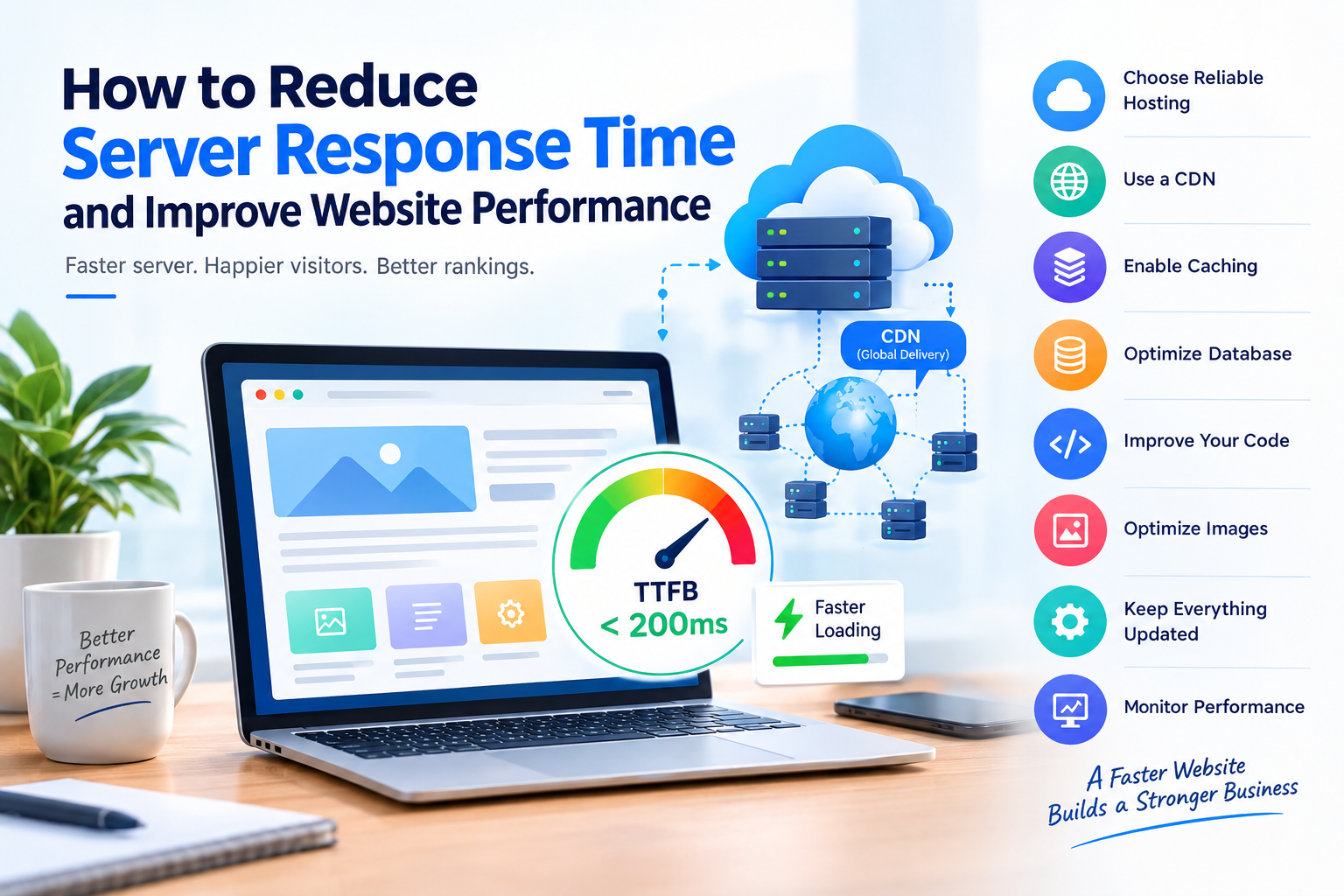
Moving up also helps speed. Our guide to reducing server response time lists a current PHP version among its fixes, alongside caching and database tuning.
A branch moves through three states. Active support brings bug and security fixes. Security-only support brings fixes for critical issues only. End of life brings nothing, so the next vulnerability goes unpatched. The risk grows every month, so move while your current branch still gets fixes.
What Can Break When You Move To A Newer PHP Version?
The most common breakage comes from old plugins, themes and custom code that call functions PHP has since removed or tightened. The result is usually a white screen, a 500 error or a feature that quietly stops working, which is why you test first.
• Abandoned plugins or themes that no longer receive updatesOlder custom code that relied on behaviour PHP 8 turned from a warning into an error
• Older custom code that relied on behaviour PHP 8 turned from a warning into an error
• Extensions your site needs, such as image or database modules, that are not enabled for the new version
Run the whole test on a copy, never on the live site. Our WordPress staging guide shows how to build a private copy and test checkout, forms and logins before anything goes live. Switch the copy to the new version and browse every key page.
Check the error log after each click-through. Deprecation notices are warnings today and failures in a later release, so fix them while you still have time.
How Do You Upgrade PHP Without Taking Your Site Down?
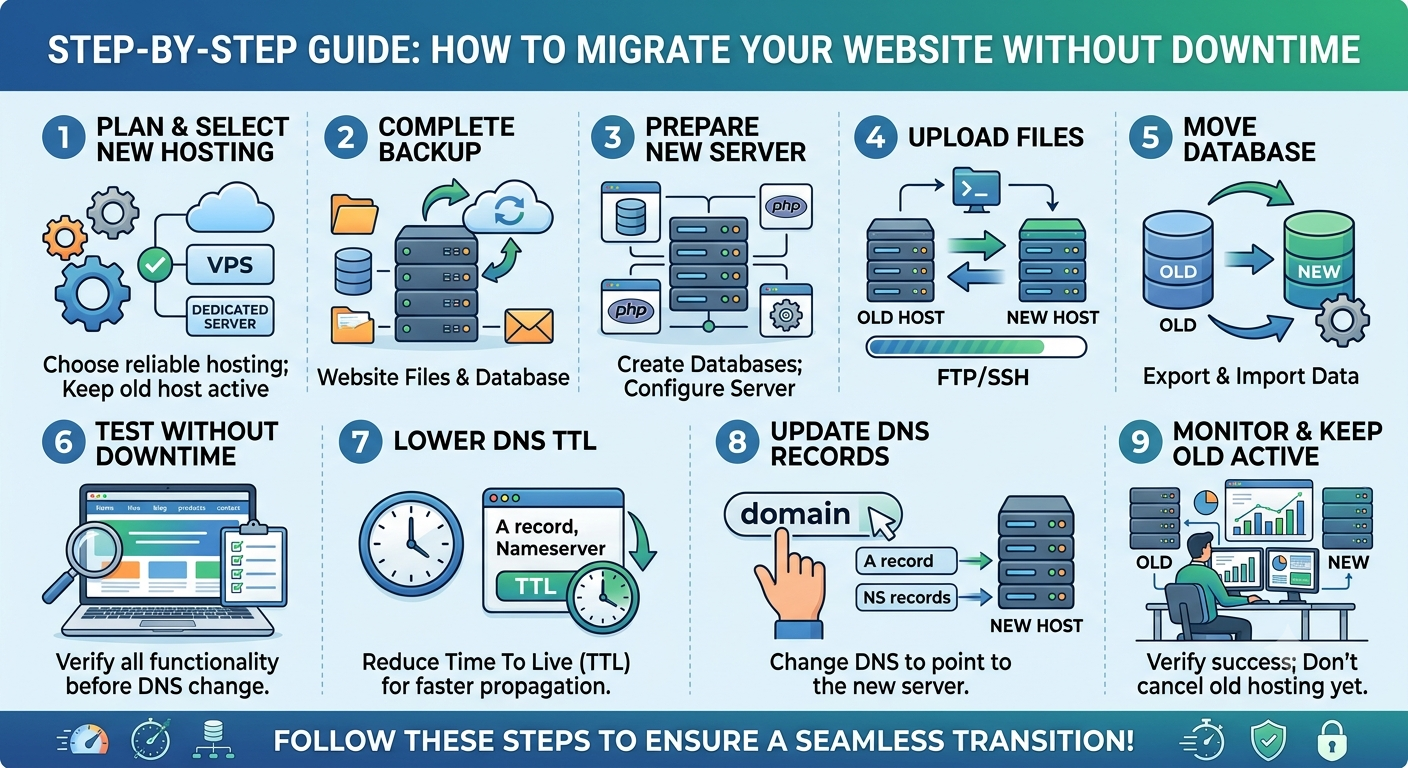
Follow six steps: back up, update the software, test on a copy, switch the version, check the result with a PHP version checker and keep a rollback ready. Each step is small, and skipping the first one is the usual mistake.
1. Back up everything. Save the files and the database, and confirm the download opens.
2. Update the software. Bring your CMS, plugins and themes to their latest versions before touching PHP.
3.Test on a copy. Switch the copy to the target version and click through every key page.
4. Switch the live site. Change the version for one domain in your hosting panel during a quiet hour.
5. Verify. Re-run your chosen check from the methods table, then load the homepage, forms and checkout.
6. Keep a rollback ready. If you see a 500 error or a blank page, switch back to the previous version first, then read the error log.
A fresh backup is the step people skip. Our website backup strategy guide recommends a full backup before any major software change, and a PHP version change counts.
Frequently Asked Questions
How to check PHP version without logging in to my hosting account?
Use an online remote checker or your browser’s developer tools to read the X-Powered-By header. It only works when the host exposes it, so a blank result means the version is hidden, not missing.
Is it safe to leave a phpinfo file on my server?
No, because a phpinfo page lists paths, modules and settings that help attackers. Delete it right after you read the version, or use a one-line file that echoes only the version.
Why does my result differ from my hosting panel?
A PHP version checker reads one URL, while the panel can set the version per domain or folder. Confirm you tested the same domain, then compare with a file upload, because the command line version can differ.
Which PHP version should I upgrade to?
PHP 8.5 has the longest support, until 31 December 2029. If a plugin or theme blocks it, PHP 8.4 gets security fixes until 31 December 2028, so test either one on a copy first.
Does a newer PHP version make a website faster?
It can, because newer releases generally bring performance and security improvements, though real gains depend on your plugins, database and caching. Measure response time before and after the change.
What if my host does not offer a newer PHP version?
Ask support first, because a newer version may be available but not switched on for your account. If it is not offered at all, plan a move to a host that supports a current branch.
Where Do You Go From Here?
Run your PHP version checker today, compare the result with the support table and book your upgrade before 31 December 2026 if you are on PHP 8.2. If you want a second pair of eyes, reach the Cloud India Hub team through our contact page, where chat runs 24x7.
Expert advice
|
Learn which PHP version your website runs with a PHP version checker and four more methods, then compare the result with the support dates for PHP 8.2 to 8.5 and plan a safe upgrade. |
Serving Bengaluru, Karnataka.










































































































































































Leave A Comment