
SMTP Port Numbers Explained: Which One To Use And Why
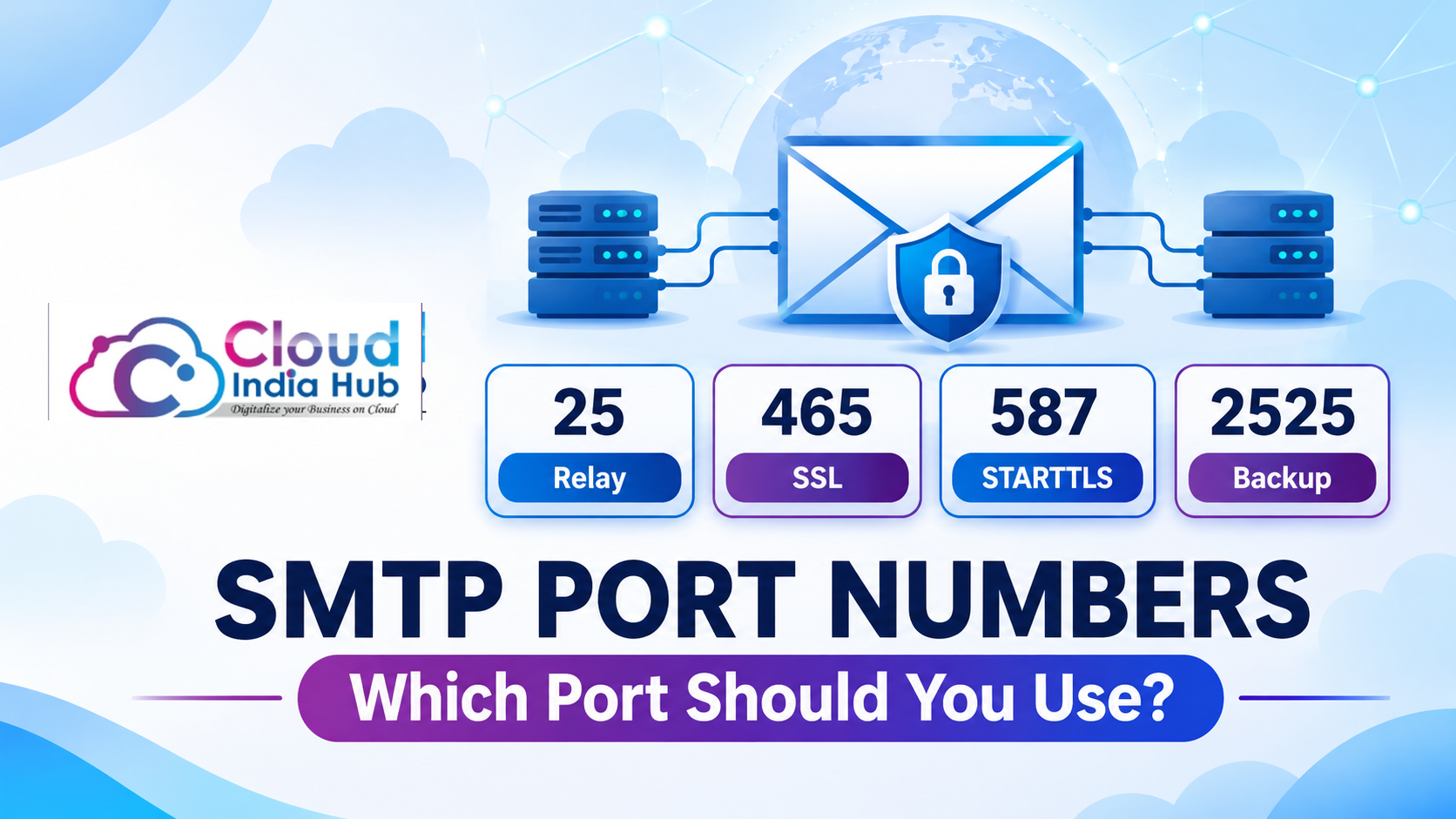
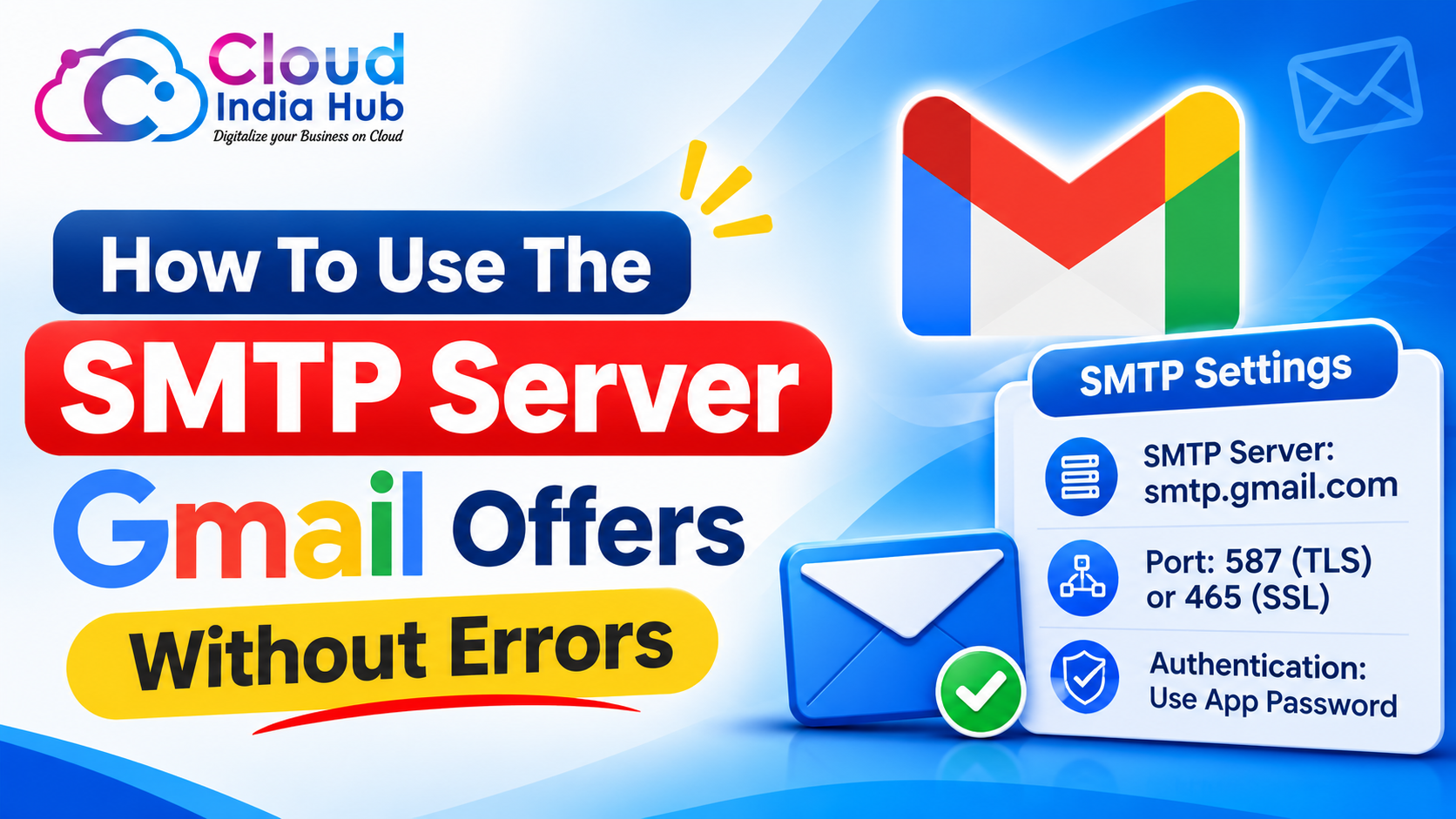
The main SMTP port numbers are 25 for server-to-server relay, 587 for sending with STARTTLS, 465 for sending over SSL, and 2525 as an unofficial backup. For a website, plugin or mail app that logs in, use 587 or 465.
Most failed sends trace back to one wrong port or a mismatched encryption setting. For one provider’s exact values, read our Gmail SMTP server settings guide first. This page covers the ports every provider uses.
At A Glance
• Price: ₹299 a month for Starter hosting with 10 mailboxes
• Ports in use: 25, 465, 587 and 2525
• Best choice for apps: port 587 with STARTTLS
• Alternative: port 465 with SSL when your tool asks for it
What Are The Standard SMTP Port Numbers?
Four ports matter in practice. Port 25 carries mail between servers, port 587 handles sending with a login, port 465 does the same over SSL, and port 2525 is an unofficial fallback. These SMTP port numbers run the same protocol but do different jobs.
|
Port |
Name |
Encryption |
Used for |
Watch out for |
|
25 |
Relay |
None by default, STARTTLS optional |
Mail passing between servers |
Often blocked for outbound mail on home and cloud networks |
|
587 |
Submission |
STARTTLS upgrade |
Apps and plugins sending with a login |
Choosing SSL here usually fails |
|
465 |
Submissions |
SSL from the first byte |
Tools that insist on SSL |
Choosing STARTTLS here usually fails |
|
2525 |
Unofficial alternate |
Depends on the provider |
A backup when 587 is blocked |
Not a standard, so confirm it is offered |
Every SMTP port speaks the same language once connected. What changes is who is allowed to use it and how encryption starts. Receiving servers always look for mail on port 25, which is why it never goes away.
Should You Use Port 587 Or Port 465?
Use port 587 with STARTTLS first, and switch to port 465 with SSL only when your app asks for encryption from the first byte. Among all SMTP port numbers, these two are built for sending with a login.
The IETF’s RFC 8314 on TLS for email submission lists port 465 as the submissions service, where the TLS handshake begins at once. It also notes that STARTTLS on port 587 is widely deployed, and that the two options carry no significant security difference when both sides insist on TLS.
Because both are sound, choose by what your tool supports:
• Pick 587 when your plugin or mail app offers a “TLS” or “STARTTLS” choice.
• Pick 465 when the only secure option is labelled “SSL” or “SSL/TLS”.
• Try the other one if the first times out, since a host may open only one.
Anyone searching for the right SMTP port SSL setting usually lands on 465, and that is correct as long as the encryption dropdown says SSL too.
What Do SSL, TLS And STARTTLS Mean In Mail Settings?
SSL and TLS name the encryption layer, while STARTTLS is a command that upgrades a plain connection to an encrypted one. In most mail forms, SSL means encryption from the first byte on port 465, and TLS means STARTTLS on port 587.
|
Label in your tool |
What it really means |
Usual port |
|
None or plain |
No encryption at all |
25 |
|
TLS or STARTTLS |
Connect plain, then upgrade |
587 |
|
SSL, SSL/TLS or SMTPS |
Encrypted from the first byte |
465 |
The labels vary between tools, but the pairing does not. A mismatch is the single most common reason a correct password still fails, so read the dropdown beside the port box every time.
There is a reason the word SMTPS still appears on older devices. The RFC 8314 text explains that port 465 was briefly registered as smtps, then revoked and reused, yet many mail programs kept using it for secure sending. IANA now lists it as the submissions port, so the habit became official.
Modern servers also expect current TLS versions. Cloud India Hub’s Enterprise Email plans list TLS support and branded SSL certificates for their mailboxes, so ask which versions your mailbox accepts before you configure old devices.
Which Port Should Your Website Or Mail App Use?
Match the port to the tool. WordPress plugins, desktop mail apps and contact forms should send through 587 or 465 with a login, while a mail server passing mail along to other servers uses 25. Your SMTP port numbers must also match the encryption pair.
|
Where you set it |
Typical choice |
Note |
|
WordPress SMTP plugin |
587 with TLS |
Use 465 if the plugin offers only SSL |
|
Outlook, Thunderbird, Apple Mail |
587 or 465 |
Turn on authentication for the outgoing server |
|
Contact form on a site |
587 or 465 through a plugin |
Send as a real mailbox on your domain |
|
Printer or scanner |
Check the device manual |
Older firmware may lack modern TLS |
|
Newsletter or email service |
The port its guide lists |
Some services also offer 2525 |
Sending as a mailbox on your own domain also builds trust with recipients. Our guide to business email hosting plans compared in rupees shows how mailboxes bundled with hosting stack up against separate email plans.
Keep one rule in mind: the outgoing server needs a login even when the incoming server already has one. Many people configure inbox settings correctly and forget that sending is a separate account step.
Before you save any outgoing mail form, check these three fields together:
• The host name matches the one your provider lists for sending, not the inbox host.
• The port and the encryption dropdown belong to the same pair.
• The username is the full email address, unless your provider says otherwise.
Why Does Your SMTP Connection Time Out Or Get Refused?
A timeout usually means a blocked port or a mismatched encryption pair, while a refusal means nothing is listening there. Many networks block outbound port 25, so move to 587 or 465 before changing anything else. Those SMTP port numbers are what most hosts expect for logins.
|
Symptom |
Likely cause |
Fix |
|
Connection times out |
Port blocked by your network or host |
Try 587, then 465, then ask support |
|
Connection refused at once |
Wrong host name or nothing listening on that port |
Recheck the host and port |
|
Hangs or fails during the handshake |
SSL chosen on 587, or STARTTLS on 465 |
Swap to the matching pair |
|
530 or 535 error |
Authentication off, or wrong credentials |
Use the full address and the right password |
|
Sent, but lands in spam |
No SPF or DKIM records for the domain |
Publish the records |
Change one setting at a time and retest after each change. Altering the port, the encryption and the password together hides which fix worked.
When you still cannot connect, send support the details that shorten the search:
• The exact host name, port and encryption setting you entered.
• The full error text, and the time you tried.
• The network you tried from, such as home broadband or the server itself.
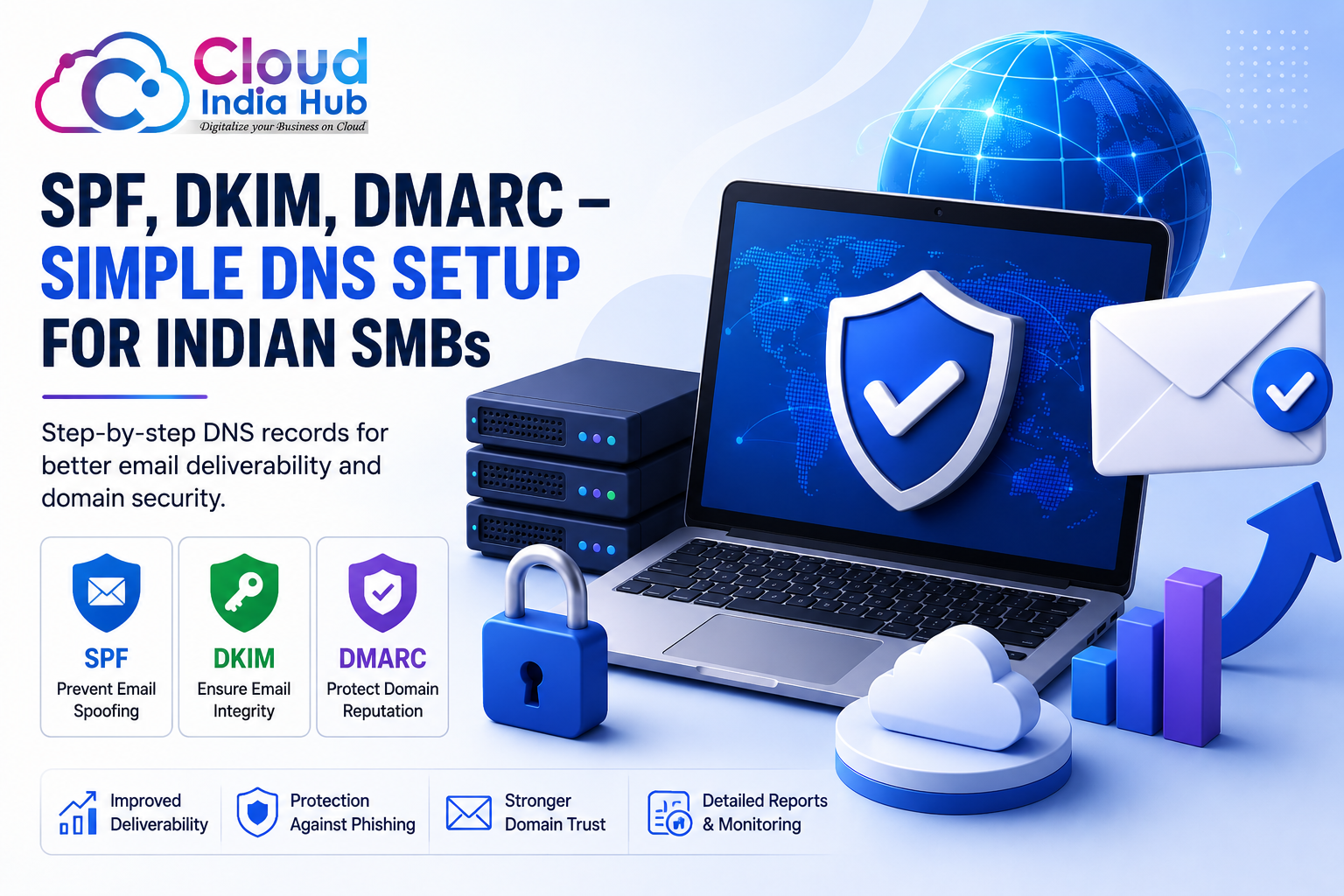
A message that sends but lands in spam is a records problem, not a port problem. Our SPF, DKIM and DMARC setup guide walks through each DNS entry in plain steps.
What Else Should Sit Beside The Port For Safe Sending?
A port alone secures nothing. Pair it with authentication, a current TLS version, a separate credential for each tool, and SPF and DKIM records for your domain, so receivers can trust what arrives.
• Turn authentication on for every outgoing server, since open sending invites abuse.
• Require TLS 1.2 or later where your software allows it.
• Give each plugin or device its own mailbox password, so you can revoke one without breaking the rest.
• Never store the real account password in a shared spreadsheet or a settings file.
These habits matter more than the exact port you pick. A well-protected mailbox on 465 beats a careless one on 587 every time.
How Do You Test An SMTP Port Before You Go Live?
Test from the machine that will send the mail, because a port that opens on your laptop can stay blocked on your server. Work through the five steps below to confirm your SMTP port numbers before real customers depend on them.
1. Copy the outgoing host name, port and encryption pair from your provider’s setup page.
2. Check that the port opens by running nc -vz your-mail-host 587 from the sending machine.
3. Confirm encryption with openssl s_client -starttls smtp -connect your-mail-host:587, or openssl s_client -connect your-mail-host:465 for SSL.
4. Enter the full email address and password in your tool, with authentication switched on.
5. Send one test message to a second address and read the headers for SPF and DKIM passes.
A reachable port reports success within a couple of seconds. A blocked port hangs until it times out, and a closed port is refused at once, so the three outcomes tell you which fix to try.
Shared hosting can limit outbound ports, so ask support to confirm that 587 and 465 are open on your plan. The Starter plan in Cloud India Hub web hosting plans costs ₹299 a month on monthly billing and includes 10 email accounts.
Frequently Asked Questions
What is the port number of SMTP protocol?
The default port number of SMTP protocol is 25, used for mail passing between servers. Apps that send with a login should use 587 or 465 instead.
Which SMTP port SSL setting should I choose?
Choose port 465 when your app offers only SSL, and 587 with STARTTLS when it offers TLS. Pairing SSL with 587, or STARTTLS with 465, usually makes the handshake fail.
Can I use port 25 to send email from my website?
Often not, because many networks block outbound port 25. Among the SMTP port numbers your site can use, 587 or 465 with a login is the dependable choice.
Is port 2525 a real SMTP port?
It works at some providers but is not an official standard port. Use it only as a backup when 587 is blocked, and only if your provider documents it.
Does the SMTP port affect whether mail lands in spam?
No, the port only sets how you connect. Inbox placement depends on SPF, DKIM, DMARC and your sending reputation, so publish those records too.
How do I check whether an SMTP port is blocked?
Run a connection test such as nc -vz with your host and port. A timeout points to a blocked port, while an instant refusal means nothing is listening there.
Where Do You Go From Here?
Write down the host, port and encryption pair your provider lists, then run the five step test once. For a second opinion on your SMTP port numbers or a mailbox plan, talk to Cloud India Hub support on chat or call +91 98864 66777.
Expert advice
|
Learn which SMTP port numbers to use for sending email: 25 for relay, 587 for STARTTLS, 465 for SSL and 2525 as a backup. Match the port to the encryption, test the connection and fix timeouts before your first message goes out. |
Serving Bengaluru, Karnataka.
























































































































































Leave A Comment