
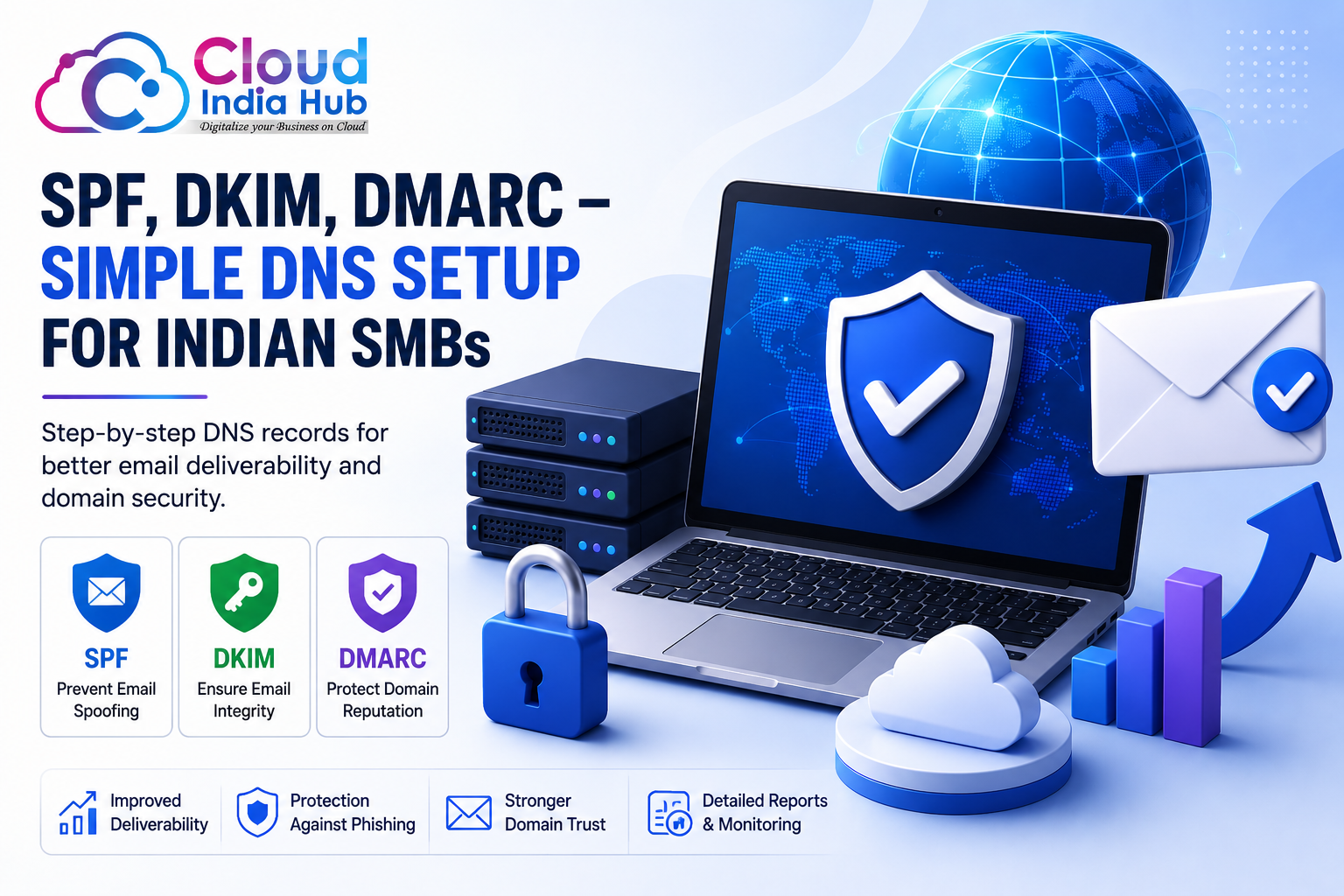
Email authentication has become essential for every modern business. Whether you run an eCommerce website, startup, agency, or local business, your emails need to be trusted by providers like Gmail, Outlook, and Yahoo.
Unfortunately, many Indian SMBs face issues such as emails going to spam, domain spoofing, phishing attacks, and poor inbox placement. Most of these problems happen because proper DNS authentication is not configured correctly.
This is where DNS setup SPF DKIM DMARC becomes important. These authentication methods help email providers verify your domain identity and improve your email reputation.
Businesses using proper DNS authentication experience better email deliverability, improved customer trust, and higher security.
Get expert help from Cloud India Hub technical support if you need assistance with DNS configuration.
Table of Contents
What is SPF?
SPF stands for Sender Policy Framework. It is a TXT record added to your DNS settings that tells email providers which servers are allowed to send emails from your domain.
Benefits of SPF
- Prevents email spoofing
- Improves sender reputation
- Reduces spam risks
- Protects business identity
- Improves inbox placement
Example SPF Record
v=spf1 include:_spf.google.com ~all
This record authorizes Google mail servers to send emails on behalf of your domain.
What is DKIM?
DKIM stands for DomainKeys Identified Mail. It adds a secure digital signature to your outgoing emails. This signature helps receiving servers verify that the message was not modified during transmission.
Advantages of DKIM
- Protects email integrity
- Improves trustworthiness
- Reduces phishing attempts
- Supports DMARC authentication
- Improves email delivery rates
Most professional email providers automatically generate DKIM keys for businesses.
Learn professional email configuration through business email setup India.
What is DMARC?
DMARC stands for Domain-based Message Authentication, Reporting, and Conformance. It works together with SPF and DKIM to define how receiving servers should handle unauthorized emails.
DMARC Policy Levels
- p=none → Monitoring only
- p=quarantine → Send suspicious emails to spam
- p=reject → Reject unauthorized emails completely
DMARC also generates reports that help businesses monitor suspicious email activities.
Why Email Authentication Matters
Email authentication directly impacts your domain reputation and inbox placement. Without SPF, DKIM, and DMARC, providers may treat your emails as suspicious.
Main Advantages
- Improves email deliverability
- Protects your domain reputation
- Builds trust with customers
- Prevents spoofing attacks
- Reduces spam placement
Businesses that depend on customer communication or email marketing should prioritize DNS authentication immediately.
Explore secure hosting solutions using web hosting services India.
Step-by-Step DNS Setup
Step 1: Access DNS Settings
- Login to your domain provider dashboard
- Navigate to DNS Management
- Select “Add Record”
Step 2: Add SPF Record
- Select TXT record type
- Enter hostname
- Paste SPF value
- Save changes
Step 3: Configure DKIM
- Generate DKIM key from email provider
- Copy selector details
- Add TXT record
- Save settings
Step 4: Configure DMARC
- Create TXT record
- Use _dmarc hostname
- Add policy value
- Save configuration
Manage domains and DNS easily using Cloud India Hub domain solutions.
SPF, DKIM, DMARC Comparison Table
| Authentication Method | Main Purpose | Record Type | Improves Deliverability |
|---|---|---|---|
| SPF | Authorizes mail servers | TXT Record | Yes |
| DKIM | Verifies email integrity | TXT Record | Yes |
| DMARC | Defines security policy | TXT Record | Yes |
Improving Email Deliverability
Email deliverability determines whether your emails land in the inbox or spam folder.
Best Practices
- Authenticate your domain properly
- Maintain clean email lists
- Avoid spam trigger words
- Use professional email addresses
- Monitor bounce rates
Read the official Google Email Authentication Guide for additional setup recommendations.
Common Mistakes to Avoid
- Adding multiple SPF records
- Using incorrect DKIM selectors
- Ignoring DNS propagation delays
- Skipping verification testing
- Using invalid mail servers
- Misconfiguring DMARC policies
These mistakes often cause authentication failures and email delivery problems.
Advanced Tips
- Monitor DMARC reports regularly
- Use dedicated sending IP addresses
- Enable secure business email hosting
- Audit DNS records periodically
- Use professional domain email addresses
Follow the official Microsoft Email Authentication Documentation to improve security further.
Read more technical resources on Cloud India Hub blogs.
FAQs
What is SPF DKIM DMARC setup?
It is a DNS authentication process that improves email security and inbox delivery.
Why are my emails going to spam?
Missing authentication records and poor domain reputation are common reasons.
How long do DNS changes take?
DNS propagation usually takes a few minutes to 24 hours globally.
Can beginners configure DNS records?
Yes, most hosting providers offer simple DNS management tools.
Is DMARC mandatory?
While not mandatory, it is highly recommended for domain protection.
Conclusion
SPF, DKIM, and DMARC are essential components of modern email security. Businesses that configure these authentication methods correctly experience better email deliverability, stronger customer trust, and improved protection against phishing and spoofing attacks.
Indian SMBs should prioritize DNS authentication from the beginning to avoid future issues related to spam filtering and domain abuse.
Whether you are running email marketing campaigns, transactional emails, or customer communication systems, proper authentication helps your emails reach the inbox consistently.
Get started today with professional DNS and email support services.













































































































































































Leave A Comment